

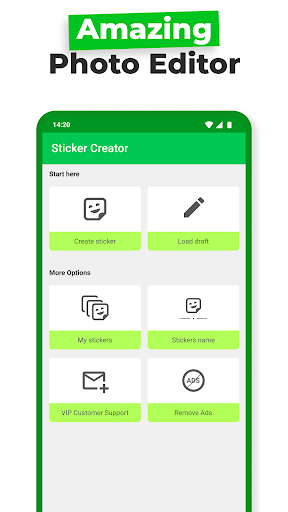
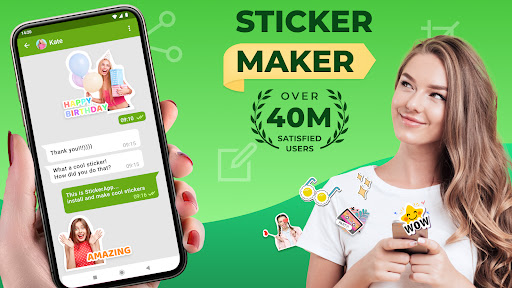
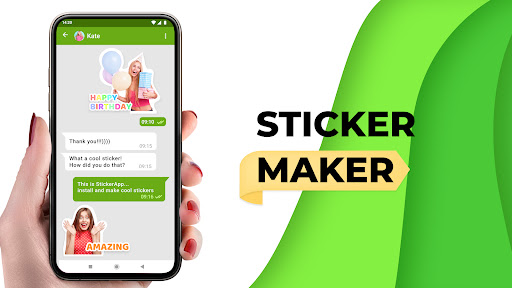
Introduction to Sticker Maker - WAStickers
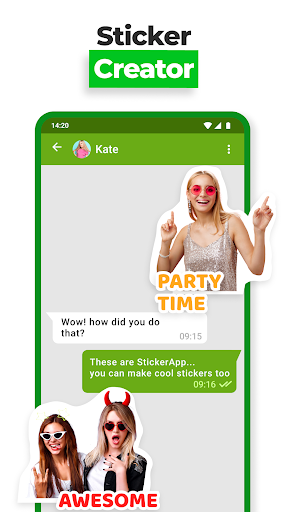
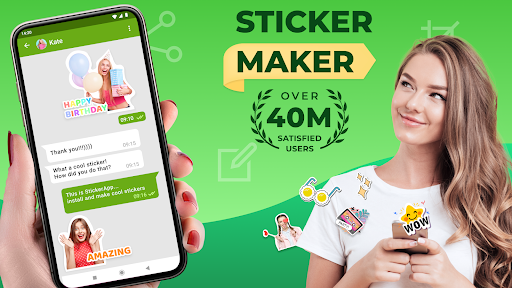
Are you passionate about personalizing your messaging experience? Look no further than Sticker Maker - WAStickers, the perfect app to transform your creative ideas into custom stickers for WhatsApp and other messaging platforms. This versatile sticker creation app is designed for both Android and iOS users, making it accessible and easy to use for everyone who wants to add a unique touch to their chats. With over 45 million users, it stands out as the #1 Stickers Maker that empowers you to craft stunning, personalized stickers swiftly and effortlessly.
Key Features of Sticker Maker - WAStickers
Create Custom Stickers from Photos
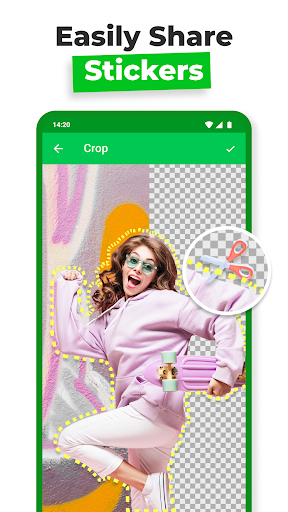
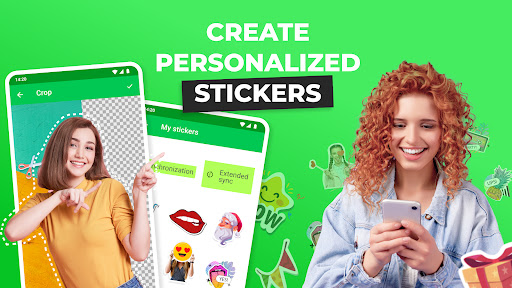
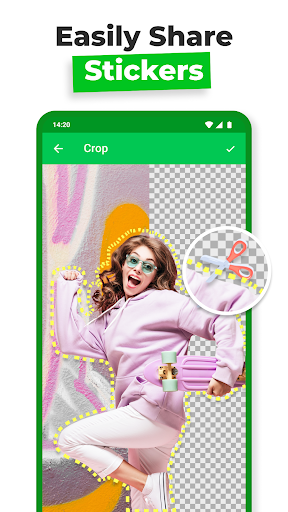
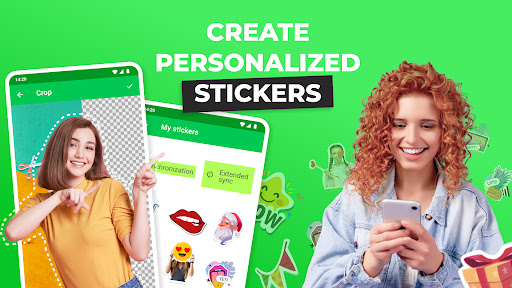
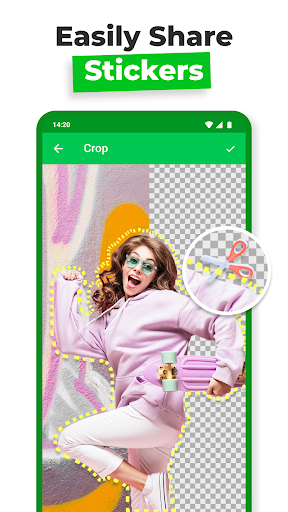
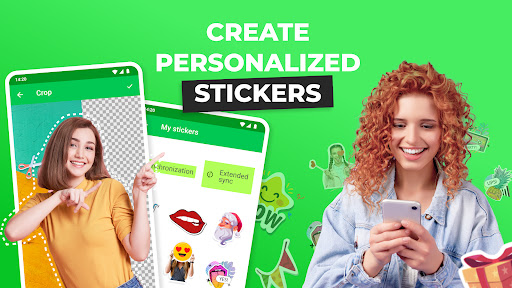
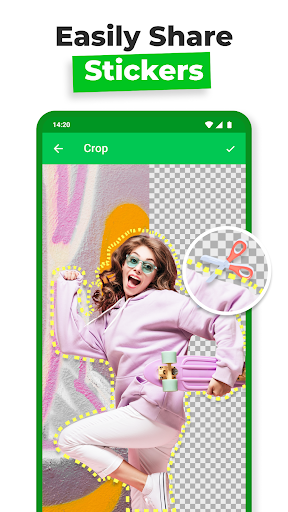
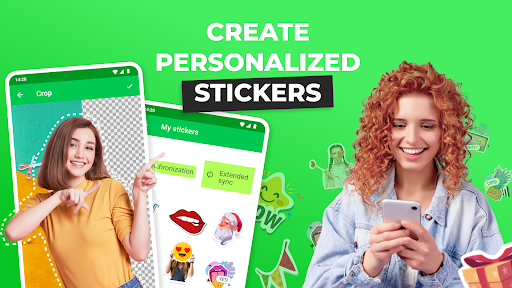
One of the most exciting features is the ability to convert your personal photos into stickers. Simply select an image from your gallery, crop out the part you want to use, or erase the background instantly with the app’s built-in background eraser. This functionality enables you to create truly unique and expressive stickers that resonate with your personality or specific occasions.
Easy and Fast Sticker Creation
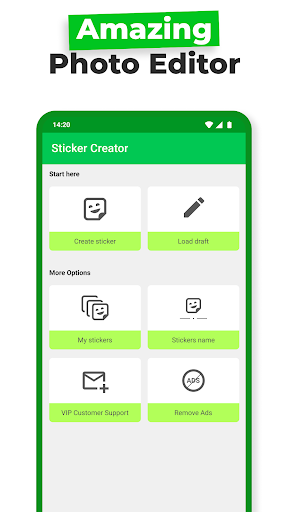
Designed with user convenience in mind, Sticker Maker - WAStickers allows you to create stickers in less than 1 minute. The process is straightforward: select an image, add decorations, emojis, or custom text, then save and share. Whether it’s a funny meme, an adorable pet photo, or a personal doodle, you can turn any image into a sticker with just a few taps.
Personalization and Design Options
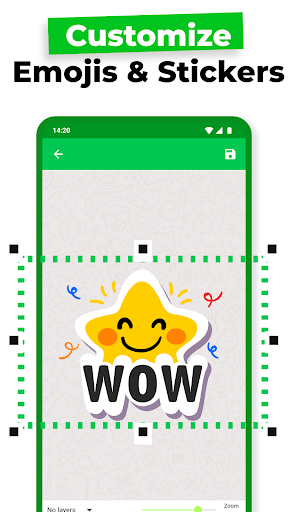
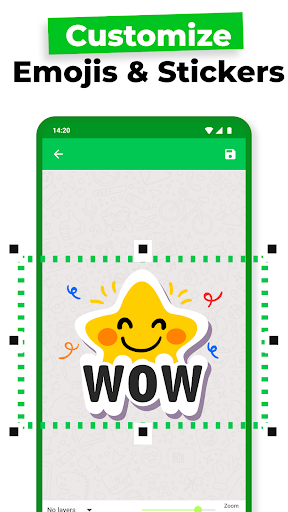
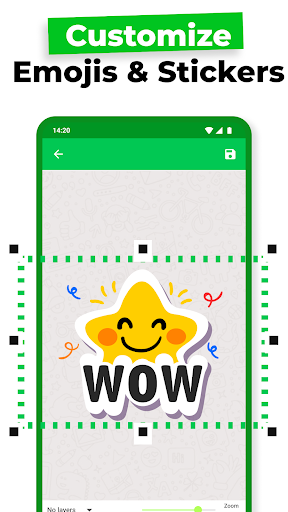
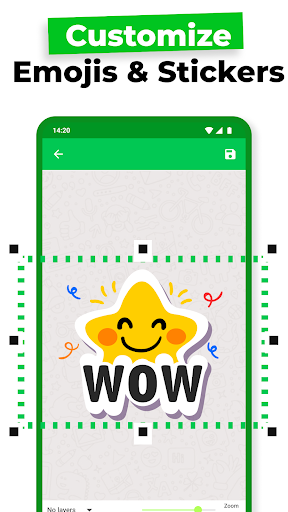
The app offers a wide range of customization options to make your stickers stand out. Add text with various fonts and effects, incorporate emojis, or apply filters such as hue, color, and saturation to enhance visuals. You can also choose from different shapes and apply effects like text shadows or curves, giving your stickers a professional and polished look.
Organize and Share Sticker Packs
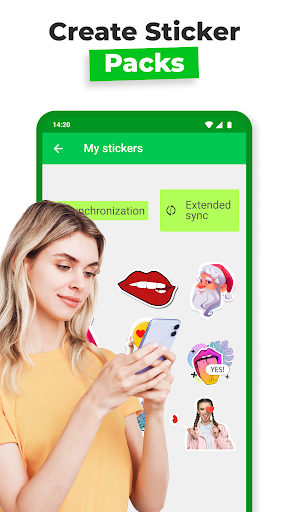
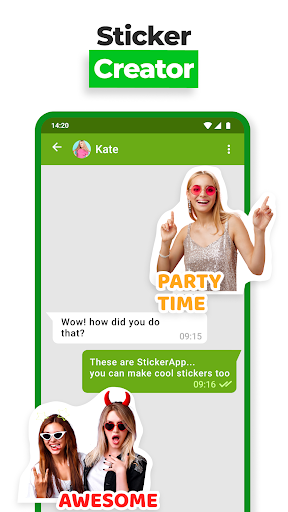
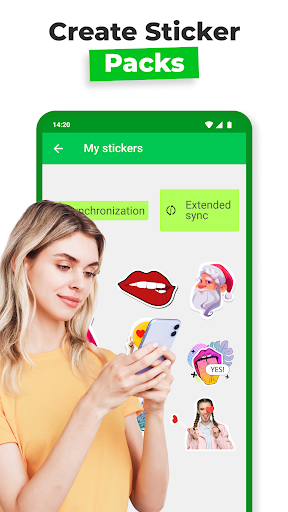
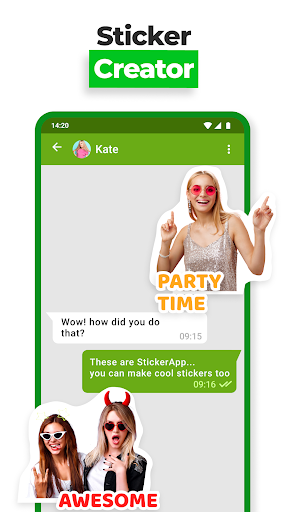
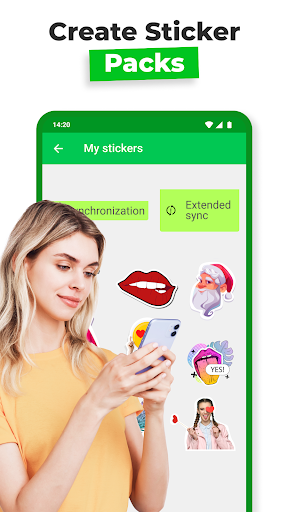
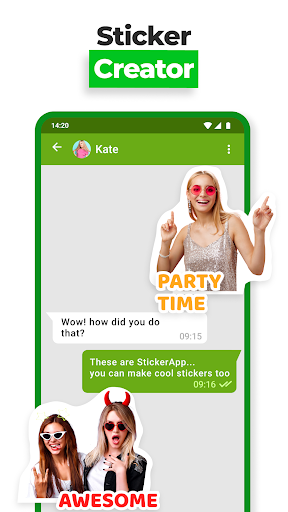
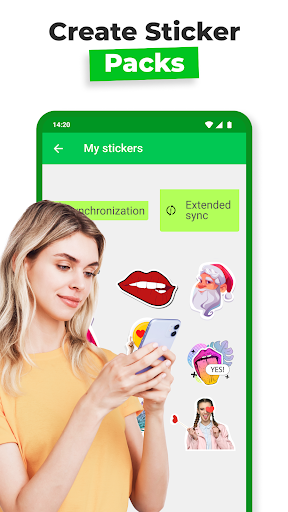
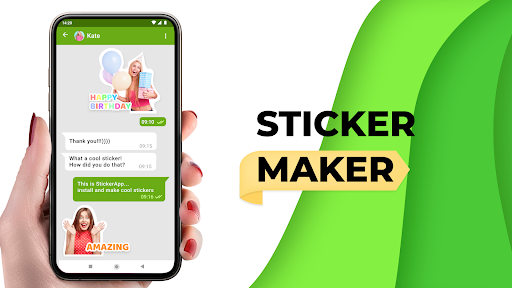
This application allows you to organize your stickers into themed packs, perfect for different moods, holidays, or inside jokes. Once your sticker packs are ready, sharing is seamless—integrated directly with WhatsApp and other messaging apps—enabling you to surprise friends with personalized, custom stickers anytime. Best of all, your creations are free of watermarks, ensuring a clean, professional appearance.
Rich Editing Tools
Use the app’s editing features like cropping, background removal, hue adjustments, and adding decorative elements to make your stickers truly unique. It’s like having a digital art studio at your fingertips. Plus, you can add special effects, such as text curves and shadows, to make your stickers more charming and eye-catching.
Why Choose Sticker Maker - WAStickers?
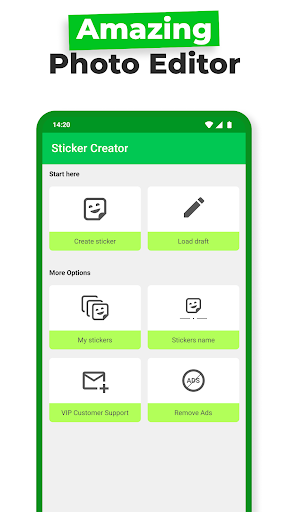
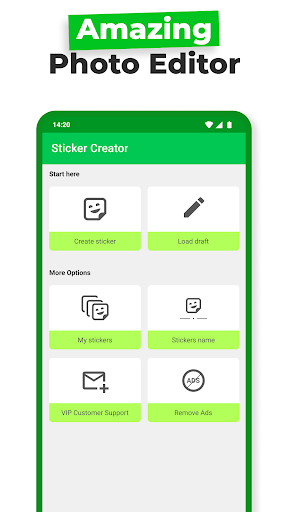
Are you wondering which app offers the best experience for creating custom WhatsApp stickers? Look no further. Sticker Maker - WAStickers combines simplicity with powerful features, making it the ideal choice for both beginners and seasoned sticker enthusiasts. The intuitive interface ensures that even those new to sticker creation can quickly produce impressive designs without a steep learning curve.
Its comprehensive tools eliminate the need for third-party photo editing apps, as you can erase backgrounds and customize stickers directly within the application. No matter if you want to craft funny, heartfelt, or themed stickers, this app handles it all. Plus, it’s constantly updated to include new fonts, effects, and stickers, keeping your creative options fresh and exciting.
How to Use Sticker Maker - WAStickers
Getting started is very straightforward:
- Select or take a photo from your gallery.
- Crop or erase the background using the built-in tools.
- Add text, emojis, or decorations with customizable styles.
- Organize stickers into packs for different themes.
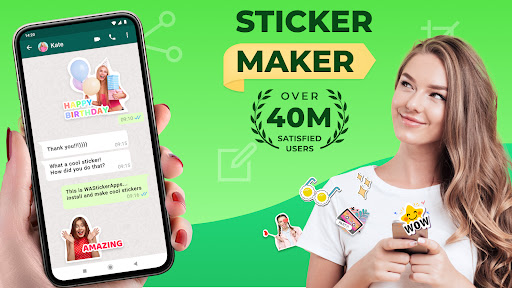
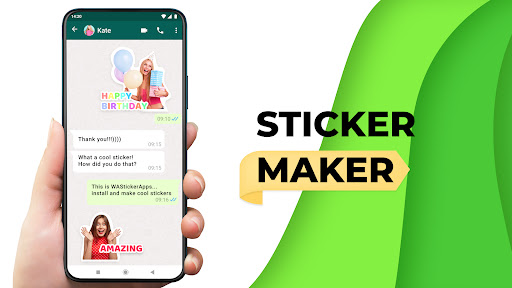
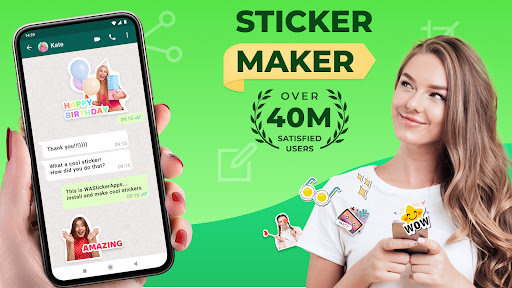
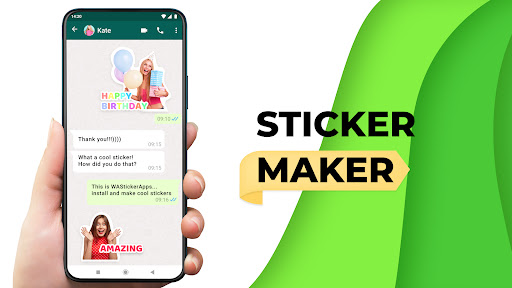
- Share your personalized stickers directly on WhatsApp or other messaging apps with a tap!
This seamless integration makes sharing your creativity simple and fun, allowing you to surprise friends with unique stickers tailored to any occasion.
Conclusion: Your Personal Sticker Studio
In summary, Sticker Maker - WAStickers is the best sticker creator app for anyone eager to add a personalized touch to their chats. Its ease of use, extensive customization options, and powerful editing tools make it stand out from other sticker apps. Whether you want to make stickers from your favorite photos, add fun effects, or organize them into packs, this app has everything you need to bring your sticker ideas to life.
Download Sticker Maker - WAStickers today and start creating cool, personalized stickers that will make your conversations more expressive and fun!
Pros
- Intuitive interface for creating stickers.
- Rapid image import from device gallery.
- Extensive set of editing tools.
- Simplified sharing of stickers on WhatsApp.
- Supports multiple languages.
Cons
- Contains advertisements within the app.
- Limited number of free sticker packs.
- Requires internet connection for certain features.
- Periodic app crashes have been reported.
- Lacks direct integration with other applications.










