
Overview of the Document Reader & PDF Editor App
In today’s fast-paced digital world, efficiently managing and editing documents on the go is more important than ever. The Document Reader & PDF Editor is a versatile mobile application designed to simplify your workflow by providing comprehensive tools for viewing, editing, and managing various document formats. Whether you need to read PDFs, open Word or Excel files, or annotate presentation slides, this app offers a seamless experience across platforms, making it an essential tool for students, professionals, and casual users alike.
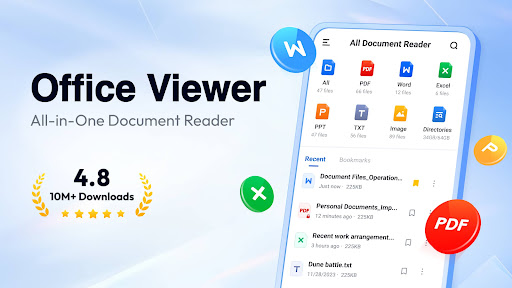
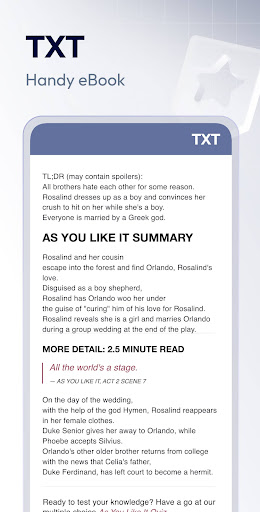
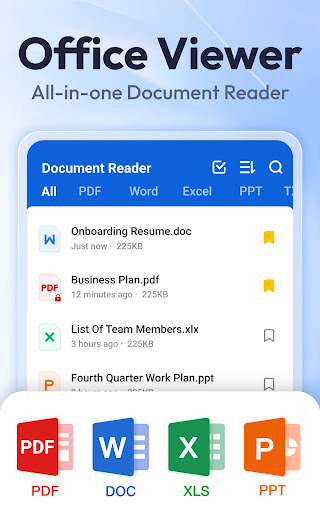
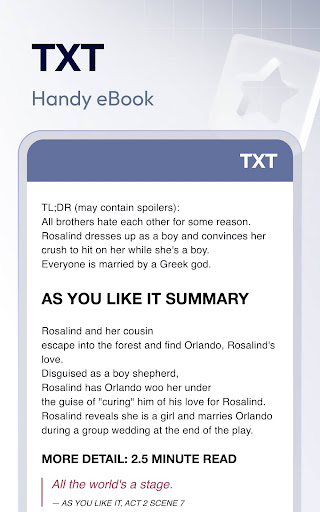
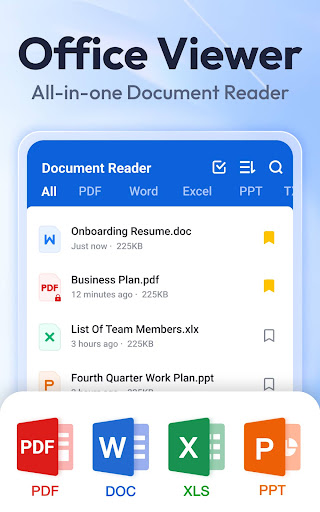
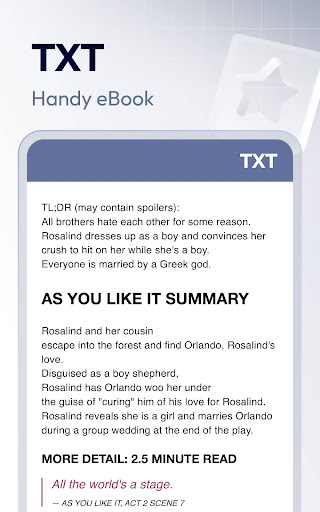
This all-in-one file viewer supports a wide range of formats including PDF, WORD, EXCEL, PPT, TXT, and more. Its intuitive interface ensures that users can navigate through their documents effortlessly, with features such as quick search, organized folder views, and bookmarking for easy access. No internet connection is required, allowing users to manage their files offline without hassle. With lightweight performance and fast loading times, the Document Reader & PDF Editor stands out as a go-to solution for managing documents efficiently, whether you're at home, in the office, or on the move.
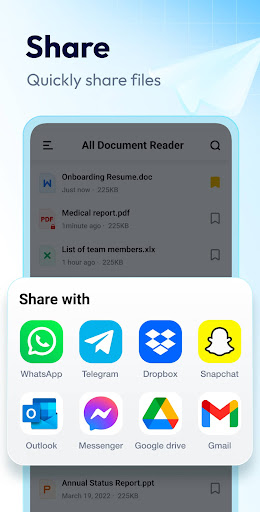
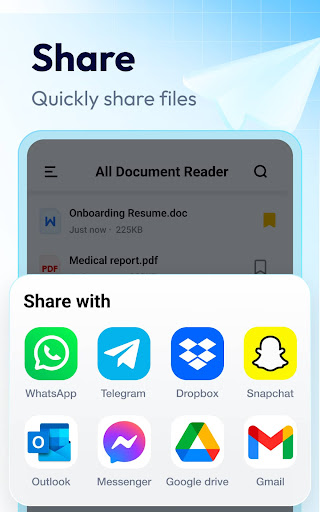
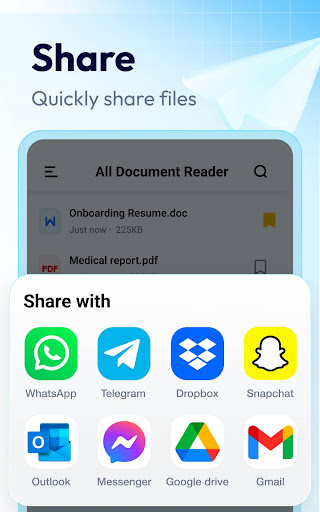
Beyond mere viewing, this app transforms your device into a powerful office document workflow hub. Use it as a PDF reader with tools for zooming, jumping to pages, switching reading modes, and sharing files. The app also functions as a Word and Excel viewer, enabling quick searches, sorting by various attributes, and a clean, user-friendly interface designed for maximum productivity.
Key Features of the Document Reader & PDF Editor
Support for Wide Range of Formats
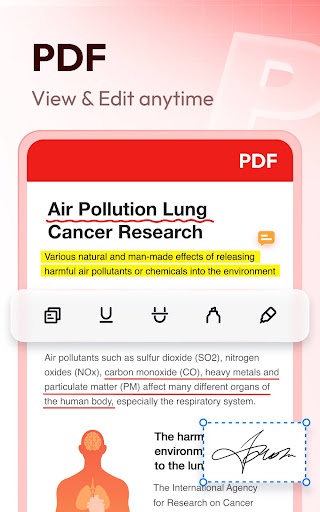
The app can handle all major office document formats and images, including •PDF: View, zoom, jump to pages, switch viewing modes, print, and share.
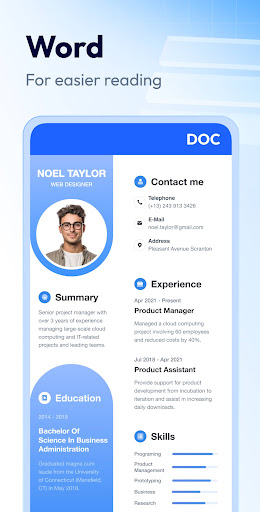
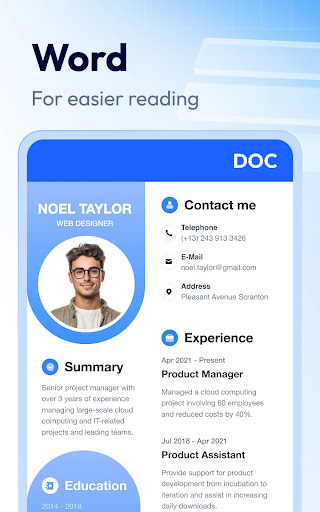
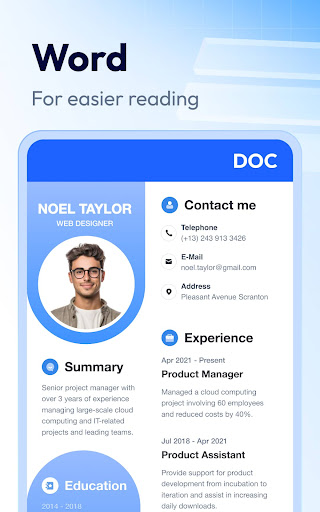
•WORD: Open DOC, DOCX files, search contents, and organize documents by various parameters like size, last edit date, and file path.
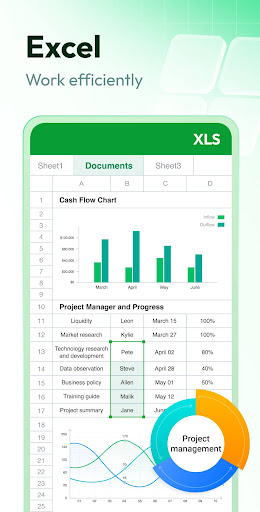
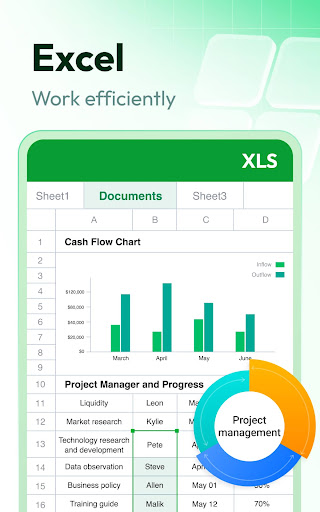
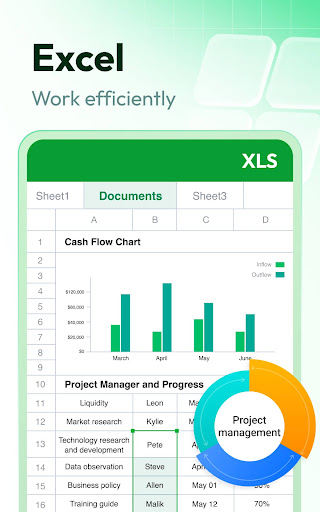
•EXCEL: View XLS, XLSX files and search data easily.
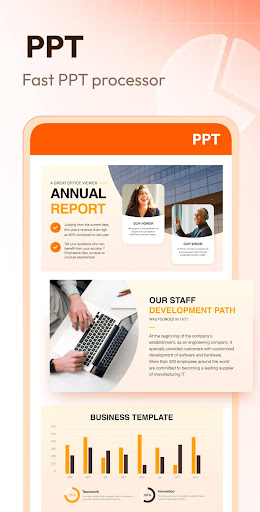
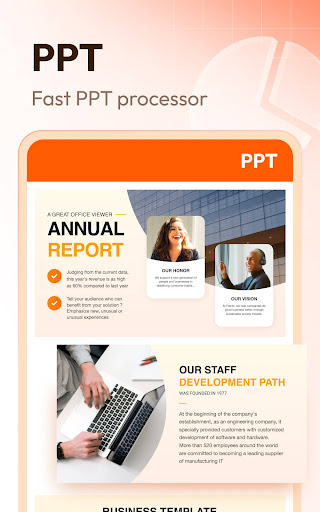
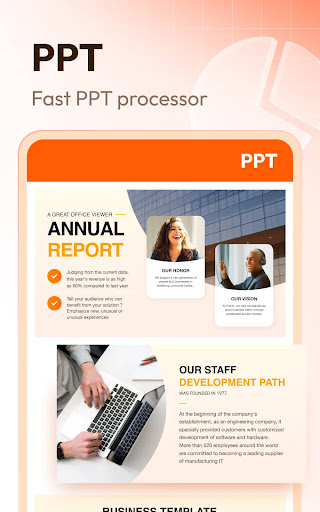
•PPT: Presentations are accessible with fast performance, allowing smooth slideshow viewing in HD quality.
•Image Files: PNG, JPG, and RTF formats supported for comprehensive document viewing.
Offline Access & Organization
Enjoy complete offline access with organized folder views, quick search capabilities, and bookmarking features for fast file retrieval. The straightforward file list design simplifies file management—making it effortless to find and open documents anytime, anywhere.
Annotations & Editing Tools
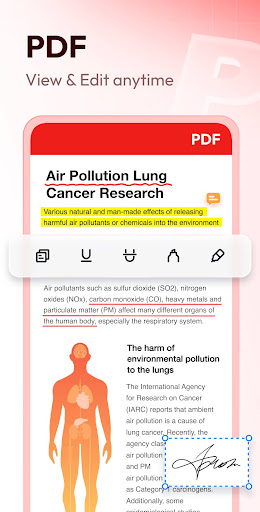
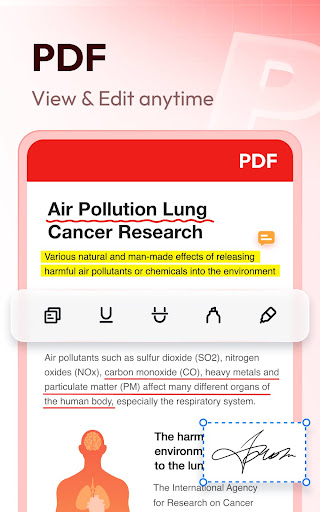
The Document Reader & PDF Editor allows users to annotate PDFs with highlights, notes, and other markup tools. Editing features include filling out forms directly within PDFs and converting files between different formats, such as PDF to Word or Excel, providing a full-fledged document editing experience directly on your device.
Conversion & Additional Features
Convert PDFs to editable Word documents and vice versa, facilitating more extensive edits. The app is continuously evolving, with future updates promising features like image to PDF conversion, support for more formats such as RAR, ZIP, MOBI, and HTML, along with a convenient night mode for comfortable reading at night. The ability to search within documents makes finding specific text quick and easy.
Why Choose the Document Reader & PDF Editor?
Designed for simplicity and speed, this app caters to users who need reliable document management on the go. Its lightweight design ensures that it won’t bog down your device, and its comprehensive toolkit allows even complex tasks like editing, annotating, and converting files to be performed seamlessly. Compatible with both Android and iOS devices, it offers a consistent experience regardless of the platform you use.
Whether you’re tackling work papers, academic research, or personal documents, the Document Reader & PDF Editor gives you the power to read, edit, and organize all your files effortlessly, making document management a hassle-free process.
Final Thoughts
If you’re searching for a versatile, user-friendly, and efficient document app, look no further than the Document Reader & PDF Editor. It combines the essential features of a PDF viewer, Word/Excel reader, and file management tool into one streamlined application, supporting your productivity wherever you are. Download it today to experience fast, reliable, and comprehensive document handling—making your digital workspace more organized and accessible than ever before.
Pros
- User-friendly interface
- Supports a variety of file formats
- Fast document loading
- Available cloud integration
- Includes annotation tools
Cons
- Requires in-app purchases
- Contains occasional advertisements
- Limited editing capabilities
- May cause rapid battery drain
- No offline mode support











