

Protect Your Privacy with App Lock - Fingerprint Lock
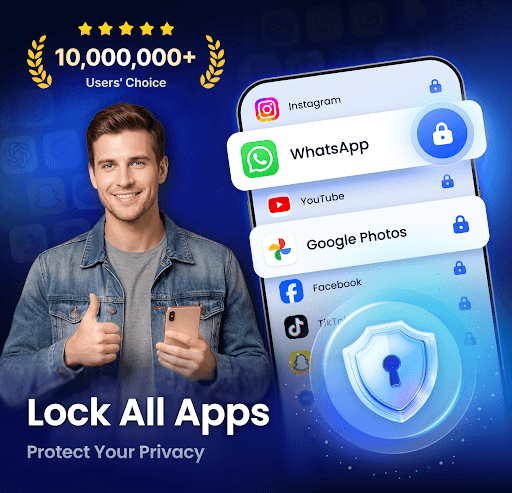
Are you looking for a reliable way to safeguard your personal data on your smartphone? App Lock - Fingerprint Lock offers comprehensive protection, allowing you to lock apps, hide photos, videos, and messages with PIN, pattern, or fingerprint authentication. With this handy app, you can ensure your private information remains confidential, whether it's social media chats, emails, payment bills, or sensitive media files. Download now for 100% security and enjoy peace of mind knowing your digital life is protected!
What Can App Lock - Fingerprint Lock Do for You?
The app provides an all-round protection solution designed to keep your private information safe from unwanted access:
- Prevent snooping on your social media, messages, emails, and payment details.
- Lock your private photos and videos to prevent accidental glimpses if someone borrows your phone.
- Restrict kids from making unauthorized payments or deleting important files.
All-Feature Protection for Your Privacy
Lock All Your Apps
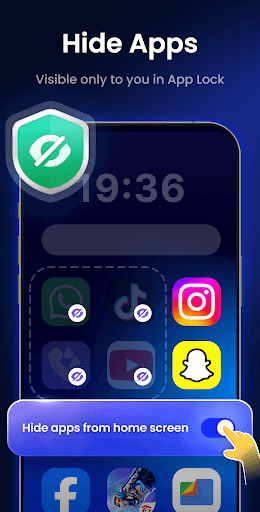
Secure popular apps such as WhatsApp, Messenger, Facebook, Google Play, PayPal, Settings, and more. This ensures your conversations and personal data are safeguarded against prying eyes.
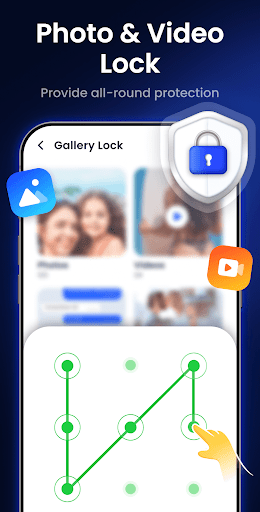
Hide Personal Files
Use the Gallery Lock feature to hide private photos and videos. These files are stored securely and can't be accessed without your password, maintaining your confidentiality.
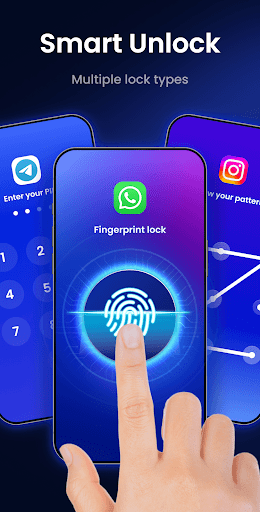
Multiple Lock Types
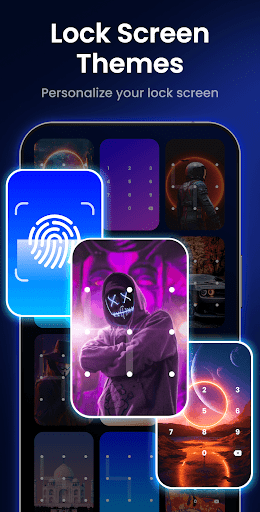
The app supports various lock types, including PIN, pattern, and fingerprint, providing flexible options to secure your apps based on your preferences.
Icon Camouflage
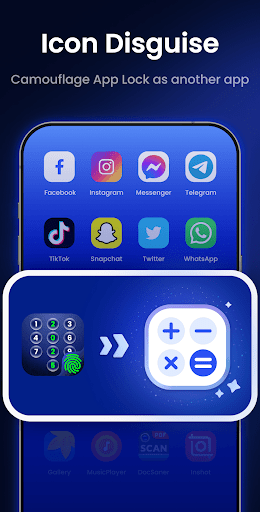
Disguise the app by changing its icon to look like a different app, such as Calculator or Weather. This additional measure enhances the security by hiding the actual app's purpose from potential intruders.
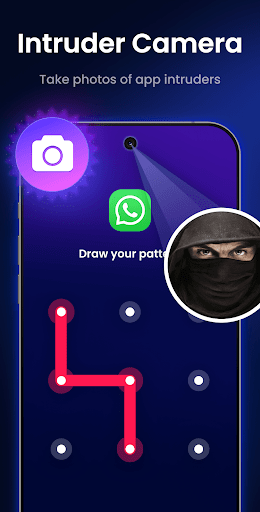
Intruder Selfies
If someone enters an incorrect password or fingerprint attempt, App Lock automatically captures a selfie of the intruder and alerts you. It's an effective way to identify unauthorized access attempts!
Additional Features
- Make pattern lines invisible for enhanced security
- Protection against uninstallation attempts
- Use a random keyboard for passwords to prevent observation
- Choose from a variety of colorful themes
- Customize re-lock timing according to your needs
- Automatically lock newly installed apps
Upcoming Features to Enhance Your Experience
- Junk File Cleaner: Clear ads, cache, similar photos, large videos, and screenshots to optimize your storage.
- Notification Encryption: Hide encrypted notifications from the system notification panel, accessible only within App Lock.
- Cloud Backup: Easily back up your private files to the cloud, preventing data loss.
Understanding Permission Requirements
The app requires All Files Access permission to hide and manage your private files effectively. Rest assured, this permission is solely used for file protection and never for any other purpose. Your privacy and security are our top priorities.
Why Choose App Lock - Fingerprint Lock?
Whether you're a privacy enthusiast or someone who just wants to prevent nosy friends and family from snooping through your phone, App Lock - Fingerprint Lock is a reliable companion. Its user-friendly interface makes setup quick and straightforward, and its dependable performance ensures your apps remain secure without draining your device's battery. With features like notification concealment and intruder selfies, it offers peace of mind in a busy digital world. Protect your personal data effortlessly with this comprehensive app security solution.
Pros
- Easy to set up and use
- Supports fingerprint unlocking
- Customizable lock settings
- Low battery consumption
- Works with various apps
Cons
- Ads can be intrusive
- Limited features in free version
- May not work on all devices
- Occasional performance issues
- No cloud backup option











