

Discover the Power of QR Scanner: Barcode Scanner
Have you ever been in a store or on the go, trying to quickly scan a QR code or barcode to access information, get discounts, or check product details? Look no further than QR Scanner: Barcode Scanner, an all-in-one scanning app designed for Android and iOS devices. With its user-friendly interface and powerful features, this app transforms your smartphone into a portable barcode and QR code scanning tool—making it the perfect companion for shopping, browsing, and sharing.
Seamless Setup and Intuitive Interface
Getting started with QR Scanner: Barcode Scanner is effortless. Downloading the app is quick, and the clean, simple design means you can start scanning within seconds. Upon opening the app, you'll be greeted with an uncluttered screen that prompts you to point your camera at a QR code or barcode. The app requests camera access—standard for such tools—and once granted, you're ready to scan.
Comprehensive Scanning Capabilities
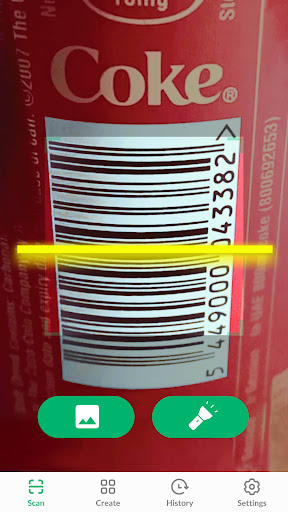
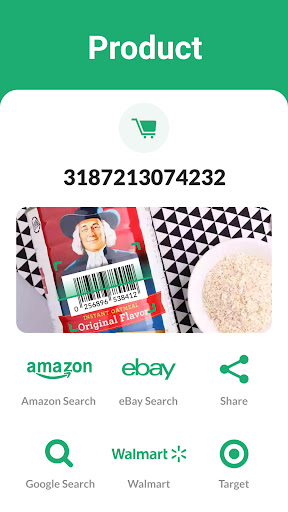
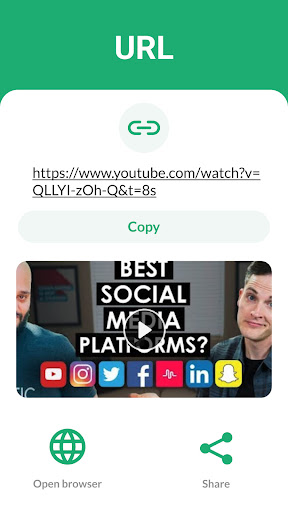
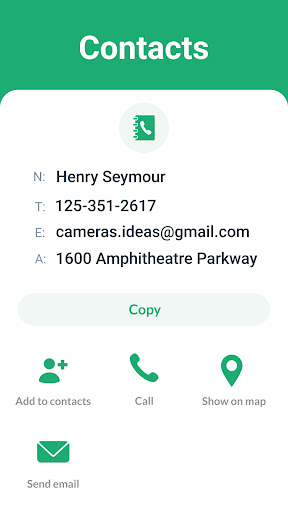
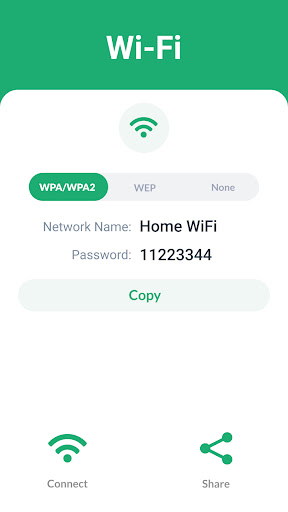
What sets this app apart is its ability to recognize not just QR codes but all barcode formats, including Data Matrix, Maxi code, Code 39, UPC-A, EAN-8, and more. Whether you're scanning a product barcode in a store, a URL on an advert, or a Wi-Fi QR code to connect seamlessly, QR Scanner: Barcode Scanner handles it with precision and speed. During testing, scanning was quick—often instant—so you won’t have to hold your phone still for long.
Versatile Features for Every Need
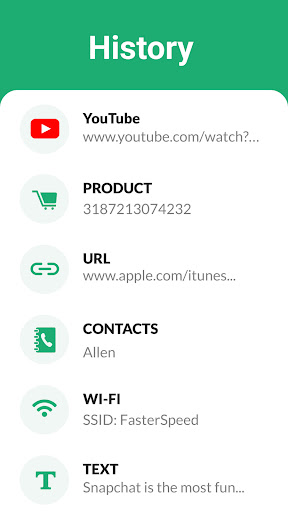
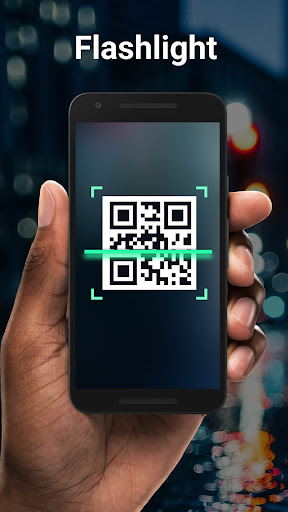
Beyond basic scanning, this app offers several handy features. You can save your scan history for easy future reference, share scanned links or codes via social media or messaging apps, and even scan codes directly from images saved in your gallery. Plus, it supports use of the flashlight, allowing you to scan accurately in dimly lit environments, ensuring no code goes unread.
Create Your Own QR Codes
Need to generate a QR code for your website, business card, or promotional material? QR Scanner: Barcode Scanner enables you to create custom QR codes effortlessly. This feature is particularly useful for small business owners or anyone wanting to share links securely and conveniently.
Enhanced User Experience
The app’s design emphasizes simplicity and effectiveness. Open it, point your camera, and let the app do the rest—no complicated menus or settings to navigate. The auto zoom feature allows you to scan distant or small codes effortlessly, making the process quick and hassle-free. Plus, it functions offline, so no internet connection is required for scanning—ideal for busy or remote environments.
Privacy and Safety Assured
Privacy is a top priority with QR Scanner: Barcode Scanner. The app only requests camera permission, ensuring your personal data remains protected. There's no need for an internet connection to scan codes, keeping your activities private and secure.
Why Choose QR Scanner: Barcode Scanner?
Whether you're looking for a reliable QR code reader or a comprehensive barcode scanner to facilitate shopping, information retrieval, or online promotions, this app has you covered. It supports every major barcode format, offers fast and accurate scans, and includes useful extras like code creation and scan history storage. Its lightweight design means it won’t slow down your device or drain your battery during extended use.
Final Thoughts
In today’s digital world, having a trusted QR scanner app on your mobile device is almost essential. QR Scanner: Barcode Scanner combines speed, versatility, and ease of use to meet all your scanning needs. From discovering product details to accessing coupons and connecting to Wi-Fi effortlessly, this app is your go-to tool for quick, safe, and efficient scans. Next time you need to scan a code, remember—simplicity and reliability are just a tap away with this powerful, feature-rich scanner.
Pros
- Fast scanning speed
- User-friendly interface
- Supports multiple barcode formats
- Requires minimal permissions
- Free to use
Cons
- Ads can be intrusive
- Limited advanced features
- No batch scanning option
- Requires internet connection for some features
- Occasional inaccurate readings











