

Overview of the "Image to PDF - PDF Maker" App
The Image to PDF - PDF Maker app is a versatile and user-friendly tool designed to convert various image formats such as JPG, JPEG, and PNG into professional PDF documents. Whether you need to digitize notes, receipts, invoices, or forms, this free application offers a quick and easy solution without any cost involved. Its straightforward interface and powerful features make it a must-have app for students, professionals, and anyone looking to organize their images in a neat PDF format.
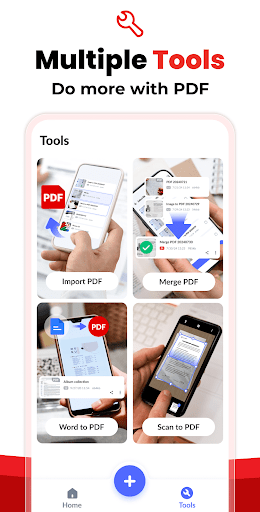
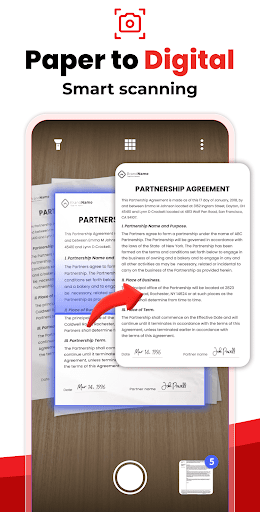
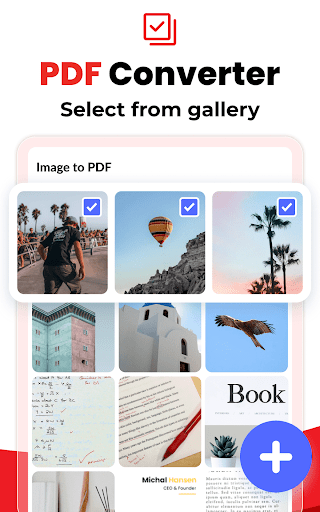
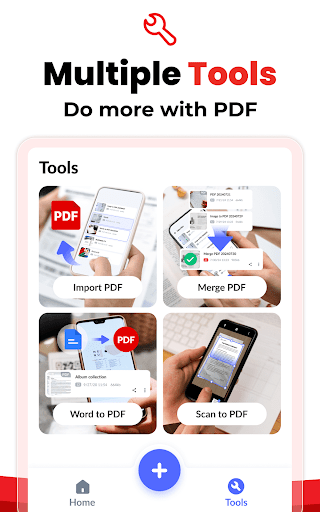
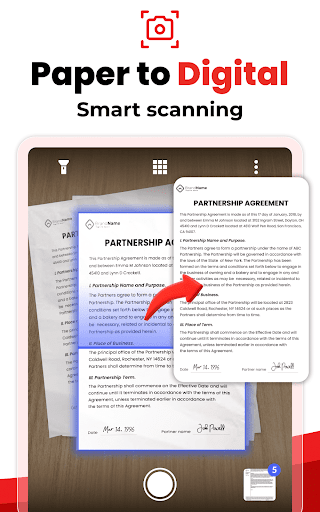
One of the standout qualities of the Image to PDF - PDF Maker is its ability to handle multiple images efficiently. You can import images directly from your gallery or scan paper documents with your device's camera, then convert these captures into high-quality PDFs. The app supports a wide range of image types and allows you to combine multiple images into a single PDF file, simplifying document management and sharing. This feature-rich app is optimized for both personal and business use, offering data privacy as all conversions are performed locally on your device, ensuring your files remain secure.
Key Features of the App
- Convert all kinds of images to PDF – Easily import or scan notes, receipts, IDs, certificates, and more.
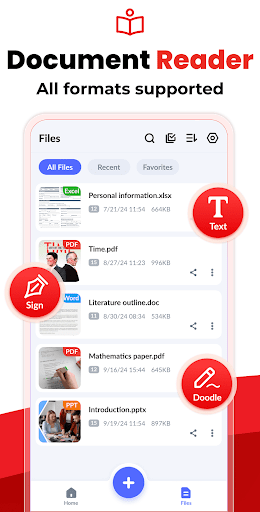
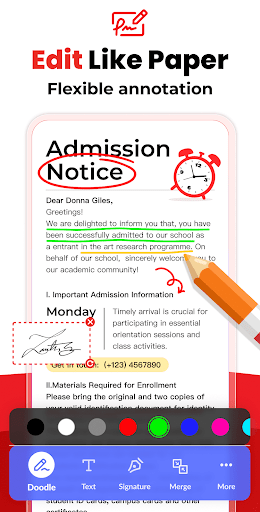
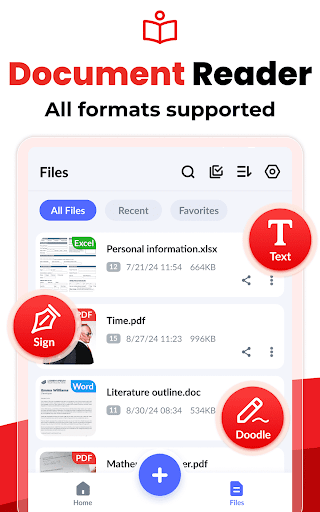
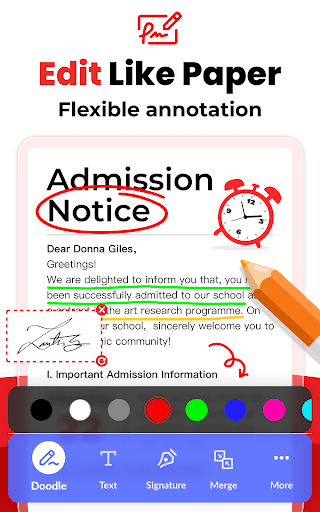
- Read all PDFs – The app automatically scans and lists existing PDFs stored on your device, with capabilities to doodle, add text, and sign documents using different colors, enhancing your workflow.
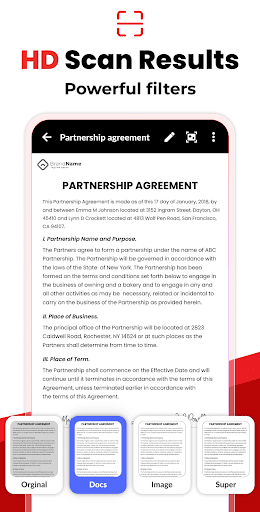
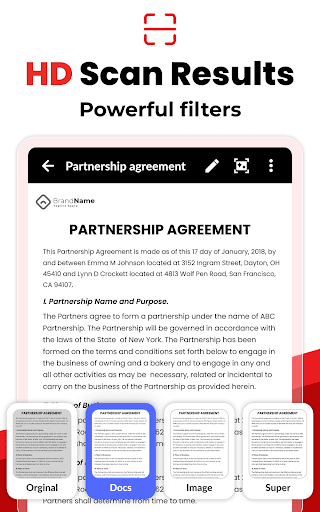
- Resize images – Crop, rotate, doodle, and optimize images for better PDF output quality.
- Auto sorting – Organize your files by name, size, creation or modification date, or sort manually based on your preference.
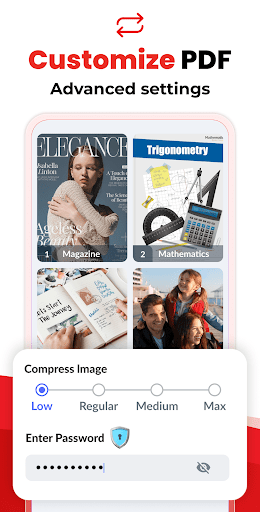
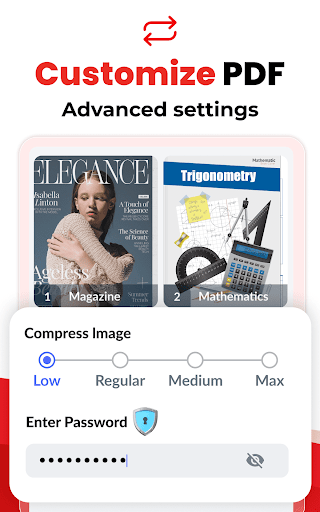
- Compress PDF files – Reduce file size by adjusting image quality levels such as low, medium, high, or original, making sharing easier.
- Set password – Protect your PDFs with passwords and encrypt sensitive information to ensure confidentiality.
- Work offline – No need for internet connectivity, as all conversions are completed locally on your device.
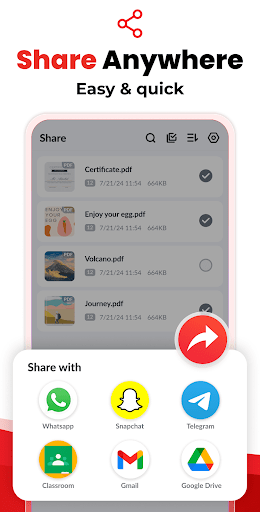
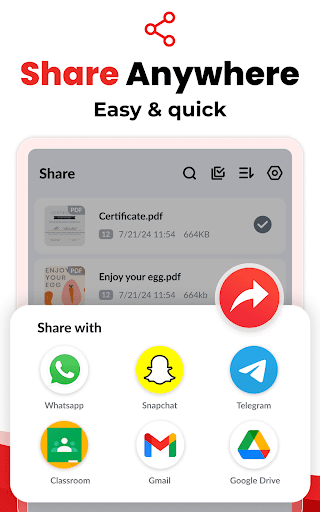
- Share easily – Send your converted PDFs via social media, Bluetooth, email, or other sharing options effortlessly.
- Quick search – Locate your files quickly by entering relevant keywords, saving you time and effort.
Additional Benefits
The app is designed with a clean, intuitive interface that makes converting images to PDFs simple. You can select multiple images, customize page sizes and orientations, and merge images seamlessly into a single PDF document. Its reliable local processing ensures your files’ privacy and security, making it suitable for business and personal use without concerns about data breaches.
Whether you're a student scanning notes or a professional digitizing documents on the go, Image to PDF - PDF Maker covers all your needs. The ability to set passwords, resize images, and compress PDFs further enhances its functionality, providing you with comprehensive control over your documents. Best of all, all features are free with no limitations, making this app an excellent choice for converting images into PDFs easily and safely.
Why Choose This App?
Reliability, efficiency, and security are the core strengths of Image to PDF - PDF Maker. Its smooth performance, combined with its capability to convert images from gallery or camera quickly, ensures that you can produce PDFs in seconds. The app's offline functionality guarantees no dependency on cloud services, giving you peace of mind when handling sensitive or confidential files. With added features like password protection and file organization tools, it’s an all-in-one solution for image-to-PDF conversion on mobile devices.
If you frequently need to turn pictures into professional PDF documents for work, study, or personal projects, this app is an indispensable tool. Its user-friendly design and robust features make it accessible for users of all technical levels, and its free nature means you can enjoy all functionalities without any costs or restrictions.
Pros
- User-friendly interface
- Rapid conversion speed
- Supports various image formats
- No internet connection needed
- Produces high-quality PDF files
Cons
- Contains advertisements
- Limited functionalities in the free version
- Lacks cloud storage options
- Offers only basic editing tools
- May experience occasional bugs











