


Introducing Launcher OS™: Elevate Your Android Experience to New Heights
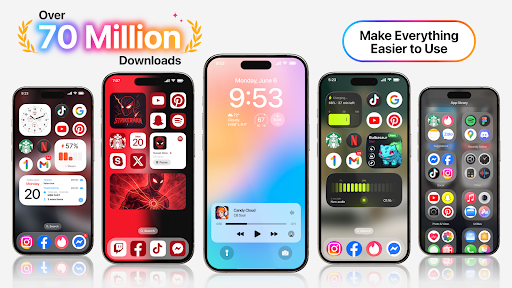
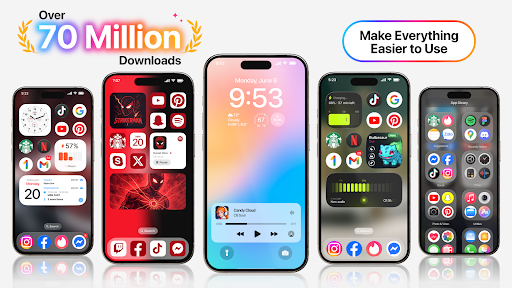
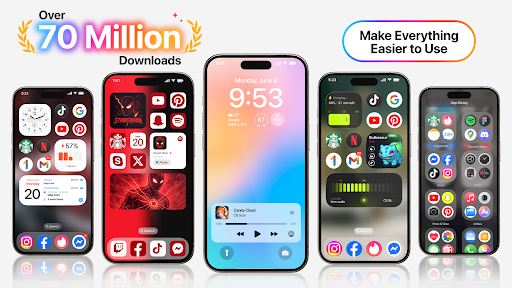
Launcher OS™ is redefining what it means to customize and optimize your Android device. As a cutting-edge launcher application, Launcher OS™ sets a new standard for the Android mobile operating system by transforming your phone into a more powerful, personal, and intelligent device. With its innovative features and intuitive interface, Launcher OS™ offers users an unparalleled experience that combines aesthetics, functionality, and performance seamlessly.
Key Features and Capabilities of Launcher OS™
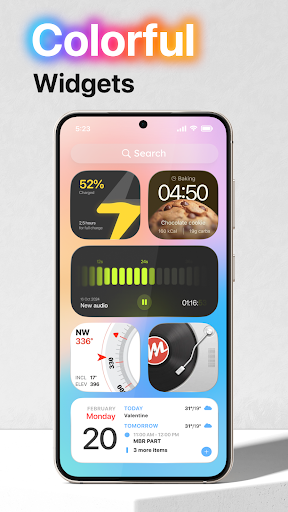
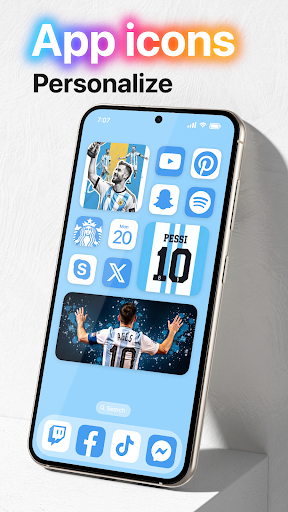
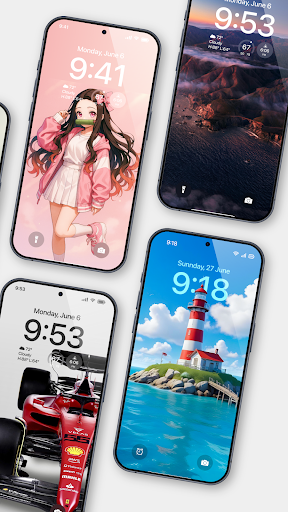
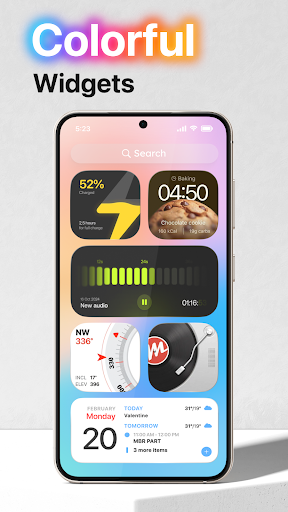
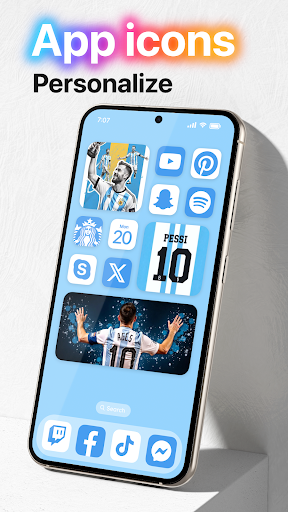
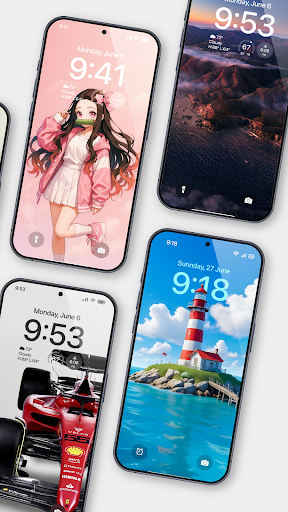
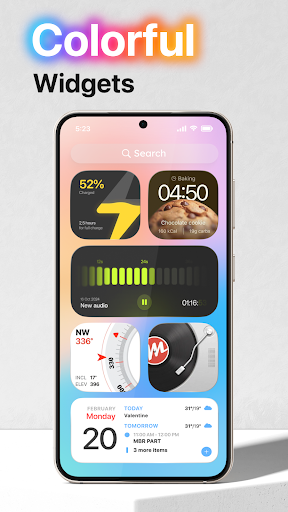
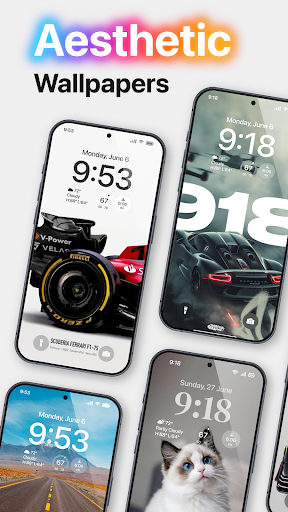
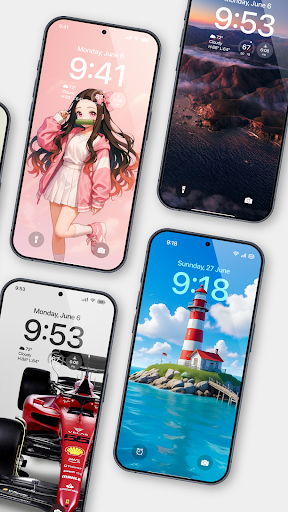
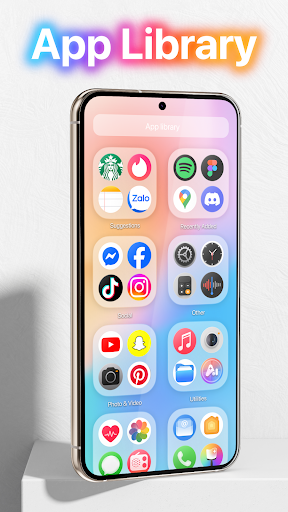
One of the standout qualities of Launcher OS™ is its extensive customization options. Users can personalize their home screens through a variety of themes, icon packs, and widgets—creating a setup that truly reflects their personality and preferences. The app’s sleek and user-friendly design makes it easy to navigate settings and modify your device’s appearance without hassle.
Enhanced Performance and User Experience
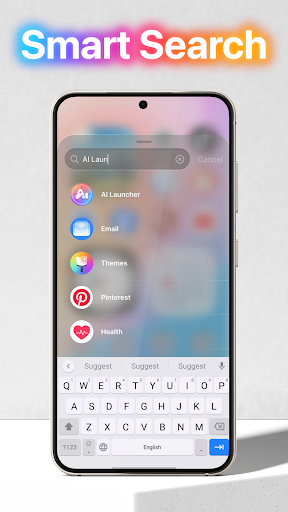
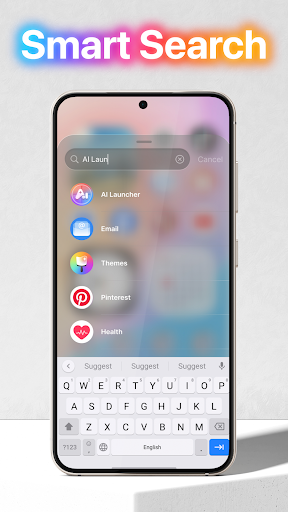
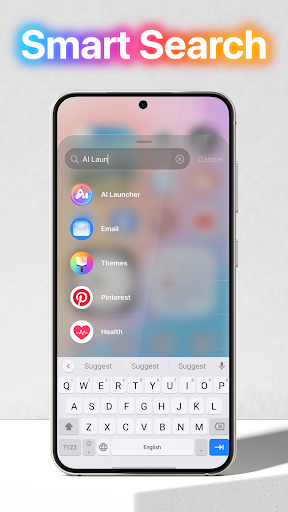
Despite its rich feature set, Launcher OS™ is optimized to ensure your device runs smoothly. Unlike some launchers that can slow down your phone, Launcher OS™ delivers a lightweight experience, minimizing lag and stuttering during app switching or navigation. Its smart widgets adapt to your usage habits, providing relevant information at a glance. Additionally, the integrated search function helps you locate apps and files quickly, enhancing overall efficiency.
Powerful Security and Permissions
To operate seamlessly and unlock its full potential, Launcher OS™ requires certain permissions, which are carefully designed to enhance your device’s functionality. These include:
- • CAMERA: Enables quick access to your camera even when the screen is locked.
- • READ_PHONE_STATE: Allows notifications of incoming calls while locked.
- • NOTIFICATION ACCESS: Ensures you don’t miss important alerts.
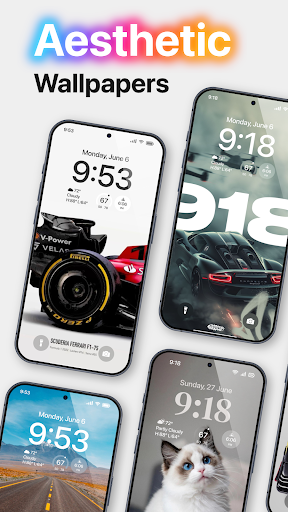
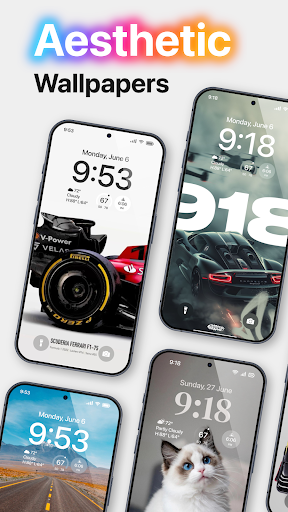
- • READ/WRITE_EXTERNAL_STORAGE: Supports setting custom wallpapers from your storage or server and saving images.
- • DRAW OVER SCREEN: Displays lock screens over other applications for quick access.
- • MANAGE_EXTERNAL_STORAGE: Facilitates a universal file search feature to help locate files rapidly.
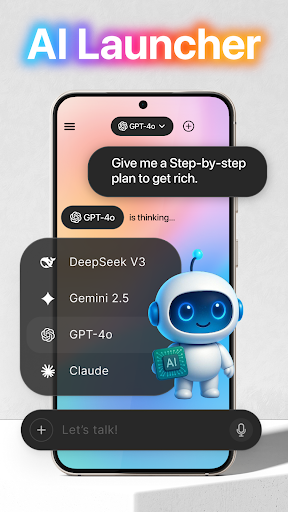
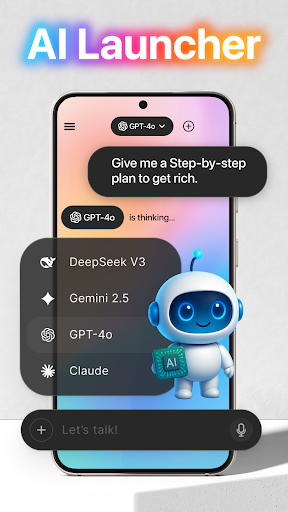
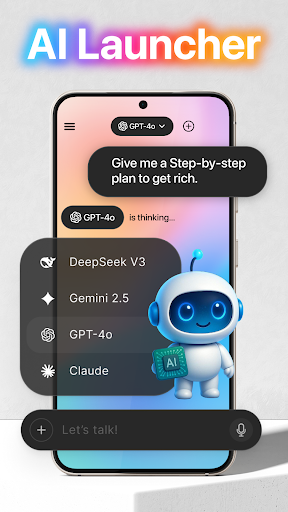
- • RECORD_AUDIO: Converts voice to text for AI chat responses using microphone access.
Transform Your Android Device with Ease
Imagine giving your smartphone a fresh new look without the need to purchase a new device. Launcher OS™ makes this possible with its user-friendly customization tools. From refreshing wallpapers to changing icons and layout arrangements, you can reinvent your home screen effortlessly. The app’s modern design mimics the aesthetics of more recent operating systems, giving your device a sleek, contemporary feel.
Why Choose Launcher OS™?
If you love experimenting with your Android interface, Launcher OS™ is an excellent choice. It offers a perfect balance between aesthetic personalization and performance, ensuring your device remains fast and responsive. With features like adaptive widgets and efficient file management, this launcher is tailored to enhance your daily smartphone interactions. Whether you’re a tech enthusiast or someone who enjoys a simple yet elegant interface update, Launcher OS™ delivers impressive results.
Conclusion
Launcher OS™ is more than just a launcher—it’s an all-in-one solution to breathe new life into your Android device. By combining stunning customization options, smooth performance, and powerful functionality, Launcher OS™ helps you turn your ordinary phone into a highly personalized, intelligent companion. Experience the transformation today and enjoy a fresh, customized, and more efficient Android experience with Launcher OS™.
Pros
- Customizable home screen layout.
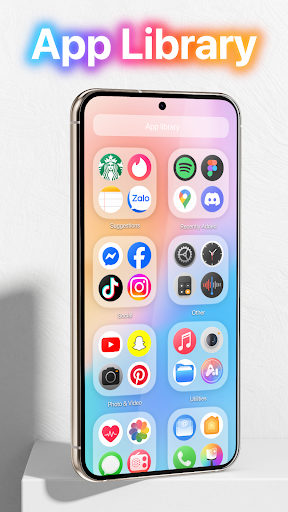
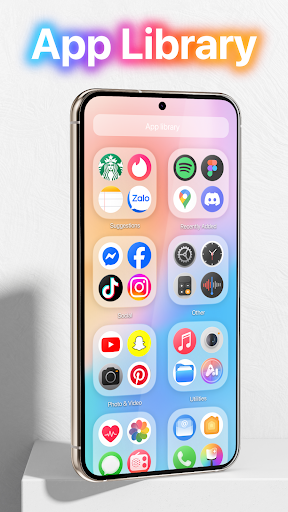
- Efficient app drawer organization.
- Smooth and fast performance.
- Intuitive gesture controls.
- Support for icon packs.
Cons
- Limited widget options.
- Occasional ads in the free version.
- Some features require a premium plan.
- Compatibility issues with older devices.
- Limited customer support.










