

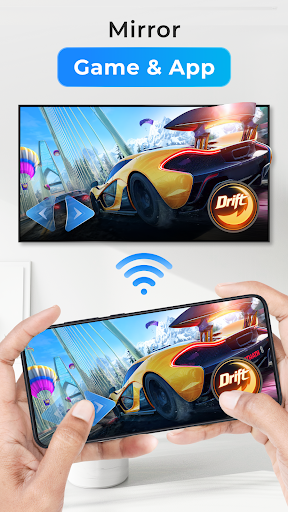
Overview of the Cast to TV, Chromecast & Roku App
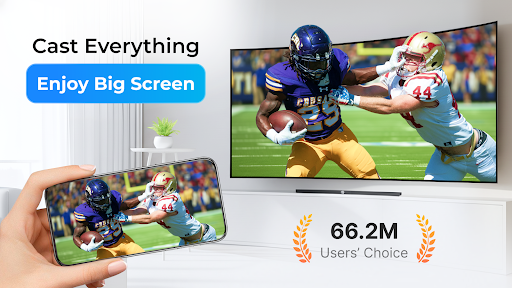
Are you looking for a versatile and easy-to-use solution to stream your favorite videos, music, and photos to your big screen? Cast to TV, Chromecast & Roku is a powerful application designed to transform your mobile device into a remote control for all your media content. Whether you want to cast local videos or stream online content, this app supports a broad range of devices including Chromecast, Roku, Amazon Fire TV, Fire Stick, Xbox, Apple TV, and other DLNA-compatible devices. With its intuitive interface and robust features, it makes media casting seamless and enjoyable, perfect for movie nights or everyday media sharing.
Key Features of Cast to TV, Chromecast & Roku
User-Friendly Control
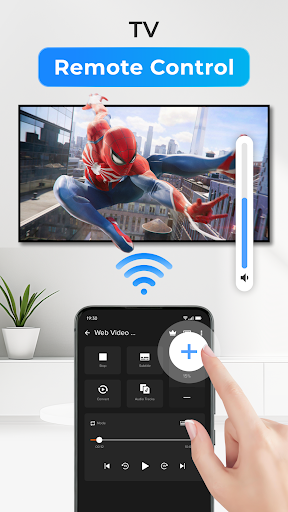
With just a few taps on your phone, you can effortlessly control your TV or streaming device. Adjust volume, pause, rewind, forward, and switch to previous or next media with ease. The app's UI is designed for simplicity, ensuring that even beginners can navigate and operate it smoothly.
Wide Device Compatibility
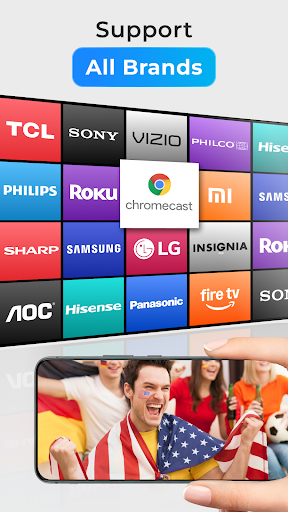
This app enables casting to a plethora of devices such as Chromecast, smart TVs from Samsung, LG, Sony, Xiaomi, Panasonic, as well as gaming consoles like Xbox One and Xbox 360, and streaming devices including Amazon Fire TV, Fire Stick, Apple TV, and Roku. Furthermore, it supports other DLNA receivers and plans to include Kodi and IPTV support soon.
Supports Multiple Media Formats
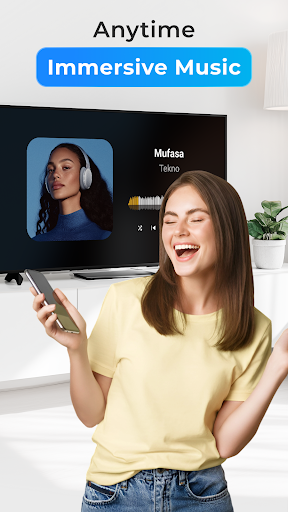
The app automatically detects various media files such as videos, audio, and photos stored on your device or SD card, making local playback straightforward. It also offers an inbuilt browser for web video casting, enhancing your online streaming options.
Enhanced Playback Features
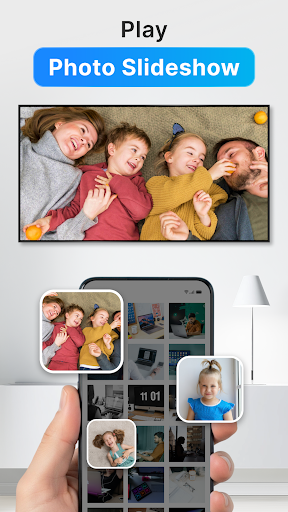
Enjoy features like adding local videos and audio files to a Play Queue, and playing media in shuffle, loop, or repeat modes. These features make your media experience more flexible and personalized, whether you're listening to a playlist or viewing a slideshow of your photos.
Supported Streaming Options
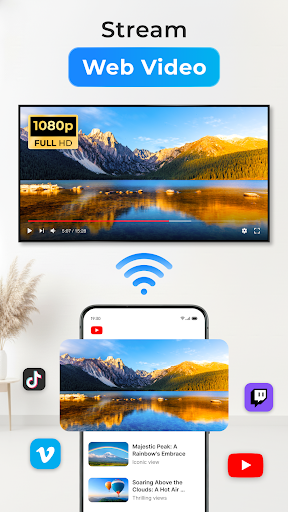
The app excels in streaming online content, allowing you to cast web videos directly to your TV. This is especially useful for streaming content from popular sources and websites. Additionally, casting local files from your phone ensures your media travels seamlessly to the big screen.
Experience the Convenience of Streaming
Streaming media from your smartphone to your TV or other smart devices is now more straightforward than ever. Cast to TV, Chromecast & Roku combines convenience with performance, supporting high-quality streaming with minimal setup. Remember, for optimal experience, ensure your phone and streaming device are connected to the same Wi-Fi network and that your media formats are compatible.
If you encounter connectivity issues or buffering, simple steps like rebooting your Wi-Fi router and streaming device can help resolve problems. The app offers broad device compatibility, so you can enjoy your videos, music, and photos effortlessly on your preferred screen.
Why Choose Cast to TV, Chromecast & Roku?
This app is perfect for anyone wanting a reliable, all-in-one casting solution. Its ability to support multiple device types, handle various media formats, and provide easy controls makes it a top choice for streaming enthusiasts. Whether you own a smart TV, a Roku device, or an Apple TV, this app simplifies your media sharing experience.
Perfect for casual viewers and tech-savvy users alike, Cast to TV, Chromecast & Roku is continuously improving, with upcoming support for additional platforms like Kodi and IPTV. Its seamless integration and user-centric design make it an essential app for maximized entertainment on your devices.
Final Thoughts
If you're seeking an efficient way to cast your favorite media content from your mobile device to a TV or streaming device, Cast to TV, Chromecast & Roku is an excellent choice. Its broad device compatibility, simple controls, and support for multiple media formats ensure a smooth streaming experience. Just connect your devices to the same Wi-Fi, select your media, and enjoy your content on the big screen. Happy casting!
Pros
- Easy to connect with various TV brands
- Supports multiple media formats
- User-friendly interface
- Fast streaming with minimal buffering
- No ads in the premium version
Cons
- Free version contains frequent ads
- Limited features without a subscription
- Occasional connectivity problems
- Some formats may not transmit correctly
- Requires a stable Wi-Fi connection for optimal performance











