

AnyDesk Remote Desktop: A Powerful Solution for Remote Assistance
In today's digital world, the ability to access and control your computer remotely has become essential for both professionals and private users. AnyDesk Remote Desktop stands out as a versatile, reliable, and secure remote assistance software designed to make remote connections seamless and effortless. Whether you're sitting in a coffee shop, working from home, or managing IT support for a large organization, AnyDesk provides the tools you need to connect securely across any device or operating system.
Unmatched Performance and Compatibility
One of the key features that sets AnyDesk apart is its exceptional performance. Users experience high frame rates and low latency, ensuring that remote interactions feel natural and responsive. This makes tasks such as editing documents, graphic design, or troubleshooting much smoother compared to other solutions. Additionally, AnyDesk supports all major operating systems including Windows, macOS, iOS, and Android, ensuring that no matter what device you use, you can rely on its compatibility.
Core Features for Effective Remote Work
AnyDesk offers a comprehensive set of features to enhance remote desktop experiences:
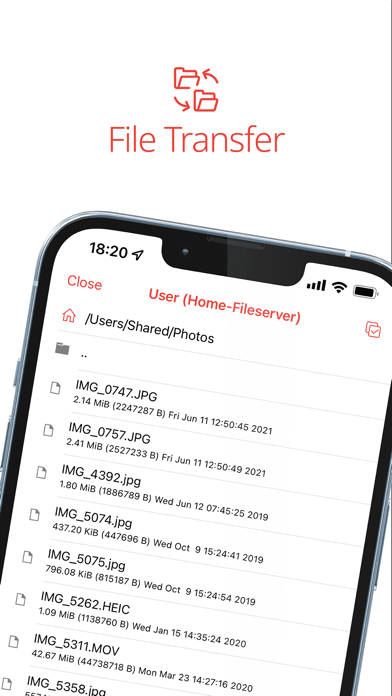
- File Transfer: Easily share files between devices with minimal effort.
- Remote Printing: Print documents directly from the remote session.
- Wake-On-LAN: Power on devices remotely whenever needed.
- Connection via VPN: Establish a private network for secure access, which also supports SSH connections and LAN multiplayer gaming over the internet.
Its encryption follows banking-standard TLS 1.2 protocols, ensuring your sessions are protected from unauthorized access. This high level of security makes AnyDesk ideal for sensitive tasks like accessing confidential files or managing critical systems.
Versatile Use Cases
From individual users to large corporations, AnyDesk provides tailored solutions to fit various needs:
- Remote Support: IT professionals can troubleshoot and assist clients without being physically present.
- Remote Work: Employees working from home can access their office computers securely and effortlessly.
- Studying and Education: Students and educators can connect to remote devices for collaboration and learning.
- Personal Use: Quick access to your home computer when you're away or traveling.
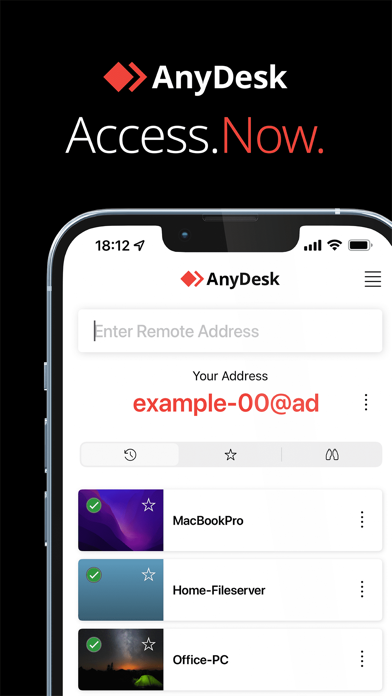
The app also offers a quick start guide for setup, which involves installing and launching AnyDesk on both devices, entering the remote device's AnyDesk-ID, and confirming access — making remote connections straightforward even for beginners.
Subscription, Pricing, and Support
AnyDesk is ad-free and available for personal use at no cost. For commercial purposes, users are encouraged to visit the official website for pricing details. The company also provides a Help Center that offers comprehensive support and additional information about its features and functionalities.
Why Choose AnyDesk?
Choosing AnyDesk means opting for outstanding performance, compatibility across all devices, and banking-standard encryption. Its ability to deliver high-quality video streams and minimal lag makes it suitable for professional environments. Whether in the cloud or on-premises, AnyDesk adapts to your infrastructure and work style, providing a flexible and secure remote desktop experience.
Getting Started
- Download and install AnyDesk on all devices involved.
- Launch the app and enter the AnyDesk-ID of the remote device.
- Confirm the access request on the remote device.
- Immediately, control the remote device as if sitting right in front of it.
With its simplicity and robust features, AnyDesk is the go-to solution for anyone seeking reliable remote desktop software. Experience the convenience of secure, remote access today and stay connected whether you're working, studying, or troubleshooting from anywhere in the world.
Pros
- Fast and seamless connection experience.
- Supports multiple platforms effortlessly.
- Low latency enabling real-time collaboration.
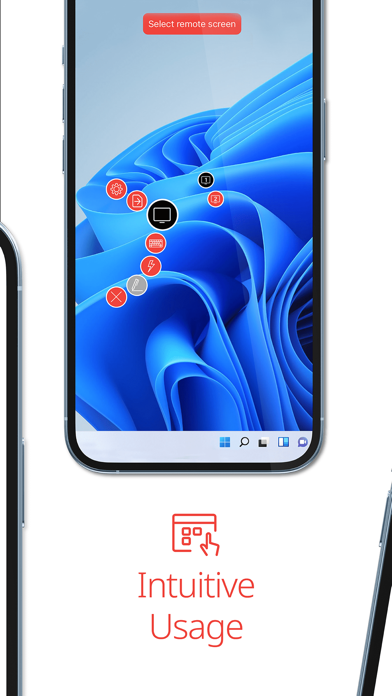
- Intuitive interface for easy navigation.
- Robust security with TLS 1.2 encryption.
Cons
- Limited features in the free version.
- Occasional connection drops reported.
- Requires a stable internet connection.
- No built-in file transfer feature for mobile devices.
- Can consume a significant amount of data.
You May Like

Resume - Intelligent CV maker
Business
4.5
Visual Voicemail
Business
3.7
Google Chat
Business
4.6
AnyDesk Remote Desktop
Business
4.5
Intune Company Portal
Business
2.6
Microsoft Power BI
Business
4.7
Jooble — Job Search App
Business
4.6
clickworker
Business
4.3
All Document Reader:PDF Viewer
Business
3.9
Package Tracker - pkge Mobile
Business
3.3
Power Apps
Business
4.5
Dayforce
Business
4.5