

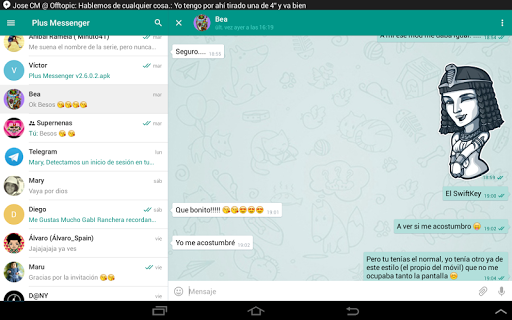
Introduction to Plus Messenger
Plus Messenger is an unofficial messaging application that leverages the power of Telegram's API to provide a feature-rich communication experience. With over 50 million downloads and being available in more than 20 languages, Plus Messenger stands out as one of the best-rated messaging apps on the Play Store. Its vibrant user community includes numerous support groups in different languages, making it a versatile choice for users worldwide.
Key Features of Plus Messenger
Enhanced Customization Options
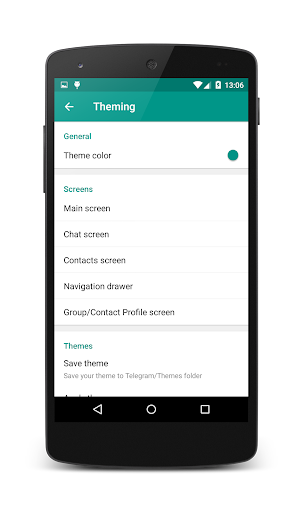
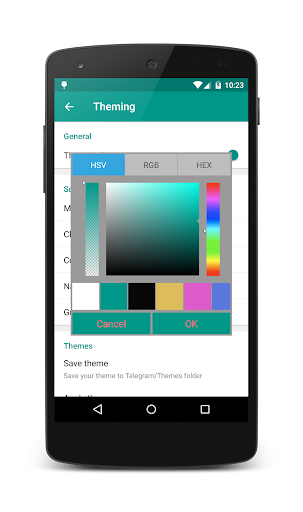
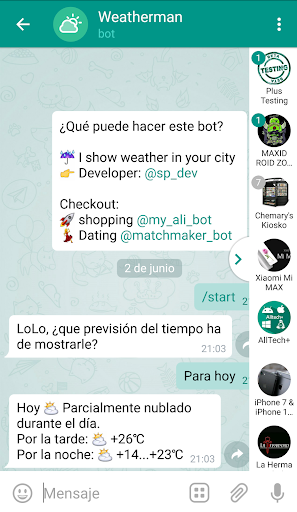
One of the most appealing aspects of Plus Messenger is its extensive customization. Users can personalize their app with a variety of themes, fonts, and colors. The app also offers the ability to change icons and notification styles, allowing users to dress up their messaging experience according to their preferences. Creating custom categories for chats, such as family, work, or sports, helps organize conversations better. These categories can be saved and restored, providing a seamless user experience.
Advanced Privacy and Security
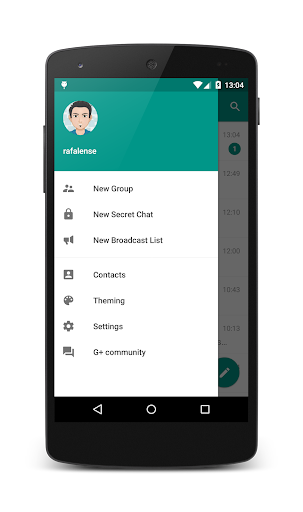
Privacy is a top priority with Plus Messenger. You can hide your phone number from the navigation menu and settings or display just your username to maintain anonymity. The app also offers options to lock chats and control who can see your online status. Additionally, features like floating notifications when contacts are online or writing, and the ability to show the user's bio in chats, enhance your privacy control and user engagement.
User Interface and Navigation
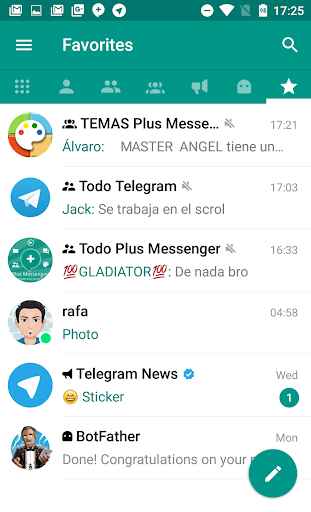
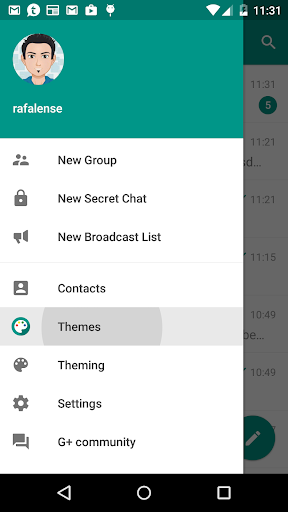
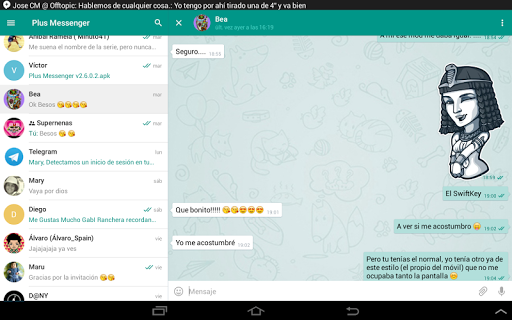
The intuitive interface of Plus Messenger mimics Telegram but introduces additional tweaks for better usability. The app features dedicated tabs for chats, groups, channels, bots, favorites, unread messages, and admin/creator. Users can easily switch between chats using a quick access bar and apply various sorting methods. The app also supports night mode and offers over 10 different chat bubbles and check designs for a personalized look.
Additional Useful Features
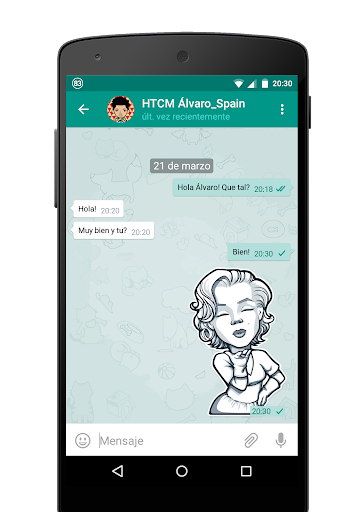
Beyond basic messaging, Plus Messenger integrates features like message scheduling, translation of messages, and forwarding messages without quoting. It allows document saving with the original name, text copying, photo quality settings, and even start round videos using the main camera. You can show download progress, quickly switch between chats, and control media presentation in group chats. These features significantly enhance your messaging efficiency and multimedia experience.
Community and Support
Join the Plus Messenger community through their Channel or participate in discussions on the Support Group. Stay updated with the latest features and themes through their official Twitter. For users interested in customization, there are dedicated apps for Plus Themes and Telegram Themes.
Why Choose Plus Messenger?
If you're seeking a messaging app that surpasses the basic features of Telegram, Plus Messenger is a compelling option. Its focus on customization, privacy, and efficiency helps users tailor their communication experience. The app's multi-account support allows managing up to 10 accounts, making it perfect for personal and professional use. Whether you're chatting with friends, family, or colleagues, Plus Messenger provides a stylish and secure platform for everyday messaging.
With its broad suite of features and active community, Plus Messenger is truly a versatile alternative to official messaging apps. It combines the simplicity of Telegram with innovative enhancements, making it a popular choice among users who crave more control and personalization in their messaging experience.
Pros
- Highly customizable interface.
- Fast and reliable performance.
- Secure with end-to-end encryption.
- Supports multiple accounts.
- Rich media sharing capabilities.
Cons
- Lacks certain advanced features.
- Occasional bugs in updates.
- Limited support for older devices.
- Can be resource-intensive.
- Notifications can be inconsistent.










