

Introduction to Resume - Intelligent CV Maker
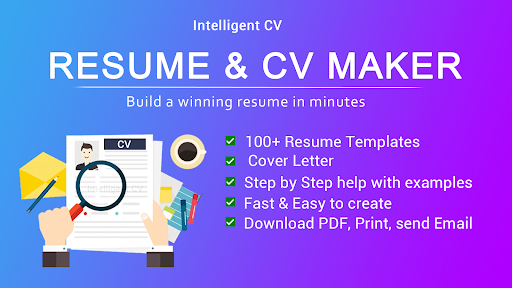
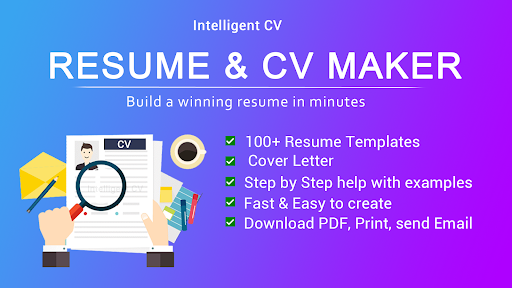
Are you tired of staring at a blank page every time you need to craft a professional resume? The Resume - Intelligent CV maker app is here to simplify and streamline your job application process. Designed for job seekers of all levels, this innovative CV builder app offers a comprehensive set of features to help you create stunning, tailored resumes quickly and efficiently. Whether you're preparing for a full-time position, part-time work, or a work-from-home opportunity, this app is your perfect career companion.
Exceptional Features for Modern Resume Building
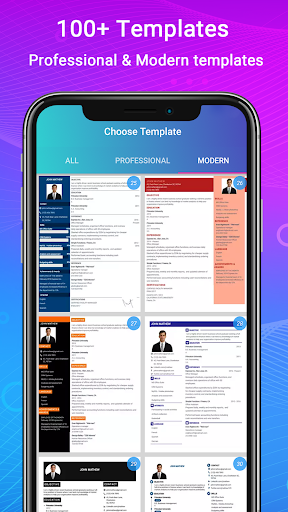
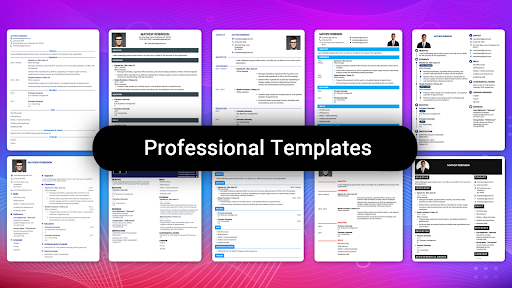
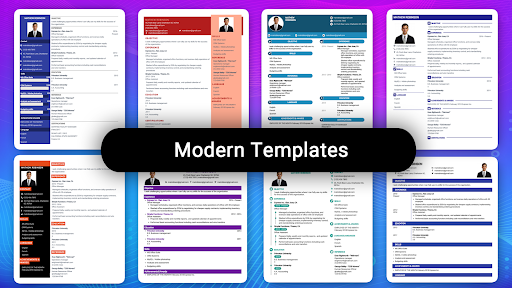
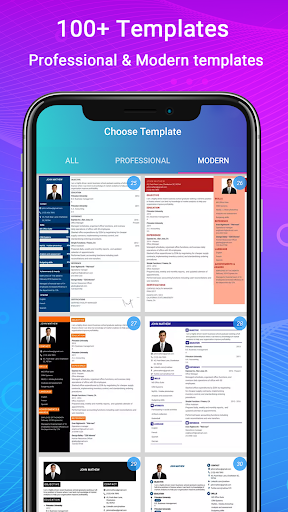
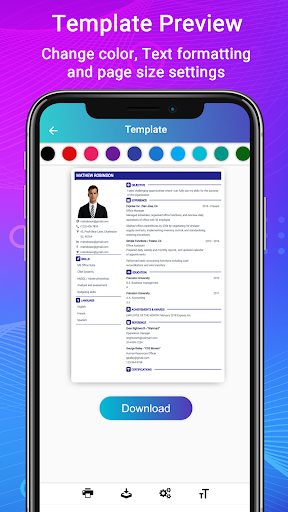
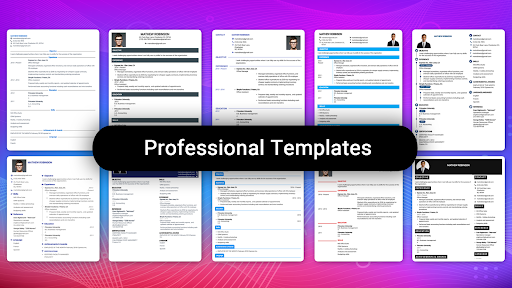
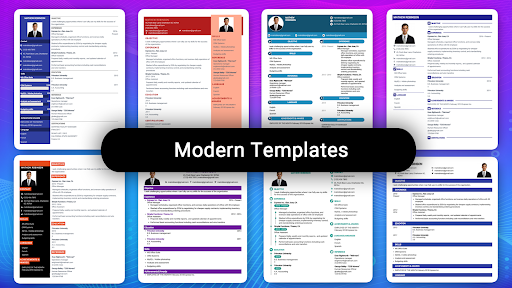
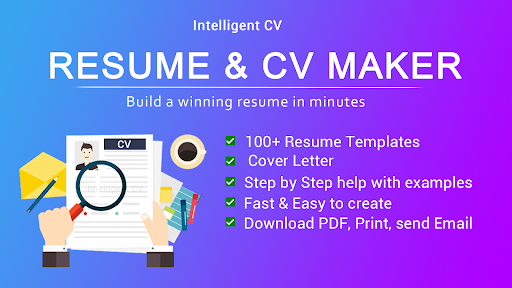
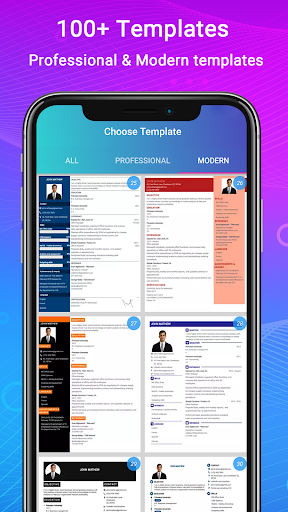
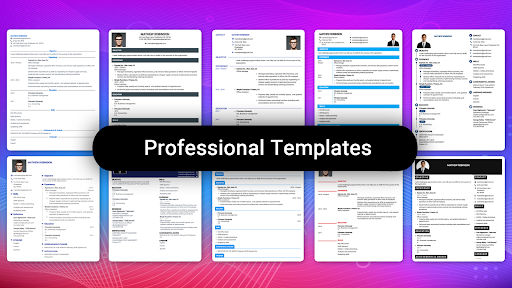
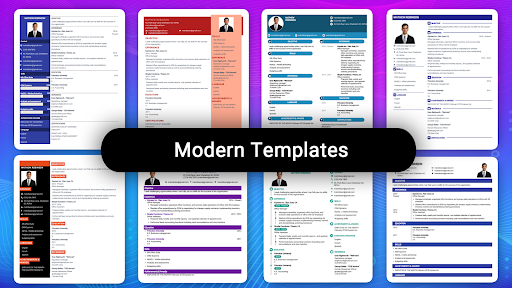
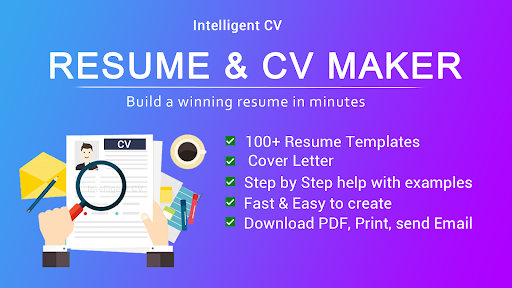
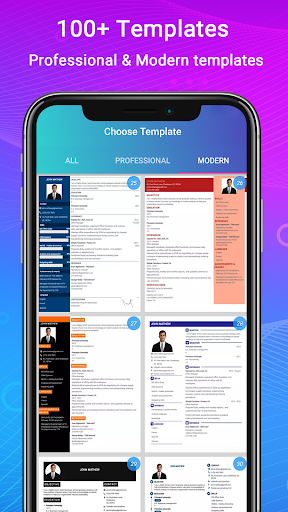
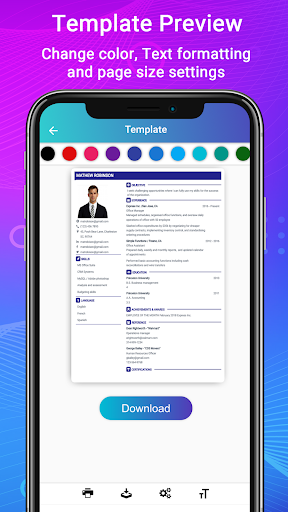
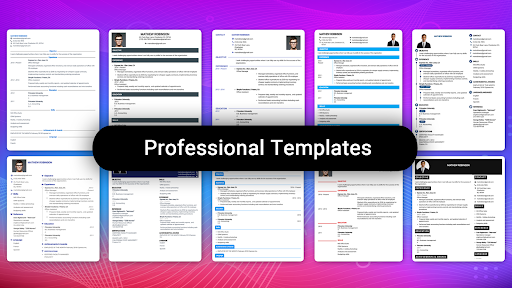
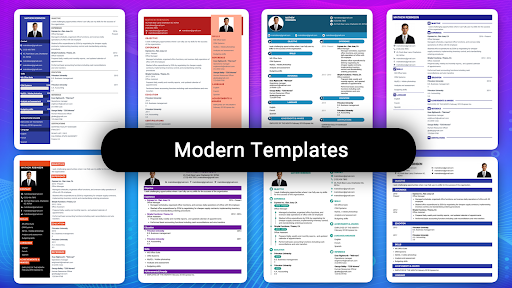
The Intelligent CV maker stands out with its extensive library of templates. With over 500 professional resume templates available in various styles and formats, you can find the perfect design to suit your industry and personality. These templates are customizable with 15 different color options, allowing you to craft a unique and eye-catching resume. Whether you prefer a reverse-chronological layout or a functional CV, this resume creator adapts seamlessly to your needs.
Step-by-Step Guidance
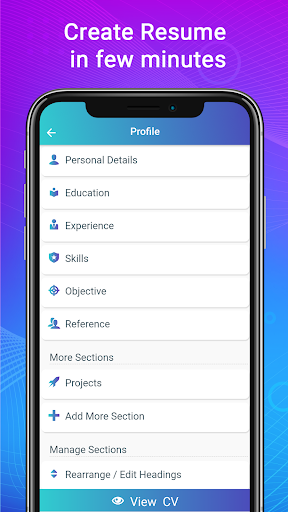
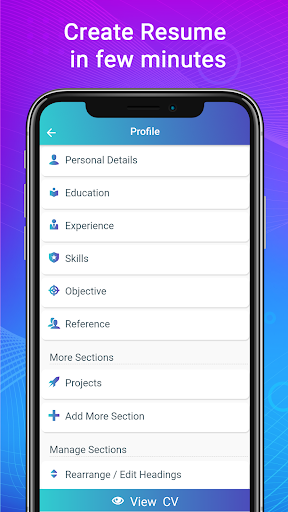
One of the app's most praised features is its step-by-step guidance. It helps users understand how to structure each section of their resume, with examples and tips from resume experts. This makes resume writing accessible even for first-time job seekers or students entering the workforce.
Versatile Templates and Formats
The app supports creating various resume styles such as full resume formats, one-page, and two-page formats, aligned with international standards like those in the United States, Europe, and Canada. It also includes ATS-friendly templates optimized for applicant tracking systems, increasing your chances of passing initial screenings.
Easy Editing and Customization
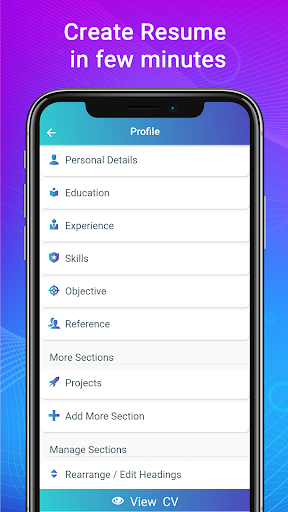
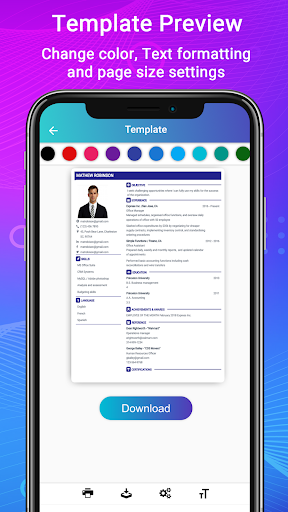
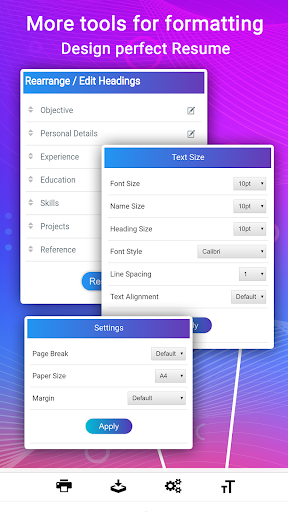
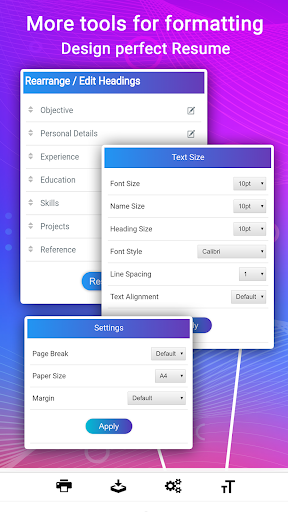
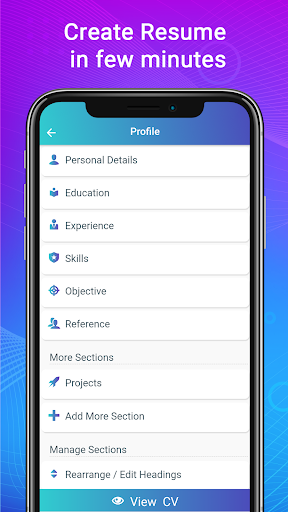
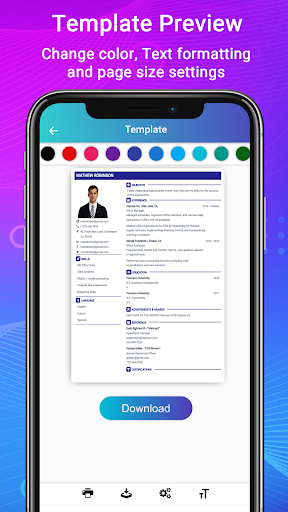
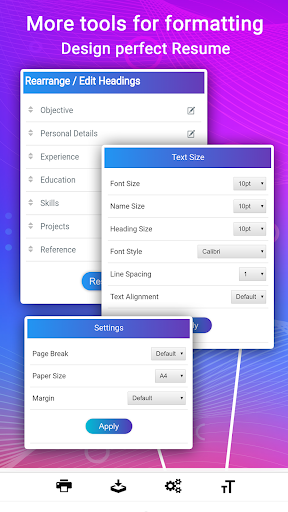
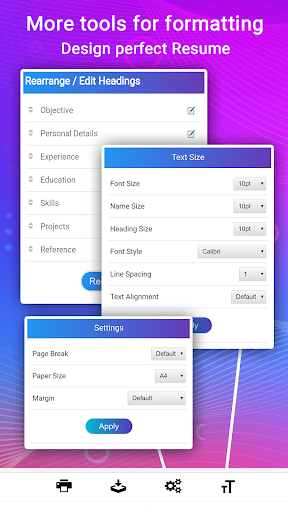
The advanced resume editor allows you to customize sections, modify titles, adjust paragraph styles, lists, and move sections around effortlessly. You can also customize font sizes, colors, margins, and view a live preview of your resume, ensuring it looks perfect before downloading.
Export, Share, and Print
Once completed, your resume can be downloaded as a PDF for offline use, printed directly from the app, or shared via email. This flexibility ensures your resume is always ready for submission.
Tailored Cover Letters and Supporting Documents
The resume and CV builder app also enables users to create matching cover letters using the same templates, enhancing your job application package. Cover letter templates tailored for various fields—such as engineering, IT, healthcare, education, and management—are available. Additionally, you can add a profile photo to your resume, giving your application a personal touch that recruiters appreciate.
Additional Tools for Job Seekers
Beyond resumes, the app helps create biodata and professional portfolios, ideal for showcasing your skills and work samples. The interface is intuitive, allowing anyone familiar with Android devices to produce a high-quality CV in a matter of minutes.
Multiple Resume Formats for Every Need
Whether you require a biodata format for a college admission, a job application CV, or an industry-specific resume, the app supports all popular formats to ensure your documents meet employer expectations.
Why Choose Resume - Intelligent CV Maker?
This app has been developed with insights from research and the latest hiring trends across the US, Europe, Canada, and the Americas. Its intelligent design helps users craft resumes that resonate with international hiring managers' expectations. Ease of use is another key factor—anyone with basic knowledge of their mobile device can create a professional resume in PDF format, making the process stress-free.
Support and Updates
The app offers comprehensive support, so if you encounter any issues or have questions, help is just a tap away. Regular updates ensure that the templates and features stay aligned with industry trends.
Conclusion
In today’s competitive job market, standing out is crucial. Resume - Intelligent CV maker provides an efficient, user-friendly platform for crafting standout resumes and cover letters that can significantly improve your chances of landing your dream job. Whether you’re a recent graduate, a seasoned professional, or someone looking to switch careers, this professional resume builder offers the tools you need to succeed. Skip the stress and let this smart CV creator help you put your best foot forward—your next big opportunity is just a few taps away.
Pros
- User-friendly interface for quickly creating resumes.
- Offers a variety of templates to select from.
- Supports exporting in multiple formats, including PDF.
- Allows customization of sections for personalized resumes.
- Provides tips and examples to enhance resume quality.
Cons
- Free features are limited compared to the premium version.
- Some templates appear outdated.
- Occasional app crashes have been reported.
- Advertisements in the free version can be distracting.
- Customer support options are limited.










