




Music Player for Android
Finding the perfect music player for Android devices can often feel like a quest. With countless apps claiming to deliver the best experience, choosing the right one becomes essential for any music enthusiast. Among the many options available, this music player app stands out for its powerful features, user-friendly interface, and extensive customization options. Whether you're a casual listener or a dedicated audiophile, this media player has all the tools you need to enjoy your music library like never before.
Intuitive User Interface and Seamless Experience
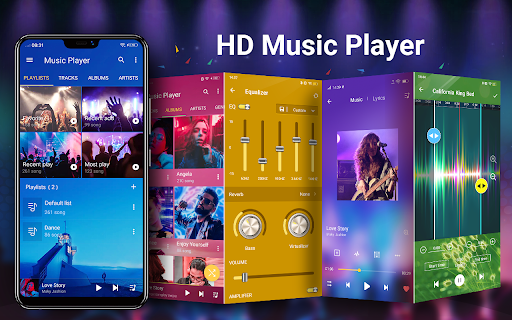
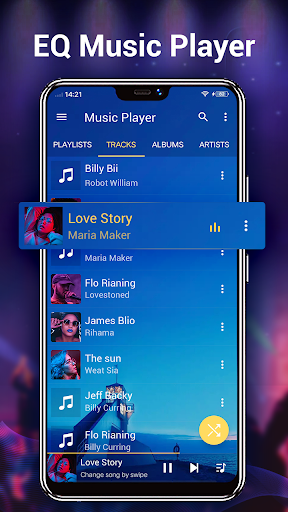
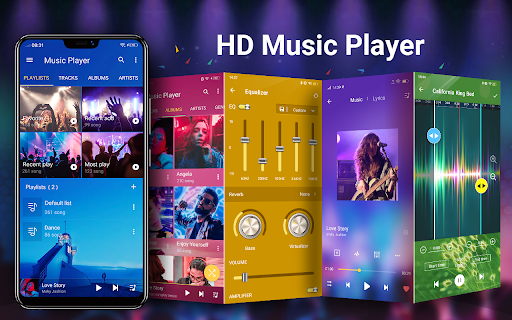
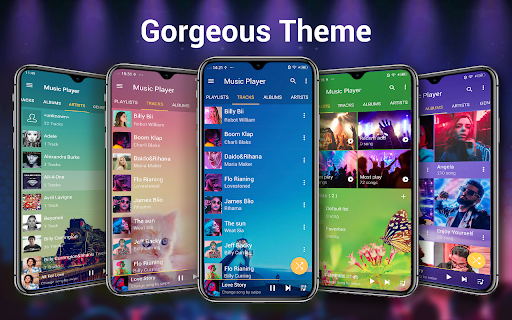
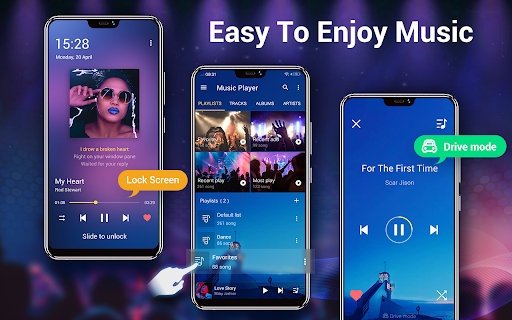
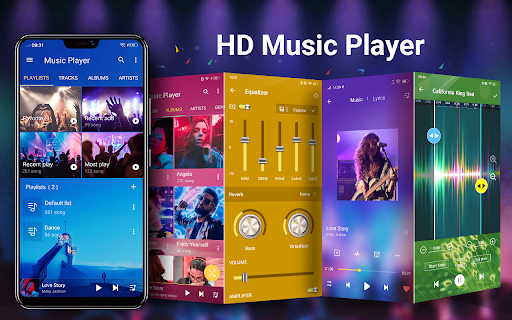
First impressions matter, and this Android music player impresses with its clean, sleek, and intuitive design. Upon opening the app, you're greeted with a well-organized dashboard that makes navigation effortless. All controls and browsing options are strategically placed for quick access, making it suitable for both tech-savvy users and beginners. Whether browsing by albums, artists, genres, or creating playlists, everything is just a tap away, ensuring a smooth and frustration-free experience.
Key Features of the Music Player App
Comprehensive Music Library Management
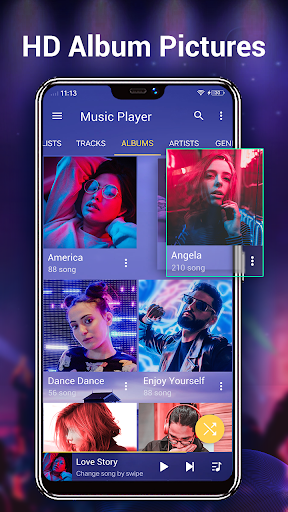
This media player allows you to browse and play your music by various categories such as albums, artists, genres, songs, playlists, and even album artists. It supports a wide array of audio formats including mp3, mp4/m4a, wma, flac, and ape, ensuring compatibility with most of your files. The app automatically finds and organizes all your music files, making library management effortless.
Advanced Playback and Audio Customization
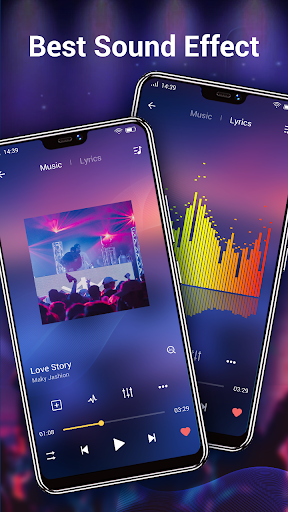
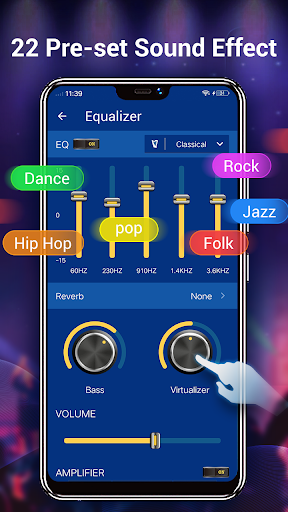
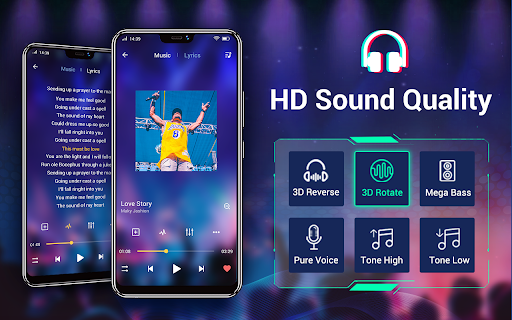
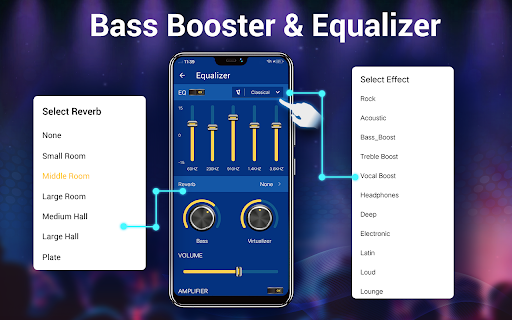
Enjoy HD playback with high-quality decoding. The app features a powerful five-band equalizer with more than 20 pre-set sound tones or manual adjustments, allowing you to tailor the audio output precisely to your preferences. The unique equalizer transforms your listening experience, giving your music studio-quality sound.
Widgets and Notification Controls
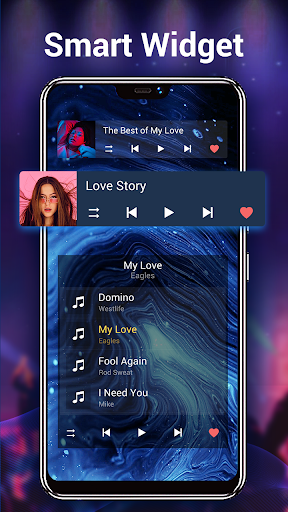
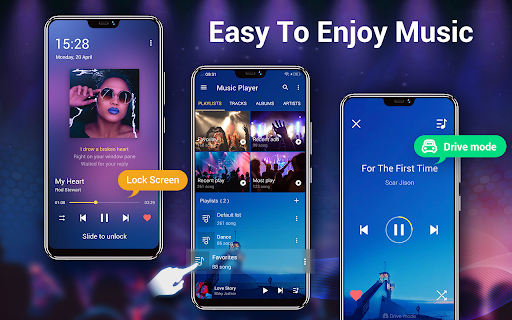
With over 3 desktop widgets available in sizes (4x1, 2x2, 4x1), controlling your music from the home screen has never been easier. The app also provides notification status support that displays album artwork, song title, artist, along with play, pause, skip, and stop controls directly in your notification panel, ensuring quick access without opening the app.
Additional Useful Features
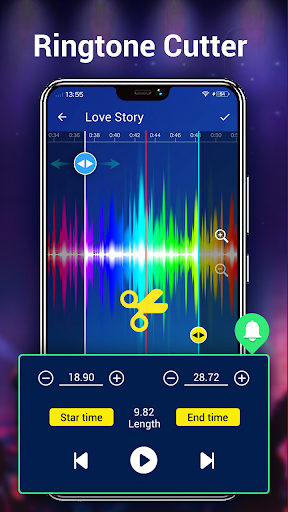
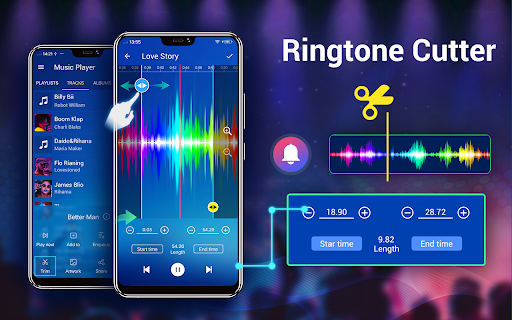
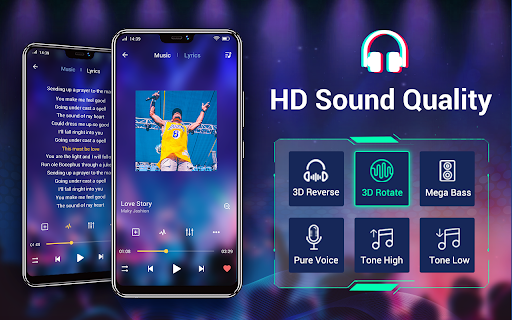
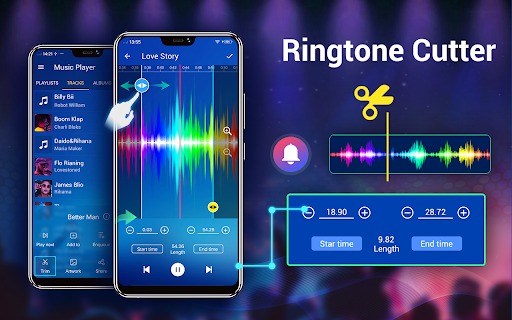
Other notable features include smart playlists to access your favorite and most played songs, the ability to search online for trending music videos, auto-search for related music videos/MVs, and options to cut/edit music files for creating custom ringtones. The app also supports lyrics display, providing an immersive experience for users who love singing along.
Personalization and Themes
Personalize your music experience by selecting from over 22 gorgeous background skins to make your player visually outstanding. You can manually choose album artwork, artist images, genre illustrations from the internet, your gallery, or tags embedded within files. This extensive customization enhances your interface and makes your music sessions more engaging.
Why Choose This Music Player App?
This Android music player is renowned for its quality, versatility, and user-centric design. It supports offline playback, allowing you to download and listen without internet access—perfect for long trips or flights. Its easy playlist management and integration capabilities with other services add to its appeal.
While it remains a local music player and does not provide online music search or downloads, its features comprehensively cover all basic and advanced needs of music enthusiasts. The combination of powerful equalizer, background skins, widgets, and lyric support ensures a rich and satisfying listening experience. Whether you want sleek aesthetics or detailed sound control, this app is a top contender for your Android device.
Pros
- User-friendly interface for easy navigation
- Supports all major audio formats
- Includes equalizer with presets
- Offline playback without ads
- Customizable themes and layouts
Cons
- Limited library management features
- Lacks lyrics support for songs
- Occasional crashes of the app
- Some features require purchase
- Minimal integration with streaming services










