

Overview of App Lock - Applock Fingerprint
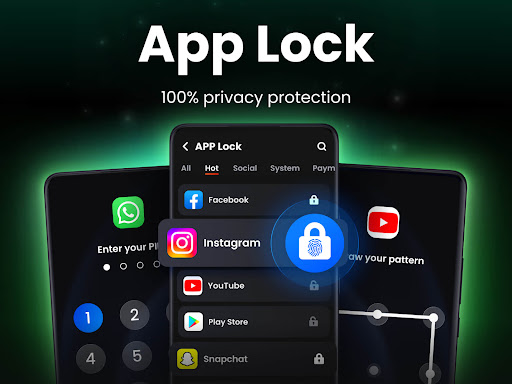
Are you concerned about the security of your private data on your smartphone? App Lock - Applock Fingerprint offers a comprehensive solution to protect your applications and sensitive files with ease. Designed with user convenience and top-tier security in mind, this app allows you to lock your apps using PIN, pattern, or fingerprint authentication. Whether it's safeguarding social media accounts, messaging apps, or confidential files, this mobile security app is built to provide 100% security and privacy.
Key Features of App Lock - Applock Fingerprint
Easy App Locking and Privacy Protection
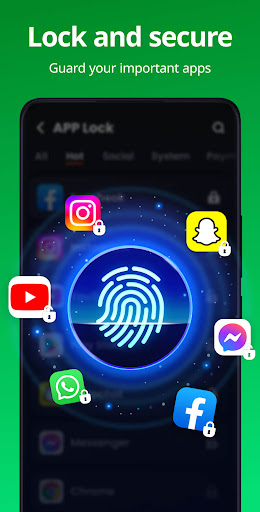
The app makes it straightforward to lock social media apps such as WhatsApp, Instagram, Facebook, and others. Never worry about nosy friends or family peeking into your chats or social media posts again. You can also protect your gallery, contacts, messages, and other personal data, ensuring that no one can snoop without your authorization.
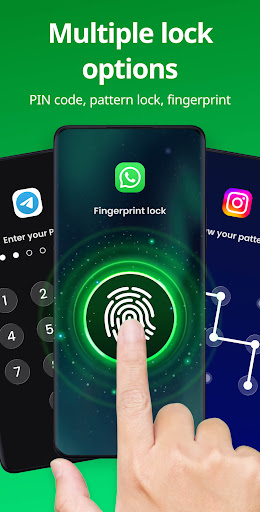
Lock your apps in multiple ways—by PIN, pattern, or fingerprint—depending on your preference. For added security, you can lock sensitive apps like Google Pay and Paypal to prevent accidental transactions or unauthorized access, as well as restrict your kids from making in-app purchases.
Secure Vault for Private Media
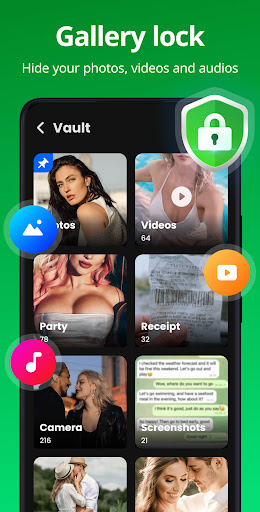
The app includes a Safe Vault feature that allows you to hide private photos and videos. Hidden files won’t be visible in your gallery, and only you can access them through a password. This ensures your secret memories remain private and untraceable by others.
Intruder Selfie and Disguise Mode
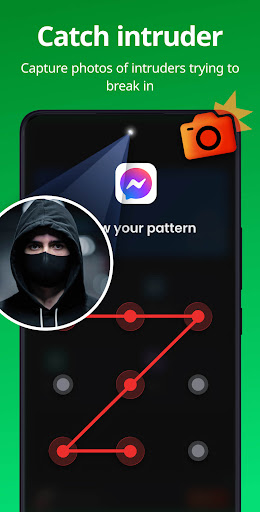
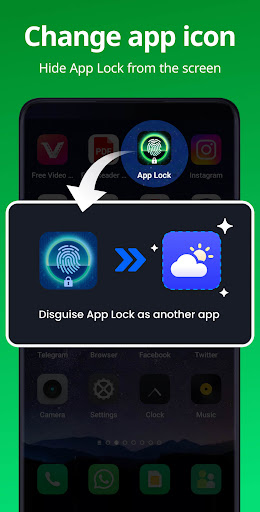
An innovative feature is the Intruder Selfie. If someone tries to access your protected apps with the wrong password, the app automatically captures a selfie of the intruder. This helps you identify unauthorized users and enhances security. Additionally, you can use Disguise App to change the app icon, making it appear as another app and preventing sneaky observers from discovering its true purpose.
Uninstall Protection and Custom Themes
Protect your app lock from accidental uninstallation with the Uninstall Protection feature. Customize the appearance with multiple themes to match your style or mood, providing a personalized experience while maintaining security.
Advanced Security and Customization Options
For enhanced privacy, features such as hide pattern draw path, random keyboard to prevent password guessing, and relock after exit or after a certain time are available. The app automatically detects newly installed applications and allows one-click locking to keep all your private apps protected effortlessly.
Upcoming Features
Future updates promise additional functionalities like encrypted notifications to hide app messages in the system notification bar, junk file cleaner for freeing up space, and cloud backup options to ensure your privacy data is never lost.
Security and Permissions
App Lock - Applock Fingerprint requires All Files Access permission to help hide private files and protect sensitive media. The app uses this permission solely for security purposes and does not access your files for any other reason.
FAQs and Support
What if I forget my password?
You can link a recovery email to reset your password easily if needed.
How can I change my password?
Navigate to Settings and select Change Password to set a new one. The app continues to be updated with new features and improvements. For suggestions or questions, you can contact the support team at [email protected].
Lock Apps with Fingerprint for Ultimate Security
One of the most attractive features of this app is its seamless integration with fingerprint authentication. You can easily set your fingerprint to lock your applications, making access quick and effortless while maintaining robust security. The app supports not only fingerprint login but also PIN and pattern options for versatile protection.
If you wish to secure your photos, videos, chats, or private documents, this app provides a powerful locker that keeps your data private and shielded from unwanted eyes. Its intuitive interface makes app locking just a few taps away, ensuring that your private information remains confidential.
Don’t wait any longer—download App Lock - Applock Fingerprint today and enjoy peace of mind, knowing your privacy is safeguarded with the latest security features, including fingerprint lock. With its user-friendly design and robust security tools, it’s the best choice to protect your personal data on your Android device.
Pros
- User-friendly interface.
- Supports unlocking with fingerprint.
- Lightweight with quick performance.
- Allows customization of lock screen themes.
- Provides secure protection for apps and data.
Cons
- Advertisements may be disturbing.
- Some features require in-app purchases.
- Limited compatibility with newer devices.
- Potential for increased battery consumption.
- Some users experience occasional crashes.











