

Canon PRINT: Your Ultimate Printing Companion
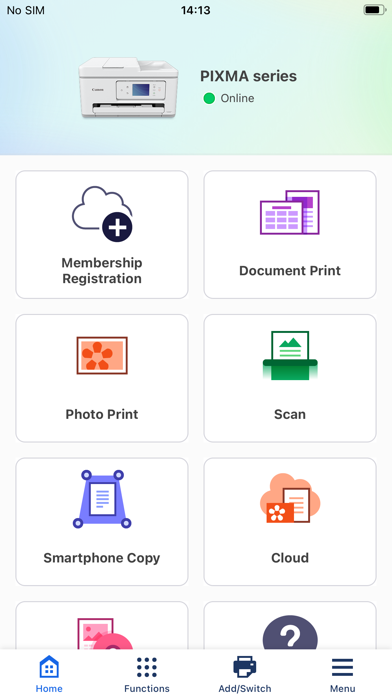
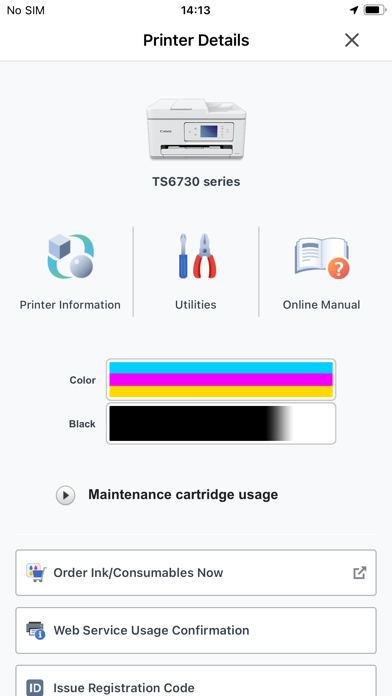
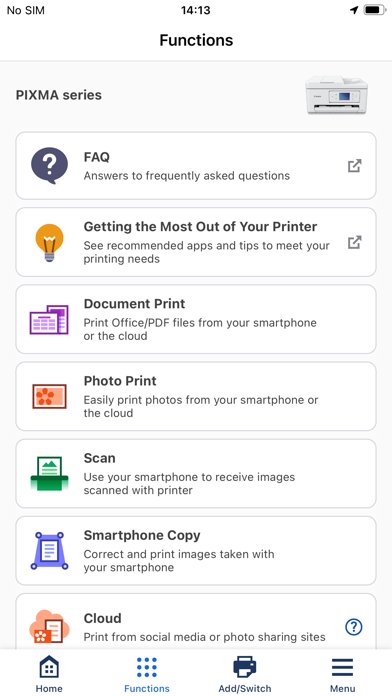
Previously known as Canon PRINT Inkjet/SELPHY, Canon PRINT is a dedicated app designed to enhance your experience with Canon printers. This versatile application serves as a seamless interface between your device and your printer, offering a host of convenient features that make printing, scanning, and managing printer functions effortless. Whether you're setting up a new printer or printing on the go, Canon PRINT is your reliable partner for all your printing needs.
Supported Printer Models
The Canon PRINT app is compatible with a broad range of Canon printers, ensuring that most users can benefit from its functionalities. Supported models include:
- Inkjet Printers: PIXMA TS series, TR series, MG series, MX series, G series, E series, PRO series, MP series, iP series, iX series, MAXIFY MB series, iB series, GX series, imagePROGRAF PRO, TM, TA, TX, TZ, GP, TC series. Note: Some models may have limited features.
- Laser Printers: imageFORCE series, imagePRESS series, imageRUNNER ADVANCE series, Color imageRUNNER series, imageRUNNER series, Satera series, imageCLASS series, imageCLASS X series, i-SENSYS series, i-SENSYS X series.
- Compact Photo Printers: SELPHY CP900 series, CP910, CP1200, CP1300, CP1500. Note: The CP900 does not support printing in Ad Hoc mode; it recommends using Infrastructure mode.
Getting Started with Canon PRINT
Setting up Canon PRINT is straightforward and user-friendly. After downloading from your preferred app store (available for both Android and iOS), the app seamlessly guides you through the setup process. Connecting it to your Canon printer typically involves just a few simple taps, thanks to step-by-step instructions provided within the app. Whether you are a tech novice or a seasoned user, the setup process is designed to be quick and hassle-free. Once connected, your printer is ready to handle your printing and scanning tasks effortlessly.
Key Features that Simplify Printing and Scanning
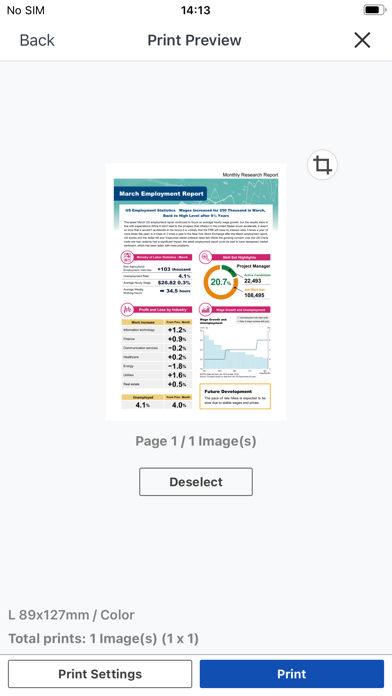
One of the most noteworthy benefits of Canon PRINT is its wireless printing capability. Say goodbye to cluttered cables and tedious transfers—print documents and photos directly from your smartphone or tablet without any physical connection. The app supports various file formats, including PDFs and JPEGs, making it suitable for different printing needs. Whether printing a batch of family photos or important work documents, the app handles it all smoothly.
In addition to printing, the app offers a powerful scanning feature. You can quickly scan documents and save them directly to your device, making it ideal for digitizing signed contracts, receipts, or notes on the go. This all-in-one functionality essentially transforms your mobile device into a portable office, streamlining workflows both at home and in the workplace.
Printing Quality and Reliability
When it comes to printing quality, Canon PRINT truly shines. It reproduces photos with vibrant colors and sharp details, replicating professional-quality results right at home. Similarly, document scans are crisp and clear, ensuring that vital information is preserved accurately. The app’s performance is consistently smooth—whether handling single prints or batch jobs, it manages tasks swiftly without hiccups.
Final Thoughts on Canon PRINT
In summary, the Canon PRINT app is a must-have tool for anyone regularly engaging in printing and scanning activities. Its intuitive interface, robust features, and reliable performance make it an invaluable asset for both personal users and professionals. With Canon PRINT, you can significantly simplify your printing tasks, save time, and enjoy high-quality results every time. If you own a compatible Canon printer, installing and exploring this app is highly recommended—you’ll wonder how you ever managed without it.
Pros
- Easy wireless printing setup
- Supports multiple file formats
- User-friendly interface
- Remote printing capabilities
- High-quality print output
Cons
- Requires a Canon account for full features
- Limited cloud service integration
- Occasional connectivity issues
- App size is relatively large
- No advanced editing tools










