

Introduction to Screen Recorder Video Recorder
Ever found yourself in a situation where you wish you could record what’s happening on your phone screen to show it to someone later? Whether it’s capturing gameplays, creating tutorials, or saving video calls, Screen Recorder Video Recorder is here to save the day. This powerful and user-friendly app makes screen recording effortless, providing high-quality video capture and seamless sharing options. Let’s delve into the key features that make this app a must-have on your device.
Getting Started with Ease
Installing Screen Recorder Video Recorder is simple and quick. The interface is designed for intuitive use, so even beginners can start recording within just a few taps. Upon opening the app, you’re greeted with a clean, user-friendly dashboard, where you can customize your recording settings or begin capturing immediately. The app supports customizable recording parameters, ensuring you can set the quality, frame rate, and audio options to suit your needs. Whether you want basic recordings or high-definition videos, this app offers flexibility to match your preferences.
Feature-Packed Performance and Tools
High-Quality Video Recording
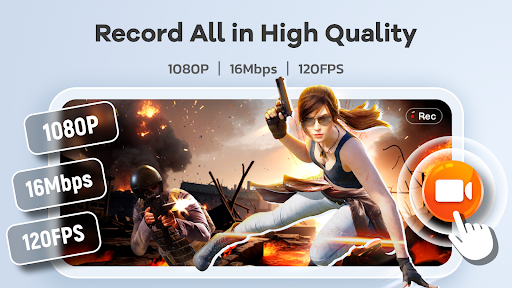
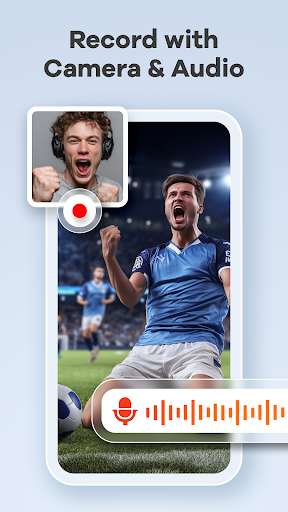
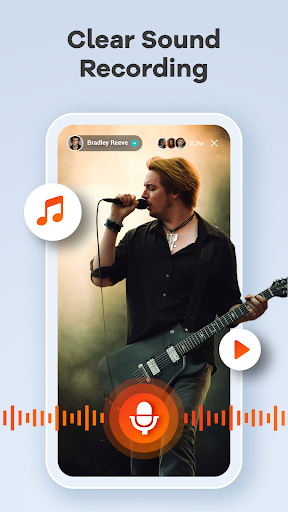
Enjoy crystal-clear videos with support for up to 1080P, 16Mbps, and 120FPS. You can record your screen with or without internal and external audio, perfect for tutorials, gameplay, or video calls.
Advanced Editing Capabilities
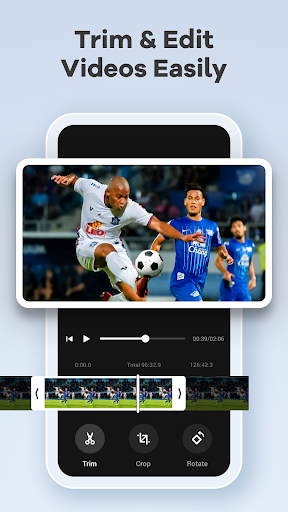
Post-recording, you can quickly trim, crop, and rotate your videos directly within the app. This efficient editing suite allows you to remove unwanted sections, adjust video orientation, or focus on specific content before sharing. The ability to edit videos without third-party tools makes this app especially handy for content creators and professionals.
Interactive and Convenient Features
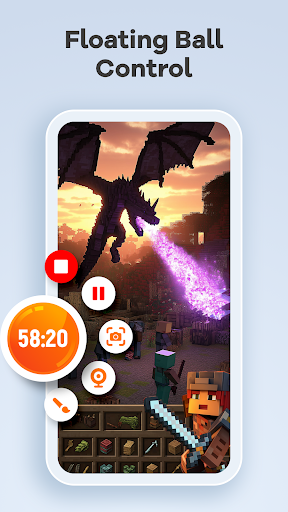
- Floating ball: Control your recording with a single tap, and hide it when not needed.
- Facecam: Add your face in recordings for engaging tutorials, gaming videos, or presentations.
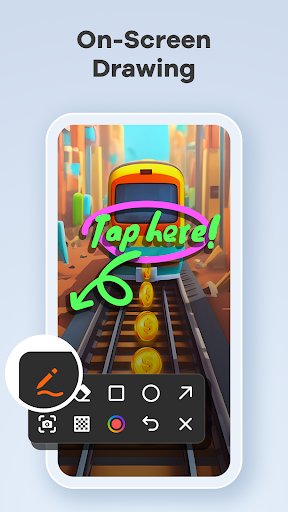
- Brush tool: Draw directly on the screen to annotate or explain concepts in real-time.
- Gesture control: Easily stop, pause, or resume recordings with simple gestures, and take quick screenshots.
The app supports features like orientation selection and countdown timers to enhance user control. Best of all, there’s no time limit or watermark, ensuring your videos stay pristine and professional.
Seamless Sharing and Recording Flexibility
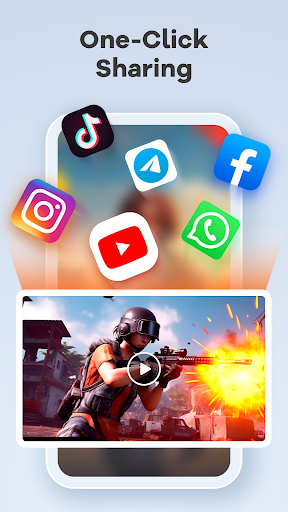
With Screen Recorder Video Recorder, sharing your content is streamlined. You can instantly upload videos to popular platforms such as YouTube or social media with just a click. The app also supports recording live streams or content that cannot be downloaded directly, making it an invaluable tool for content creators and educators alike.
The recorder allows you to customize recording parameters and operation methods to fit your workflow, whether for quick screen captures or detailed tutorials. The intelligent compression technology ensures videos are optimized for size without sacrificing quality, helping conserve device storage.
Moreover, the app’s minimal ad presence and easy-to-use interface make it suitable for casual users and professionals seeking reliable screen recording solutions. From creating educational videos with on-screen annotations to capturing epic gaming moments, Screen Recorder Video Recorder has you covered.
Why Choose Screen Recorder Video Recorder?
This all-in-one screen recorder offers exceptional HD clarity and fluidity, making it ideal for capturing detailed gameplay, tutorials, or important video calls. Its multi-functional editing tools allow you to enhance videos on the fly, and features like facecam and real-time drawing boost engagement and effectiveness.
Designed for ease of use and flexibility, this app is perfect for anyone looking to record high-quality videos without technical hassle. Whether you’re a casual user creating content for fun or a professional producing detailed tutorials, Screen Recorder Video Recorder adapts to your needs with customizable options and intuitive controls.
Download the app today and experience seamless screen recording, smart editing, and easy sharing—making it the ultimate tool for digital content creation and capture. Remember, the recording features are completely free, making it accessible for everyone eager to document their screen activity effortlessly.
Pros
- High-quality video recording
- User-friendly interface
- Supports audio recording
- No watermark on videos
- Free to use with premium features
Cons
- Contains in-app ads
- Limited editing tools
- May drain battery quickly
- Requires Android 5.0+
- Occasional app crashes










