

Copy My Data: Transfer Content
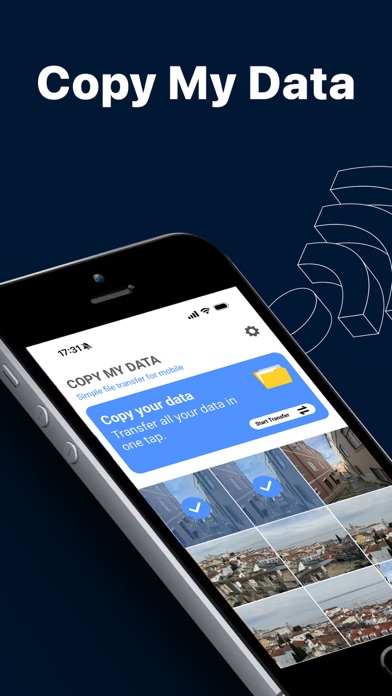
Copy My Data is a powerful application designed to simplify the process of transferring your valuable data from one smartphone to another. Whether you're upgrading to a new device or switching operating systems, this app allows you to seamlessly migrate your information without the need for a computer or complicated setup. Leveraging the convenience of WiFi and QR code technology, Copy My Data ensures that all your essential data—such as contacts, calendars, photos, videos, and music—are securely and quickly transferred, preserving your memories and important information effortlessly.
Key Features of Copy My Data
Wireless Data Transfer Over WiFi
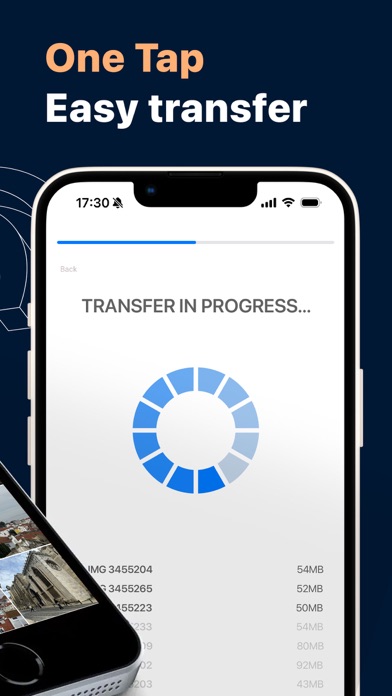
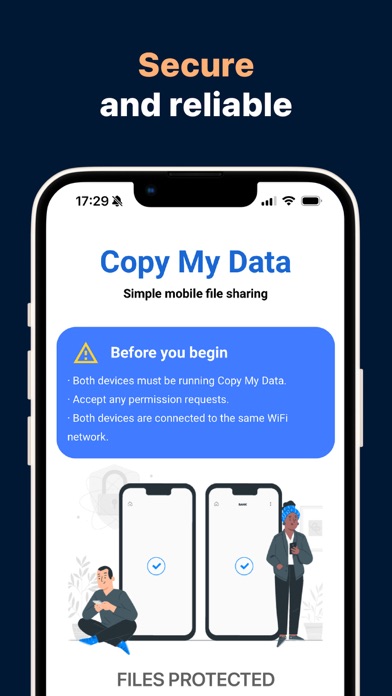
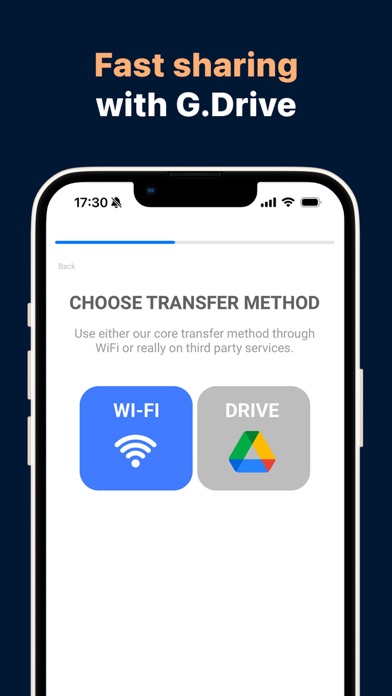
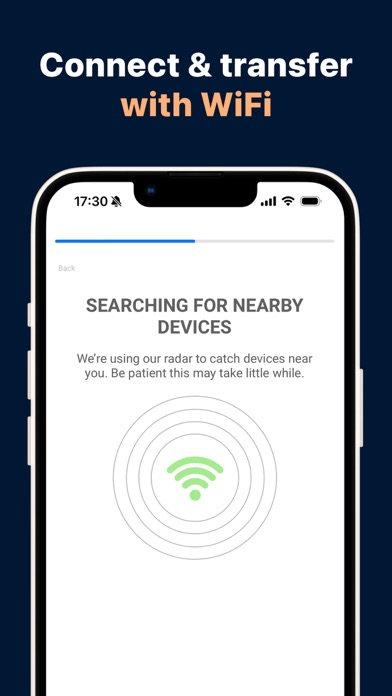
Say goodbye to tangled cables and tedious manual transfers. Copy My Data enables users to transfer content directly between phones over a WiFi connection. By ensuring both devices are on the same network, users can initiate a transfer that feels almost magical, thanks to the app's intuitive interface and efficient transfer speed.
QR Code Connectivity
Connecting two devices has never been easier with QR code scanning. Simply open the app on both phones, scan the QR code provided on the device to be copied, and watch your data begin to transfer wirelessly without any cables or external drives involved.
Comprehensive Data Migration
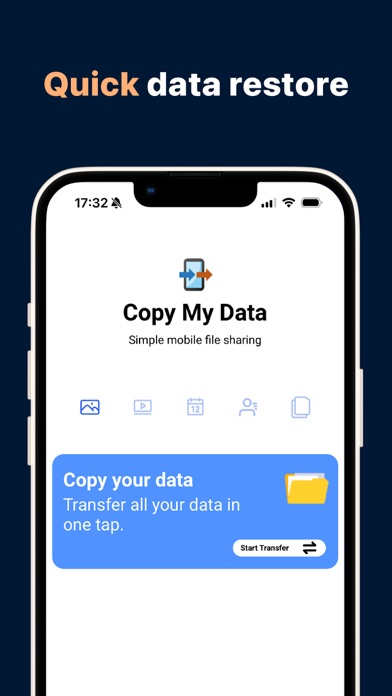
The app supports copying a wide range of data types, including contacts, calendar dates, media files like photos, videos, and music. It ensures that your important information and media are preserved during the transfer process, making your new device feel familiar from the moment you start using it.
Secure and Reliable
Copy My Data emphasizes security, providing a safe environment for transferring your data directly from phone to phone. The entire process is straightforward—simply connect your devices via WiFi, run the app, and let it guide you through each step to ensure a smooth, secure transfer.
Ease of Use and Speed
Designed with user-friendliness in mind, Copy My Data offers a minimalistic interface that requires no technical expertise. The transfer process is quick, often taking less time than making a cup of coffee, especially when transferring bulk files like photos and contacts.
Why Choose Copy My Data?
Transitioning to a new smartphone doesn’t have to be a stressful experience. Copy My Data makes it easy for anyone—tech-savvy or not—to preserve and transfer their important data. It’s especially perfect for those who want to avoid the hassle of cables, cloud backups, or complicated procedures. Plus, the app's clean design is free from ads and unnecessary features, focusing solely on what matters: transferring your data efficiently.
Whether you're switching from Android to iOS or moving within the same platform, Copy My Data guarantees that your personal data, memories, and essential files are safely cloned onto your new device. This app is a practical solution for anyone looking to streamline their device upgrade process, saving time and avoiding potential data loss.
Final Thoughts
In today’s fast-paced world of frequent device updates, Copy My Data stands out as a reliable and user-friendly solution for quick data migrations. Its ability to transfer a broad spectrum of data types securely over WiFi with minimal effort makes it a must-have app for anyone upgrading their mobile device. No cables, no cloud headaches—just simple, efficient data cloning at your fingertips. Download Copy My Data: Transfer Content today and enjoy a hassle-free transition to your new smartphone without losing any important data or memories.
Pros
- User-friendly interface facilitating easy navigation
- Fast and seamless transfer process between devices
- Supports a variety of content types
- No cables or complex setup required
- Compatible with both Android and iOS devices
Cons
- Requires an internet connection for initial setup
- Lacks some advanced features
- Advertisements may interrupt the user experience
- Not ideal for transferring large amounts of data
- May experience occasional connectivity problems










