

Introducing the Ultimate AI-Powered PDF Reader!
Discover the best all-in-one solution for managing your PDF documents with the PDF Reader App : Read All PDF. This innovative app leverages AI technology to provide a seamless experience, enabling you to summarize PDFs, chat with your documents, and convert images to PDFs. Whether you're on the go, at work, or studying, this powerful PDF reader application is designed to make your PDF handling effortless and efficient.
Experience fast and smart document management with features like Text-to-Speech, PDF conversion, and robust PDF editing tools. The app supports quick access to various formats including Docx, Excel, PPT, and Text files, making it your comprehensive document reader.
Designed with user convenience in mind, this all-in-one PDF reader app enhances your productivity by integrating numerous features into a single platform, all with an easy-to-navigate interface. Elevate your PDF experience with tools that cater to both casual users and professionals alike.
Top Features of the PDF Reader App
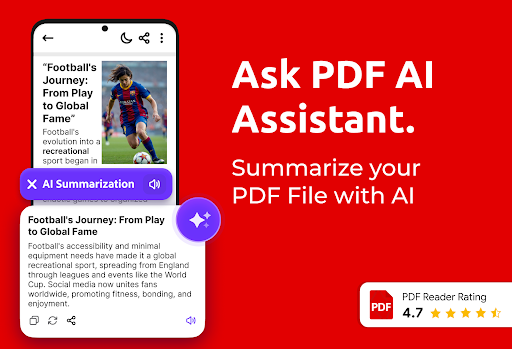
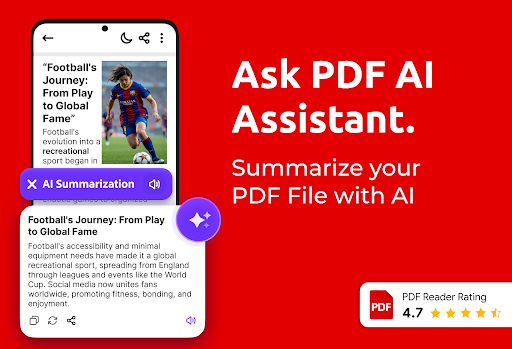
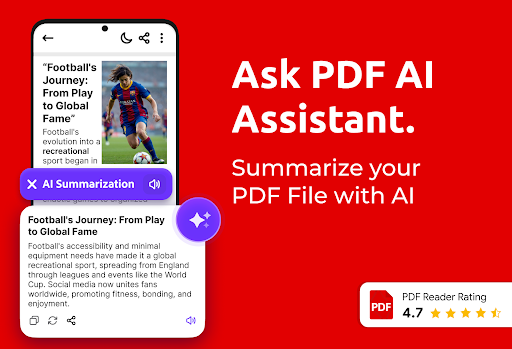
AI PDF Summary
Get instant and concise summaries of lengthy PDF documents. This feature helps you grasp the main points quickly without scrolling through pages, saving you valuable time.
Chat with PDF (AI-powered)
Interact with your PDFs like never before! You can ask questions and explore your documents through a smart chat interface, making complex information easier to understand.
Offline PDF Book Reader
Access and read PDFs anywhere, anytime—even without an internet connection. This feature is perfect for travelers or anyone on the go who needs reliable document access.
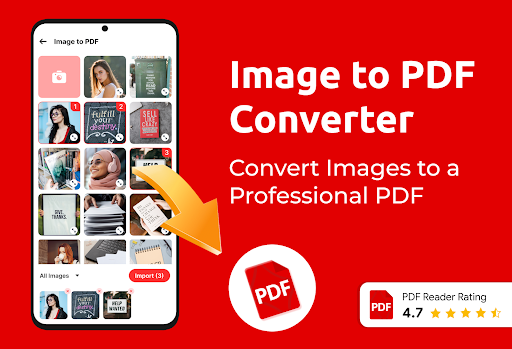
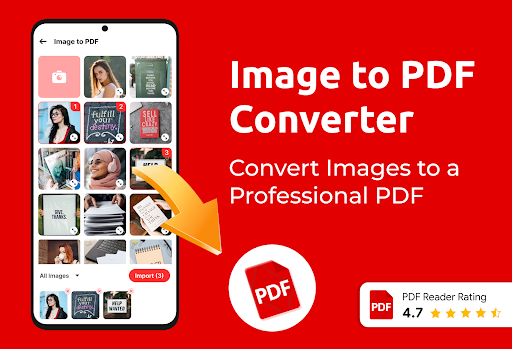
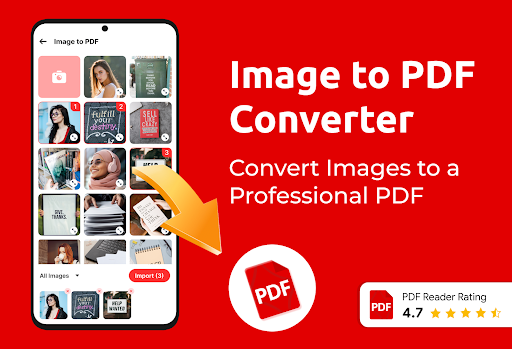
Convert to PDF
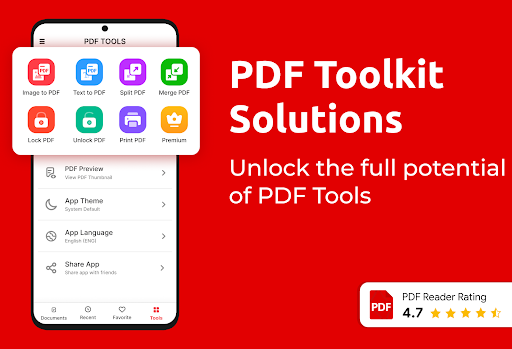
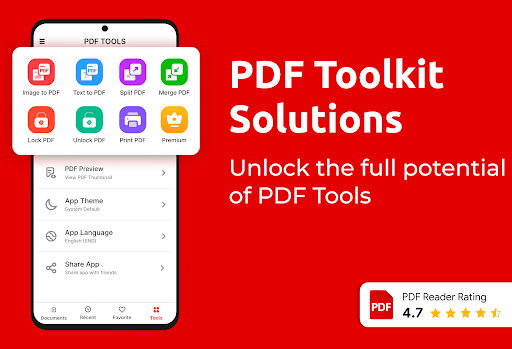
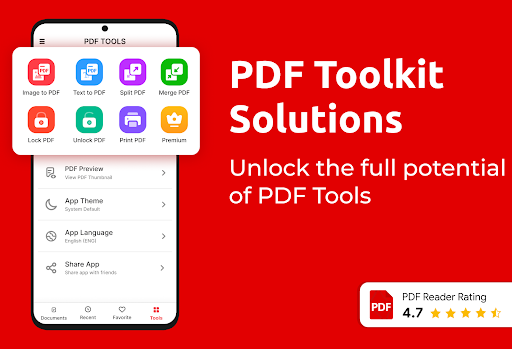
Easily convert images or text files into PDFs using the Image to PDF converter and Text to PDF converter features. This makes it simple to create professional documents from different file formats.
Advanced PDF Tools
Manage your files effortlessly by bookmarking pages, renaming files, and locking/unlocking PDFs for privacy. The app also supports quick access to recently opened files and organized file sorting.
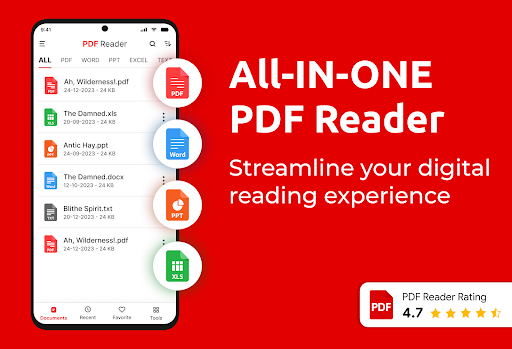
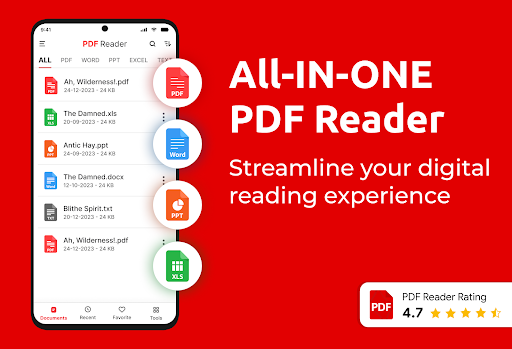
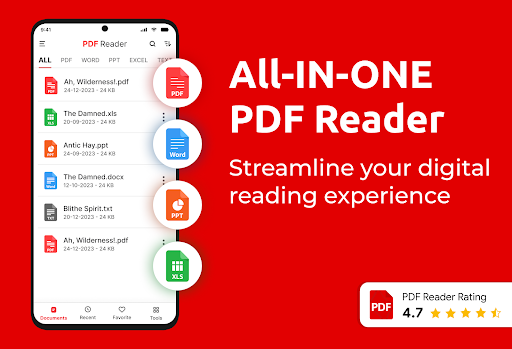
All Document Viewer
This comprehensive document viewer handles not only PDFs but also Word, Excel, PowerPoint, and other office formats, making it an ultimate multi-format reader.
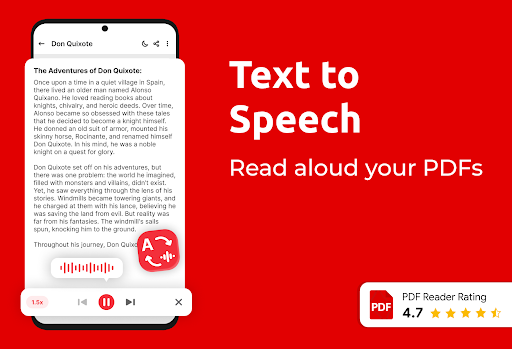
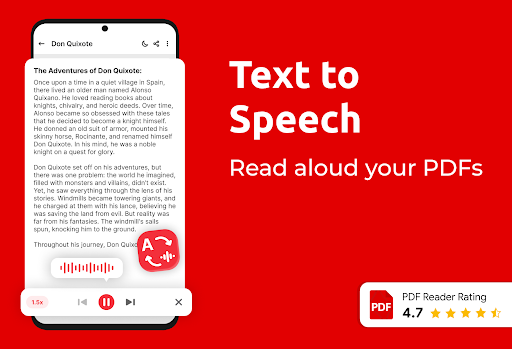
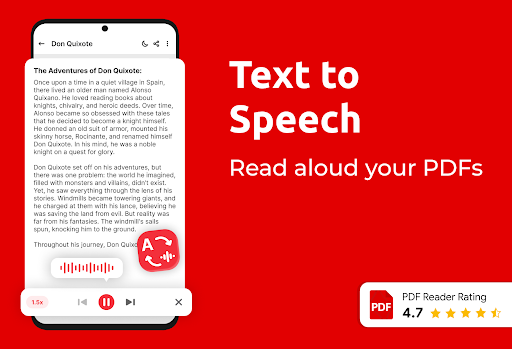
Text-to-Speech & PDF eBook Reader
Enjoy hands-free reading with adjustable Text-to-Speech. The app can read your PDF books aloud, which is ideal for multitasking or reducing eye strain.
Navigation and Organization
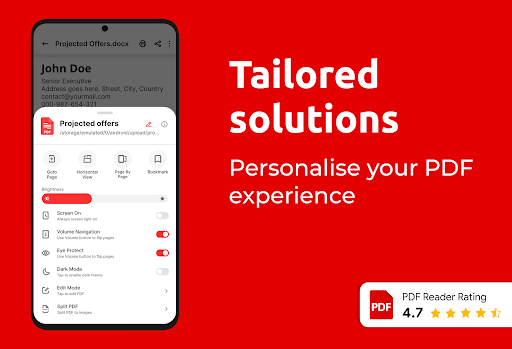
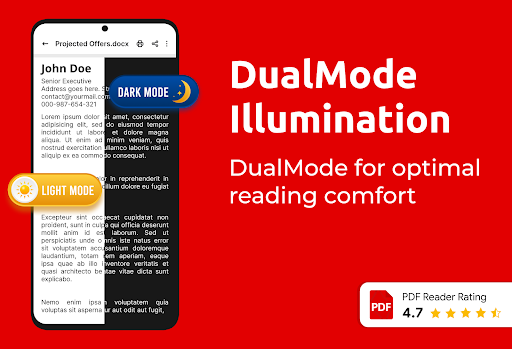
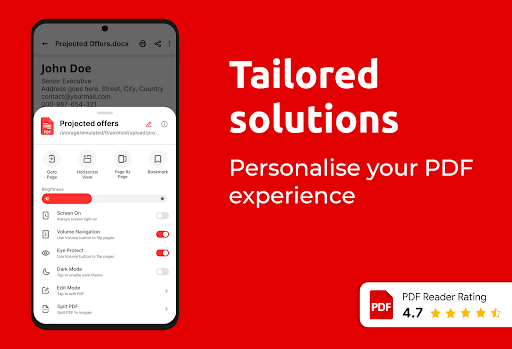
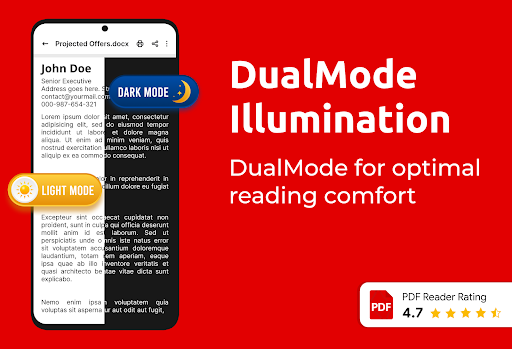
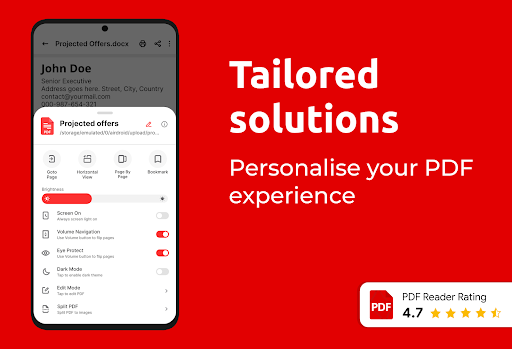
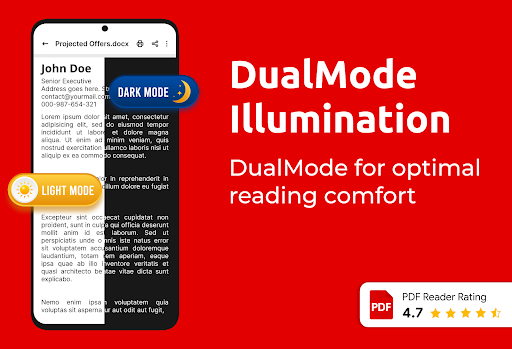
Navigate easily with features such as quick page-by-page navigation, multiple bookmarks, shortcut creation for frequently accessed files, and go-to-page options. The dark and light modes, favorite files, and file sorting help keep your documents organized and accessible.
Essential PDF Tools
Convert images like JPG, PNG into PDFs instantly. Merge and split PDFs, and customize pages by rotating or cropping. The app also supports adding/removing pages and PDF editing for better readability and presentation.
Why Choose "Read All PDF" for Your Mobile PDF Needs?
This feature-rich PDF reader app is designed for ease of use, reliability, and versatility. Whether you’re a student reviewing notes, a professional handling important documents, or someone who wants a compact solution for managing PDFs, this all-in-one PDF tool delivers.
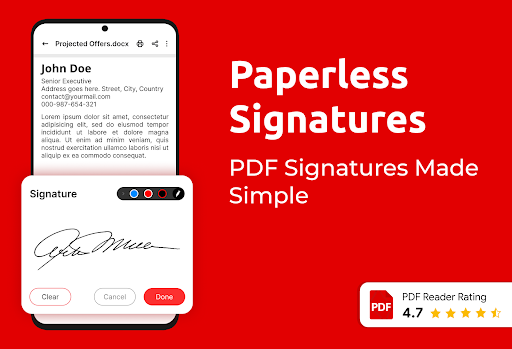
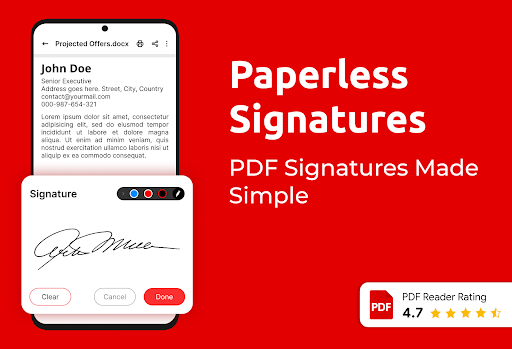
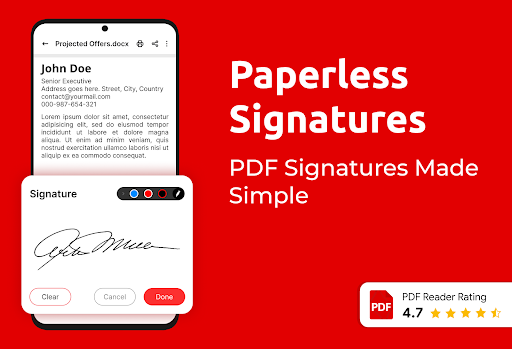
Its intuitive interface ensures a smooth experience, allowing you to quickly access, annotate, and organize your files. The combine and split tools facilitate efficient document management, while the e-signature feature simplifies signing important documents directly from your device.
Enhance your productivity and enjoy multi-format support with this capable PDF reader and converter. Download the "Read All PDF" app today and take command of your digital documents with confidence.
Pros
- Fast loading and rendering of documents.
- Intuitive interface with straightforward navigation.
- Supports a variety of file formats.
- Offline access to saved documents.
- Includes annotation and highlighting features.
Cons
- Advertisements can sometimes be disruptive.
- Free version offers limited features.
- Occasional crashes on older devices.
- Lacks integration with cloud storage services.
- Needs frequent updates to maintain stability.











