


Overview of the TP-Link Tether App
The TP-Link Tether app is a user-friendly mobile application designed to simplify the management of your TP-Link devices, including routers, xDSL routers, and range extenders. Whether you're setting up a new device or monitoring your existing network, Tether offers an intuitive interface that makes network management accessible even for those without advanced technical knowledge. This app is an essential tool for anyone seeking seamless control over their home or small business network, providing features like quick setup, device monitoring, parental controls, and more.
Getting Started with TP-Link Tether
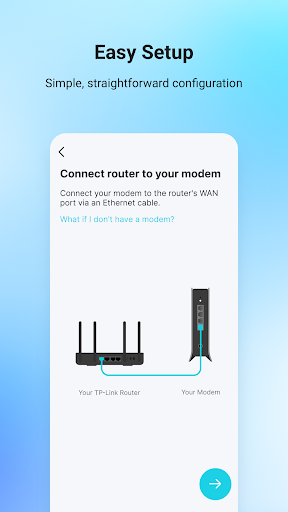
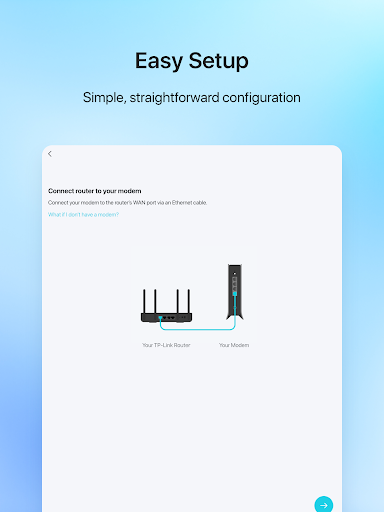
Setting up the TP-Link Tether app is straightforward. Simply download it from your device’s app store—available on both iOS and Android platforms—and open the app to begin the installation process. Upon launching, the app provides step-by-step guidance to connect to your TP-Link device. For new users, the setup process includes configuring the SSID, password, and internet settings such as VDSL/ADSL configurations. This streamlined onboarding ensures that you can connect and manage your network quickly and efficiently.
Key Features and Functionalities
Device Management and Monitoring
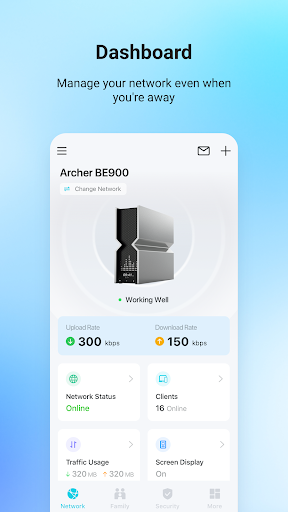
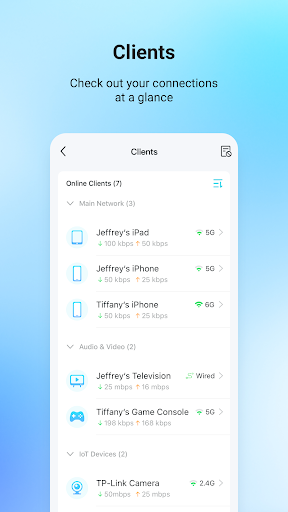
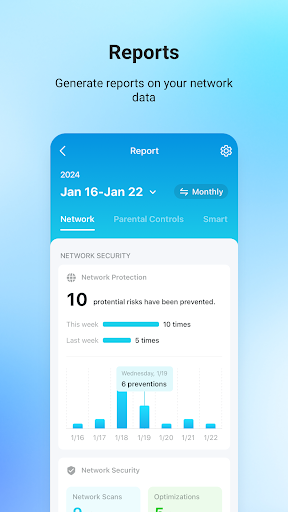
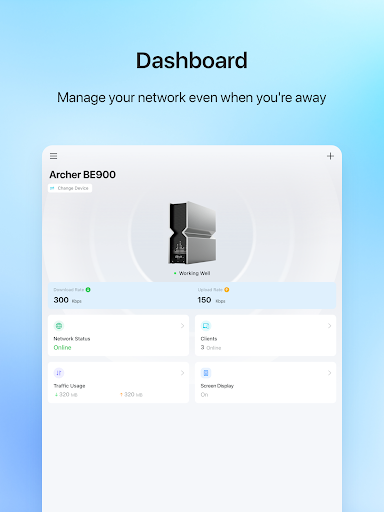
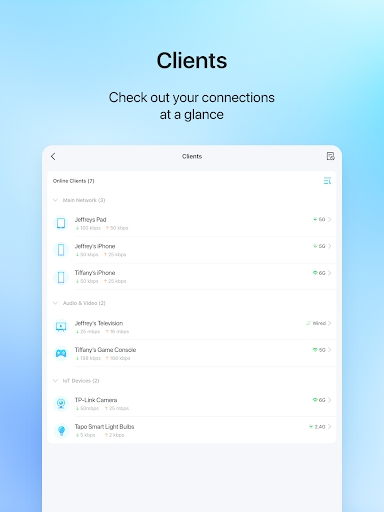
TP-Link Tether allows you to easily view the status of your device, see connected client devices, and manage network privileges—all from your smartphone. The app provides real-time data on each device’s internet usage, enabling you to monitor bandwidth consumption and identify any devices that might be hogging your connection.
Network Security and Parental Controls
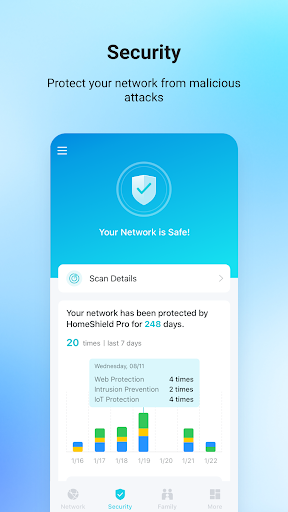
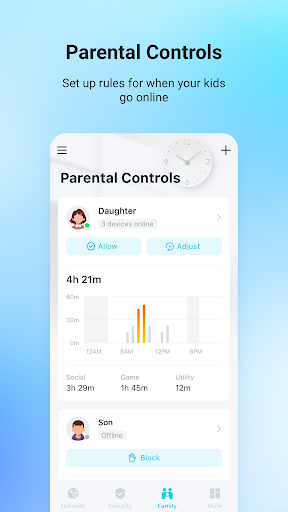
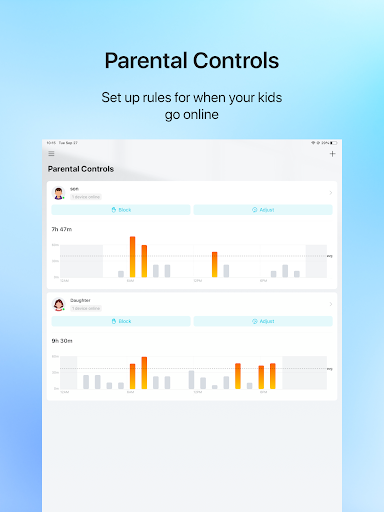
With built-in security features, you can block unauthorized users from accessing your network, ensuring your internet remains private and protected. The parental control feature is particularly useful for families; it allows scheduling internet access and URL-based filtering to restrict inappropriate content, giving you peace of mind while managing children’s online activities.
Network Optimization
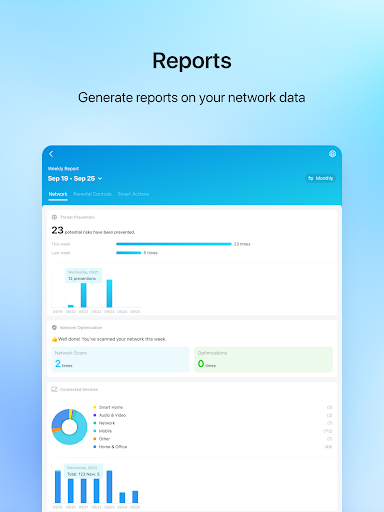
The app helps you optimize your network setup by allowing you to find the best location for your range extender, improving Wi-Fi coverage throughout your space. Additionally, you can customize device permissions, create guest networks, and manage multiple TP-Link devices simultaneously—making it easy to keep your network organized and secure.
Additional Convenience Features
Other handy features include automatically turning off LEDs at scheduled times to reduce light pollution and managing device access with simple controls. The app’s sleek, user-friendly interface ensures that all these features are accessible and straightforward to use.
Compatibility and Support
TP-Link Tether supports a broad range of TP-Link routers and extenders, with ongoing updates to add support for new devices. For guidance on identifying hardware versions, users can refer to this FAQ page. Firmware upgrades are recommended to ensure optimal performance; you can download the latest firmware from the official support page. Note that the app does not work when connected to a guest network for security reasons, and if you encounter issues, TP-Link's support services are readily available.
Final Thoughts
Overall, the TP-Link Tether app is an excellent tool for anyone seeking convenient, comprehensive control over their home network. Its combination of ease-of-use, powerful features, and reliable performance makes it suitable for both tech novices and experts alike. Whether you want to perform quick setups, monitor your network, or enforce parental controls, Tether delivers all these functionalities through a clean and intuitive interface. Installing and exploring this app could transform how you manage your Wi-Fi network, making it more secure, efficient, and accessible.
Pros
- User-friendly interface for simple setup
- Compatible with various TP-Link devices
- Provides real-time network management
- Includes parental controls for safe browsing
- Allows remote access to your network
Cons
- Limited options for advanced settings
- Occasional connectivity problems
- Requires a TP-Link account to use the app
- Ads may sometimes be intrusive
- Does not support devices from other brands











