

Discover EPIK - AI Photo & Video Editor: Your Creative Editing Companion
Get ready to dive into the world of creative editing with EPIK - AI Photo & Video Editor. Whether you're an aspiring photographer, content creator, or simply someone who loves tweaking images and videos, this app offers a comprehensive suite of tools powered by advanced AI technology. Designed to be intuitive and accessible, EPIK makes professional-quality editing achievable for everyone. Let's explore the key features that make EPIK a standout app in the realm of multimedia editing.
Powerful Photo Editing Tools with AI Assistance
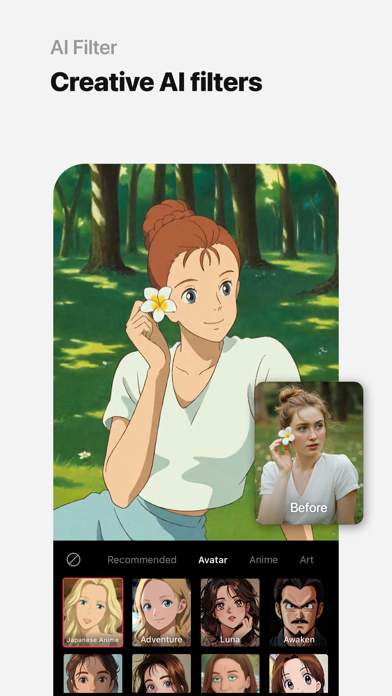
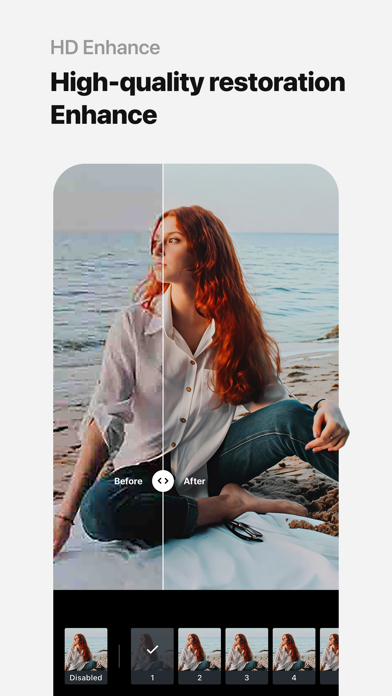
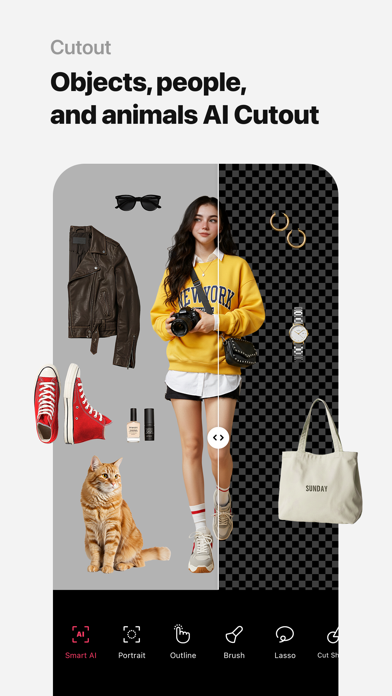
At the core of EPIK lies a powerful set of photo editing capabilities enhanced by AI tools. These features enable users to effortlessly improve photo clarity, resolution, and overall appearance. The Enhance function boosts image quality, making your photos sharp and vibrant. With the AI skin correction, blemishes and imperfections are seamlessly retouched, giving you natural, polished portraits. The Smart AI cutout feature allows precise separation of figures, objects, and even animals, perfect for creating composites or removing backgrounds effortlessly. Want to create artistic effects? The AI filter provides a range of styles and customizable options to transform your images into unique visual narratives.
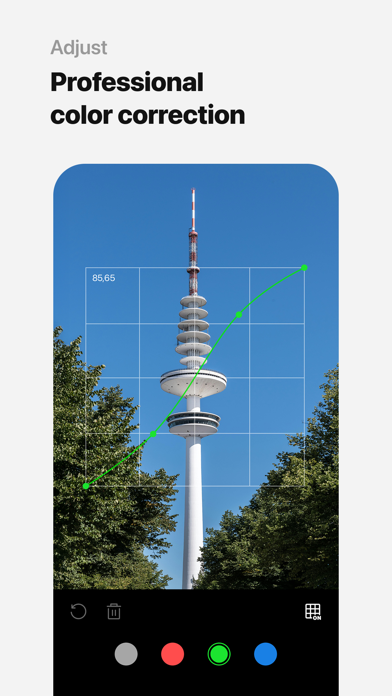
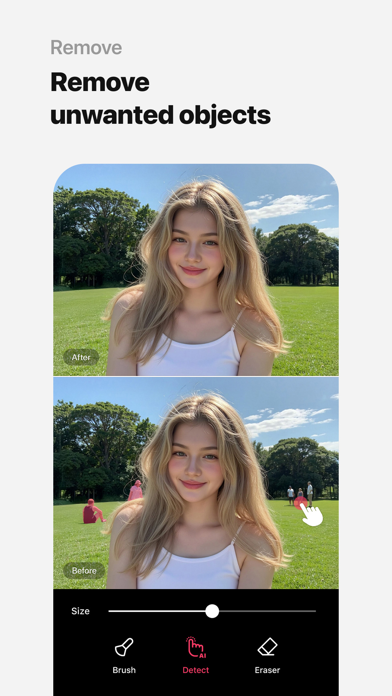
Beyond AI-driven effects, professional editing tools give you detailed control over color and tone. Adjustments like HSL, Curves, Split Tone, and Selective editing let you fine-tune hues and highlights to match your desired mood. Creative effects such as Lux, Texture, Grain, Brilliance, and Vignette help craft distinct atmospheres in your photos. The app also supports essential adjustments like Crop, Rotate, Mirror, Flip, and Perspective, as well as resolution tuning for perfect composition. Batch editing allows you to apply these adjustments to multiple photos simultaneously, saving time and ensuring consistency. Additionally, tools like Patch and Clone facilitate natural retouching of specific areas within an image.
Perfect Portraits with Advanced Features
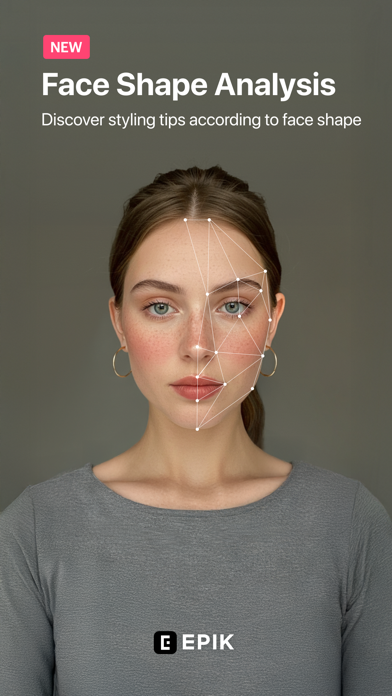
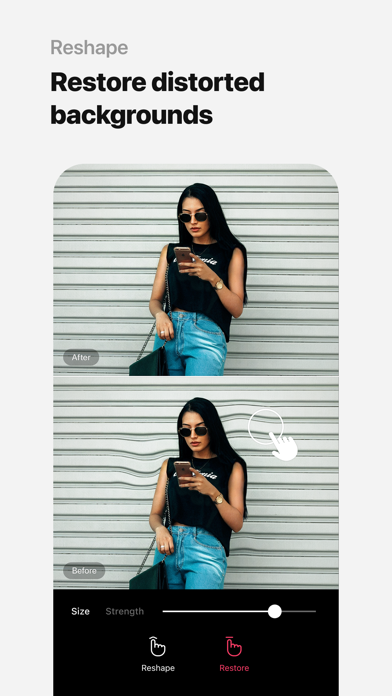
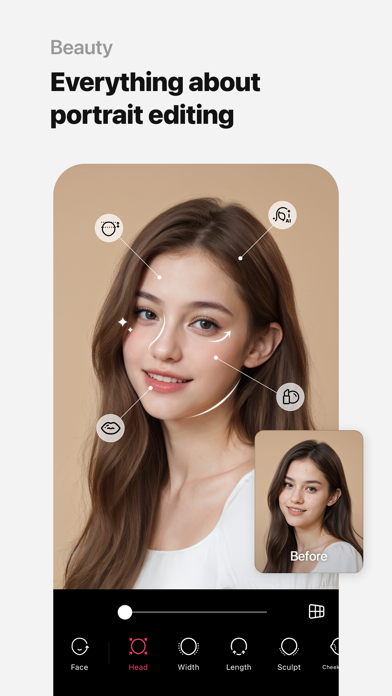
EPIK excels in creating stunning portraits with its suite of dedicated tools. The Looks feature offers a one-tap solution for skin retouching, makeup application, face tuning, and filters, simplifying the process of achieving a flawless look. For finer control, you can erase wrinkles, blemishes, and smooth skin while keeping the complexion natural. Reshaping the face or adjusting facial perspective is straightforward, with options like Reshape, 3D Face, Mirror correction, and individual Left-Right Adjustment. These tools ensure you can fine-tune every facial feature for a more harmonious appearance. Creative professionals can experiment with styles, paint, and fine-tune options to achieve personalized looks. The body adjustment tools, including Body, Length, help you sculpt the perfect physique or pose—ideal for full-body photography. Hair color and hairstyle transformation features let you see your face with various hairdos and colors, making your portraits stand out.
Trendy Content Creation Made Easy
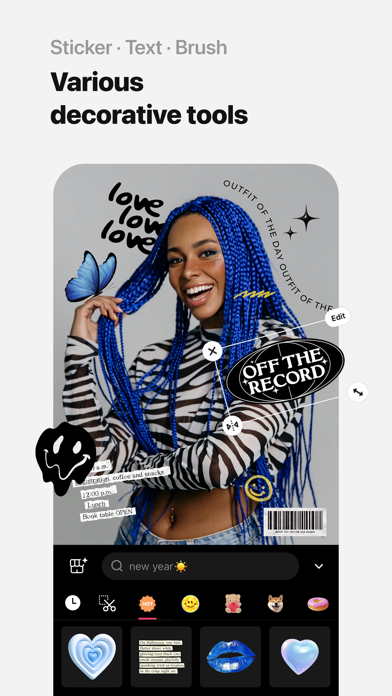
To keep up with social media trends, EPIK offers a range of features to make your content more engaging. Use stylish Filters, Effects, Relight, and customizable stickers, text, and drawings to add a personal touch. Incorporate Time Stamp markers to record special moments or create Templates from thousands of options for quick editing. Whether you're enhancing photos for Instagram or preparing videos for TikTok, these tools help you craft trendy, eye-catching content effortlessly.
Creative Tools for Unique Visual Projects
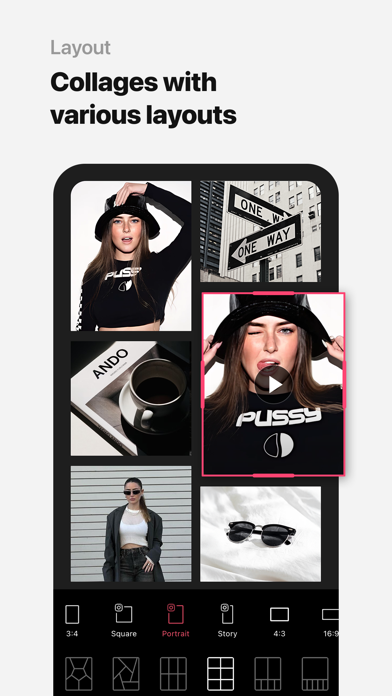
EPIK’s creative tools foster limitless expression. Generate AI Collages by combining photos in various layouts, or highlight specific colors using Spot Color. Apply mosaic and blur effects to add artistic flair or privacy. The Cutout and Separate features enable smart cropping and background removal, ideal for crafting composite images. Custom backgrounds and pattern creation allow you to design distinctive visual themes. For those seeking highly personalized edits, create exclusive stickers and filters, making your edits truly one-of-a-kind.
Video Editing Features for Dynamic Content
Beyond images, EPIK offers robust video editing capabilities. The app simplifies creating captivating videos with features like Video Mosaic, which supports automatic figure tracking for smooth transitions. The Retro Clip tool makes creating vintage-style videos quick and easy. You can also perform natural face retouching directly in videos with Video Face Edit, ensuring seamless and realistic enhancements. The integrated library of royalty-free background music completes your videos, allowing you to add emotion and professionalism without copyright concerns.
Seamless User Experience and Support
EPIK is designed to deliver a smooth and efficient user experience. The app operates swiftly even with high-resolution files, thanks to optimized performance. Comprehensive tutorials are available to help users maximize each feature, making advanced editing accessible even for beginners. Whether working on a quick social media post or a complex project, EPIK’s clean interface and organized layout ensure you find the right tool quickly.
Final Verdict: The Ultimate Creative Editing App
In summary, EPIK - AI Photo & Video Editor is a versatile and powerful application that seamlessly combines AI technology with professional editing tools. Its user-friendly interface caters to all skill levels, offering quick fixes and detailed adjustments alike. Whether you want to enhance portraits, craft trendy visuals, or produce engaging videos, EPIK delivers professional results in a few taps. If you're seeking an all-in-one editing solution that fuels your creativity and simplifies complex tasks, EPIK is definitely worth downloading and exploring.
Pros
- Intuitive interface simplifies editing process
- Extensive selection of filters and effects
- Produces high-quality photos and videos
- Compatible with multiple file formats
- Receives regular updates with new features
Cons
- Premium features require in-app purchases
- Occasional advertisements may interrupt workflow
- Large application size consumes considerable storage space
- Some features depend on stable internet connectivity
- Free version offers limited functionality











