

Discover the Power of TeamViewer QuickSupport
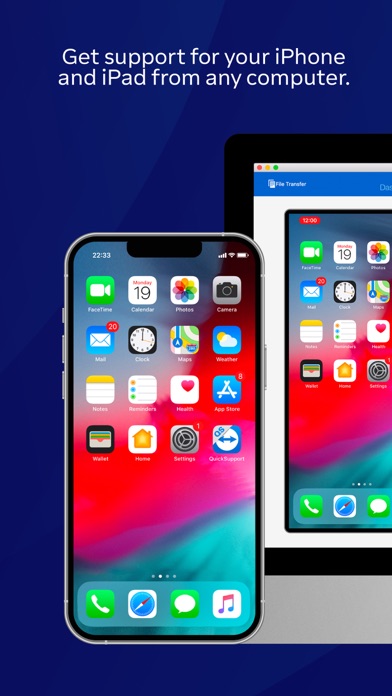
Are you tired of struggling with technical issues on your device and wishing for immediate help? Look no further than TeamViewer QuickSupport, a versatile app designed to connect you with trusted remote assistance quickly and securely. Whether you're using a smartphone, tablet, Chromebook, or Android TV, this innovative application transforms your device into a support-ready platform, enabling seamless remote management and troubleshooting.
Intuitive and Effortless Setup
Getting started with TeamViewer QuickSupport is a breeze. Simply download the app from your preferred app store—no complicated setup processes or technical jargon involved. All you need is a stable internet connection, and you're ready to go. Once installed, the lightweight interface ensures a user-friendly experience, allowing even those with minimal tech experience to initiate remote support sessions effortlessly. In just a few taps, you're prepared to receive assistance from your trusted remote partner.
Robust Features for Comprehensive Device Support
One of the standout qualities of TeamViewer QuickSupport is its extensive range of features crafted to make device management convenient and secure. Some of the key capabilities include:
Trusted Connections and Security
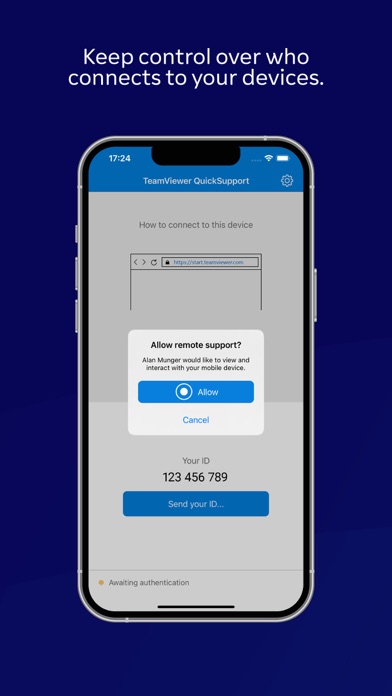
Every connection is protected with 256 Bit AES Session Encoding, ensuring that your data remains private and secure. You maintain control over who can access your device, as all requests require explicit permission. The app displays detailed user information—such as name, email, country, and license type—so you can verify identities before granting access.
Flexible Remote Control and Device Management
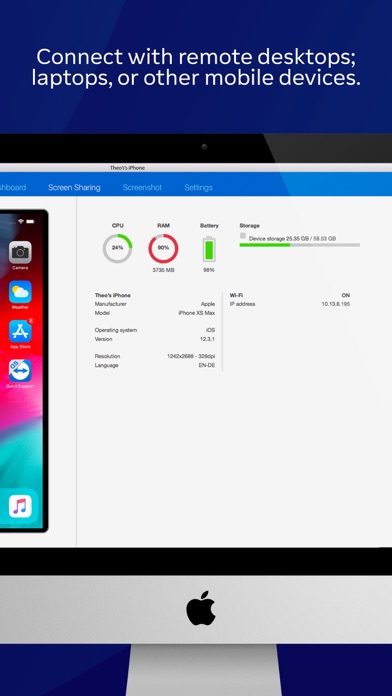
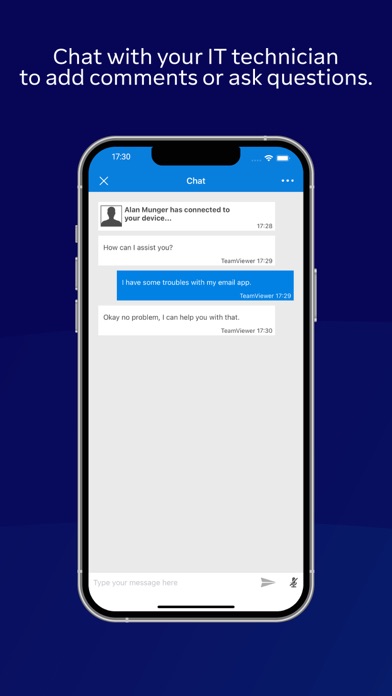
With remote control functionalities, your remote support agent can view your device’s screen, transfer files, troubleshoot issues in real-time, and even guide you through various procedures. Other features like chat, viewing device info, managing apps (start/uninstall), and adjusting Wi-Fi settings further enhance the support experience. The app also offers system diagnostics, screenshots, and clipboard management for a comprehensive support toolkit.
Convenient Connectivity Options
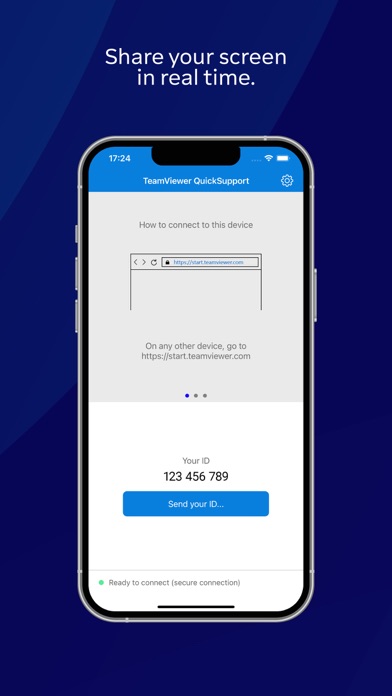
Connect quickly using session codes, share your unique ID, or click on a personalized link sent by your support partner. The app supports multiple devices and platforms, including popular brands like Samsung, Nokia, Sony, Huawei, LG, ZTE, and more, ensuring universal compatibility for your convenience.
Customizable User Experience
Additional features such as Dark Mode for low-light environments, screen rotation, and real-time diagnostics make the support process even smoother. The app’s design focuses on user comfort, security, and versatility, making it suitable for both personal use and small business support.
How to Get Started — Quick and Simple
Using TeamViewer QuickSupport is as straightforward as it gets:
- The support partner sends you a personalized link to download the app.
- Open the QuickSupport app on your device.
- Accept the prompt to join the remote session created by your partner.
- Once accepted, the remote support begins seamlessly, enabling your technician to assist you in real-time.
Why Choose TeamViewer QuickSupport?
Imagine having a tech-savvy friend right in your pocket, ready to resolve your device issues at any moment. Whether you’re troubleshooting a stubborn glitch, learning how to use a new app, or guiding a loved one through technical steps, TeamViewer QuickSupport simplifies the process. Its emphasis on security, ease of use, and cross-platform compatibility makes it an essential tool for anyone seeking efficient remote technical support.Next time you encounter a tricky device problem, remember—help is just a few taps away. With TeamViewer QuickSupport, mastering your tech doesn't have to be a hassle. It’s the smart, secure way to stay connected and in control of your digital world.
Pros
- Easy remote access setup
- Supports multiple platforms
- Real-time screen sharing
- Secure connection protocols
- Intuitive user interface
Cons
- Requires stable internet connection
- Limited features available in the free version
- May experience lag on slow networks
- Relies on the host application
- Occasional connectivity problems
You May Like

Google Assistant
Productivity
4.7
Google Calendar
Productivity
4.5
Microsoft OneDrive
Productivity
4.7
CamScanner- scanner, PDF maker
Productivity
4.7
Adobe Acrobat Reader: Edit PDF
Productivity
4.7
Microsoft OneNote: Save Notes
Productivity
4.6
WPS Office-PDF, Word, Sheet
Productivity
4.5
HP Print Service Plugin
Productivity
4.1
AI Chatbot - Nova
Productivity
3.8
Grammarly-AI Writing Assistant
Productivity
4.7
VPN Proxy Speed - Super VPN
Productivity
4.7
Grok • Smartest AI Advisor
Productivity
4.8