


Introduction to Video Downloader HD - Vidow
If you're a video enthusiast who loves downloading videos from various platforms for offline viewing, Video Downloader HD - Vidow is the perfect app for you. This powerful application offers a seamless way to save your favorite clips, music videos, tutorials, and social media content directly to your device, ensuring you never miss out—even without an internet connection. Whether you're looking to binge-watch a series during a commute or store memes for endless laughter, Vidow makes downloading videos simple, fast, and efficient.
Key Features of Video Downloader HD - Vidow
User-Friendly Interface
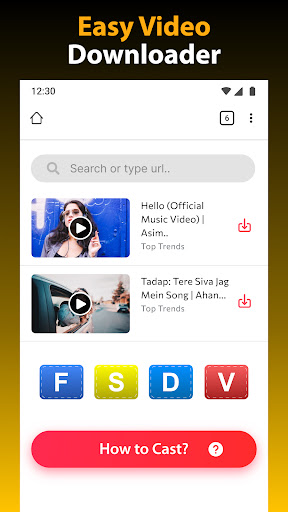
The app’s intuitive design ensures that even users with minimal technical experience can navigate it effortlessly. You just open the app, paste your desired video URL, and tap Download. No complicated steps or confusing menus—just a straightforward process to start building your offline video library.
Supports Multiple Video Formats
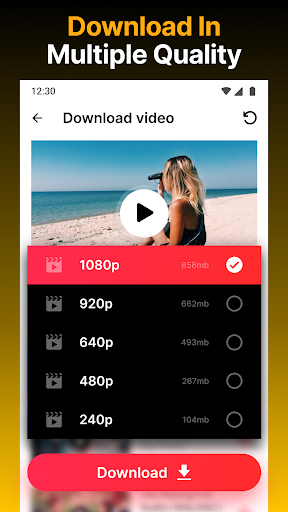
With support for all download formats like m4a, m4v, mp4, avi, mov, txt, doc, xls, pdf, and more, Vidow offers versatility to match your needs. This allows you to choose the optimal format for your device or usage scenario, whether it’s high-quality HD videos or smaller file sizes for easier sharing.
Fast and Efficient Download Speeds
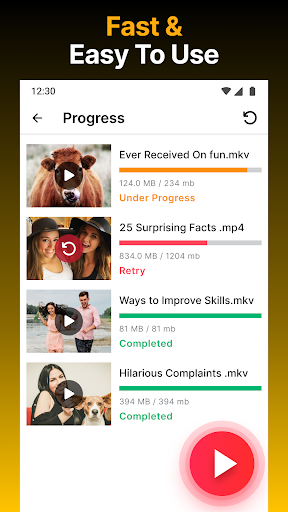
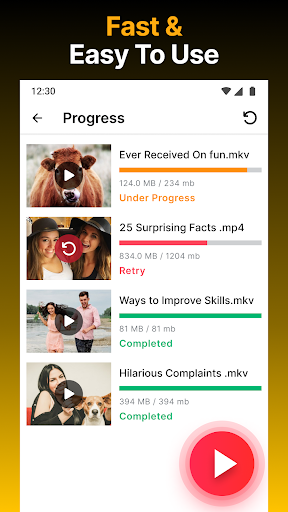
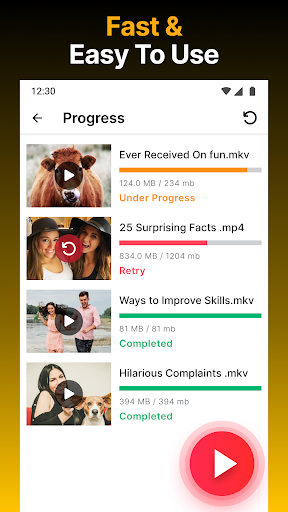
One of the standout features is the app’s ability to download videos quickly. Thanks to an integrated download manager, multiple videos can be queued and downloaded simultaneously without lag. Whether it’s 4K videos or standard clips, Vidow ensures minimal waiting time, making it ideal for users who want super-fast downloads every time.
Support for Social Media Platforms
Vidow excels at grabbing videos from popular social media sites like Facebook, Instagram, TikTok, Twitter, Vimeo, Dailymotion, and more. The app's auto-detect feature allows it to identify videos on webpages instantly, enabling quick downloads without the hassle of copying links manually.
Offline Viewing and Media Management
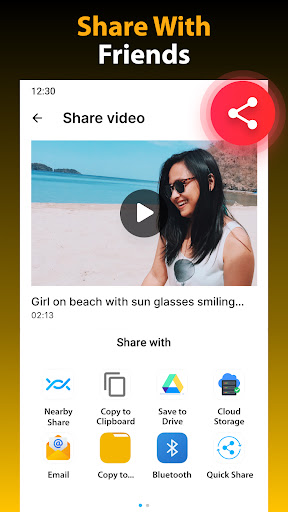
Once downloaded, you can enjoy your videos offline using the built-in media player. The app also provides an organized download history, so you can easily revisit your saved content. Additionally, features like renaming, sharing, deleting, and bookmarking make managing your media collection hassle-free and tailored to your preferences.
Privacy and Background Downloads
For users concerned about privacy, Vidow offers a private browser mode that facilitates private video downloading. You can browse and download videos securely, even support password protected folders. The background downloading feature allows you to continue downloading videos even when the app is minimized or the device is locked.
Additional Capabilities
Beyond basic downloads, Vidow supports batch downloading of Twitter videos, media clips from multiple sites, and the ability to save videos from private sources via proxy or VPN. The built-in video player makes previewing and watching videos straightforward, and the file manager helps you organize and optimize your media files quickly.
How to Use Video Downloader HD - Vidow
Getting started with Vidow is simple:
- Open the app and navigate to the built-in browser.
- Visit your favorite social media site or content platform.
- Play or locate the video you want to download.
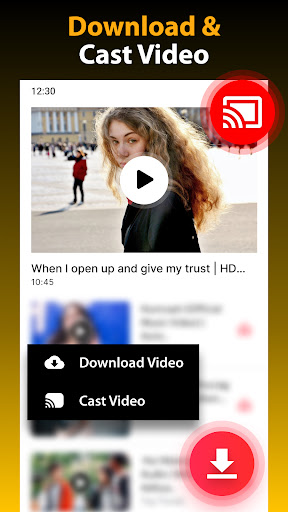
- The app will auto-detect available videos—just tap Download.
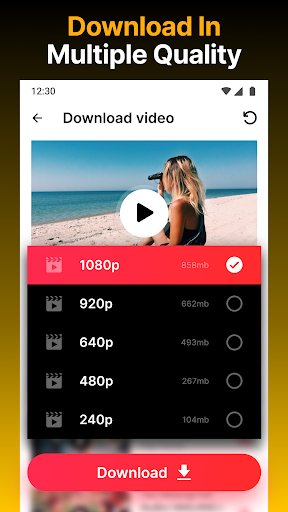
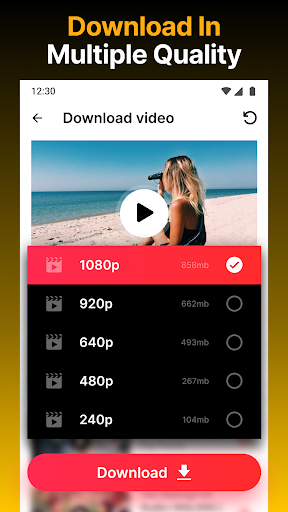
- Select your preferred format and resolution.
- Enjoy fast download speeds and access your videos offline anytime.
With support for multi-threading and background download, your videos are saved efficiently without hassle, making Vidow the best choice for managing your digital media collection.
Final Thoughts
If you're seeking a reliable, fast, and feature-rich video downloader, Vidow is an excellent option. Its capability to download videos from over 1,000 sites and support for private browsing sets it apart from many competitors. Whether it’s enjoying HD videos offline, managing media files with ease, or downloading content from social networks, Vidow covers all your needs. Remember to respect copyright rules and platform policies while using the app to support content creators responsibly.
Download Video Downloader HD - Vidow today and take your offline entertainment experience to the next level!
Pros
- Supports various video formats
- Rapid download speeds
- Intuitive and easy-to-use interface
- Free to use with optional in-app purchases
- Enables downloads in the background
Cons
- Contains advertisements
- Limited editing capabilities
- Requires an internet connection to function
- May not support all websites
- Occasional bugs have been reported










