





Introducing Chrome Beta for Android: Experience Cutting-Edge Browsing
Welcome to the world of Chrome Beta for Android, the latest test version of Google’s popular web browser. Designed for technology enthusiasts and early adopters, Chrome Beta offers a sneak peek into the future of web browsing. By installing Chrome Beta alongside your current browser, you can explore new features before they become mainstream, giving you a competitive edge and a more dynamic browsing experience.
Preview the Latest Features and Provide Early Feedback
One of the main benefits of using Chrome Beta on Android is the ability to preview the newest features. This experimental version allows users to test upcoming functionalities that may still be in development. Keep in mind, since it’s a beta version, some features might feel a little rough around the edges. Your feedback is crucial during this phase, as it helps developers refine the browser and ensure that the final release is polished and optimized.
Why Choose Chrome Beta? A Glimpse into the Future of Browsing
Google Chrome has long been a leader in the browser industry, and Chrome Beta for Android offers a unique opportunity for users eager to experience innovations firsthand. The beta version acts as a sneak peek into the future of web browsing, showcasing new updates, experimental features, and performance improvements before they reach the wider public. If you’re passionate about staying on the cutting edge of technology, Chrome Beta is an indispensable tool for trying out the latest advancements in browser technology.
Blazing Speed and Enhanced Performance
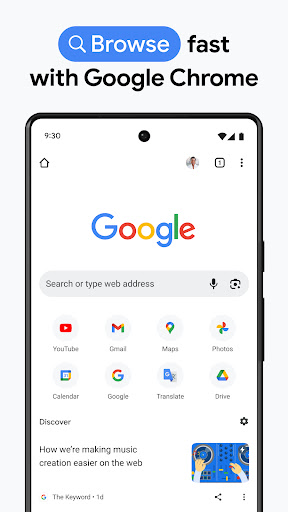
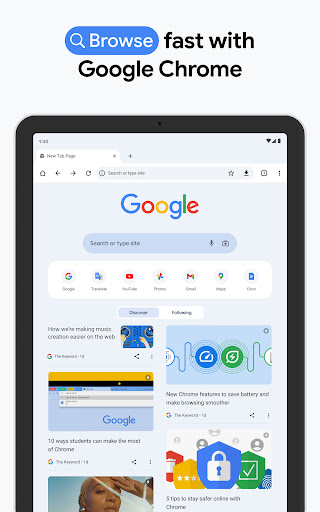
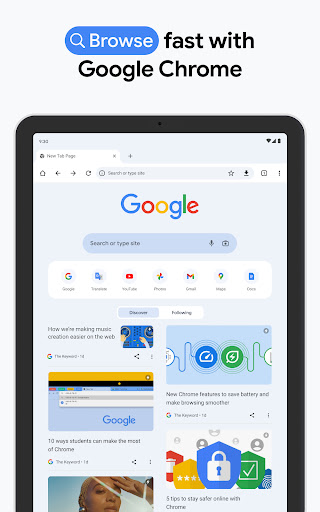
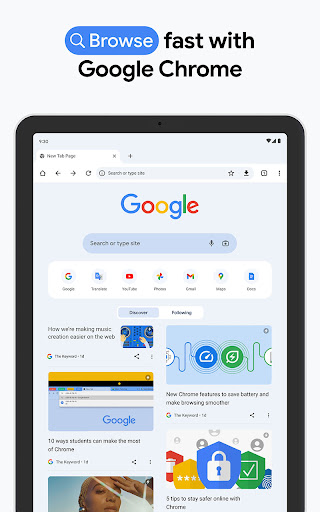
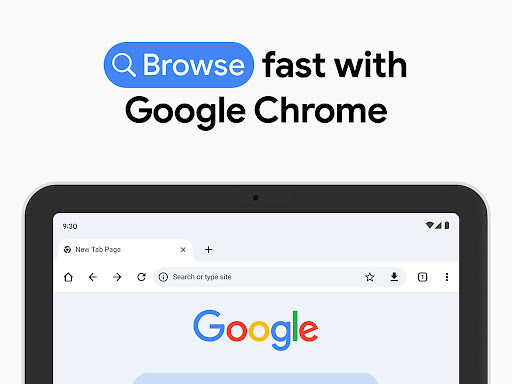
One of the standout qualities of Chrome Beta is its exceptional speed. Users often notice how quickly pages load, providing a smooth and seamless browsing experience. Google's team invests heavily in performance optimization, ensuring that even when managing multiple tabs or streaming videos, the browser feels responsive and efficient. This speed enhancement is vital for those who rely on mobile browsing for work, entertainment, or staying connected.
Intuitive User Interface and Usability Improvements
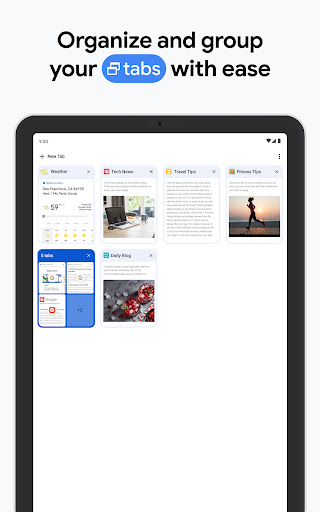
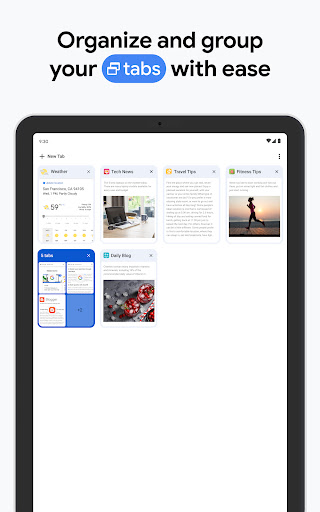
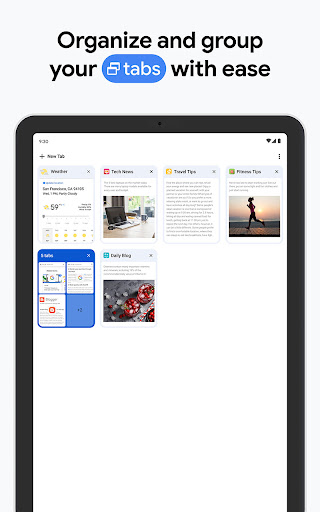
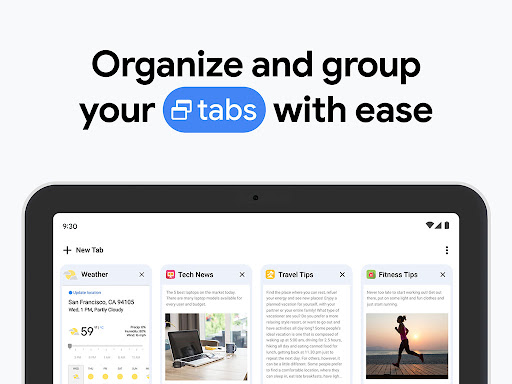
The user interface in Chrome Beta remains consistent with the familiar clean and simple design of classic Chrome browsers. However, it also introduces UI tweaks under experimentation. These subtle changes aim to improve usability, such as refined tab management that makes switching between multiple open pages easier and more intuitive. These enhancements ensure that users can navigate their browsing environment effortlessly while enjoying the latest UI innovations.
Enhanced Security and Privacy Features
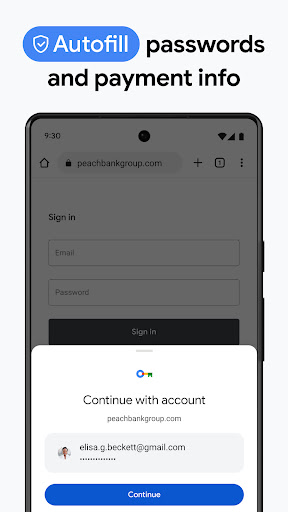
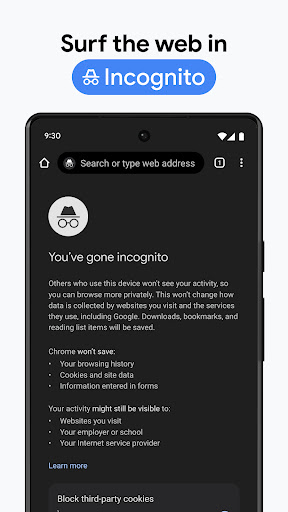
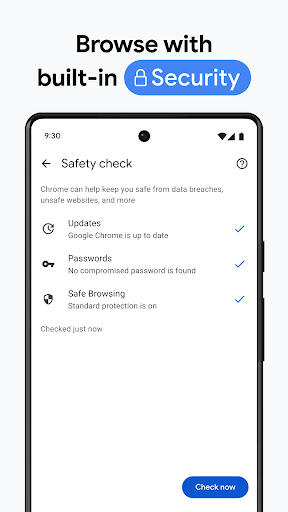
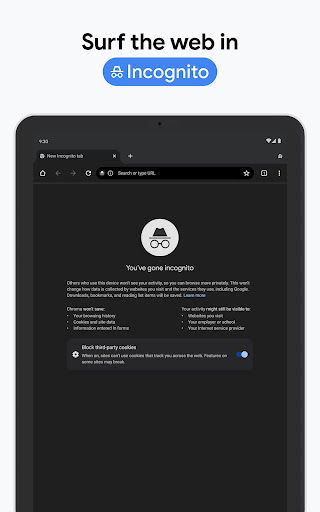
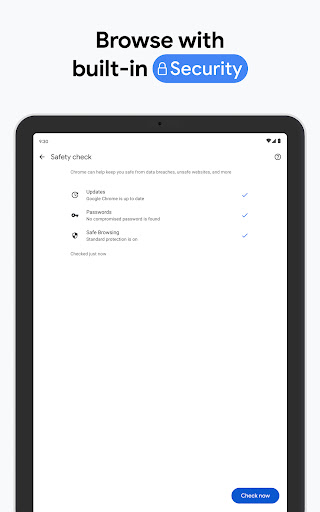
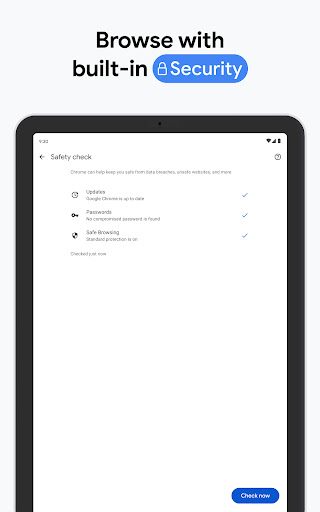
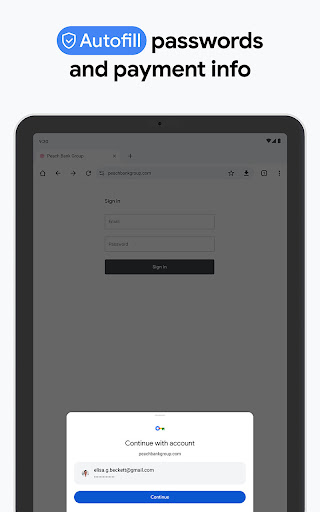
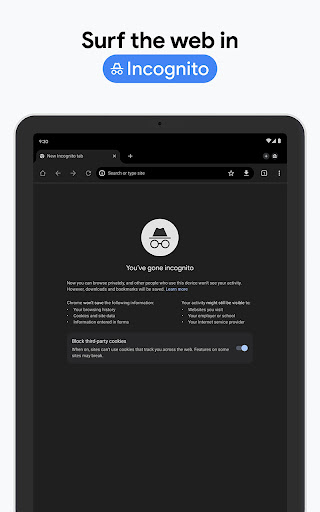
Security is a top priority for any web browser, and Chrome Beta for Android doesn’t fall short. It includes all the trusted security features of the stable Chrome release, with additional improvements aimed at safeguarding your personal information and protecting you from malicious sites. Continued updates and innovative security measures ensure that your browsing remains safe and private, even as new threats emerge.
Access to Experimental and Innovative Features
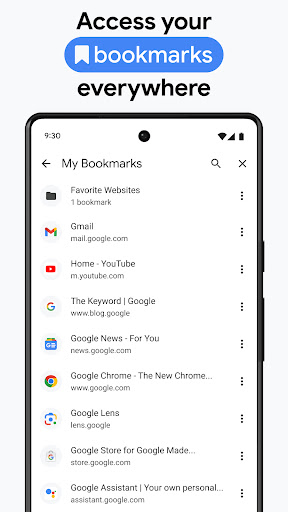
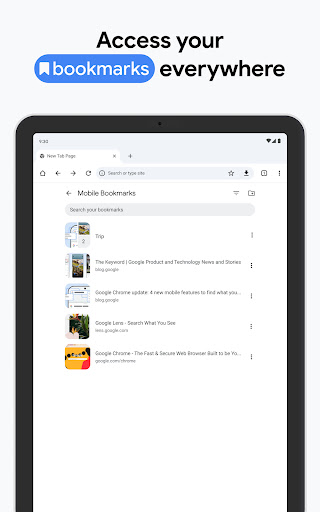
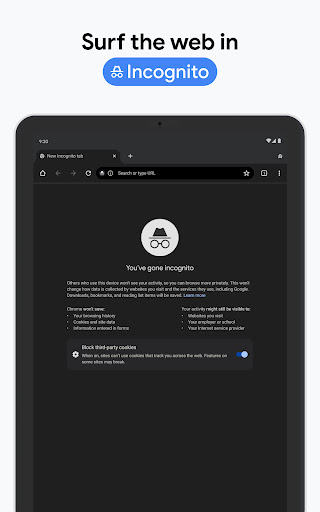
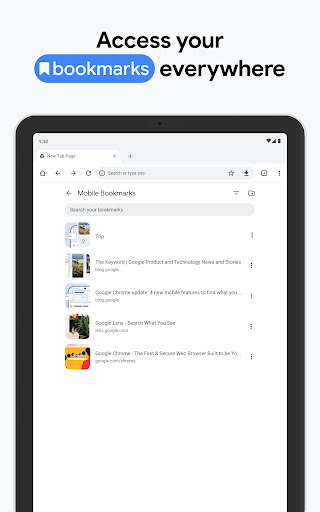
The true appeal of Chrome Beta lies in its experimental features. As a beta user, you get the opportunity to test new ideas from Google before they hit the official release. Whether it’s novel bookmark management, innovative privacy controls, or other upcoming functionalities, Chrome Beta empowers you to be part of shaping the future of browsing technology. It’s an exclusive experience that combines performance, security, and innovation in a single package.
Why Download Chrome Beta? A Browser for the Future
If you’re someone who loves to explore new technology, values speed and security, and enjoys providing feedback to improve software, then Chrome Beta for Android is an excellent choice. It’s a powerful, fast, and secure browser packed with experimental features that make web browsing more enjoyable and efficient. Embrace the future of browsing today and discover why Chrome Beta is the preferred browser for tech-savvy users around the globe.
Pros
- Frequent updates with new features
- Early access to experimental tools
- Improved performance over the stable version
- Better support for web applications
- User feedback directly influences the final product
Cons
- Possible instability and bugs
- Limited support for some extensions
- Potential crashes on certain websites
- Features may change unexpectedly
- Higher data consumption compared to the stable version











