
Discover the Features of Alarm Clock for Me
Alarm Clock for Me transforms your Android device into a versatile alarm clock and bedside companion, combining beautiful design with powerful functionality. Whether you want to wake up to your favorite tunes, check the weather, or have a reliable assistant for every moment of your day, this app has you covered. With its extensive customization options and thoughtful features, Alarm Clock for Me is designed to enhance your mornings and improve your overall daily routine.
Key Features for Wake-Up and More
Reliable Alarm Functionality
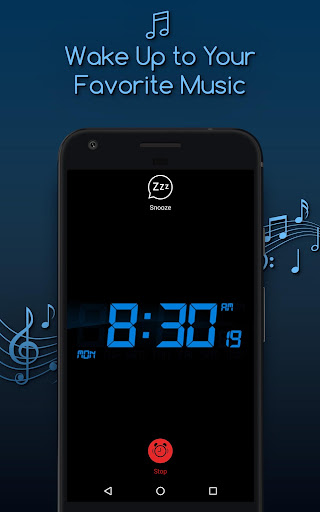
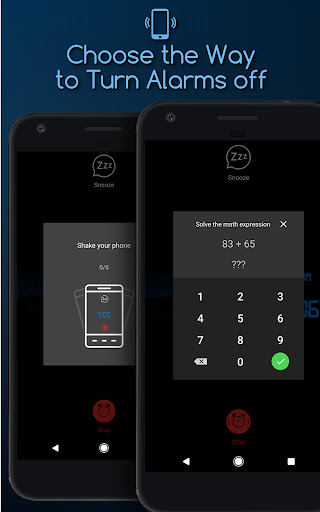
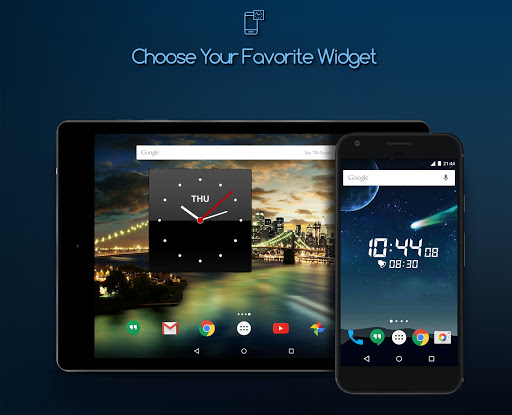
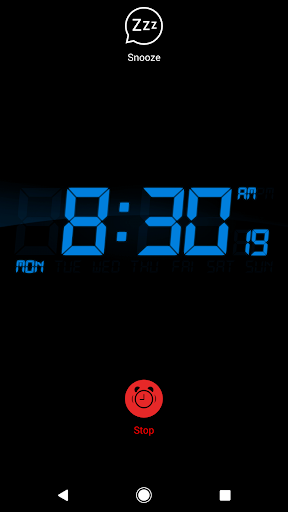
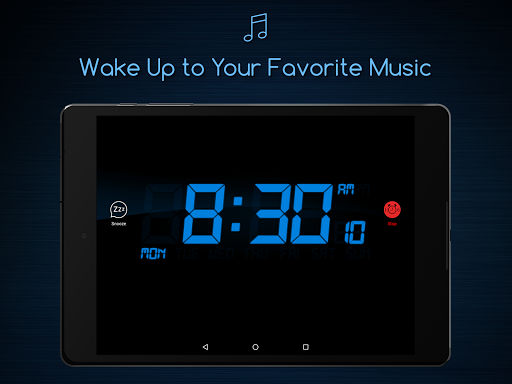
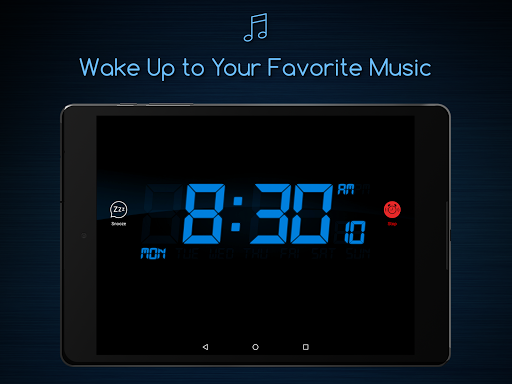
This app allows you to set multiple alarms with ease, helping you never oversleep or miss important appointments. Wake up to your favorite music or sound from an extensive collection, which you can personalize for each alarm. The Alarm clock feature also includes delightful widgets, letting you decorate your home screen with beautiful clock options. For more engaging wake-ups, try the math alarm clock to stimulate your brain or the shake alarm option to energize your body. Plus, options like Vibrate, Snooze, and Fade in make your awakening more comfortable and tailored to your preferences.
Additional Handy Features
Beyond basic alarms, Alarm Clock for Me offers a thoughtful set of extras:
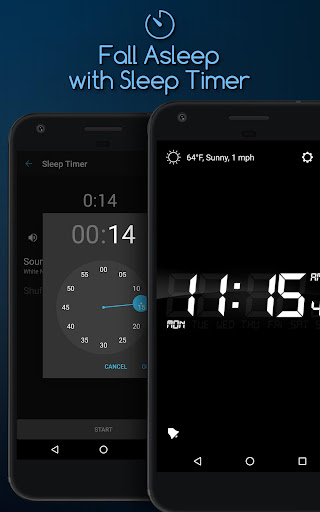
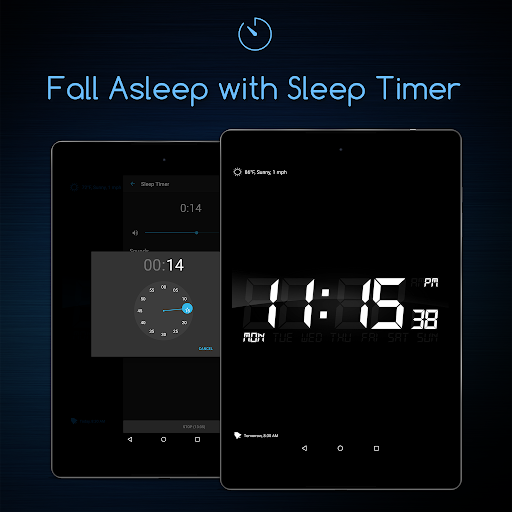
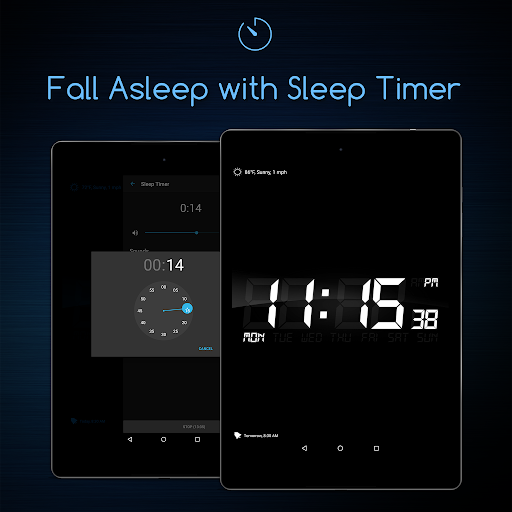
- Sleep Timer: fall asleep to relaxing music or sounds, which will fade out gently, creating a perfect bedtime environment.
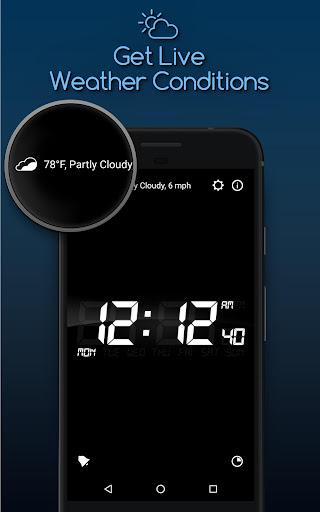
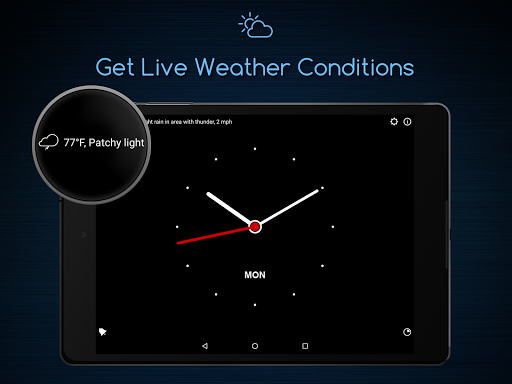
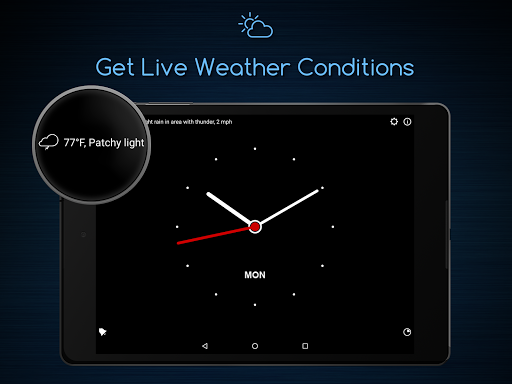
- Current Temperature: check the weather first thing in the morning to choose the right outfit.
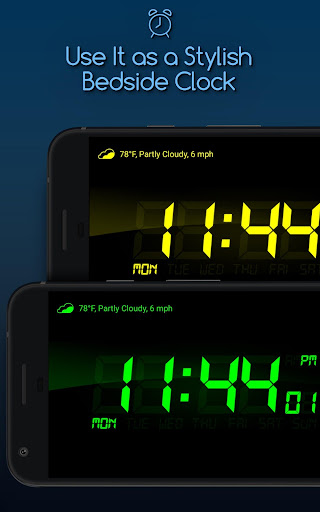
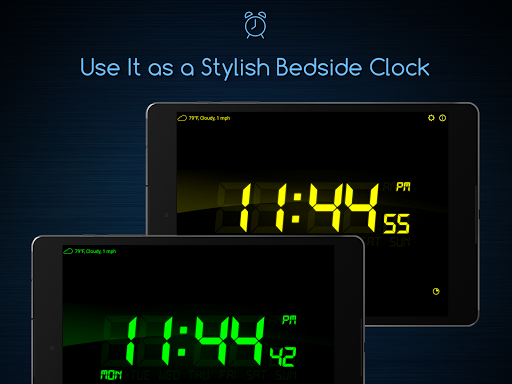
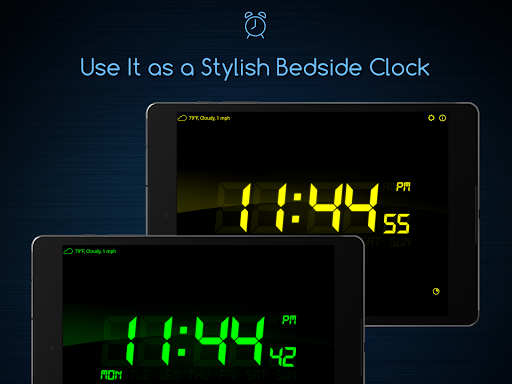
- Nightstand Mode: quickly view the time at night while your device charges with a clear, large display.
- Background Support: your alarms will go off even if the app is not actively running, ensuring reliability.
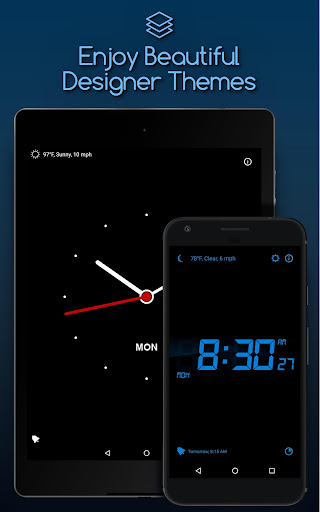
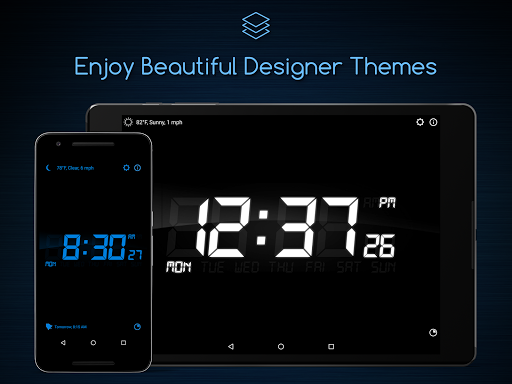
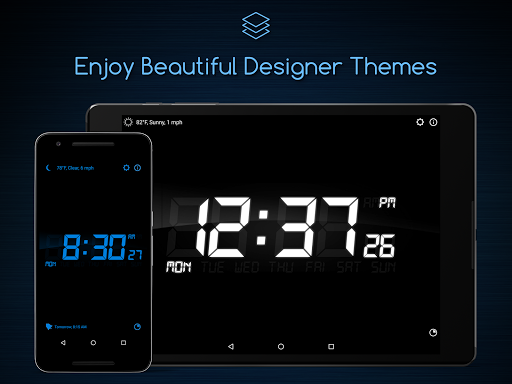
- Customizable Themes and Widgets: personalize your clock on the home screen with a variety of themes and adjustable brightness, preventing strain after sleep.
- Pre-Alarm and Gentle Wake: enjoy a gentle wake-up experience with optional pre-alarm notifications.
- Screen Modes: select between vertical and horizontal layouts and lock orientation to prevent accidental rotations while sleeping.
Enhanced User Experience
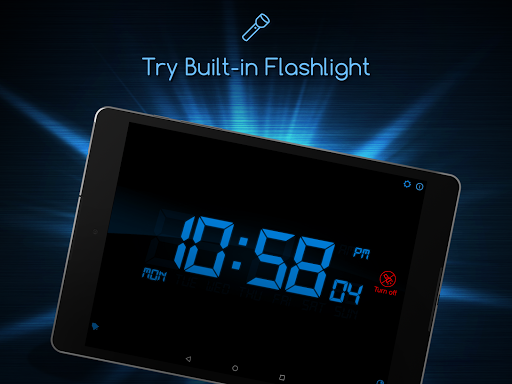
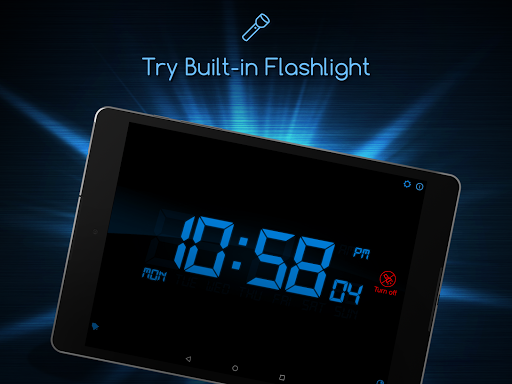
Alarm Clock for Me is designed for ease of use, appealing to both tech-savvy users and beginners. Installation is straightforward, and setting alarms is quick and intuitive. The user interface adopts a sleek, modern aesthetic, making navigation enjoyable. The app's bedside clock mode, featuring large, easy-to-read digits, makes checking the time during the night effortless. Additionally, a handy flashlight feature can come in handy in dark situations, adding to its usefulness as a nighttime companion.
Why Choose Alarm Clock for Me?
If you're seeking an all-in-one alarm solution that doubles as a sleep aid, weather checker, and personalized bedside clock, Alarm Clock for Me is an excellent choice. Its customization options allow you to create a personalized wake-up experience, whether it’s waking up to your preferred tune, solving a math problem to disable the alarm, or shaking your phone to turn it off. The app’s blend of beauty and function makes mornings more pleasant and stress-free. Plus, features like Perfect Bedtime Reminder ensure you go to sleep on time, promoting better sleep hygiene.
Conclusion
Overall, Alarm Clock for Me offers a comprehensive package for anyone looking to improve their morning routine and evening wind-down. With its elegant themes, reliable alerts, weather updates, and sleep-friendly features, this app stands out as a top choice among alarm clock apps. Whether you're a heavy sleeper or just want a beautifully designed clock on your nightstand, Alarm Clock for Me provides a perfect balance of aesthetic appeal and practical functionality, making every morning start on the right note.
Pros
- Customizable alarm tones
- Sleek design
- User-friendly interface
- Includes weather updates
- Multiple alarm options
- Built-in flashlight feature
Cons
- Contains ads in the free version
- Limited features without a premium upgrade
- High battery consumption
- No integration with smart devices
- Occasional notification glitches











