
Pixlr AI Photo Editor Overview
Unleash your creativity with Pixlr AI Art Photo Editor (formerly Pixlr Express) – your go-to free photo editor powered by advanced AI technology. Join over 18 million creators worldwide who trust Pixlr to transform their images with ease and precision. Whether you're a beginner or a seasoned photographer, Pixlr provides an intuitive platform to create stunning visuals effortlessly.
Capture any moment and let your creative ideas shine with access to over 2 million combinations of FREE effects, overlays, and filters. The app also makes sharing your masterpieces seamless, allowing you to export your photos directly to social networks like email, Instagram, Facebook, TikTok, and more.
Innovative AI-Powered Features
Advanced AI Tools for Photo Enhancement
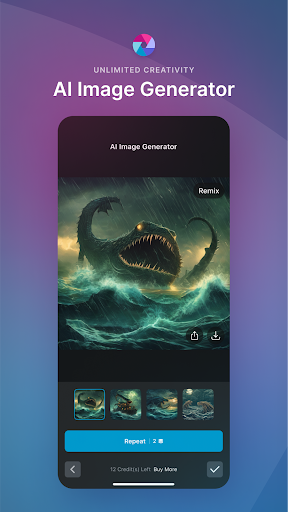
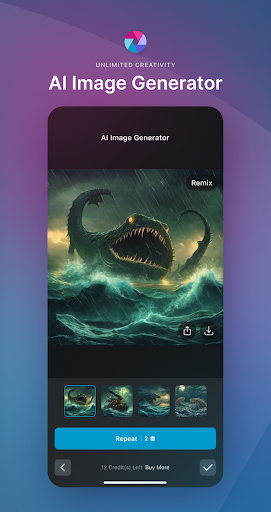
Pixlr’s suite of AI-driven features takes photo editing to the next level. The AI Generative Fill feature enables you to highlight any part of your photo, and the AI seamlessly fills it with realistic objects. The AI Remove Object tool allows effortless object removal, intelligently filling in the space to make your photos look flawless. Additionally, the AI Remove Background provides pixel-perfect background removal, making it ideal for creating professional-looking images for presentations or social media profiles.
Comprehensive Photo Editing Capabilities
Templates and Collages
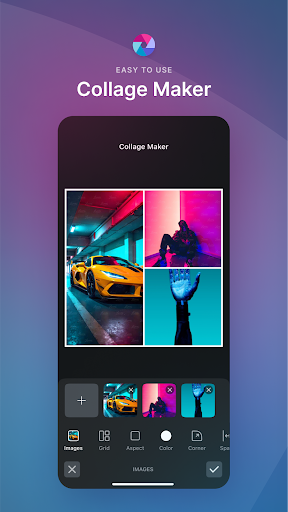
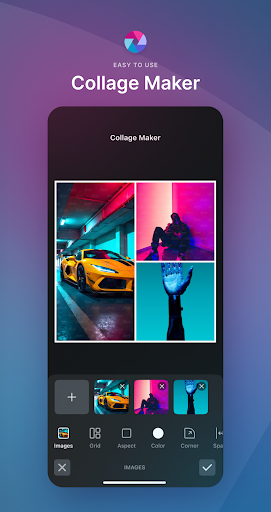
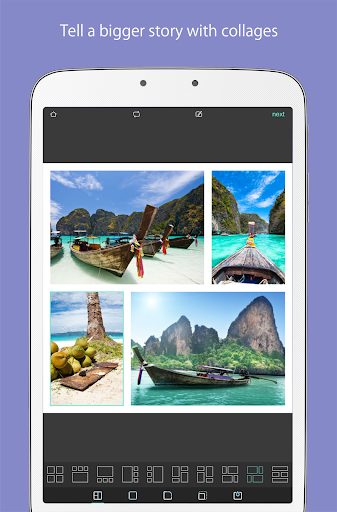
Create stunning digital content with seasonally updated multi-layered Social Media templates. Pixlr offers a variety of preset collage designs, grid styles, customized ratios, and backgrounds that make creating photo collages quick and easy.
One-Click Adjustments and Artistic Effects
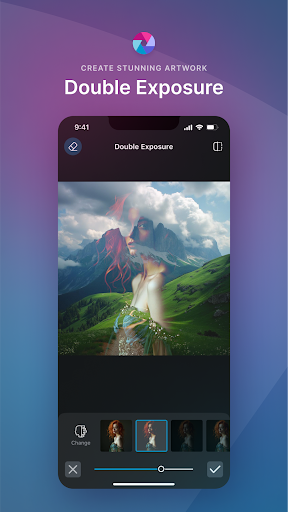
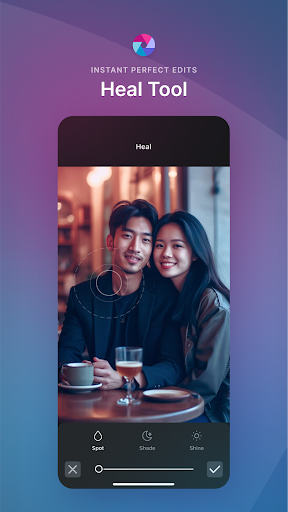
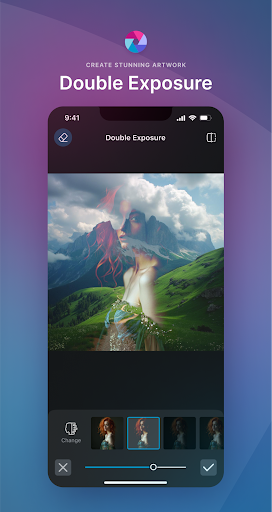
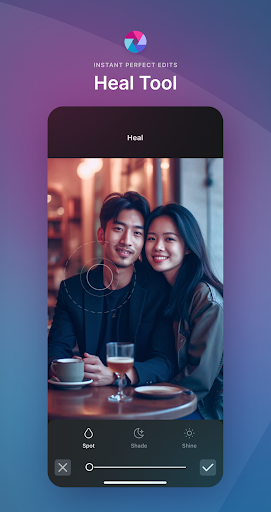
Make your photos stand out instantly with tools like Auto Fix for vibrant color adjustments, and Double Exposure for creative layering effects. Add artistic flair using effects such as pencil sketch, poster, watercolor, and other stylish effects. You can also enhance images further by removing blemishes, red-eye, smoothing skin, or whitening teeth with simple, precise tools.
Color and Depth Enhancements
Highlight specific colors using the Color Splash effect or create depth with Focal Blur. A wide selection of effect packs allows customizing the look and feel of your images, while overlays can adjust tone, add surreal shades, or amplify your photos’ mood.
Text and Borders
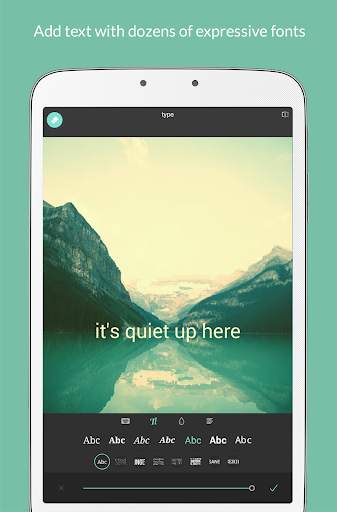
Easily add text with various font options to make your message pop. Complete your editing with a selection of borders and frames that perfectly match your photo style. The app’s growing library of additional effects, overlays, and border packs ensures your content stays fresh and unique.
Never lose track of your favorite edits with the Favorites feature, and quickly crop or resize images for sharing or printing.
Ease of Use and Sharing
Pixlr's intuitive interface ensures both beginners and experienced editors can navigate effortlessly. The clean layout with self-explanatory icons makes editing simple, fun, and accessible for everyone. Once your masterpiece is ready, share it directly to your preferred social networks for maximum impact. The app supports seamless sharing to platforms like Instagram, Facebook, and Twitter, making it easier than ever to showcase your creativity.
Whether you're creating memes, professional portraits, or artistic compositions, Pixlr AI Photo Editor offers all the tools you need in a user-friendly package. Its blend of powerful AI technologies and versatile editing options makes it a top choice for photo enthusiasts at any level.
Pros
- Intuitive user interface facilitating easy navigation.
- Extensive selection of AI-powered editing tools.
- Compatibility with various image formats.
- Integration with cloud storage for convenient access.
- Regular updates introducing new features.
Cons
- Includes in-app purchases for premium features.
- Some functionalities require internet connection.
- Occasional intrusive advertisements.
- Limited capabilities in the free version.
- High battery consumption during usage.











