


Overview of Adobe Scan AI PDF Scanner, OCR
The Adobe Scan AI PDF Scanner, OCR is a versatile and intelligent mobile application designed to turn your smartphone into a powerful portable scanner. With its cutting-edge AI Assistant feature, it not only captures high-quality scans but also helps you extract insights, making it an indispensable tool for professionals and everyday users alike. Whether you need to digitize receipts, notes, business cards, or whiteboards, this app ensures seamless text recognition and easy sharing capabilities, all within a user-friendly interface.
Key Features of Adobe Scan AI PDF Scanner, OCR
Intelligent Scanning and Text Recognition
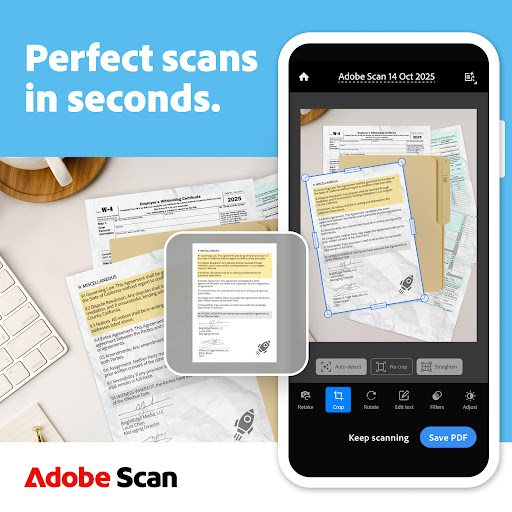
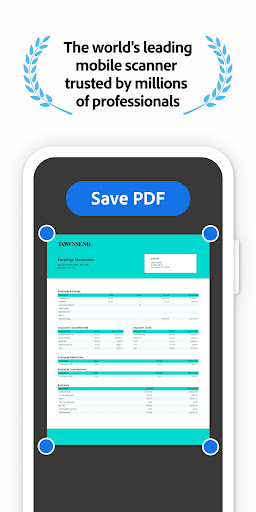
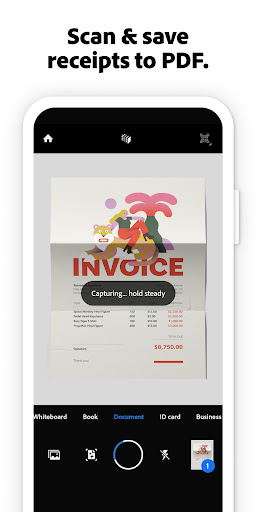
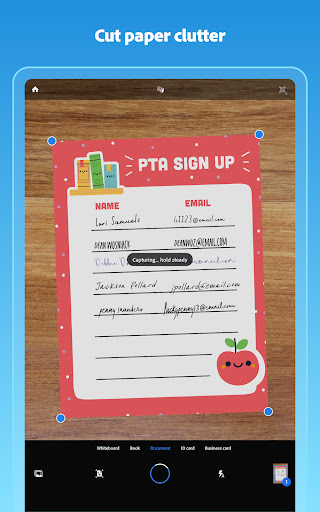
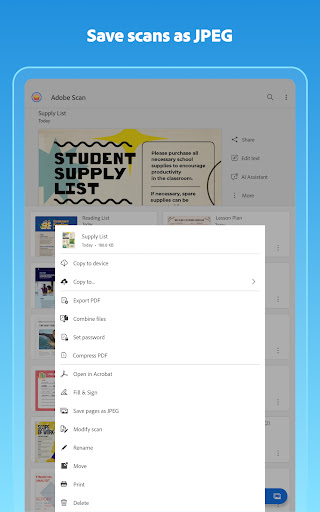
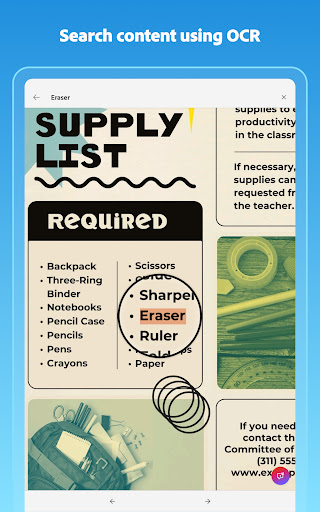
The core strength of Adobe Scan lies in its advanced OCR technology, which automatically detects borders, sharpens images, and recognizes text from a variety of documents. This allows you to scan receipts, notes, or forms and convert them into editable, high-quality PDFs or JPEGs. The app’s AI-driven high-speed scan tool enables bulk capturing of larger documents in seconds, making it ideal for quick and efficient digitization of paperwork on the go.
Enhanced Editing and Cleanup Tools
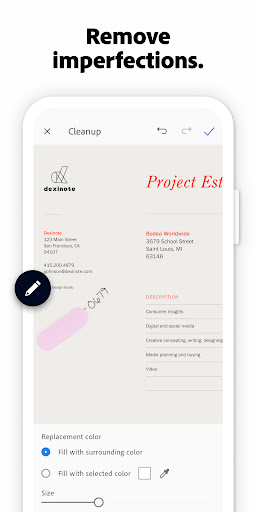
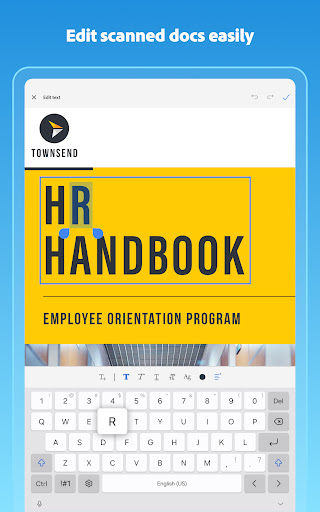
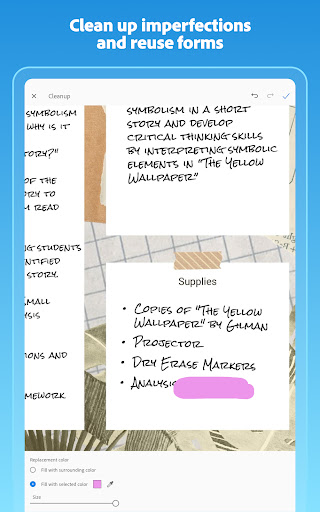
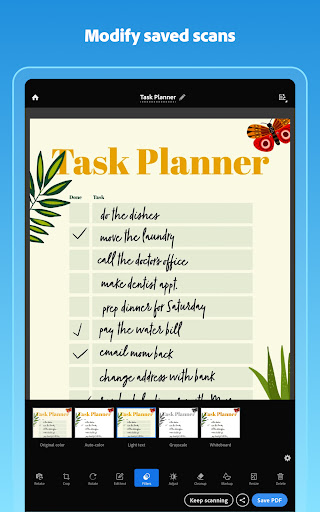
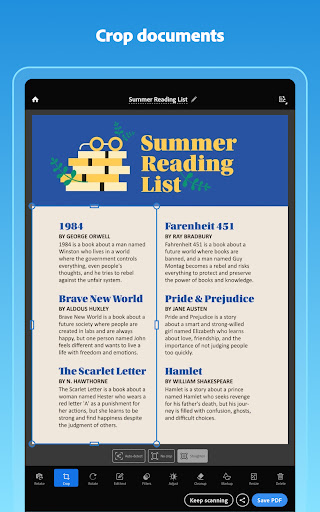
New features like Edit in Scan give users the ability to modify scans directly within the app. You can preview, reorder, crop, rotate, and adjust colors to perfect each image. Additionally, the cleanup tools allow you to erase stains, marks, creases, or handwriting imperfections, ensuring your scanned documents are clean and professional-looking.
Content Reuse and Content Management
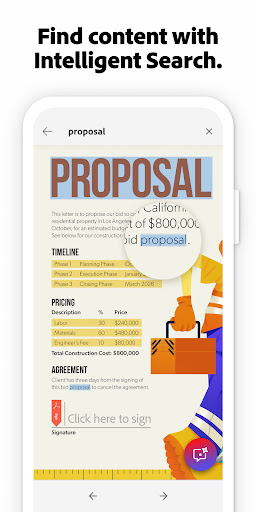
Thanks to built-in optical character recognition (OCR), text from scans becomes reusable—perfect for creating editable PDFs that can be integrated into your workflow. The app can automatically find and convert documents and receipts in your photo library into searchable PDFs. You can also scan business cards to extract contact details, which are automatically added to your device contacts, saving you time and effort.
Seamless Cloud Integration and Sharing
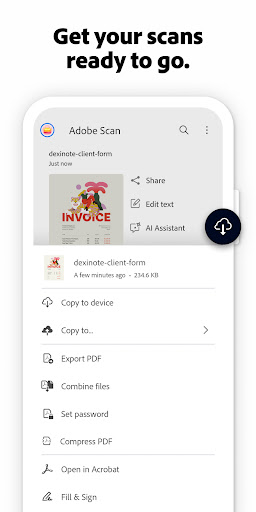
All scans can be saved instantly to Adobe Document Cloud, allowing access from any device. The app supports sharing in multiple formats, including emailing PDFs or exporting to MS Word or PowerPoint for further editing. Long, complex legal or business documents are easy to manage, with the ability to search, highlight, comment, and fill out forms within the PDF.
AI Assistant and Next-Generation Scanning
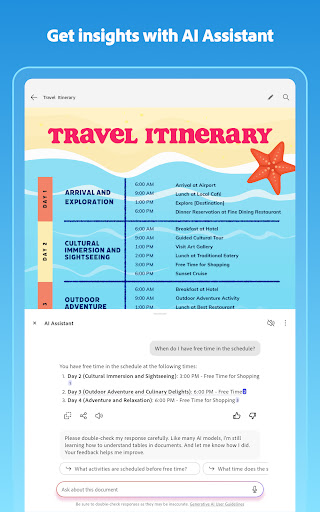
The latest update introduces the AI Assistant, which helps turn your scans into actionable insights. It can quickly provide summaries, extract key details, and assist in drafting emails, reports, or planning next steps—all within the app, streamlining your workflow. This feature adds a new layer of intelligence, making the Adobe Scan app not just a scanner but a smart productivity companion.
Additional Benefits and Use Cases
Capture Any Content, Anytime, Anywhere
Whether scanning forms, receipts, notes, or business cards, Adobe Scan makes digitizing quick and straightforward. Its auto-detection capabilities enable the app to automatically find and convert content from photos, ensuring accurate results even in cluttered environments.
Powerful Search and Organization
The app automatically finds documents within your photo library, organizing them into searchable PDFs. Enhanced OCR capacity increases the number of pages you can process—expanding from 25 to 100 pages—making it easier to manage large batches of scans without hassle.
Efficiency for Business and Personal Use
From managing expense receipts for taxes to digitizing important contracts, Adobe Scan supports productivity on the go. Its functionality allows professionals, students, and casual users to declutter digital and physical spaces by converting paper documents into reusable, high-quality digital files.
Conclusion: The Ultimate Mobile Scanning Solution
In summary, Adobe Scan AI PDF Scanner, OCR is more than a simple scanning app; it’s a comprehensive document management tool that leverages artificial intelligence for smarter digitization. Its powerful OCR capabilities, combined with intuitive editing and seamless cloud integration, make it a top choice for anyone needing reliable, fast, and high-quality mobile scanning. With the added feature of AI-driven insights, users can save time, increase productivity, and stay organized whether in the office, at home, or on the move. Download the best free mobile scanner today and experience the ease of transforming your photos and documents into editable PDFs and JPEGs wherever you are.
Pros
- Fast document scanning
- High-quality PDF output
- Easy text recognition
- User-friendly interface
- Free to use
Cons
- Requires Adobe account
- In-app purchases
- Limited editing tools
- Occasional OCR errors
- Ads in free version











