

Introduction to MobiOffice: Word, Sheets, PDF
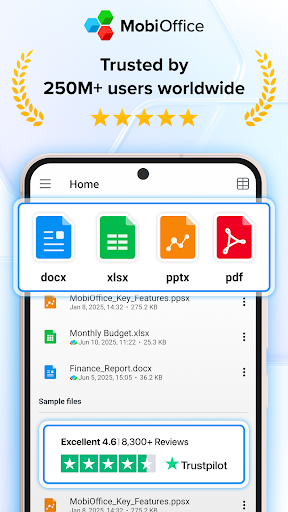
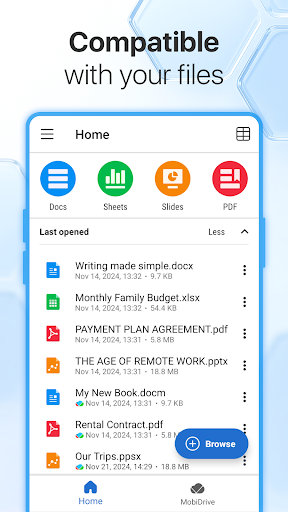
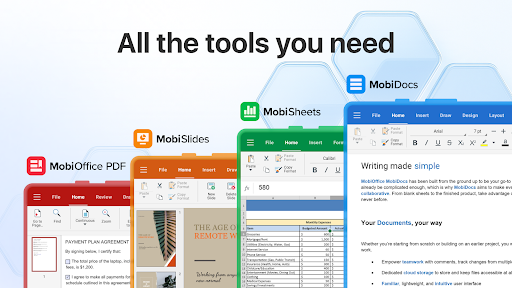
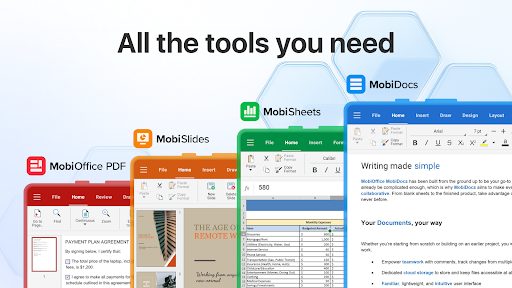
In today's mobile-driven world, staying productive on-the-go is more important than ever. MobiOffice emerges as a comprehensive office productivity suite designed to meet all your document needs with ease and efficiency. Whether you need to create, edit, view, or protect documents, spreadsheets, presentations, or PDFs, this powerful app has you covered. Compatible with popular platforms like Microsoft Office (Word, Excel, PowerPoint), Google Docs, OpenOffice, LibreOffice, WPS Office, Polaris Office, and Adobe PDF, MobiOffice ensures you can work seamlessly across any device or file format.
All-in-One Office Suite for Every Task
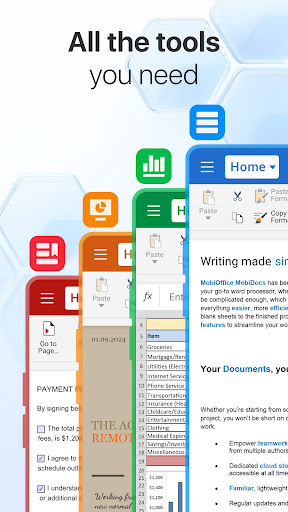
MobiOffice is the smart choice for anyone looking to optimize their office productivity with a single, versatile application. The app enables users to create, edit, comment, format, convert, and protect documents, spreadsheets, and presentations. Plus, it offers comprehensive PDF management capabilities, including viewing, signing, and converting PDFs to other formats. Its compatibility extends to cloud storage services such as Google Drive, OneDrive for Business, Box, and Dropbox, allowing access to your files anytime, anywhere. This makes MobiOffice perfect for professionals, students, and anyone needing reliable, portable document solutions.
Key Features for Enhanced Productivity
- Powerful applications equipped with tools to handle any file format—whether it's Microsoft Office 365 documents, Google docs, or OpenOffice.
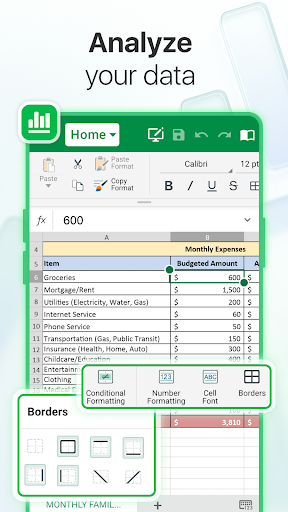
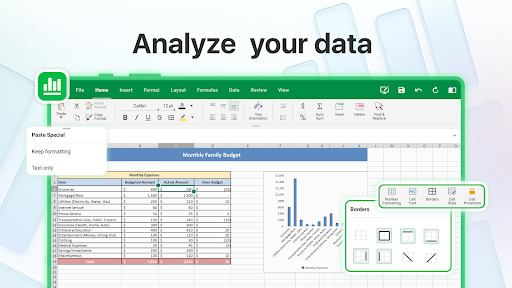
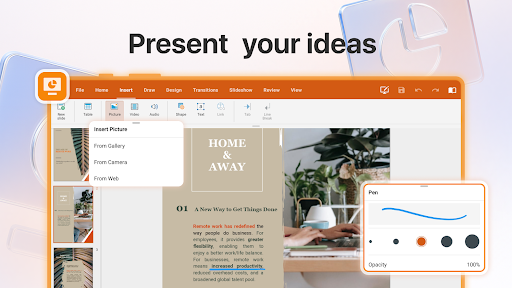
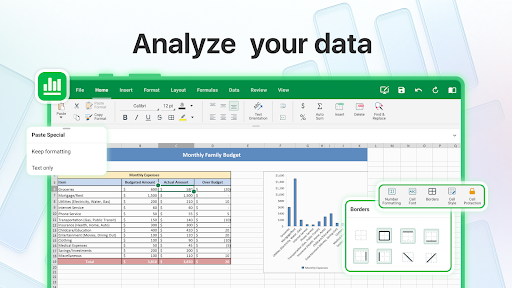
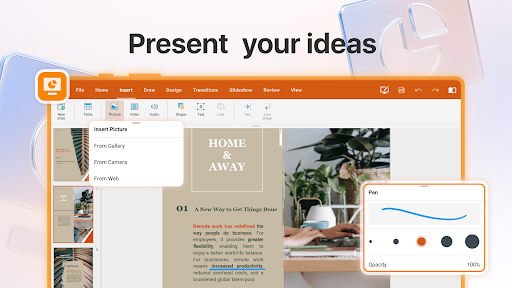
- Advanced features like format painter, track changes, conditional formatting, formulas, and presentation mode.
- Export documents, spreadsheets, and slides to PDF using the integrated PDF converter.
- Robust security options to protect sensitive information.
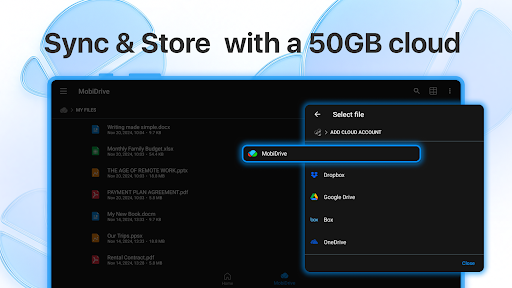
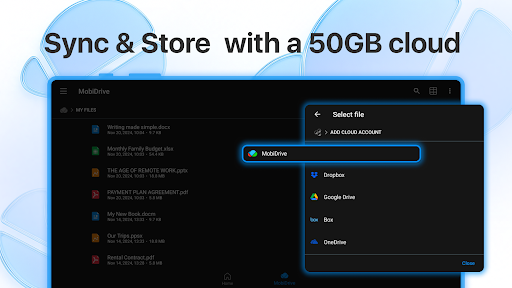
- Cloud storage integration with Google Drive, OneDrive for Business, Box, and Dropbox.
Advanced PDF Management
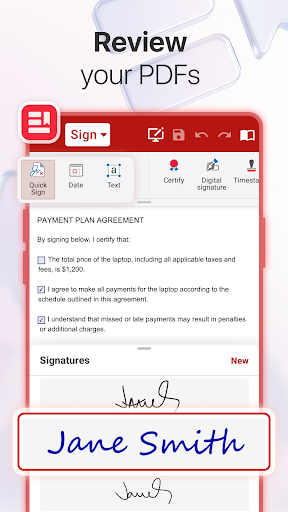
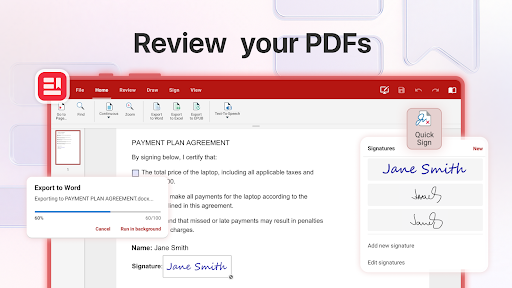
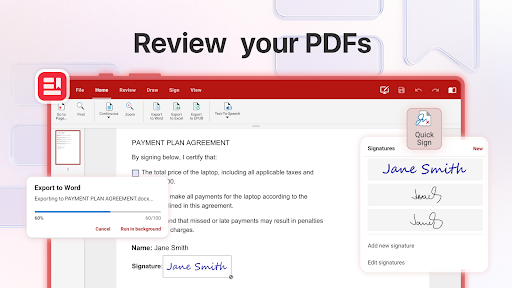
The app excels in PDF handling with a variety of tools tailored to streamline your workflow. You can read, edit, and fill PDF forms effortlessly. Digital signing features let you approve documents securely, while security and permissions management ensure your PDFs stay protected. Additionally, the PDF converter allows conversion to editable Word, Excel, or ePub files, making document handling more flexible.
Features Include:
- PDF reader and editor
- Fillable forms and digital signatures
- Secure permissions management
- Conversion to Word, Excel, or ePub formats
Mobile Office Experience
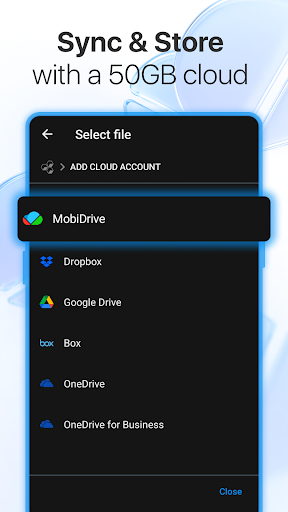
Designed for work on-the-go, MobiOffice offers a user-friendly interface optimized for the latest Android and iOS versions. Link your cloud storage accounts such as Google Drive, OneDrive, Box, or Dropbox to access over 5GB of free cloud storage via MobiDrive or your existing cloud accounts. The app ensures you stay connected and productive across all your mobile devices and Windows PC.
Key Mobile Features
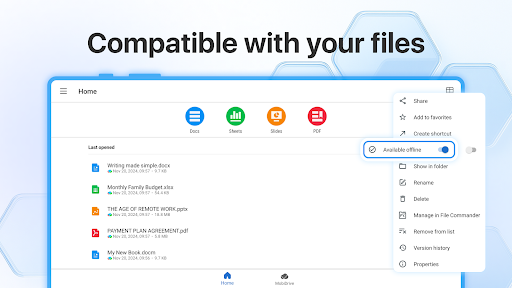
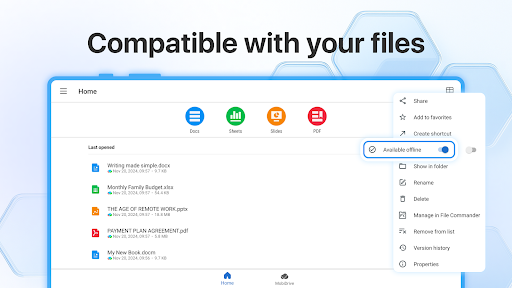
- Compatibility with various file formats including Google Docs, OpenOffice, Microsoft Office, and Apple iWork.
- Intuitive interface for editing Word, Excel, PowerPoint, and PDF files.
- Ability to create, fill, and convert PDFs directly within the app.
- Seamless synchronization across devices for continuous productivity.
Create, Edit, and Convert Files Effortlessly
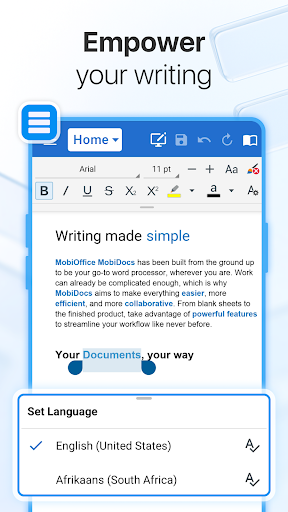
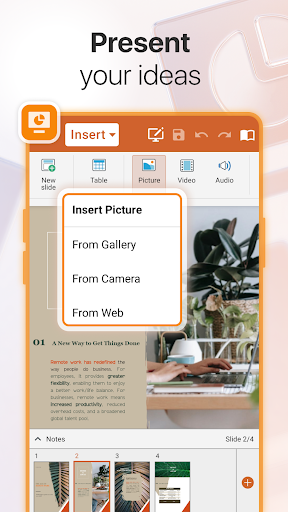
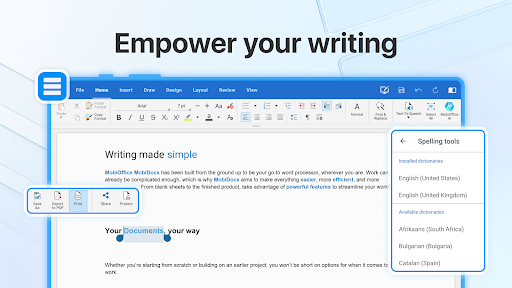
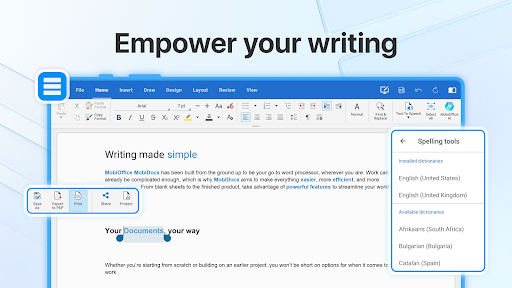
MobiOffice empowers users to handle alloffice document tasks with ease. Edit Word documents, craft spreadsheets, design presentations, and convert files to PDF whenever needed. The app’s suite of tools ensures your workflow remains smooth and efficient, whether you're working from a smartphone, tablet, or desktop. Its support for a broad range of file formats makes it adaptable to any project or collaboration scenario.
Why Choose MobiOffice?
Experience the full set of features by taking advantage of the free 7-day trial. Our flexible subscription plans—monthly or annual—are designed to fit your specific needs, whether you're seeking a powerful documents editor, a spreadsheet app, or a comprehensive productivity suite. Unlock premium benefits such as 20+ advanced features, unlimited PDF conversions, and use on multiple devices without ads or interruptions. Stay productive, organized, and efficient with MobiOffice—your all-in-one mobile office solution.
Pros
- Intuitive interface for simple navigation
- Supports various file formats effortlessly
- Access documents offline
- Built-in cloud storage options
- Regular updates introducing new features
Cons
- Certain features require a paid subscription
- Occasional delays when handling large files
- Limited availability of advanced editing tools
- Advertisements may be disruptive in the free version
- Compatibility problems with some file types











