

Introduction to ibis Paint X
If you're passionate about creating stunning digital artwork on your mobile device, ibis Paint X is a powerful and versatile drawing application that has gained immense popularity among artists worldwide. Downloaded over 460 million times as a series, this app offers a comprehensive set of features that cater to both beginners and professional illustrators. With an extensive library of brushes, materials, fonts, and advanced tools, ibis Paint X transforms your smartphone or tablet into a full-fledged art studio, allowing you to unleash your creativity anytime, anywhere.
Key Features of ibis Paint X
Extensive Brush and Material Library
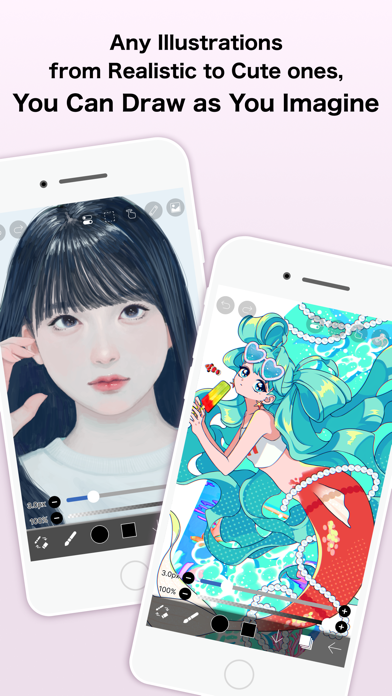
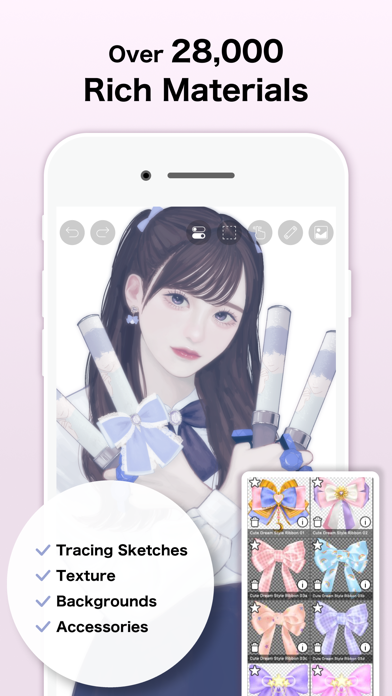
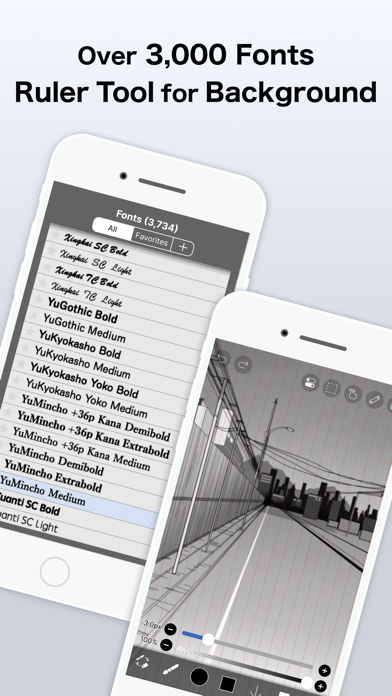
One of the standout aspects of ibis Paint X is its vast collection of brushes and materials. The app provides over 47,000 brushes, including dip pens, felt tip pens, air brushes, fan brushes, pencils, oil brushes, charcoal brushes, crayons, and stamps. Whether you're sketching, inking, or coloring, there's a brush suited for every artistic style. Additionally, users have access to more than 27,000 materials and over 2,100 fonts, enabling a wide range of creative possibilities.
Advanced Drawing and Layer Tools
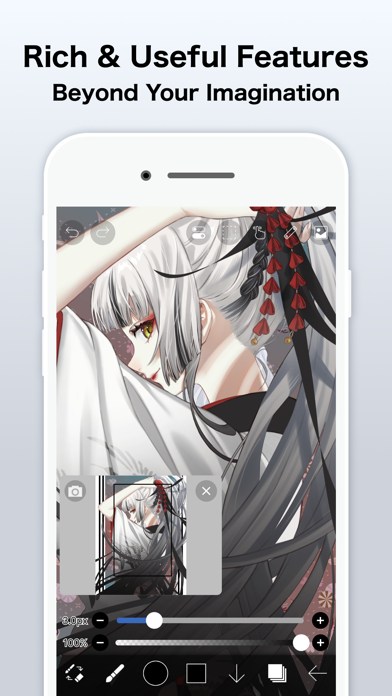
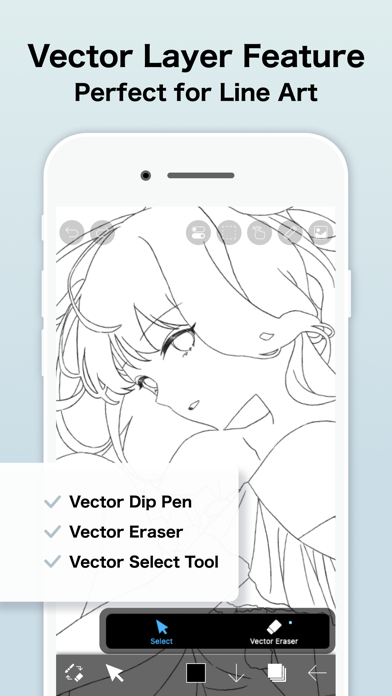
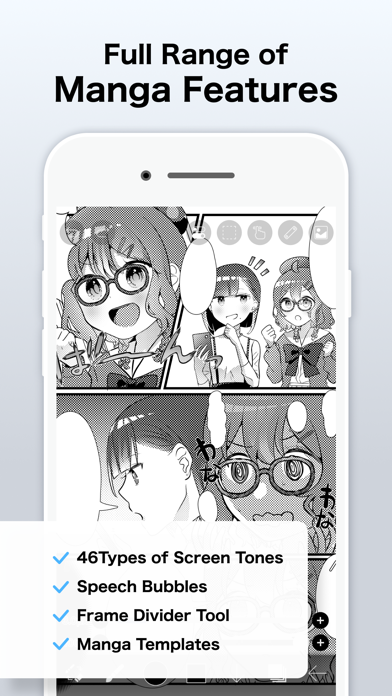
ibis Paint X supports endless layers, giving artists the flexibility to work on complex compositions without restrictions. Each layer can be individually adjusted with parameters such as opacity, alpha blending, and various blending modes like multiply or screen. The app also features tools like clipping masks, vector tools, and a stroke stabilization feature that ensures smooth lines, making your artwork look polished. For manga artists, advanced text tools—supporting vertical and horizontal writing, stroke options, and font selection—help craft detailed comics and illustrations.
Creative Filters and Effects
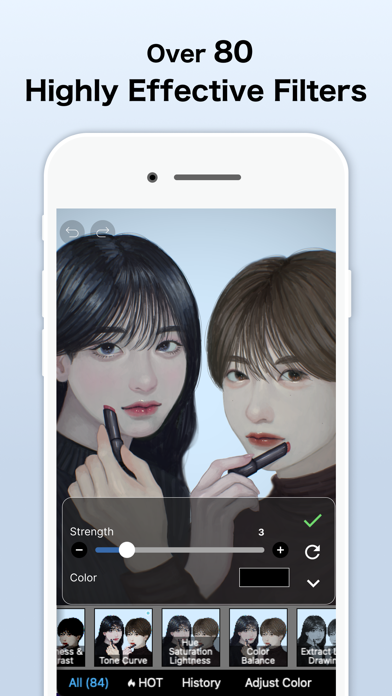
To enhance your artwork, ibis Paint X offers 84 filters and 46 screentones. These tools allow for creative effects, shading, and texture application. The app also provides features like color adjustment filters, tone curves, and gradation maps to perfect your coloring and shading techniques.
Animation and Recording
For artists interested in animation, ibis Paint X includes an animation feature, letting you create simple animations directly within the app. Moreover, the ability to record drawing processes as videos is perfect for sharing your workflow on social media or analyzing your techniques for improvement.
Simplified User Experience
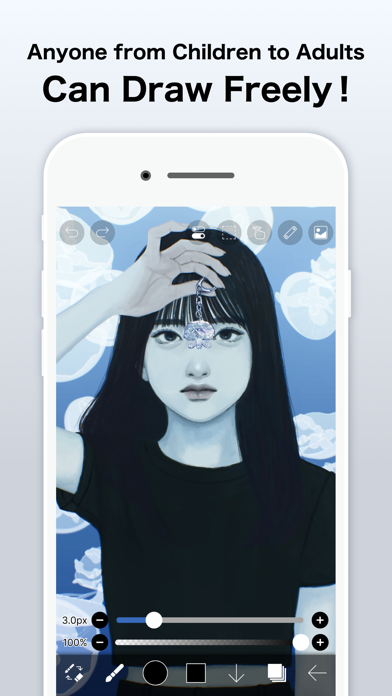
Despite its professional-grade tools, the app's intuitive interface ensures a smooth and pleasant drawing experience. The layout is clear and organized, making it easy for beginners to get started, while experienced artists can quickly access advanced features. Tutorials and community support further aid in your creative journey.
Social and Learning Community
ibis Paint X encourages a collaborative environment where users can share their artworks, watch tutorial videos, and learn new techniques. This feature-rich social dimension helps artists improve their skills and find inspiration from fellow creators around the globe.
Subscription Plans and Extras
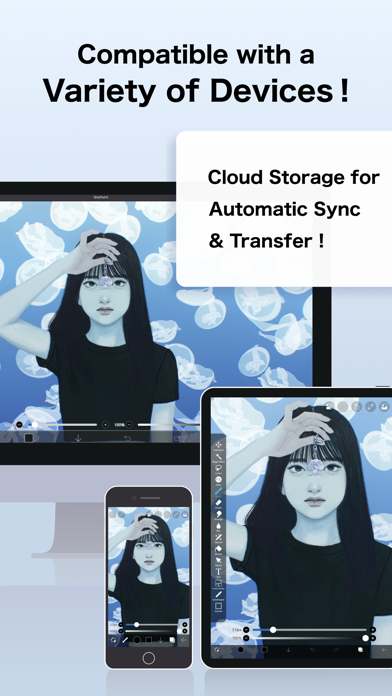
The app offers multiple purchase options, including the free version, a paid version, and add-ons such as the Remove Ads feature. For advanced tools, subscribing to the Prime Membership (monthly or yearly) unlocks exclusive features like cloud storage, vector tools, prime materials, and more. The Prime plan also removes advertisements, providing a seamless creative experience.
Additional Information and Support
ibis Paint X ensures user privacy, especially when using devices like SonarPen. The app only collects audio signals for communication purposes and does not save or transmit this data. For support, users can contact ibis Paint Support for questions or bug reports. You can also follow the official YouTube channel for tutorials and inspiration.
Conclusion
If you're searching for a professional digital drawing app that combines rich features with user-friendly operation, ibis Paint X is undoubtedly one of the top choices on mobile platforms. Its extensive brush collection, powerful layer management, animation, and social sharing capabilities make it suitable for artists of all levels. Whether you're doodling for fun, working on complex illustrations, or creating animated designs, ibis Paint X provides the tools needed to bring your ideas to life. Download it today and start your artistic journey wherever you are!
Pros
- User-friendly interface for easy navigation.
- Wide selection of brushes and tools.
- Regular updates improve functionality.
- Supports layers and blending modes.
- Community features for sharing artwork.
Cons
- Contains advertisements in the free version.
- Some features require in-app purchases.
- Recommended for high-performance devices.
- Learning curve for complex features.
- Limited 3D capabilities.











