
Introduction to Sketchbook
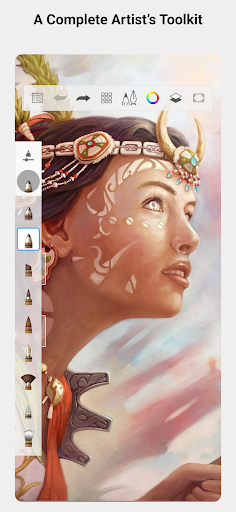
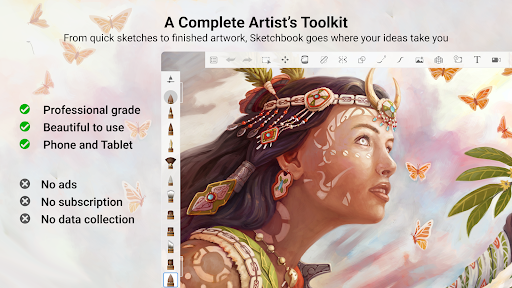
Sketchbook is an award-winning digital sketching, painting, and drawing application designed for artists, illustrators, and creative enthusiasts. Whether you're working on quick sketches or developing fully finished artwork, Sketchbook adapts seamlessly to your creative process. Its professional-grade features and highly customizable tools make it a favorite among both amateurs and professionals. The app’s elegant interface provides a natural drawing experience that minimizes distractions, helping you focus entirely on capturing and expressing your ideas.
Robust Features for Every Artist
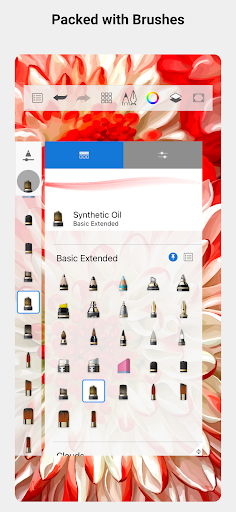
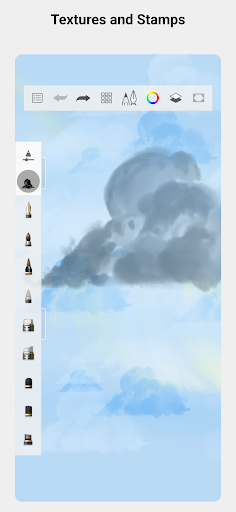
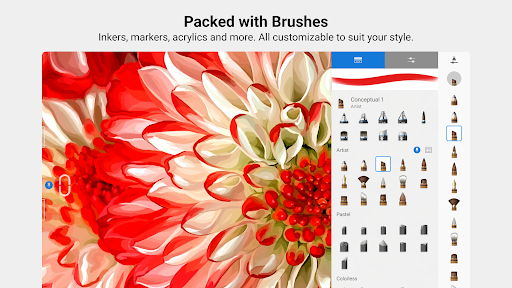
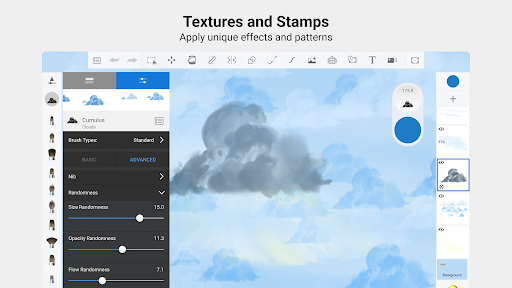
One of Sketchbook's standout qualities is its full complement of brush types, including pencils, markers, airbrushes, smear tools, and more. Each brush mimics real-world tools, offering artists an authentic drawing experience. Moreover, the brushes are highly customizable, allowing you to tweak textures, opacity, and other parameters to achieve exactly the look and feel you envision.
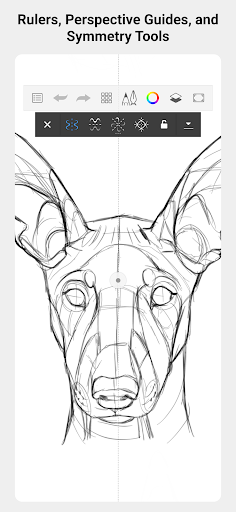
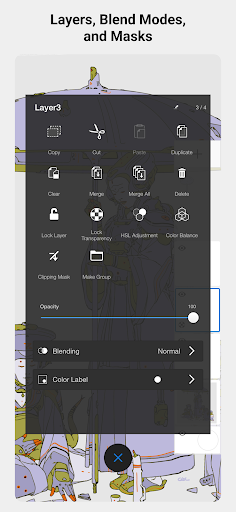
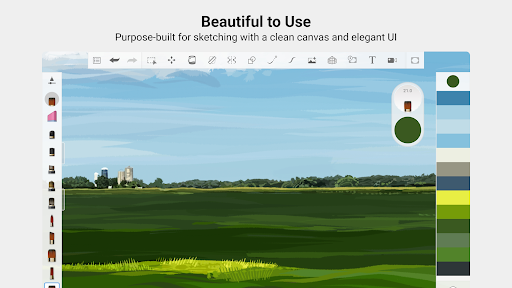
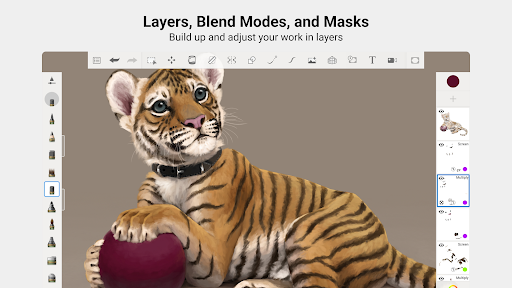
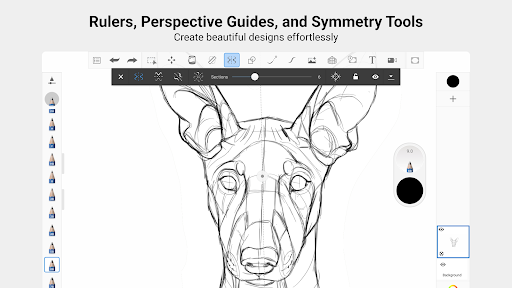
Precision is made easy with integrated guides, rulers, and stroke tools, providing artists with the support needed for detailed work. The app’s layers system, complemented by various blend modes, gives you the flexibility to build up complex compositions and explore different coloring techniques. Designed specifically for sketching, Sketchbook features a clean, unobtrusive interface that keeps your focus squarely on your art, free from clutter.
Unleashing Creativity with Ease
For artists and hobbyists alike, Sketchbook offers an intuitive and accessible platform to bring ideas to life. From the moment you launch the app, you are welcomed with a simple and user-friendly interface that encourages immediate creative flow. The array of brushes and pencils—which accurately imitate real tools—enables diverse styles ranging from detailed illustrations to quick, spontaneous sketches.
A key feature is the ability to customize brushes fully. This includes adjusting textures, opacity, and flow, which ensures you can develop a personal toolkit that fits your unique style. Support for layers allows for non-destructive editing, akin to a mini Photoshop experience right in your pocket. Symmetry tools further assist in creating balanced, harmonious designs with ease.
Import and export capabilities make it straightforward to work across devices. Whether you're on desktop or mobile, you can seamlessly transfer projects without losing quality or detail. This flexibility is especially valuable for artists who work on the go and need to access their creations anytime.
Designed to Inspire and Support Artists
Sketchbook truly excels at enabling artists to realize their vision without interruption. Its smooth and responsive performance supports high-resolution projects, with minimal crashes or lag—so you can concentrate on your art rather than technical glitches.
Inspiration can strike unexpectedly; that’s why Sketchbook includes a quick access toolbar to jot down ideas or start new sketches in seconds. This feature helps you capture fleeting thoughts immediately, ensuring no creative spark is lost.
Whether you’re just starting out or a seasoned professional, Sketchbook caters to all skill levels. Its rich feature set combined with a straightforward, elegant interface makes it an ideal tool for anyone looking to expand their digital art skills or streamline their workflow.
Final Thoughts
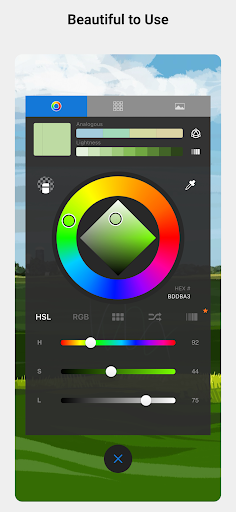
In summary, Sketchbook is more than just a drawing app; it’s a creative companion that empowers artists to achieve their best work. Its comprehensive tools, customizable features, and user-centric design make it an excellent choice for digital artists seeking a versatile and intuitive sketching platform. Whether you’re exploring new techniques or refining your signature style, Sketchbook offers the foundation to unlock your full artistic potential. Give it a try and discover how it can elevate your creative journey. Happy sketching!
Pros
- Intuitive user interface
- Wide variety of brushes
- Customizable color palette
- High-resolution export capability
- Layer management features
Cons
- Limited features in the free version
- Occasional app crashes
- Requires a high-performance device
- In-app purchases are necessary
- Steep learning curve for new users