

Introducing Microsoft Edge: AI-Powered Browser
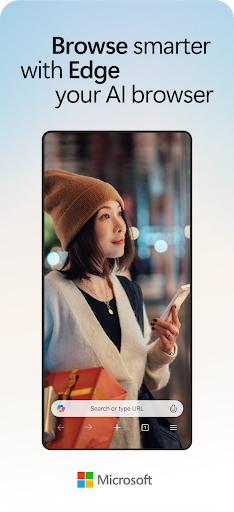
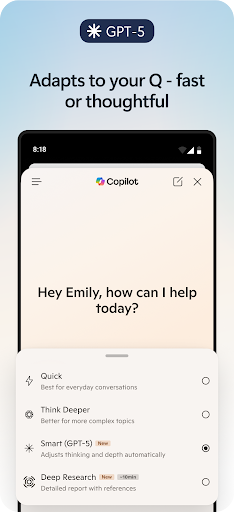
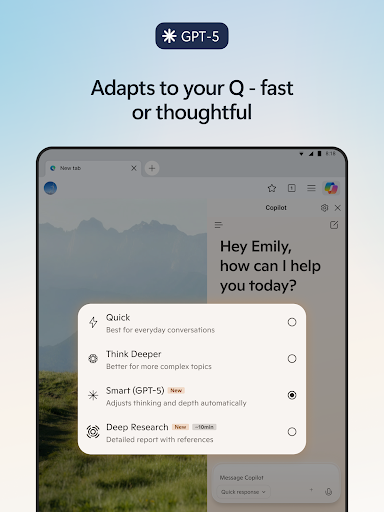
Microsoft Edge has evolved into a cutting-edge AI-powered browser designed to revolutionize your online experience. With **Copilot** seamlessly integrated, this browser acts as your personal AI assistant, helping you browse smarter, faster, and more efficiently. Powered by the most advanced AI models from OpenAI and Microsoft, Edge combines intelligent features with a sleek, modern interface to make every browsing session productive and engaging.
Key Features of Microsoft Edge
Enhanced Searching and Content Discovery
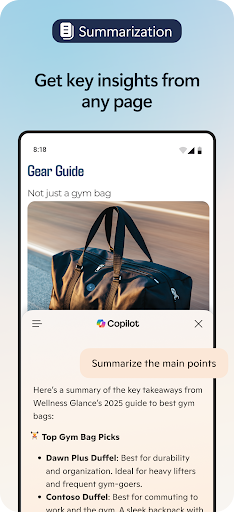
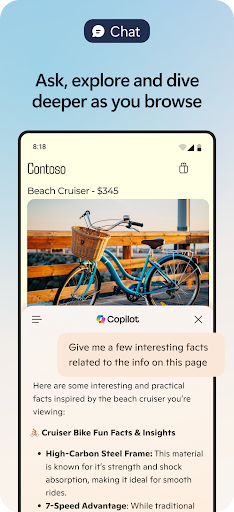
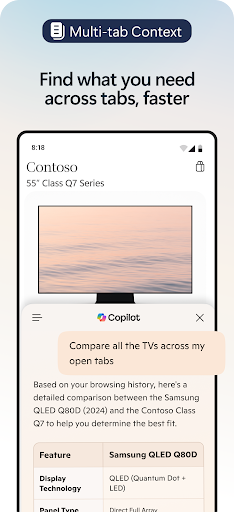
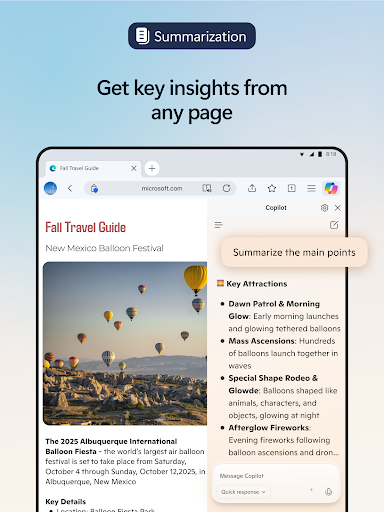
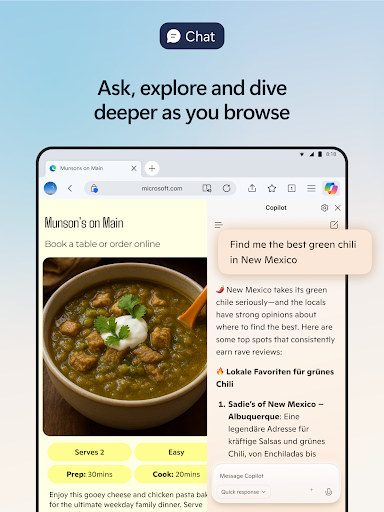
One of the standout features is •Supercharge your searches with Copilot, which delivers faster, more accurate, and personalized results. Whether you’re researching a topic or exploring new ideas, the AI assistant helps you find what you need quickly. You can even upload images for visual searches or insights, making discovery intuitive and interactive. The AI can instantly summarize web pages, PDFs, and videos, providing clear, citeable insights within seconds. This not only saves time but also enriches your understanding of complex information.
Creative and Content Creation Tools
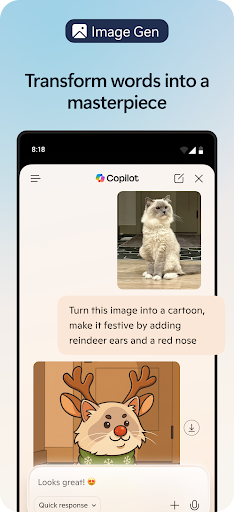
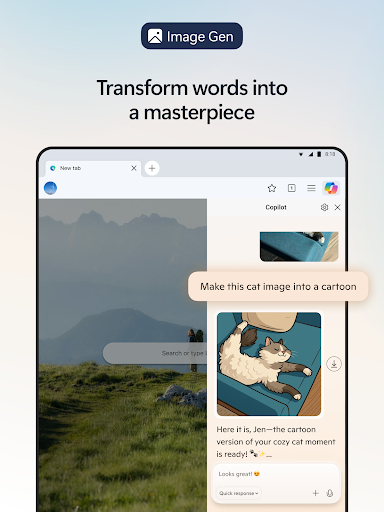
Edge’s integration with AI isn’t just for browsing—it's a powerful tool for content creators. Talk to Copilot using your voice to brainstorm ideas, write stories, or craft scripts — all hands-free. The built-in AI writer transforms your concepts into well-structured drafts with ease. Additionally, generate stunning images with DALL·E 3—simply describe your idea, and the AI brings it to life visually. The browser also offers translation and proofreading across multiple languages, helping your global communication stay seamless and polished.
Personalization and Extension Support
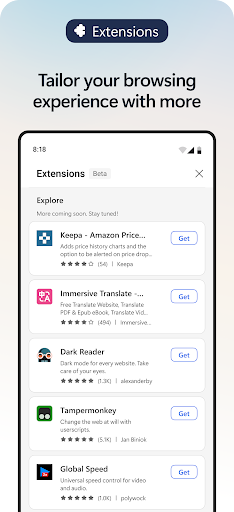
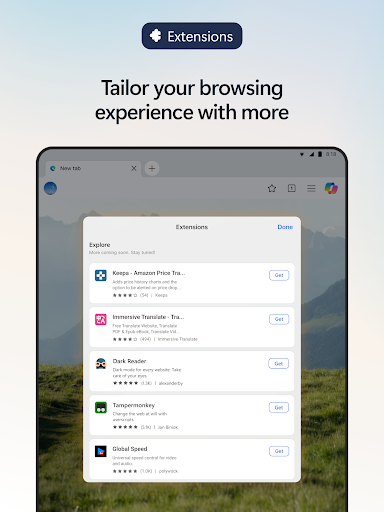
Personalize your browsing environment with various extensions. Whether it's managing cookies, controlling media speed, or customizing website themes, Edge provides tools to tailor your experience. Plus, the browser supports most Chrome extensions, ensuring you have access to a broad ecosystem of add-ons. Synchronize your bookmarks, history, and settings effortlessly across all devices—desktop, tablet, or smartphone—for a consistent experience everywhere.
Privacy and Security Enhancements
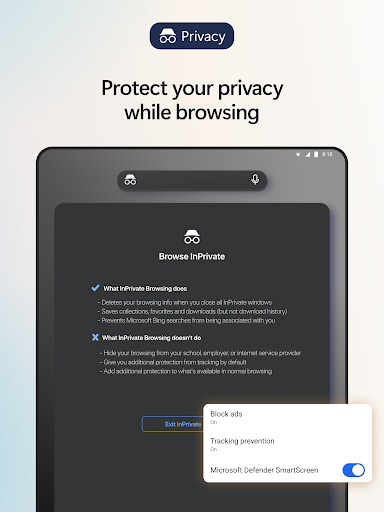
Security is a top priority in Microsoft Edge. Enjoy safe browsing with features like InPrivate mode, which prevents saving your browsing history and search data. AI-powered tools such as tracking prevention, Microsoft Defender SmartScreen, and AdBlock protect you from malicious sites, phishing attacks, and intrusive ads. Password monitoring alerts you if your credentials are found on the dark web, adding an extra layer of security. These features help safeguard your data while maintaining a smooth browsing experience.
Performance and Compatibility
Microsoft Edge leverages the Chromium engine, ensuring compatibility with a vast range of websites and extensions. It is optimized for speed and efficiency, delivering quick page loads and smooth multitasking. Even with multiple tabs open, you’ll experience minimal lag. The browser’s performance is fine-tuned for battery conservation, making it a reliable choice for portability and productivity on laptops and mobile devices.
User Experience and Interface
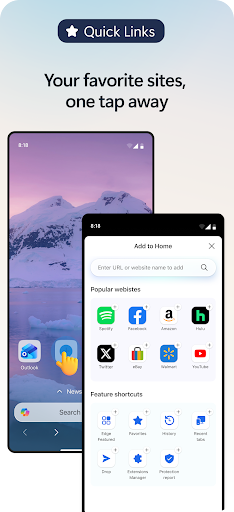
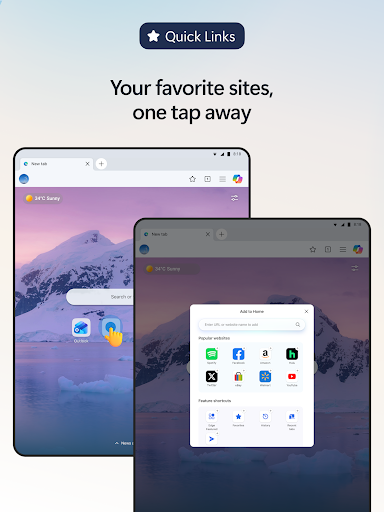
From the moment you launch Edge, its sleek and minimalistic design creates an inviting environment. The intuitive layout makes navigation effortless, allowing you to access AI features, extensions, and settings quickly. The interface is clean, with smart organization that minimizes clutter, helping you focus on what matters most.
Final Verdict
In summary, Microsoft Edge: AI Browser offers a smarter way to browse, create, and stay secure online. Its integrated AI features—such as sophisticated search enhancements, content summarization, voice interactions, and image generation—set it apart from traditional browsers. Combined with robust security measures and a customizable experience through extensions, Edge is ideal for users seeking a modern, intelligent web companion. Whether you're a student, professional, or casual user, give this AI-powered browser a try and discover how it can elevate your internet experience to new heights.
Pros
- Fast browsing experience
- Integrated AI tools
- Cross-device synchronization
- Enhanced privacy features
- Customizable interface
Cons
- Limited extension support
- Occasional compatibility issues
- Requires a Microsoft account
- High resource consumption
- Needs frequent updates











