
Introduction to the Universal TV Remote Control App
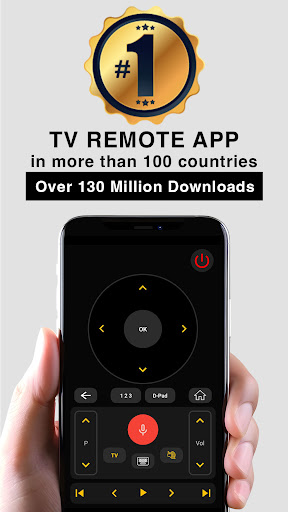
Are you tired of misplacing your TV remote or dealing with the frustration of broken or dead batteries? The Universal TV Remote Control app is your perfect solution to simplify home entertainment. With over 120 million users worldwide, this app has become the go-to smart and IR remote alternative for controlling a wide range of televisions and devices effortlessly.
Key Features and Functionalities
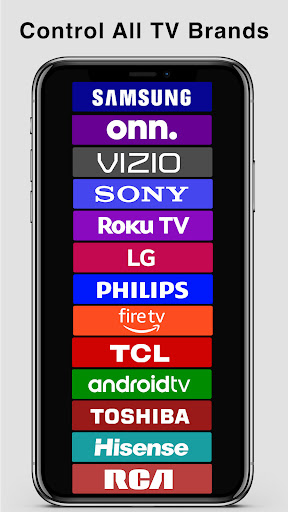
This top-rated universal remote app offers a comprehensive suite of features designed to replicate and enhance your traditional remote control experience. It supports a broad spectrum of TV brands and models, providing seamless control whether you have a Smart TV or an older infrared (IR) television.
Smart TV Compatibility
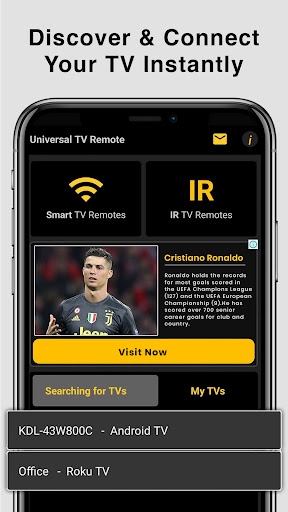
To use the app with your Smart TV / device, ensure that both your phone and TV are connected to the same Wi-Fi network. Once connected, the app allows you to:
- Cast media files stored on your phone to your TV
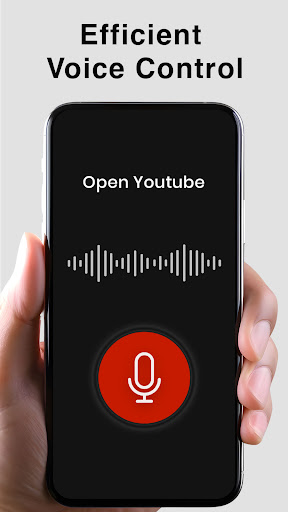
- Voice Search
- Power Control
- Mute / Volume Control
- Smart Sharing / Casting for pictures, videos, and music
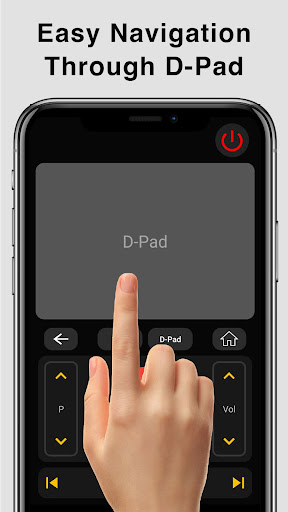
- Mouse Navigation and Easy Keyboard
- Input
- Home button access
- Control over installed TV apps
- Channel navigation with Up / Down buttons
- Play / Stop / Reverse / Fast Forward
- Directional Navigation (Up / Down / Left / Right)
Infrared (IR) TV Compatibility
For IR-controlled TVs, your phone must have a built-in Infrared (IR) blaster. The app sends signals directly to the TV just like a physical remote. Core features include:
- Power ON / OFF
- AV / TV mode switching
- Mute / Un-Mute
- Channel number input
- Channel list browsing
- Volume control (Up / Down)
- Channel control (Up / Down)
- Menu navigation with directional buttons
- Multi-purpose soft keys (Red / Green / Blue / Yellow)
Additional Benefits
Apart from basic controls, the app enables you to:
- Operate multiple electronic devices with a single remote app
- Save favorite channels for quick access
- Enjoy voice control for hands-free operation
Ease of Use and Setup
Setting up the Universal TV Remote Control app is straightforward. Available for both Android and iOS devices, the app requires no complicated configurations. After downloading, follow the simple on-screen instructions to sync it with your TV:
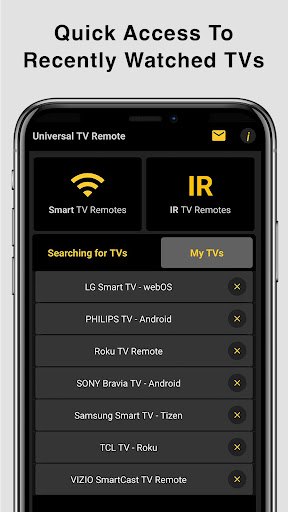
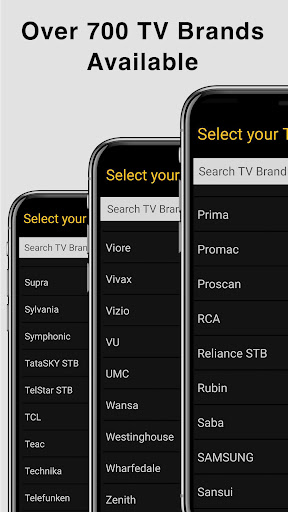
- Select your TV brand from the list
- Ensure your device and TV are connected to the same network (for Smart TVs)
- Tap a few buttons to establish the connection
Why Choose This Universal Remote App?
There are numerous reasons why this universal remote control app stands out:
- Widely Compatible: Supports a broad range of TV brands and models
- Convenience: Replace multiple remotes with a single app on your phone
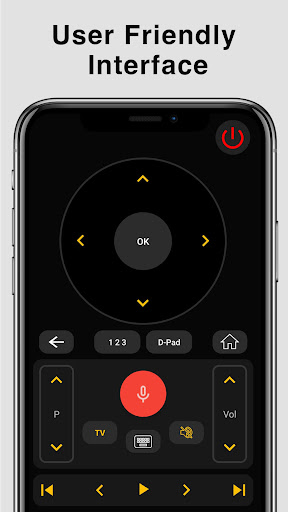
- User-Friendly Interface: An intuitive layout similar to physical remotes
- Responsiveness: Minimal lag for a seamless experience
- Portability: Always carry your remote in your pocket
- Enhanced Features: Voice control, media casting, favorite channels, and more
- Continuous Updates: The developers regularly add new features and device support
Customer Support and Compatibility Updates
The support team behind this app is highly dedicated and constantly working to enhance compatibility with various TV brands and models. If your specific TV is not listed or issues arise, you can contact the developers to request support. Your feedback is welcomed and appreciated, helping improve the app for everyone.
Conclusion
Overall, the Universal TV Remote Control app is an essential gadget for modern home entertainment. Its ease of setup, extensive features, and compatibility make it an indispensable tool for simplifying your TV control experience. Whether you’re watching your favorite show, streaming movies, or catching the latest news, this app puts your remote control in your pocket. Experience the convenience yourself and transform the way you interact with your home entertainment system today!
Pros
- Easy setup process
- Broad compatibility with various TV models
- Intuitive and user-friendly interface
- Responsive performance
- Availability of a free version
Cons
- Limited features in the free version
- Presence of advertisements
- Dependence on a stable internet connection
- Potential issues with older TV models
- Sometimes experiences connectivity problems











