
Discover the Power of Lightroom Photo & Video Editor
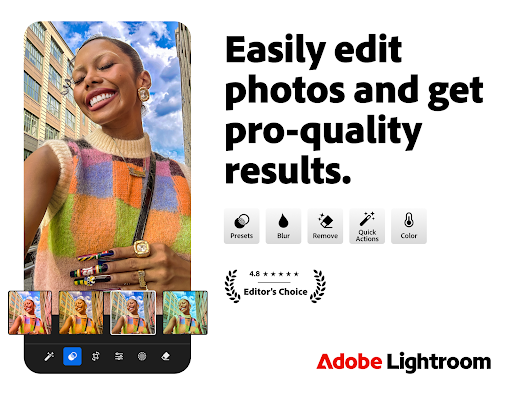
Are you looking for a smarter photo editor that can transform your images into shareworthy masterpieces? Look no further than Adobe Lightroom. This versatile app is designed to cater to both beginners and professionals, offering an intuitive interface combined with advanced editing tools. With Lightroom, capturing breathtaking sunsets, memorable family moments, or your latest foodie adventures becomes effortless. Whether you’re curating a social media feed or just snapping photos on the go, this photo and video editing app puts powerful editing capabilities right in your pocket.
Why You Should Try Lightroom
Effortless Photo Enhancement
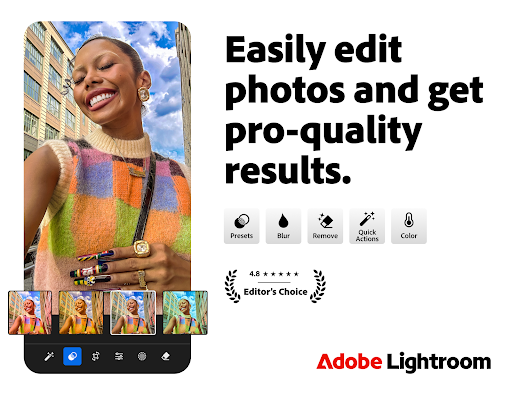
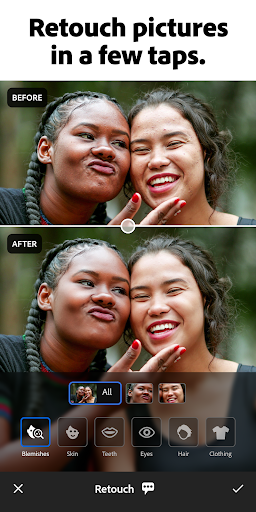
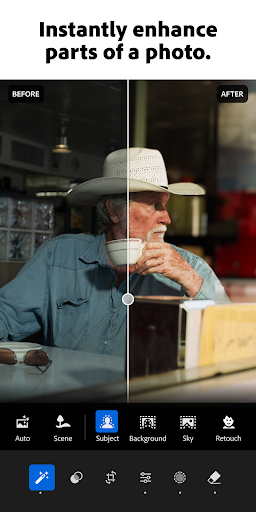
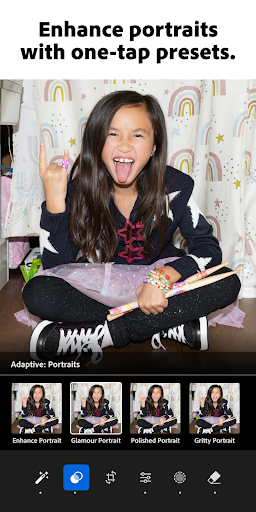
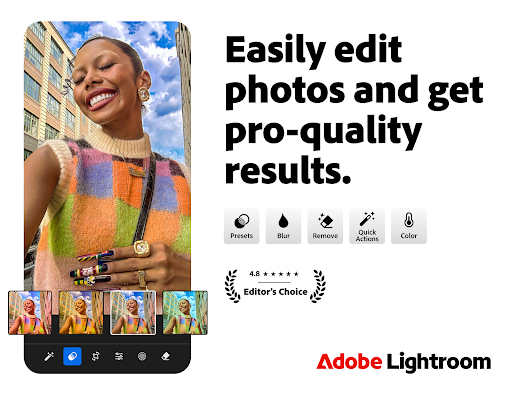
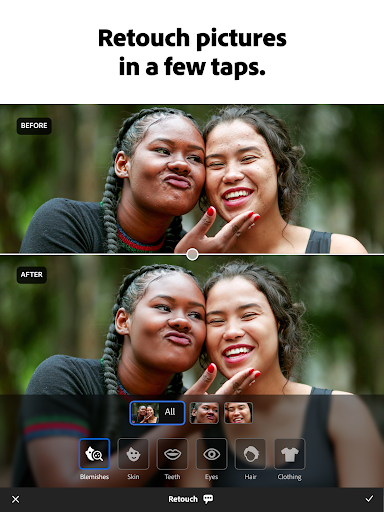
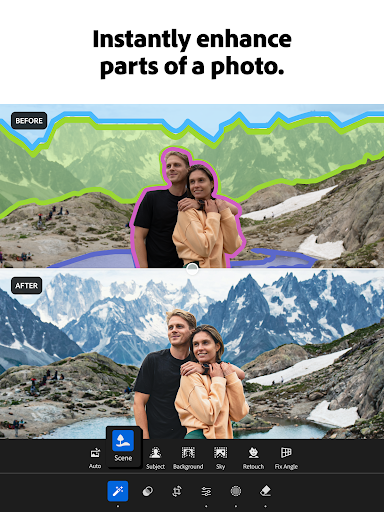
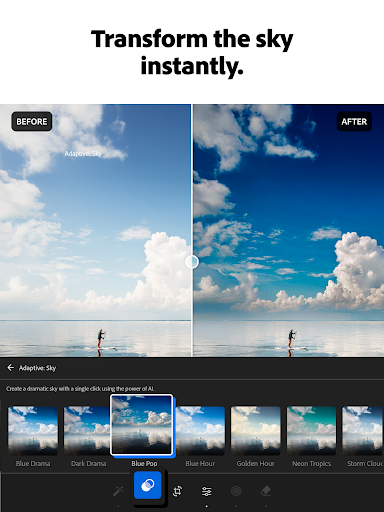
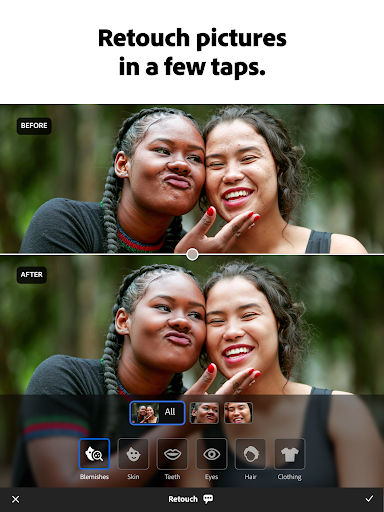
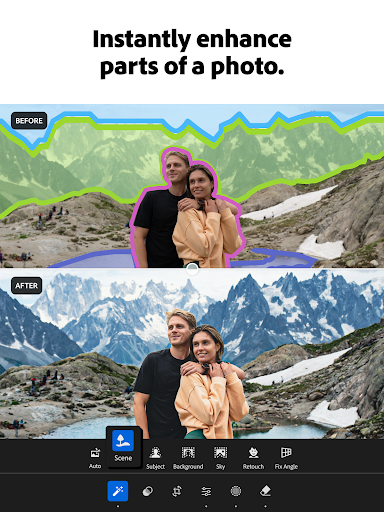
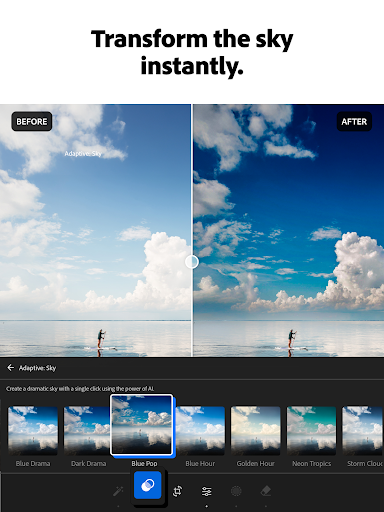
Lightroom makes it simple to enhance your photos with just a few taps. Quickly brighten images, soften backgrounds, or correct blemishes using user-friendly picture editor tools. Its One-tap features like Quick Actions and Adaptive Presets allow you to improve your images in seconds, perfect for those busy moments when time is limited.
Custom Presets and Filters
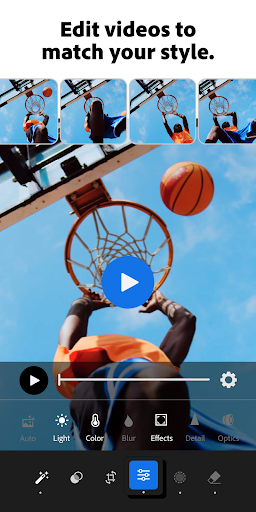
Discover a variety of presets for photos or create your own signature look. These filters help you maintain a consistent aesthetic across your collection, making your social feed look cohesive and professional. And for video enthusiasts, Lightroom extends its creative energy to video editing, offering tools for adjusting light, color, and applying presets.
Advanced Editing for Perfect Shots
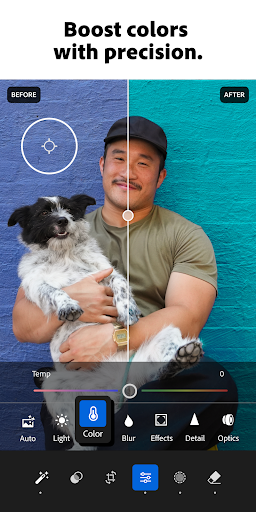
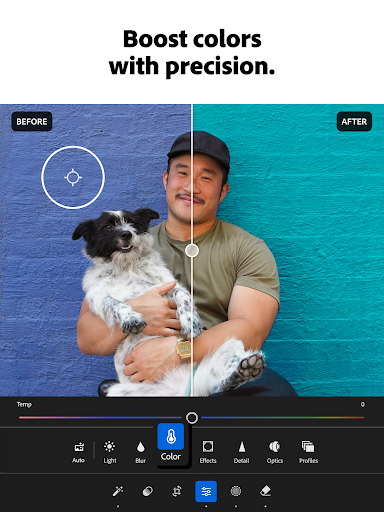
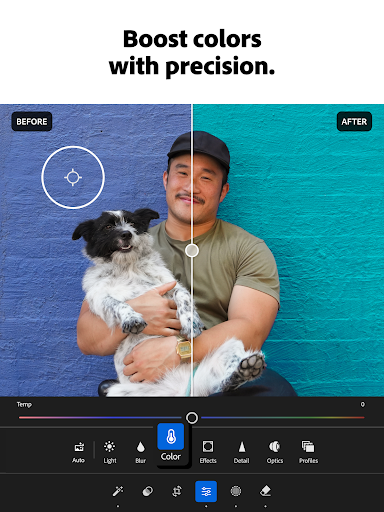
Control the finer details of your images with expert tools to tweak exposure, highlights, and shadows. Explore HD photo effects, color grading, hue adjustments, and bokeh effects to elevate your visuals. The built-in AI photo editor analyzes your images and suggests the best edits, making quick fixes or adding your unique style easier than ever without prior experience.
Distraction Removal and Background Blur
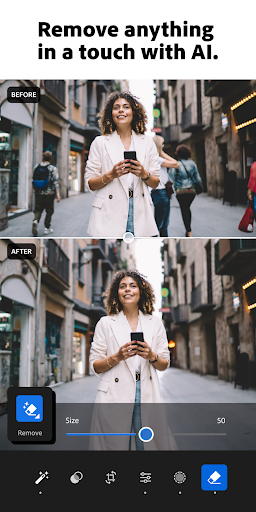
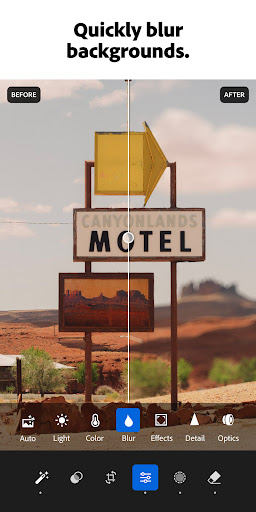
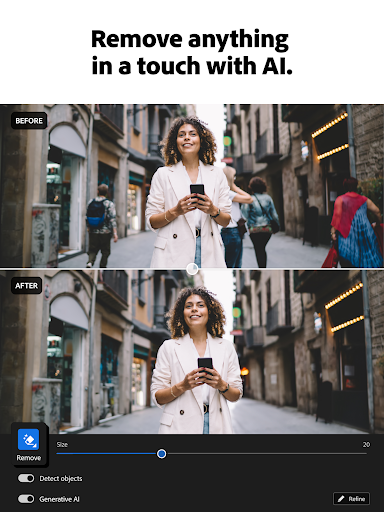
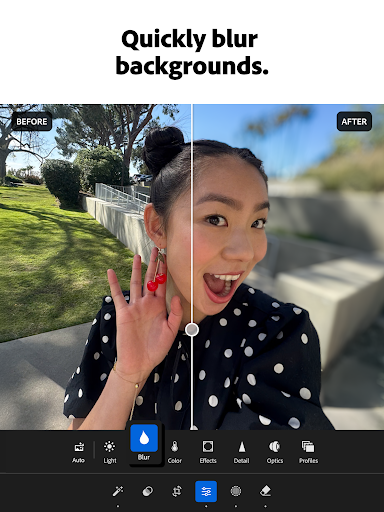
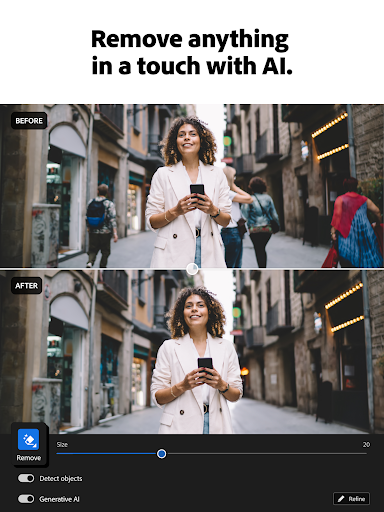
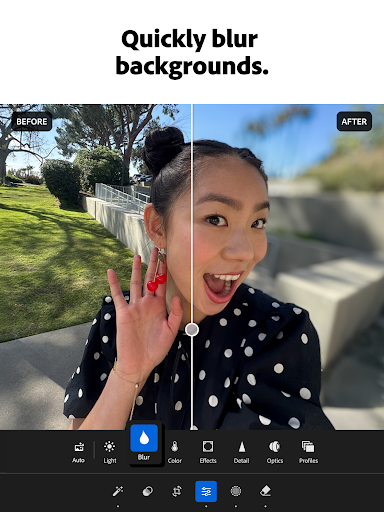
Achieve professional results by removing unwanted distractions. Use blur the photo background tools for a polished look, or utilize Generative Remove to erase objects or people from your photos seamlessly. These advanced features help you focus on your subject and craft stunning images effortlessly.
Community Inspiration and Sharing
Browse a rich community of photo enthusiasts sharing creative filters and presets. Find inspiration from bold edits with AI tools or subtle enhancements for portraits. You can also share your work within the community, seek feedback, and continually refine your skills.
Batch Editing for Efficiency
Save time with batch editing. Easily apply your edits to multiple photos simultaneously, ensuring consistency and efficiency. Save your favorite settings and effortlessly make every photo feel personalized and polished.
Download Lightroom today and elevate your photography and videography with a comprehensive, easy-to-use editing platform that adapts to your creative needs.
Unleash Your Creativity with Lightroom’s Features
Designed for All Skill Levels
Whether you're just starting out or a seasoned professional, Lightroom’s intuitive interface makes complex editing tasks approachable. From basic adjustments to advanced color grading and effects, the app offers a wide range of tools that empower your creative expression.
Powerful Video Editing
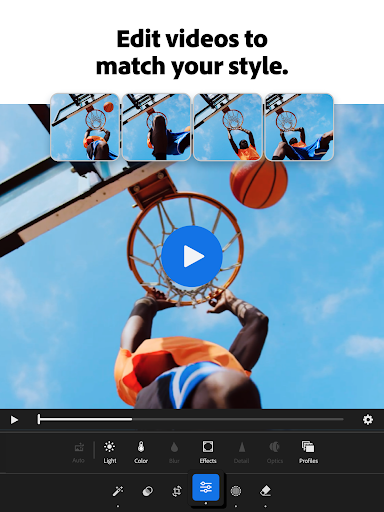
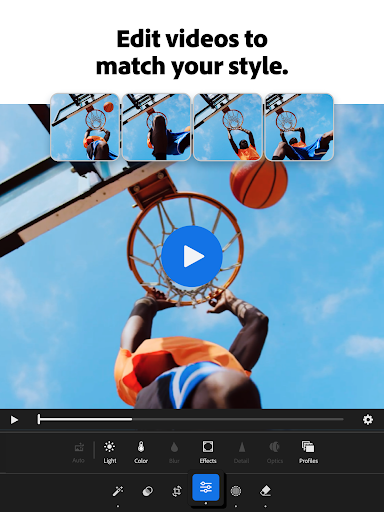
Bring the same artistic touch to your videos with robust editing features. Adjust light, color, and apply stylish presets to make your clips stand out, all from a mobile device.
Seamless Cloud Integration
With Adobe Creative Cloud, your projects are synced across devices, allowing you to start editing on your phone and finish on your desktop without missing a beat. This cloud storage feature ensures your work is accessible anytime, anywhere.
Community and Learning Resources
Learn from tutorials, tips, and feedback shared by a global community of photographers and videographers. Engage with inspiring projects and get inspired to push your creative boundaries. Plus, with support for RAW files, Lightroom is a must-have tool for professionals seeking maximum editing flexibility.
In conclusion, Lightroom Photo & Video Editor is the ultimate all-in-one platform to take your editing skills to the next level. Its combination of user-friendly design, powerful features, and a supportive community makes it an invaluable addition to any creative toolkit.
Pros
- Intuitive interface suitable for beginners
- Robust editing capabilities for experts
- Supports RAW image formats
- Smooth cloud synchronization across multiple devices
- Extensive collection of filters and presets
Cons
- Requires subscription for access to premium features
- May be demanding on older hardware
- Limited options for video editing
- Reports of occasional app crashes
- In-app purchases can be expensive











