

Introduction to Snapseed
When it comes to mobile photo editing, Snapseed is a name that frequently appears among photography enthusiasts. Developed by Google, this powerful app offers a wide array of features designed to transform average photos into stunning works of art. Whether you're a casual photographer or a professional, Snapseed provides tools that cater to all levels of expertise, making it a must-have in your mobile photography toolkit.
Getting Started with Snapseed
Downloading Snapseed is straightforward and accessible since it is available on both Android and iOS platforms. Upon launching the app, users are greeted with a clean, intuitive interface that simplifies the editing process. This user-friendly design ensures that even beginners can start editing their photos without any hassle, while advanced users can take advantage of the more nuanced controls.
Key Features and Tools
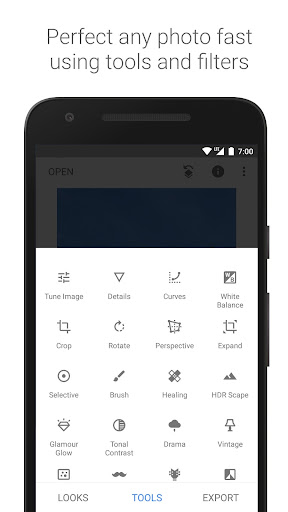
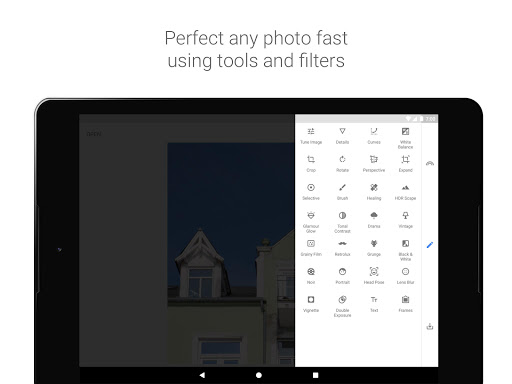
Snapseed stands out due to its extensive collection of features. Here are some of the main tools and filters that make this app highly versatile:
- 29 Tools and Filters: including Healing, Brush, Structure, HDR, Perspective, and more.
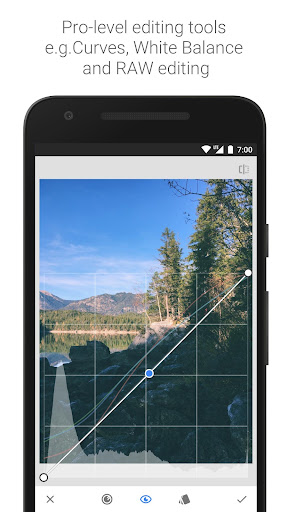
- Support for JPG and RAW files, catering to both casual users and professional photographers.
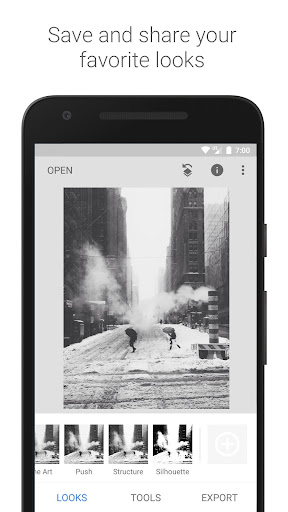
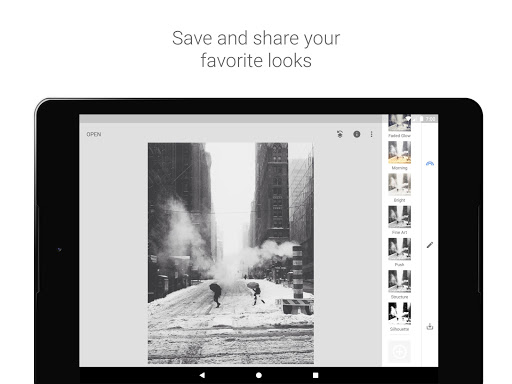
- Ability to save personal looks and apply them to new photos later, streamlining your editing workflow.
- Selective filter brush for precise enhancements.
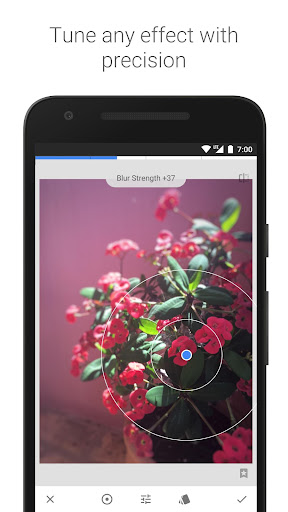
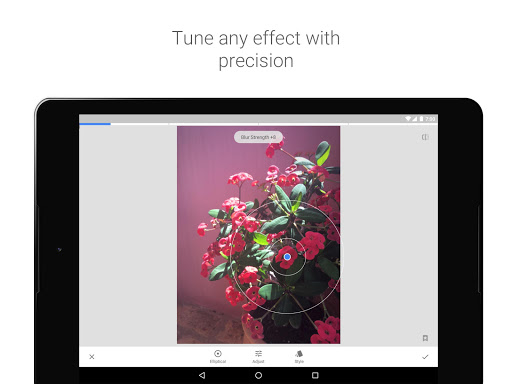
All styles and adjustments can be tweaked with fine and precise control, allowing for highly customized editing experiences.
Detailed Tools, Filters, and Features
Essential Editing Tools
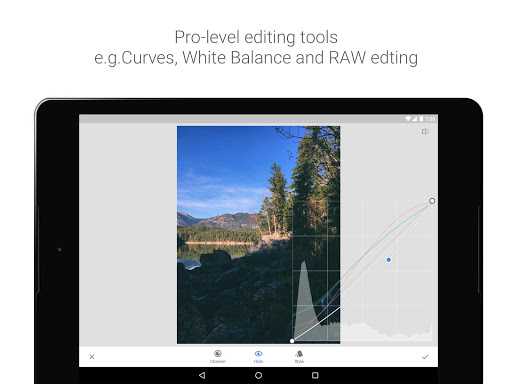
- RAW Develop – open and tweak raw DNG files, with non-destructive editing options.
- Tune Image – adjust exposure, contrast, saturation, and ambiance automatically or manually.
- Details – enhance surface structures to make your images pop.
- Crop and Rotate – perfect for framing and straightening photos.
- Perspective – correct skewed lines and improve horizon or building geometry.
- White Balance – achieve natural colors by adjusting color temperature.
- Brush – selectively retouch exposure, saturation, brightness, or warmth.
- Selective – use Control Point technology for precise local adjustments.
Creative Filters and Effects
- Healing – effortlessly remove unwanted objects or blemishes.
- Vignette – add a soft darkening around the corners for a professional look.
- Text – add stylized or plain text to your photos.
- Curves – gain fine control over brightness levels.
- Expand – increase canvas size and fill the new space smartly.
- Lens Blur – create a beautiful Bokeh effect, ideal for portraits.
- Glamour Glow – add a soft glow to enhance fashion or portrait photos.
- Tonal Contrast – boost details in shadows, midtones, and highlights.
- HDR Scape – simulate high dynamic range for stunning image effects.
- Drama – apply dramatic styles to create intense visuals.
- Grunge – give photos an edgy, textured style.
- Grainy Film – replicate modern film grain effects.
- Vintage – emulate the look of color films from the 50s to 70s.
- Retrolux – add light leaks and scratches for a retro feel.
- Noir and Black & White – classic monochrome effects with realistic grain.
- Frames – add customizable borders to enhance presentation.
- Double Exposure – blend two photos with various modes for artistic compositions.
- Face Enhance – focus on eyes, face lighting, and smooth skin.
- Face Pose – correct portrait poses using 3D model adjustments.
Why Choose Snapseed?
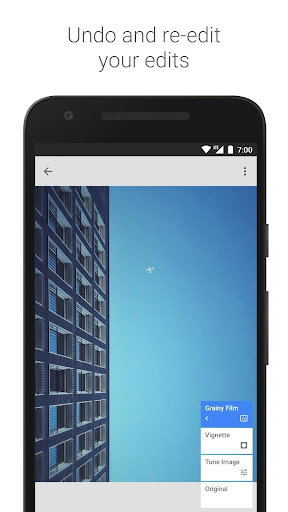
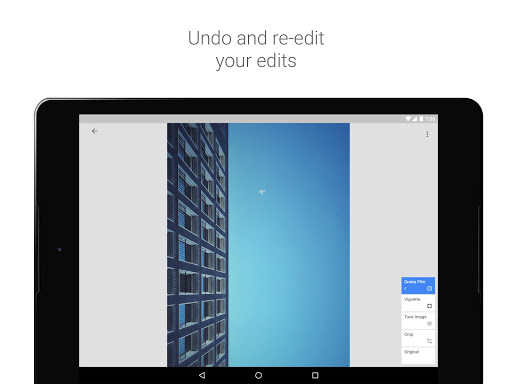
One of the main reasons users prefer Snapseed is its non-destructive editing workflow. This means you can make extensive adjustments without risking permanently altering your original image. You can always reset changes or revert to the original at any point. Additionally, support for RAW files makes it a favorite among professional photographers seeking high-quality results. The app also includes a Tips and Tricks section, offering photography insights that help users elevate their skills.
Furthermore, Snapseed is completely free, removing any barriers for users wanting powerful editing tools on the go. Its streamlined interface and comprehensive feature set make it suitable for anyone interested in photography, from casual shooters to professional editors seeking quick yet precise edits.
Conclusion
In summary, Snapseed is more than just a basic photo editor; it is a robust, professional-grade tool packed with features that enhance every aspect of your photographic creations. Its versatile tools, creative filters, and user-friendly design make it an essential app for improving your mobile photography skills. Whether you're editing a casual snap or preparing a professional portfolio, Snapseed can help you achieve stunning results effortlessly. Best of all, it’s available for free, so why not give it a try and elevate your photos today?
Pros
- Free to use with no in-app purchases
- Supports editing RAW files
- Intuitive, user-friendly interface
- Offers a wide selection of filters
- Includes powerful editing tools
Cons
- Lacks cloud storage options
- Limited options for sharing on social media
- Sometimes the app crashes unexpectedly
- Consumes a lot of battery power
- Steep learning curve for new users











