
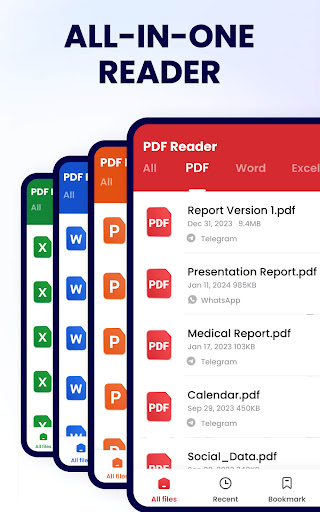
Introduction to PDF Reader - PDF Viewer
Are you often in need of a reliable and user-friendly PDF reader for your mobile device? Whether you're a student, professional, or casual user, managing PDF documents efficiently on the go can significantly enhance your productivity. The PDF Reader - PDF Viewer app is designed to meet all these needs with a comprehensive set of features that make reading, editing, and sharing PDFs simple and enjoyable. With its lightweight design, intuitive interface, and robust functionalities, this app stands out as one of the best solutions for handling PDF files on Android and iOS devices.
Main Features of PDF Reader - PDF Viewer
Seamless PDF Viewing Experience
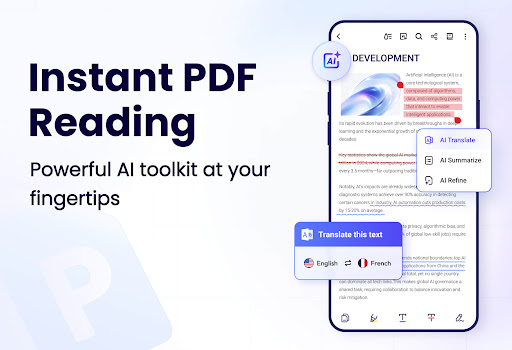
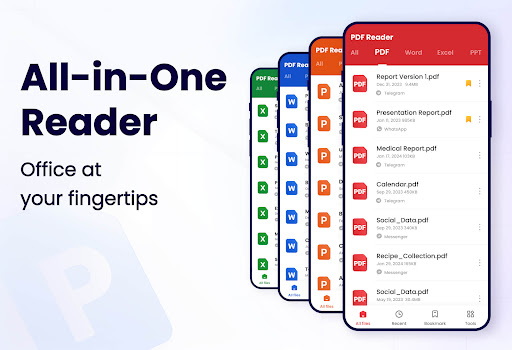
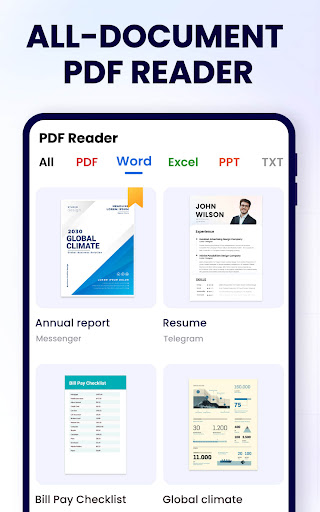
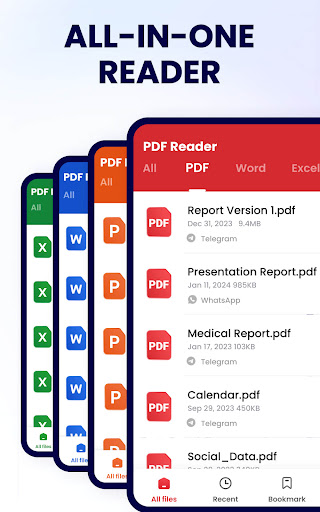
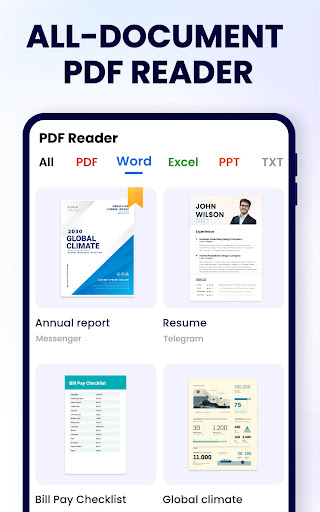
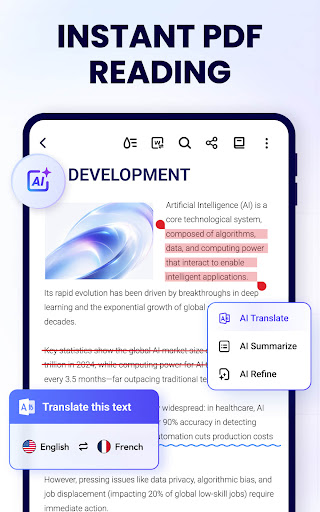
The app boasts the most practical PDF reader capabilities for Android, allowing users to easily search, open, and read all their PDF files. It automatically detects and displays your PDFs, providing a straightforward list for quick access. Whether you're dealing with a small document or a large, complex PDF, the app supports fast opening and viewing without delays. Users can switch between page-by-page mode or continuous scrolling, ensuring a comfortable reading experience tailored to personal preferences.
Advanced PDF Editing Tools
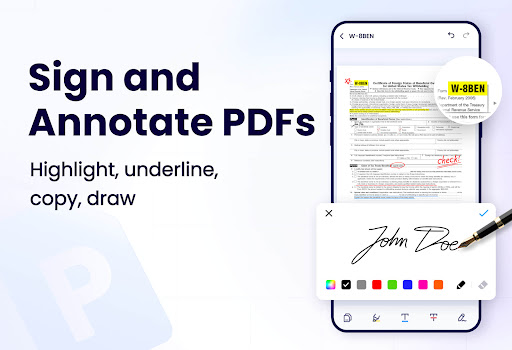
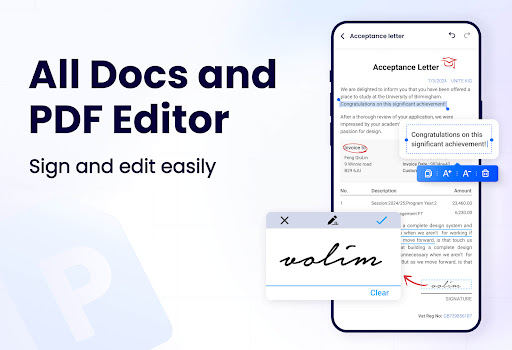
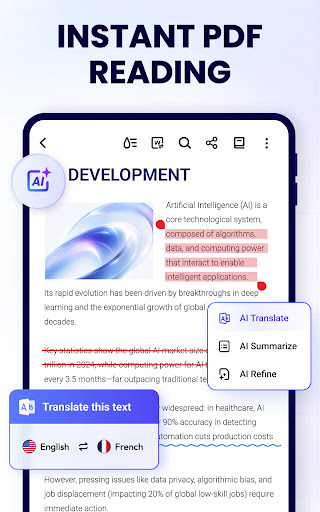
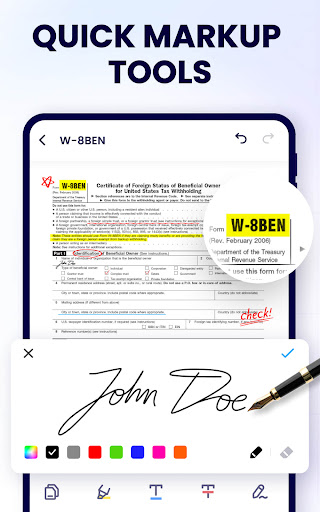
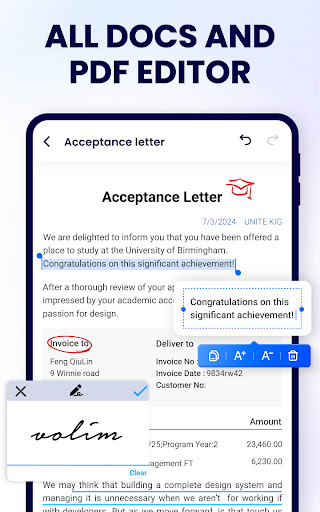
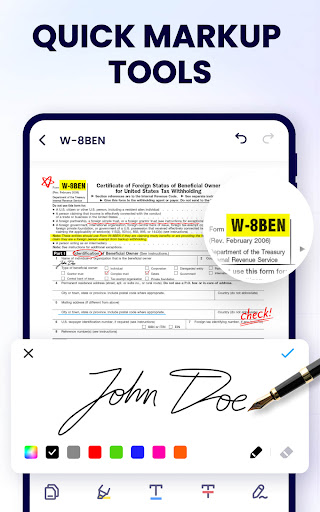
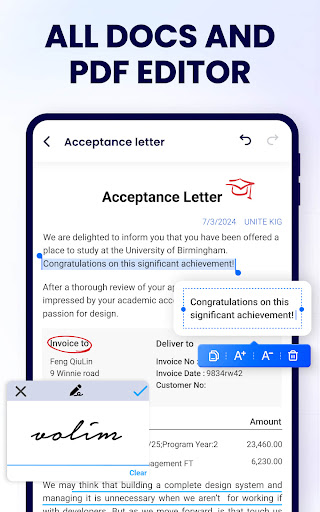
More than just a PDF viewer, this app serves as a powerful PDF editor. You can annotate your documents with highlights, underlines, and strikethroughs or doodle directly on PDFs. It also enables easy text search and copying, making it suitable for students reviewing lecture notes or professionals marking up contracts. Need to rearrange pages? No problem—merge multiple PDFs or split large files into smaller parts effortlessly. Protect sensitive documents by setting passwords and managing pages with options to add or delete them.
User-Friendly Management Features
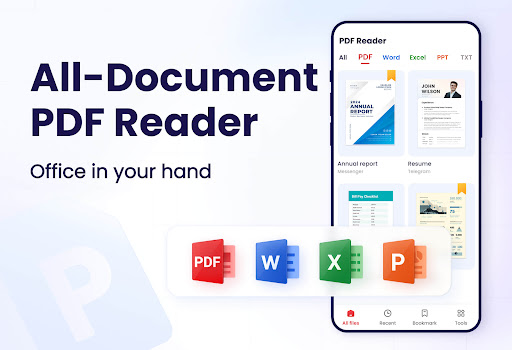
Managing your PDFs becomes more organized with features like recent file lists for quick access, renaming files, and sharing documents across social media platforms directly from the app. The lightweight design of only 12MB ensures it runs smoothly without occupying much storage. Printing PDF documents and adding e-signatures further enhance the functionality, streamlining workflows whether for work or study.
Additional Capabilities and Upcoming Features
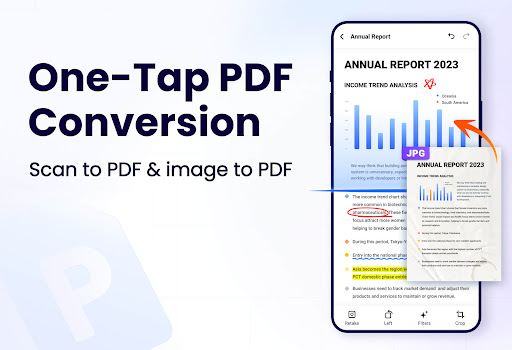
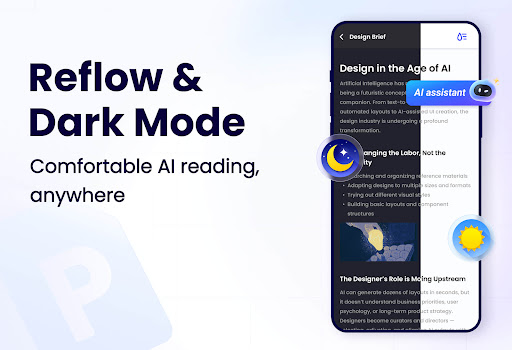
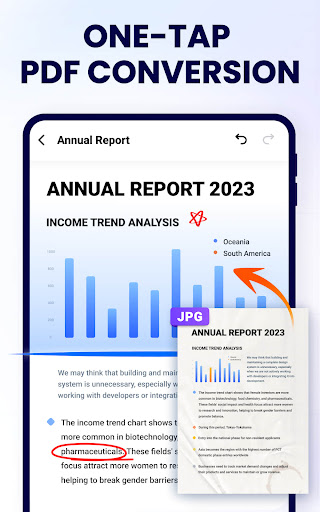
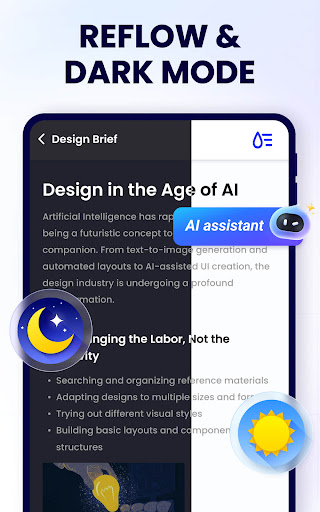
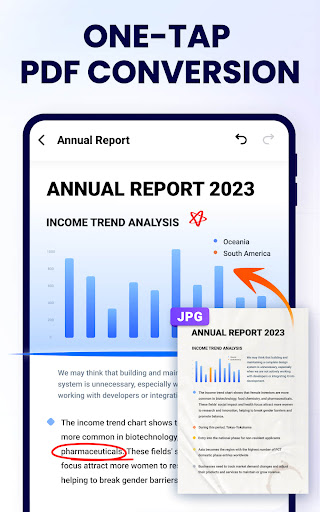
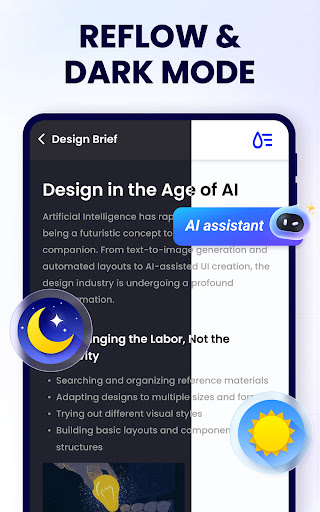
The developers have a suite of future enhancements in mind, including dark mode for comfortable viewing at night, PDF compression to save space, and tools for filling out PDF forms and adding digital signatures. The app also integrates a PDF scanner for digitizing physical documents and conversion features between PDF and Word, Excel, JPG, PNG, and other formats. These features aim to make PDF management even more versatile.
User Experience and Performance
Intuitive and Smooth Interface
Users praise the app's clean, simple interface and seamless navigation. Even those with little technical experience can quickly learn to utilize its features effectively. The night mode feature reduces eye strain in low-light environments, making for prolonged reading sessions. Additionally, the absence of intrusive advertisements contributes to a clutter-free experience.
Efficiency and Reliability
The app performs reliably, opening large and complex PDF files without slowdowns. Its powerful search tools allow users to find specific content quickly, saving valuable time. The ability to directly go to a specific page by number further streamlines the reading process, making it ideal for busy professionals and students managing multiple documents.
Conclusion: Is PDF Reader - PDF Viewer Worth It?
If you're searching for a lightweight, multifunctional PDF reader with editing, management, and sharing capabilities, then PDF Reader - PDF Viewer is a top contender. Its balance of speed, ease of use, and feature-rich environment makes it suitable for any user looking to enhance their document handling on mobile devices. Whether you need quick access to PDFs, annotate files, or securely manage sensitive information, this app provides a comprehensive solution. Give it a try today and elevate your PDF reading and editing experience!
Pros
- Supports a variety of file formats.
- Provides quick and smooth navigation.
- Allows offline access to files.
- Includes annotation and editing features.
- Features a user-friendly interface.
Cons
- Contains advertisements in the free version.
- Offers limited free editing capabilities.
- Reports of occasional application crashes.
- Does not support cloud synchronization.
- Lacks advanced editing tools.











