

Overview of CamScanner - The Ultimate Scanner & PDF Maker App
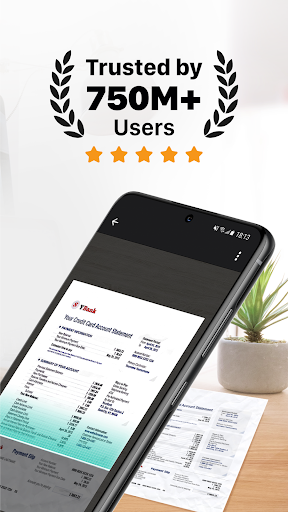
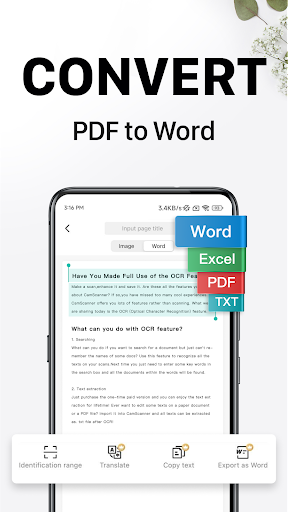
Looking for an efficient scanner app? Discover CamScanner, an all-in-one solution that transforms your mobile device into a powerful portable scanner. Whether you need to digitize receipts, notes, invoices, or even whiteboard discussions, CamScanner simplifies the process with its user-friendly interface and advanced features. By leveraging your device's camera, it offers a seamless experience that enhances productivity, saves time, and minimizes the need for bulky photocopiers or scanners.With over 500 million installs across more than 200 countries and regions, CamScanner has proven to be a trusted tool among students, professionals, and businesses worldwide. Its ability to recognize text automatically using OCR (Optical Character Recognition) makes it stand out, facilitating easy editing, searching, and sharing of documents in various formats like PDF, JPG, Word, or TXT.This versatile app is designed to handle a wide range of documentation needs—from capturing quick notes to managing extensive paperwork—making it an indispensable app for those aiming to keep their entire office or personal files in their pocket. Say goodbye to heavy hardware and welcome this ultra-fast, reliable scanner app into your daily routine.
Key Features of CamScanner
Quickly Digitize Documents
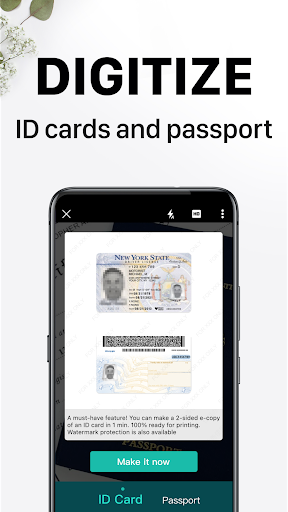
The core of CamScanner’s power lies in its ability to quickly convert physical documents into digital formats. Using your device’s camera, the app scans all types of papers—receipts, business cards, certificates, whiteboard notes, invoices, and more—with high accuracy. Its smart cropping ensures only the relevant content is captured, automatically detecting edges for a clean, professional look.Optimize Scan Quality
To ensure clarity, CamScanner employs auto-enhancing algorithms and smart cropping. This guarantees that scans are sharp, with vibrant colors and high resolution, making your digitized documents look almost as good as their physical counterparts.Extract Text with OCR
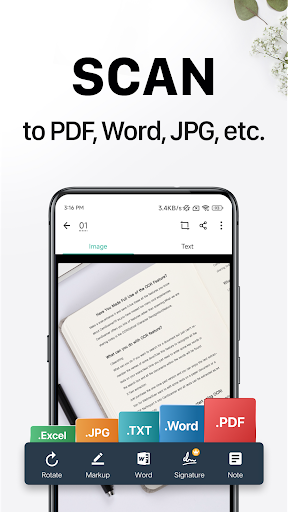
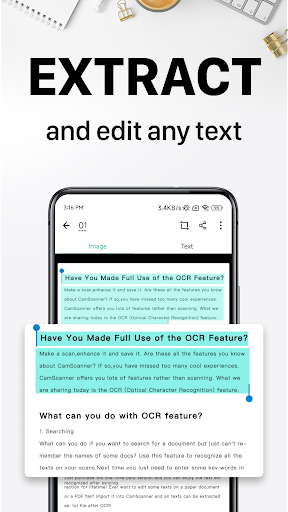
One of the standout features is the optical character recognition (OCR). This tool extracts editable and searchable text from images or PDFs, enabling you to quickly find information without manually sifting through files. Whether you're digitizing contracts or notes, OCR streamlines your workflow by transforming static images into usable text data.Share in Multiple Formats
Sharing documents is effortless with CamScanner. You can export your files in PDF or JPEG formats and share them via email, social media, or messaging apps. Additionally, the app integrates smoothly with cloud services like Google Drive and Dropbox, simplifying your file management and backup process.Wireless Printing & Remote Fax
Need to print or send a fax? CamScanner makes this straightforward—wirelessly print documents to nearby printers without additional drivers and remotely fax your files to over 30 countries. This feature eliminates the need for traditional hardware and makes remote document management more accessible.Advanced Editing Tools
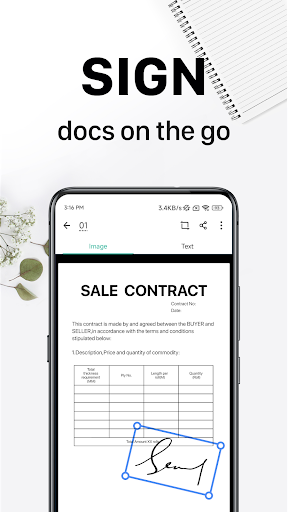
Edit your scanned documents directly within the app. Add annotations, highlights, or draw on your files. You can also insert watermarks to mark confidential or proprietary content, helping you maintain document privacy and branding.Quick Search & Organization
Organizing large document collections can be challenging. CamScanner allows tagging and categorization of files, making it easy to locate specific documents later. Its OCR feature further enhances searchability by enabling content-based searches, saving valuable time.Security & Privacy
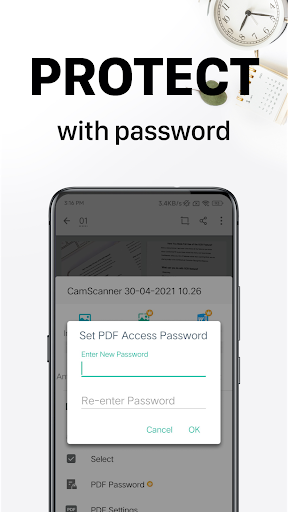
Keep sensitive information protected with password controls for viewing documents or sharing download links. These security measures ensure your private data remains confidential, providing peace of mind.Cross-Platform Sync
Sign up and sync your documents across all devices—smartphone, tablet, or desktop. By logging into your account on www.camscanner.com, you can view, edit, and share files anywhere, anytime, enabling seamless document management on the go.Subscription & Unlimited Access
To unlock all features of CamScanner, users can subscribe for unlimited access. Subscriptions can be billed weekly, monthly, quarterly, or annually depending on your preferences. Payments are processed through the Google Play Store, and subscriptions automatically renew unless auto-renewal is turned off in your account settings. Managing your subscription is straightforward, allowing flexibility in usage.Please note that any unused portion of a free trial will be forfeited upon purchase. Enjoy all the bells and whistles of this powerful scanner app—ad-free, enhanced OCR, extra sharing options, and more—by subscribing to a premium plan.
Experience the Convenience of CamScanner
Whether you are a student, a busy professional, or someone who frequently handles paperwork, CamScanner is designed to bring convenience directly to your pocket. Its intuitive interface makes scanning, editing, sharing, and organizing documents effortless. With its robust features like auto-enhancing, text extraction, and wireless printing, it transforms your phone into a comprehensive document management system.Next time you face a situation that requires quick scanning—be it an important receipt or a lengthy report—remember that CamScanner is just a tap away. It’s more than a mere scanner app; it’s a reliable partner in your everyday document needs, streamlining workflows and boosting productivity.Embrace the convenience and efficiency of CamScanner today, and see why millions worldwide trust it for their document scanning needs.
Pros
- High-quality scanning output
- User-friendly interface
- Supports multiple file formats
- Built-in OCR for text recognition
- Cloud storage integration
Cons
- Contains ads in the free version
- Requires a subscription for premium features
- Some features require internet access
- Limited editing tools
- Privacy concerns regarding data handling










