

Discover the Power of HP Smart: Your Ultimate Printing and Document Management App
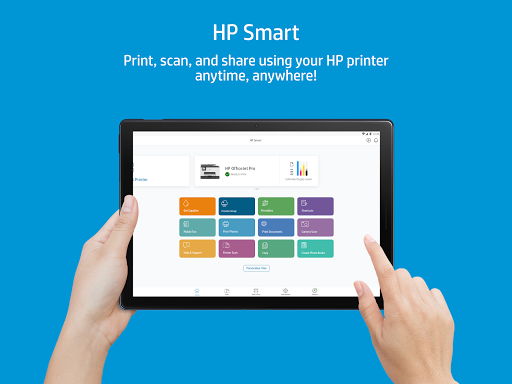
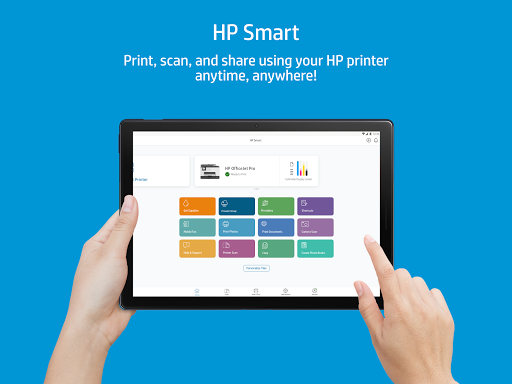
In today's fast-paced digital world, managing printed documents and images can sometimes feel overwhelming, especially when you need to print or scan documents quickly and efficiently. Enter HP Smart, a versatile and user-friendly app designed to transform your mobile device into a powerful printing and document management hub. Whether you have an HP printer or want seamless access to your documents, HP Smart offers a suite of features to simplify your workflow and enhance productivity.
Seamless Connectivity with Your HP Printer
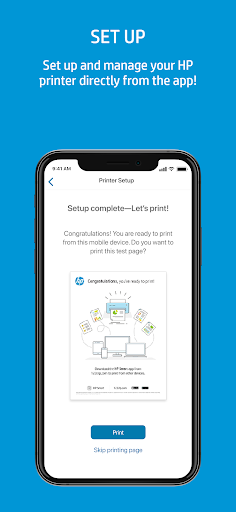
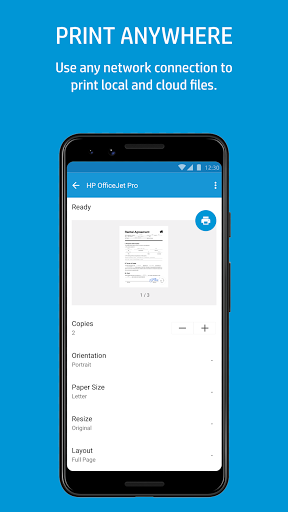
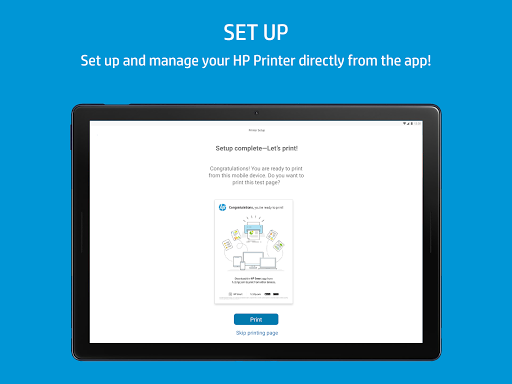
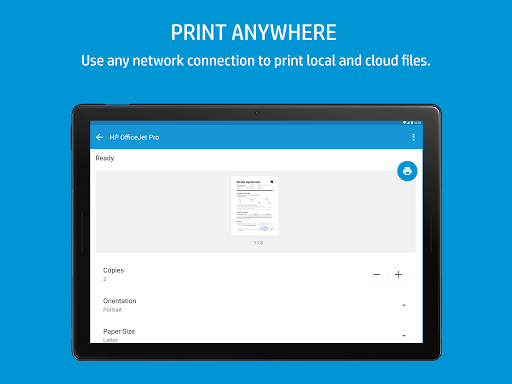
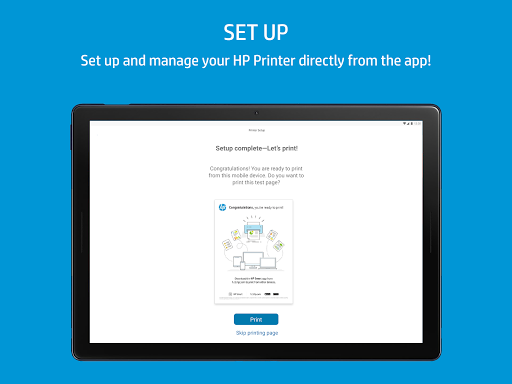
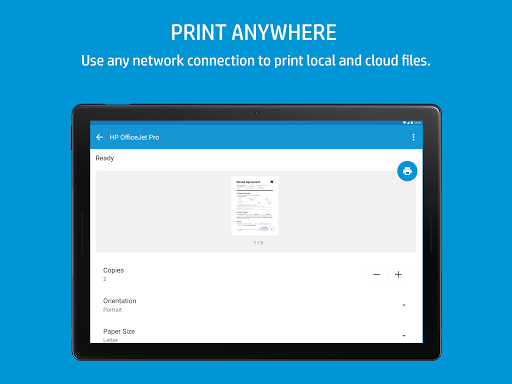
One of the standout features of HP Smart is its effortless integration with HP printers. Compatible with both Android and iOS devices, the app simplifies the setup process with clear, step-by-step instructions. From the moment you launch the app, you’re guided through connecting your device to your printer with minimal effort. This means no more complicated installations or technical hurdles—just straightforward setup so you can start printing and scanning in minutes. Once connected, you can manage, print, or monitor your printer status remotely over any network connection, giving you full control whether you're at home, in the office, or on the go.
Beyond Basic Printing: Scan, Share, and More
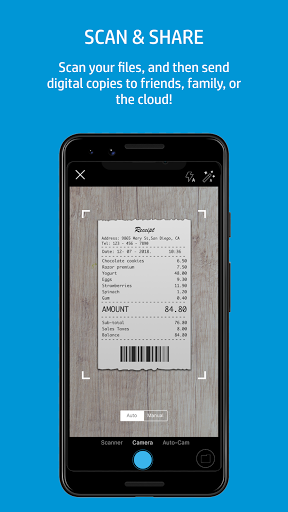
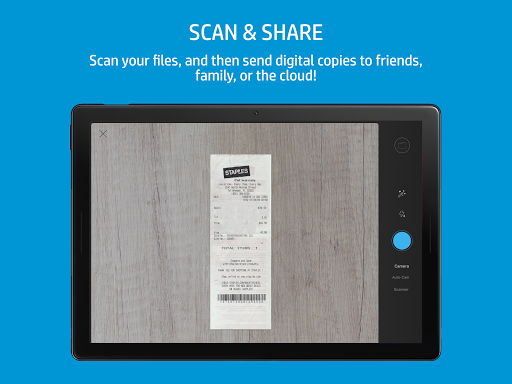
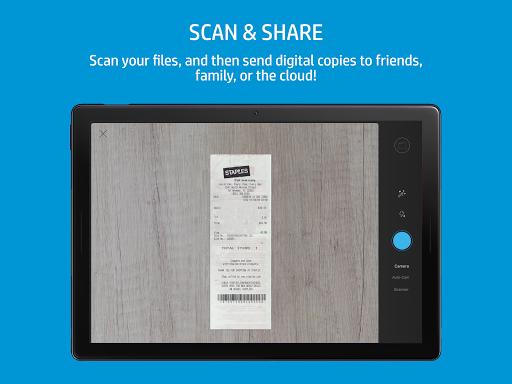
HP Smart isn’t limited to just printing documents. It empowers you with robust scanning capabilities by utilizing your mobile camera or importing existing files. The app intelligently cleans up images, resulting in high-quality scans perfect for professional presentations or personal records. You can easily preview, crop, and enhance your scans with handy editing tools—adding filters, adjusting brightness, contrast, or saturation, and inserting text for a personalized touch. These files can be saved as PDFs or JPEGs and shared directly with your favorite cloud storage services such as Google Drive or Dropbox, enabling seamless access across all your devices.
Secure and Convenient Faxing
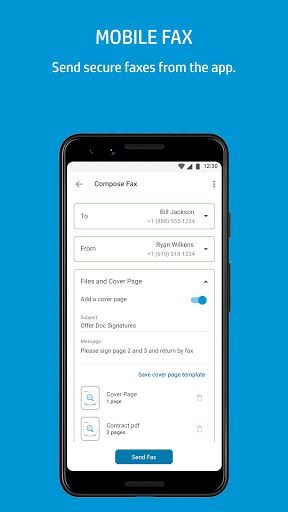
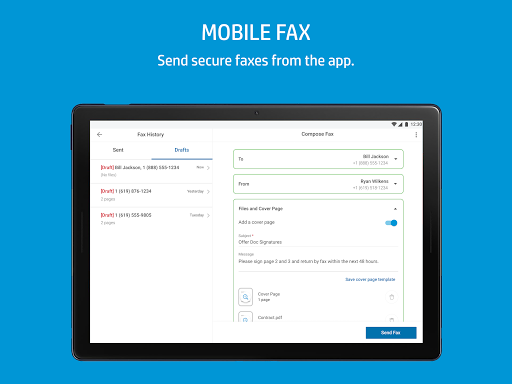
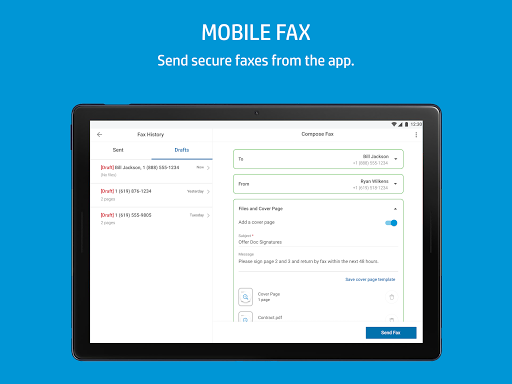
An often overlooked feature of HP Smart is its ability to send secure faxes directly from your smartphone. No need for standalone fax machines or confusing interfaces—simply capture the document image, input the recipient’s fax number, and send. This feature streamlines traditional office workflows and makes it possible to send confidential documents from anywhere, at any time.
Smart Tasks and Printable Activities
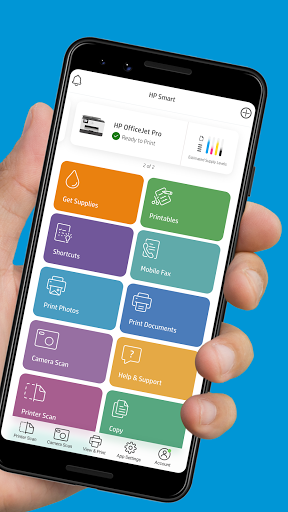
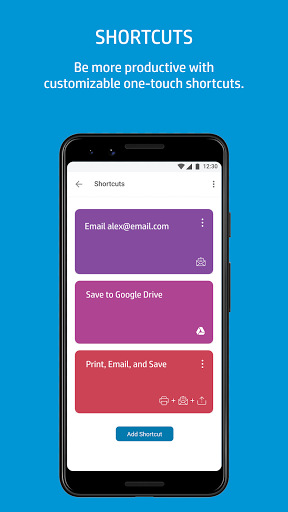
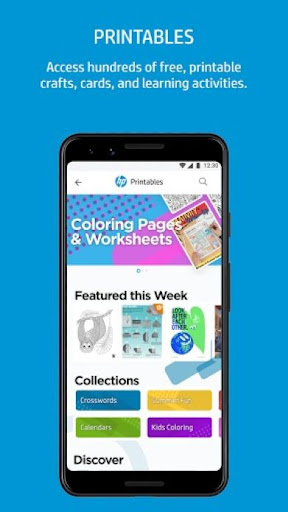
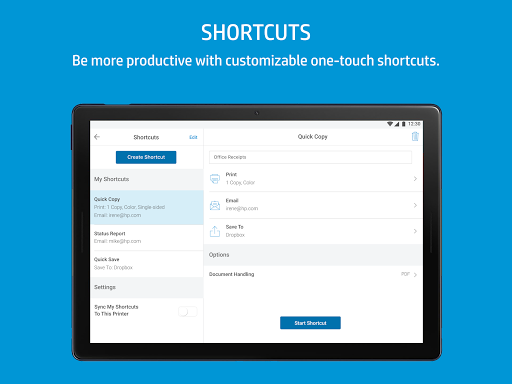
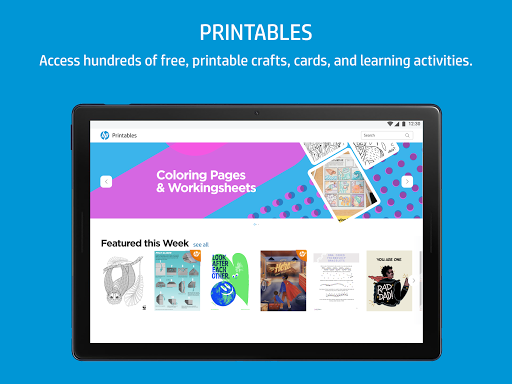
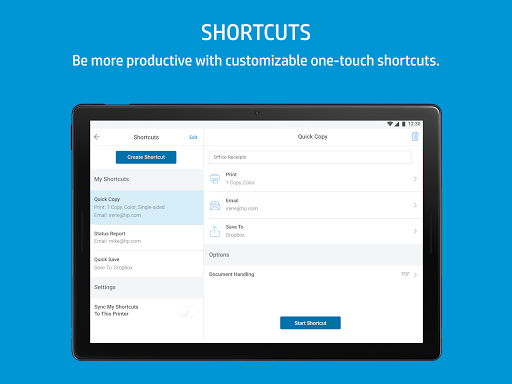
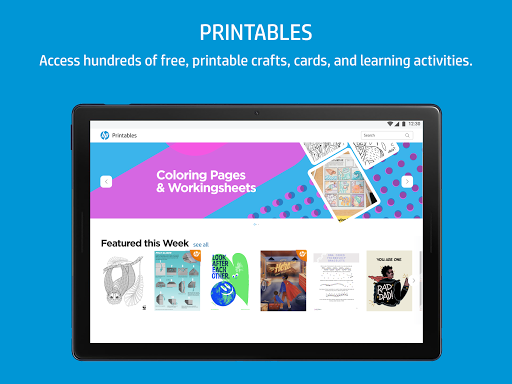
Boost your productivity with Smart Tasks, customizable one-touch shortcuts that save time. Whether you’re printing multiple documents, scanning files, or sending faxes, you can set up quick actions tailored to your needs. Additionally, the app offers access to hundreds of free printable crafts, cards, and learning activities through Printables. These engaging and creative resources are perfect for family projects, educational activities, or personal hobbies, making the app a comprehensive tool for work and leisure.
Easy Management and Support
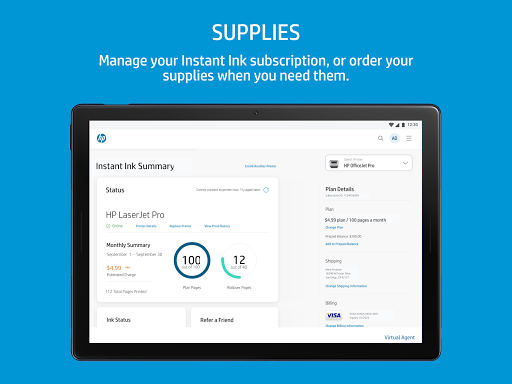
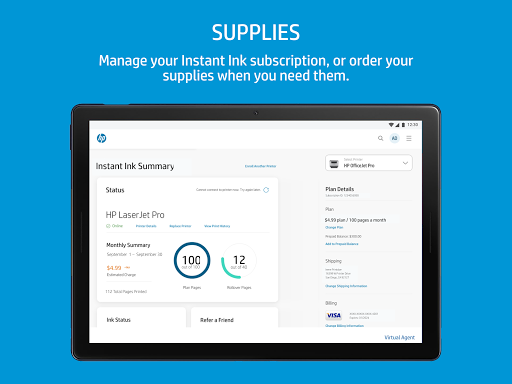
With HP Smart, managing your HP account and supplies is straightforward. You can order ink and toner, access customer support, and monitor ink or toner levels directly within the app—preventing unexpected runs out of ink during critical moments. For full functionality, some features may require an internet connection and an HP account. Additionally, support for multiple languages, including English, ensures accessibility for users worldwide.
Why HP Smart Is a Must-Have App for HP Printer Users
In summary, HP Smart redefines how you approach printing and document management. Its intuitive interface, deep integration with HP printers, and extensive feature set make it an indispensable tool whether you’re a student, professional, or casual user. From printing and scanning to sharing documents securely and accessing creative resources, HP Smart turns your mobile device into a versatile powerhouse. If you’re aiming for a more efficient, organized, and stress-free printing experience, giving HP Smart a try is highly recommended. Once you start using it, you’ll wonder how you ever managed without it.
Pros
- User-friendly interface
- Easy setup process
- Supports multiple devices
- Offers cloud printing functionality
- Provides smart task shortcuts
Cons
- Requires an HP account
- Occasional connectivity problems
- Limited free features available
- Contains advertisements within the app
- Does not support offline mode











