
Introduction to TapScanner - Your Ultimate PDF Scanner App
In today's fast-paced digital world, managing documents efficiently is crucial for professionals, students, and anyone handling paperwork regularly. TapScanner stands out as a powerful PDF Scanner app that transforms your mobile device into a high-quality document scanning and editing tool. Trusted by millions worldwide, this app offers a seamless experience for capturing, organizing, and sharing documents with clarity and security.
Key Features of TapScanner
High‑Quality Scanning
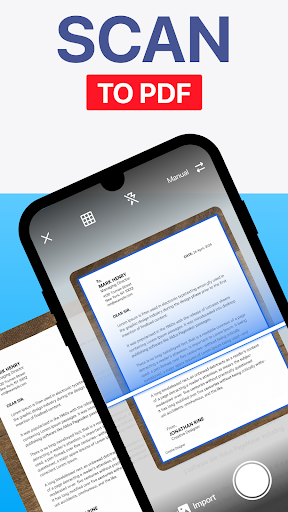
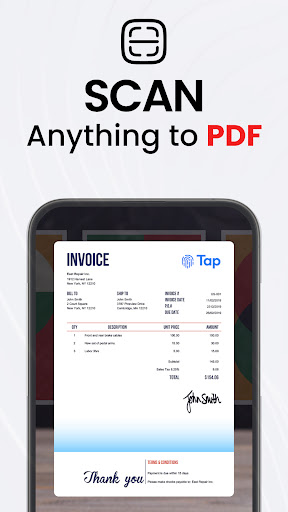
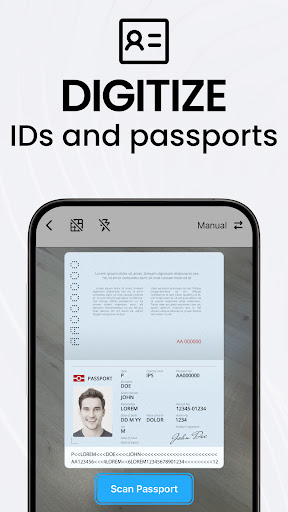
• High‑Quality Scans are made possible with automatic edge detection and smart image correction, ensuring your scans of receipts, business cards, contracts, and multi-page documents are crisp and professional every time. Whether capturing a single page or multiple pages, TapScanner handles it efficiently, making your digitized files look clean and detailed.
Complete PDF Workspace
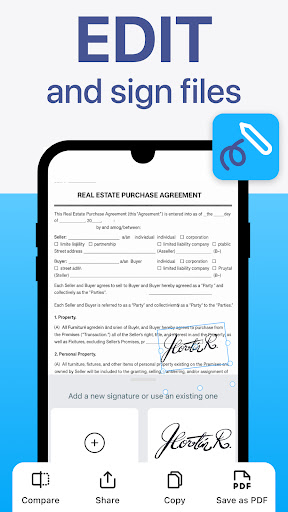
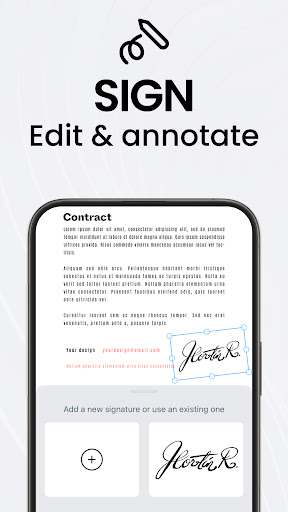
The app provides an integrated PDF editing suite where you can merge, split, reorder, sign, and annotate PDFs directly within the app. You can effortlessly export your documents in the standard PDF format without any quality loss, streamlining your workflow from scan to share.
OCR Text Recognition
TapScanner includes advanced OCR (Optical Character Recognition) features that convert images into searchable, editable text in over 110 languages. This capability makes organizing and editing your documents quick and easy, especially for lengthy or complex files.
Productivity Boosters
Save time with options like batch scanning, one‑tap renaming, and automated file organization. The app also supports cloud backup by syncing scans to platforms such as Google Drive, Dropbox, and OneDrive, with the added option of password protection to safeguard sensitive information.
Multi‑Page Support & Image Enhancements
Scan dozens of pages and compile them into a single, neatly ordered PDF. You can also optimize scans by adjusting brightness and contrast, removing shadows, or applying filters for crystal-clear results.
Instant Sharing & Printing
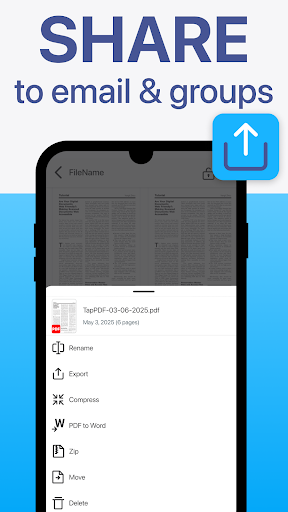
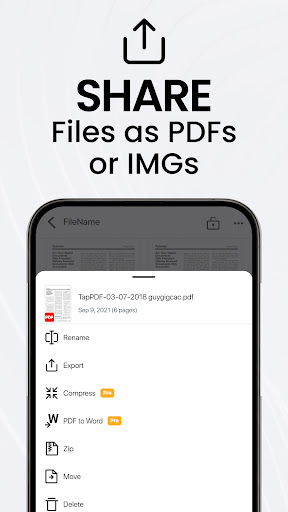
Share your completed scans via email, messaging apps, or print directly to any Wi‑Fi-enabled printer. These features make document sharing quick and effortless from your mobile device—ideal for busy professionals and students alike.
User Experience & Interface
Designed with a clean interface, TapScanner makes advanced scanning tools accessible to everyone—from professionals to everyday users. Its intuitive layout eliminates the need for tutorials, allowing you to start scanning immediately with a few simple taps.
Subscription and Privacy
The app offers a free trial month, after which a subscription will automatically activate unless canceled. Subscriptions can be managed easily via the Google Play app. Privacy policies and service terms are clearly outlined for user assurance, ensuring your data remains protected.
Why Choose TapScanner?
Whether you're handling receipts, contracts, academic materials, or multi-page documents, TapScanner is an all-in-one solution that combines high-quality scanning, robust editing, and seamless sharing options. Its features are specifically designed to boost productivity, improve document clarity, and secure sensitive information. With a user-friendly interface and powerful capabilities, it is an indispensable tool for anyone looking to digitize and manage paperwork effectively.
Conclusion
If you need a reliable PDF Scanner app that offers extensive features like OCR, cloud integration, multi-page support, and easy sharing, TapScanner is an excellent choice. Its combination of versatility, quality, and security ensures that your documents are always captured perfectly and organized efficiently. Download TapScanner today and experience the ease of turning your mobile device into a professional document management center.
Pros
- Fast and efficient scanning capabilities.
- Produces high-quality output with clear text.
- Simplifies document management and organization.
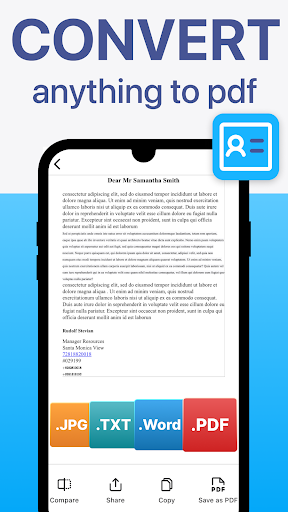
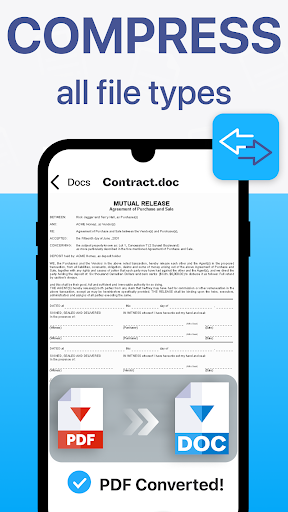
- Supports exporting in multiple file formats.
- Features a user-friendly interface with intuitive navigation.
Cons
- Contains advertisements in the free version.
- Limited options for cloud storage.
- Requires in-app purchases to unlock certain features.
- May experience occasional scanning inaccuracies.
- Lacks OCR support in the free version.











