

Parallel Space - App Cloning
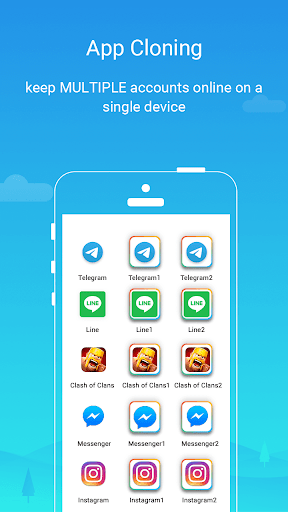
Parallel Space is a revolutionary Android application designed to help users clone and run multiple accounts of the same app simultaneously on a single device. With over 200 million users worldwide, this powerful tool simplifies managing multiple identities, whether for social media, gaming, or messaging platforms, making it a must-have for multitasking and privacy protection.
What is Parallel Space?
Imagine having a virtual twin of any app on your smartphone—this is precisely what Parallel Space offers. The app allows you to create clones of your favorite applications, enabling you to operate multiple accounts concurrently without the need for multiple devices. From Facebook and WhatsApp to game accounts, Parallel Space keeps your digital personas separate yet easily accessible, streamlining your online activities with seamless performance.
Key Features of Parallel Space
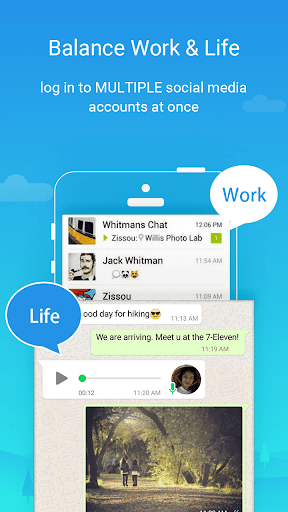
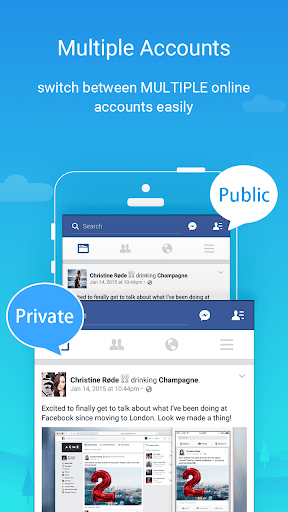
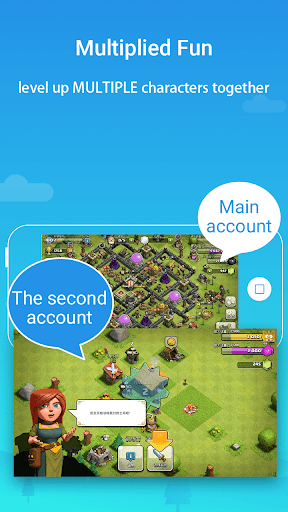
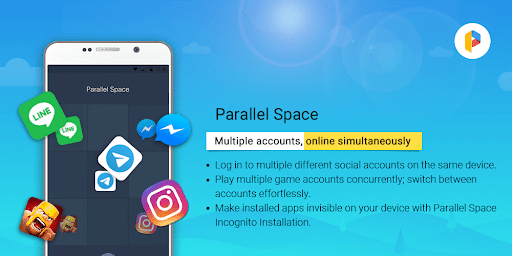
Clone and run multiple accounts: Effortlessly log into multiple accounts on a single device, keeping your personal and work profiles distinct. This feature is especially beneficial for social media managers and avid gamers who want to level up faster with different accounts.
Enhanced privacy with incognito mode: The app includes an Incognito Installation feature, making cloned apps invisible on your device to protect your privacy from unauthorized access. You can also lock individual apps with a secure PIN or pattern for additional security, safeguarding sensitive data and private conversations.
Seamless account switching: Run multiple accounts simultaneously and switch between them with just a single tap, providing a smooth user experience that saves time and effort. It's perfect for staying connected without the hassle of logging in and out continually.
Multi-language support: Supporting over 24 languages, Parallel Space caters to a global user base, ensuring ease of use for people worldwide. Its user-friendly interface is designed for both tech-savvy users and beginners alike, making setup and operation straightforward.
Compatibility and stability: The app supports most Android apps and is built on multiDroid, the first application virtualization engine for Android, ensuring a stable and efficient cloning experience. However, due to policies or technical limitations, some applications that declare the REQUIRE_SECURE_ENV flag may not be supported.
Low resource consumption: Parallel Space is optimized to minimize battery and storage usage, ensuring your device remains responsive. Resource tracking features are available within the app, helping monitor performance and manage app-specific resource consumption.
Benefits for Users
For users seeking a second phone or wanting to keep their various social media accounts organized, Parallel Space provides a straightforward solution. It supports running two accounts on the free plan, with options to upgrade to the Pro version for unlimited clones, making it suitable for heavy multi-account users and mobile gamers alike.
Beyond simple cloning, the app enhances security and privacy, ensuring your private data remains protected. It also helps improve productivity by allowing quick switching between accounts, organizing app data separately, and enabling users to explore different paths or levels in gaming apps simultaneously.
Considerations and Notes
- Some apps that declare the REQUIRE_SECURE_ENV flag are not supported.
- Necessary permissions are required for optimal functioning, but the app prioritizes user privacy and does not collect personal information.
- For notifications to work smoothly, users may need to add Parallel Space to whitelist or exclude it from booster or task killer apps.
- Each social networking account may require a unique mobile number, especially for verification purposes.
Summary
Parallel Space stands out as a powerful, user-friendly, and secure app cloning solution that caters to individuals looking to manage multiple online identities effortlessly. Its innovative virtualization engine offers high stability and compatibility, making it suitable for various apps and use cases.
Whether you're a social media enthusiast wanting separate accounts for work and personal life, a gamer managing multiple game profiles, or someone seeking privacy enhancements, Parallel Space delivers a reliable and efficient experience. It combines ease of setup, seamless operation, and privacy features to help users navigate their digital worlds more effectively.
Pros
- Supports multiple accounts on the same device
- Compatible with most social and gaming applications
- Facilitates easy switching between cloned apps
- Exerts minimal influence on device performance
- Features a user-friendly interface
Cons
- Includes in-app advertisements
- May accelerate battery consumption
- Limited functionalities in the free version
- Certain apps may not support cloning
- Potential for occasional app crashes











