

VLC for Android - Feature-Rich Media Player for Your Mobile Devices
VLC for Android is a versatile and free open source multimedia player designed to bring the full power of VLC media player to your mobile devices. Originally popular on desktop platforms, VLC media player is renowned for its ability to handle virtually all multimedia formats seamlessly. The Android version continues this legacy, offering a robust and comprehensive media solution that supports playing local files, streaming over networks, DVDs, and more. Whether you're a casual movie watcher or an audio enthusiast, VLC for Android provides an intuitive interface coupled with extensive features to elevate your multimedia experience.
Core Features of VLC for Android
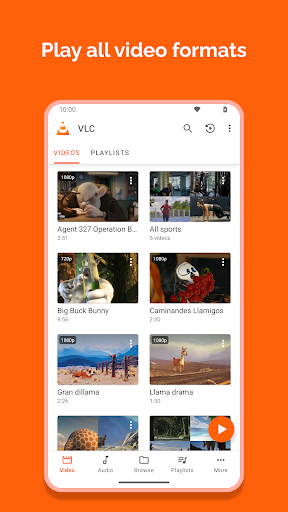
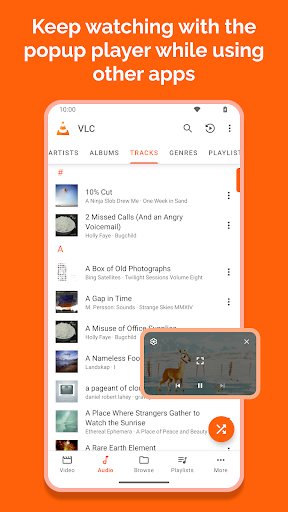
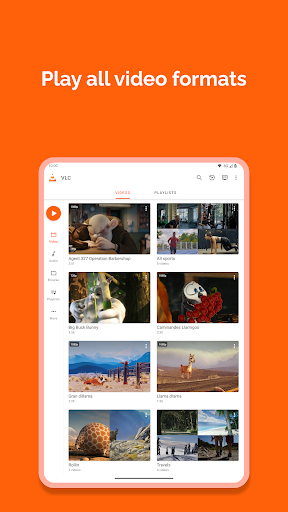
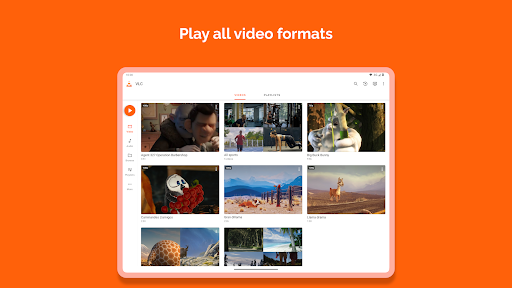
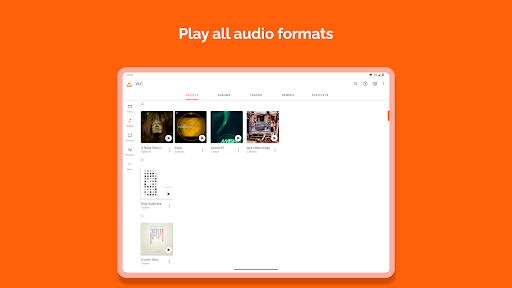
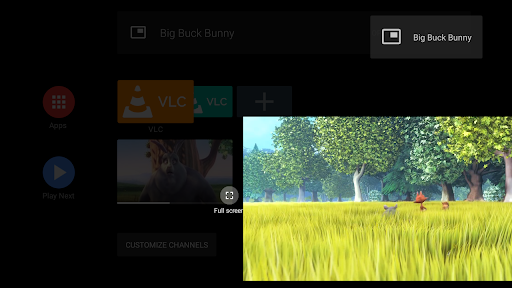
VLC for Android supports an exceptional range of media formats, making it compatible with your entire media library without the need for additional codecs. It is capable of playing most local video and audio files, including popular formats like MKV, MP4, AVI, MOV, FLAC, Wv, AAC, and many others. The app also allows you to access network streams, including adaptive streaming, and supports playback of DVD ISOs along with disk sharing capabilities.
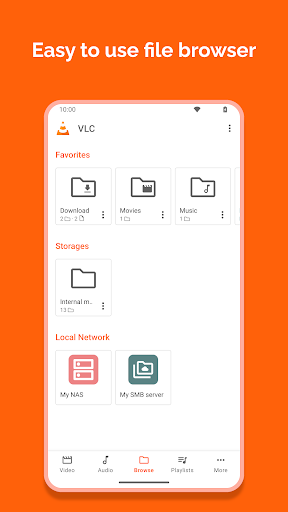
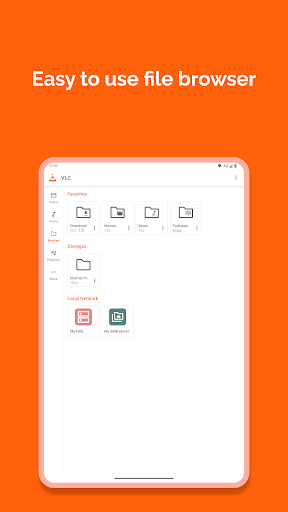
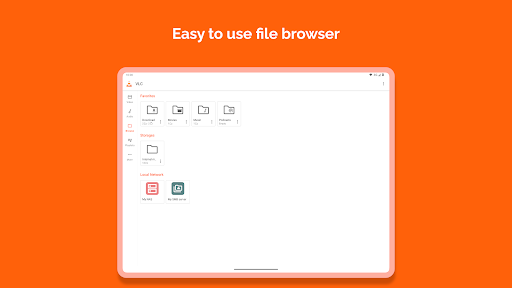
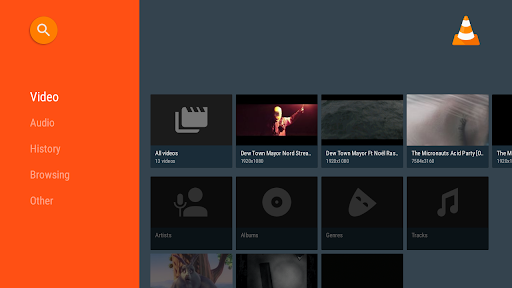
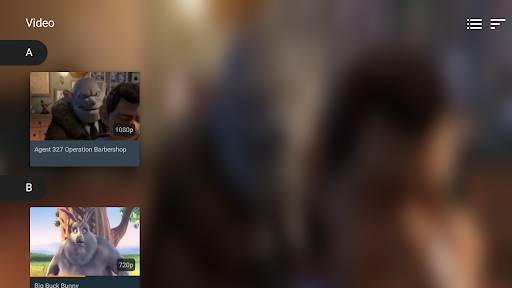
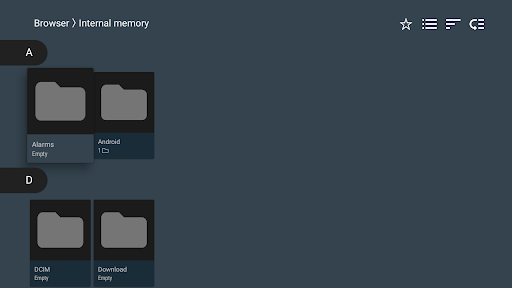
Enhancing your viewing experience, VLC for Android includes support for subtitles, Teletext, and Closed Captions. It features a user-friendly media library that helps you organize and browse your media collections effortlessly, with options to browse folders directly on your device or network shares. Plus, it supports multi-track audio and subtitle selection, perfect for users who enjoy multi-language content.
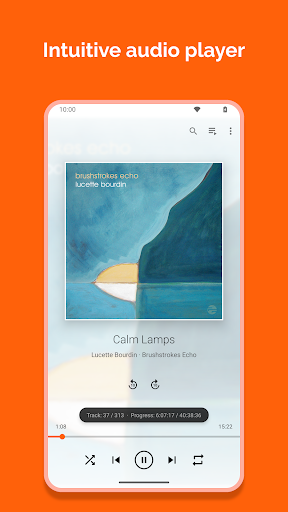
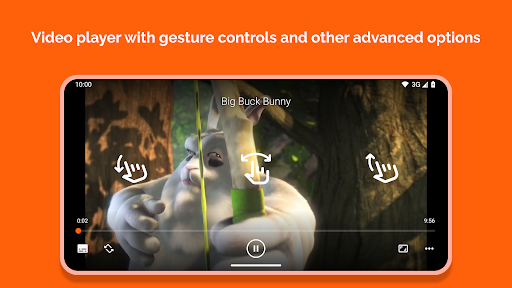
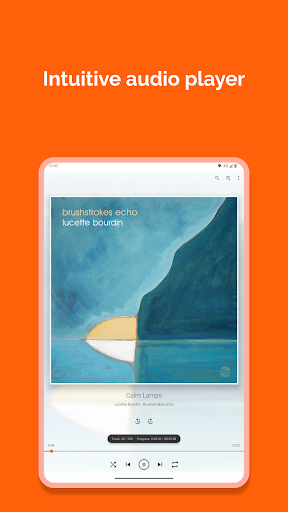
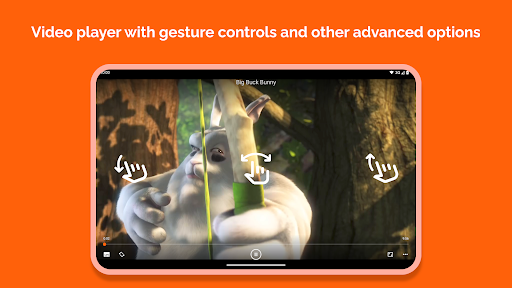
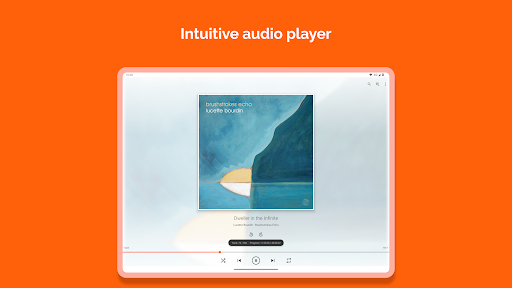
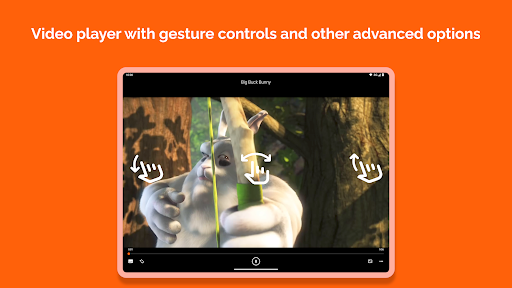
The app offers various playback adjustments, such as auto-rotation, aspect ratio modifications, and gesture controls. You can easily control volume, brightness, and seek through intuitive gestures, making navigation quick and simple. It also includes a handy widget for audio control, supports headset commands, and displays cover art for a polished media experience.
Enhancing your viewing experience, VLC for Android includes support for subtitles, Teletext, and Closed Captions. It features a user-friendly media library that helps you organize and browse your media collections effortlessly, with options to browse folders directly on your device or network shares. Plus, it supports multi-track audio and subtitle selection, perfect for users who enjoy multi-language content.
The app offers various playback adjustments, such as auto-rotation, aspect ratio modifications, and gesture controls. You can easily control volume, brightness, and seek through intuitive gestures, making navigation quick and simple. It also includes a handy widget for audio control, supports headset commands, and displays cover art for a polished media experience.
Intuitive Design and Performance
Beyond its powerful features, VLC for Android shines with its sleek, clean interface designed for ease of use. Navigation is smooth, and setup is straightforward, whether you're browsing your local media files or streaming content over the network. The app’s ability to handle high-resolution videos without buffering issues makes it stand out as a reliable media player.
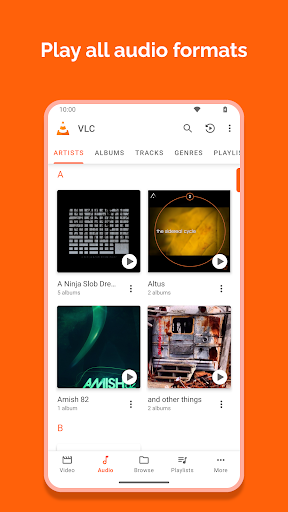
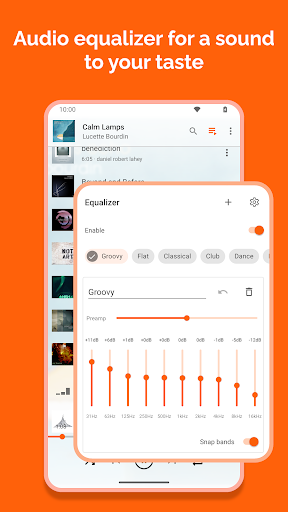
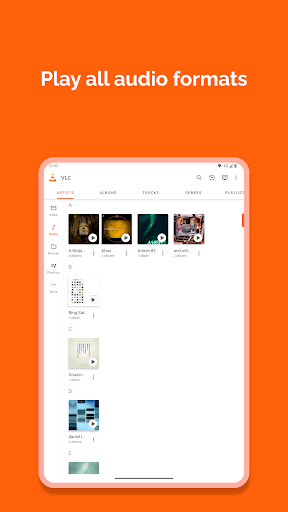
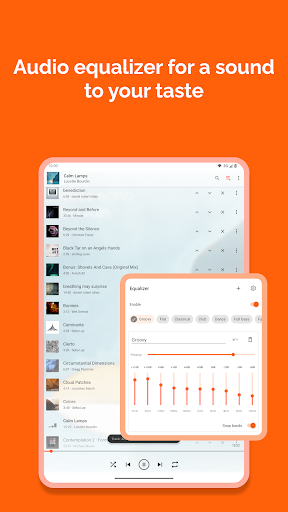
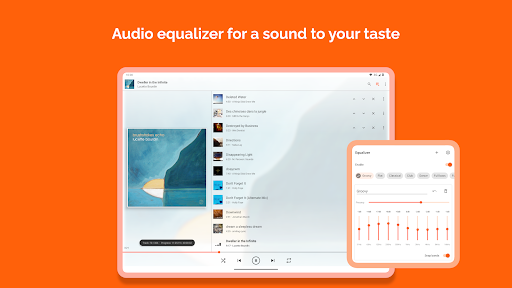
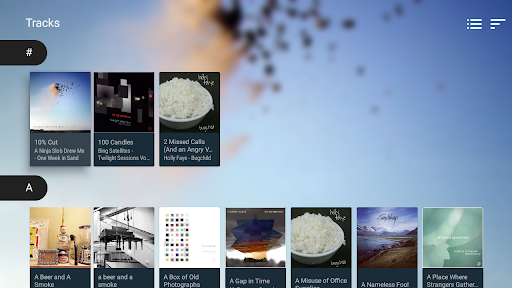
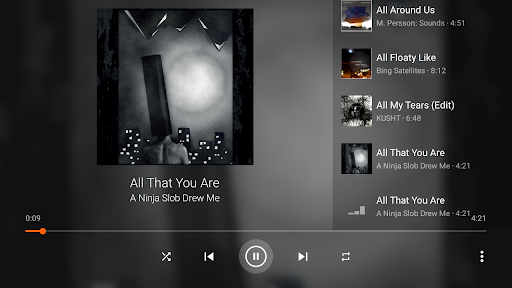
Audio playback is equally impressive, equipped with an integrated database, an equalizer, and various filters to customize your sound. Whether you're listening to music or podcasts, VLC provides a rich, personalized audio experience that rivals dedicated music players.
Audio playback is equally impressive, equipped with an integrated database, an equalizer, and various filters to customize your sound. Whether you're listening to music or podcasts, VLC provides a rich, personalized audio experience that rivals dedicated music players.
Customization and Streaming Capabilities
VLC for Android offers extensive options for customization. Users can tweak playback speed, set up gestures for quick actions, and even switch between themes to match their aesthetic preference. This flexibility makes it suitable for both casual users and tech-savvy enthusiasts who like to fine-tune their media environment.
One of the standout features is its support for network streaming. You can easily stream content from your home network, including shared folders or network drives, and enjoy movies or music directly from a remote source. This makes VLC an excellent choice for those who prefer to keep their media centralized.
The app also facilitates offline viewing. You can download videos or audio files for offline access—ideal for flights, commutes, or anywhere without internet connectivity. This ensures continuous entertainment even in low- or no-network zones.
One of the standout features is its support for network streaming. You can easily stream content from your home network, including shared folders or network drives, and enjoy movies or music directly from a remote source. This makes VLC an excellent choice for those who prefer to keep their media centralized.
The app also facilitates offline viewing. You can download videos or audio files for offline access—ideal for flights, commutes, or anywhere without internet connectivity. This ensures continuous entertainment even in low- or no-network zones.
Permissions and Security
VLC for Android requests several permissions to provide its rich set of features, including access to media files on your device and SD card, network connections, and system settings. Importantly, the app is free from ads and in-app purchases, emphasizing privacy and security. Its open-source nature also guarantees transparency and trustworthiness, giving users peace of mind.
Conclusion
In summary, VLC for Android is a powerful, feature-rich, and user-friendly media player that caters to all your entertainment needs. Its ability to handle a wide array of formats, support for network streams, extensive customization options, and offline functionality position it as one of the best multimedia applications for mobile devices. Whether you want a simple way to watch videos or a comprehensive media hub, VLC for Android is an excellent choice that combines performance with simplicity. Download it today and transform your Android device into a portable media center.
Pros
- Supports a wide range of audio and video formats.
- Available for free without advertisements or in-app purchases.
- Highly customizable interface and controls.
- Enables offline media playback.
- Allows streaming over networks.
Cons
- Advanced features might be confusing for new users.
- Lacks built-in organization features for media libraries.
- Subtitle support may be inconsistent.
- Interface appears outdated on Android devices.
- Performance issues can occur on older hardware.











