

Overview of Screen Recorder - XRecorder
Key Features of Screen Recorder - XRecorder
User-Friendly Interface
The app boasts an intuitive and clean user interface that makes navigation effortless for both beginners and experienced users. From the moment you launch Screen Recorder - XRecorder, you’re greeted with straightforward controls, eliminating the complexity often associated with screen recording apps.
High-Quality Recording
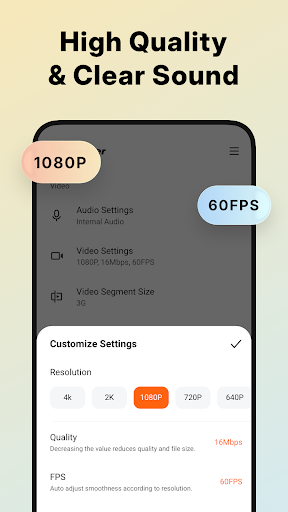
Enjoy capturing your screen in stunning clarity with support for 1080p resolution, 60FPS, and bitrates up to 12Mbps. You can customize these settings according to your needs, whether for social media content, gaming, or tutorials. Recording gameplay is also smooth, ensuring every detail is preserved in the highest quality, with no watermark to distract from your content.
Unlimited Recording Time & No Root Needed
The app allows you to record without any time restrictions or rooting your device. This means you can capture lengthy videos such as live streams, long tutorials, or extended gameplay sessions without interruptions or limitations.
Audio Recording Capabilities
Record internal audio, microphone input, or both, making your videos more engaging and professional. Whether you're recording a gaming session or an instructional video, clear audio is crucial—XRecorder supports this seamlessly on devices running Android 10 or above.
Facecam and Live Streaming
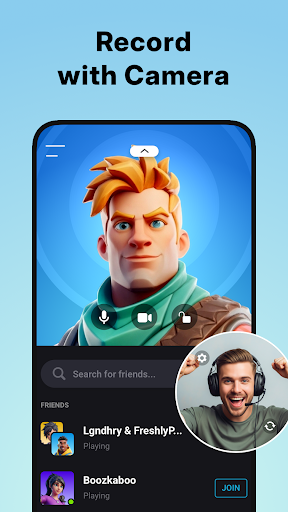
The built-in Facecam feature lets you record reactions or commentary in a small overlay window, which you can reposition or resize. Additionally, you can stream live to platforms like YouTube or RTMP, turning you into a popular streamer and sharing your gameplay or tutorials with followers in real time.
Advanced Editing Tools
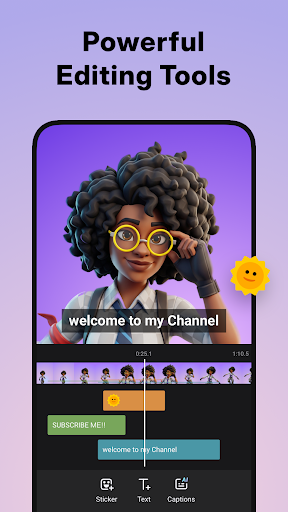
Post-recording, you can trim, cut, crop, rotate, and add music or captions to your videos directly within the app. Stylish filters, stickers, and text options help personalize your content, making it more appealing and engaging for viewers.
Customizable Floating Controls
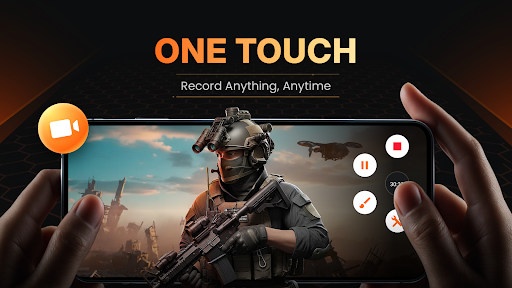
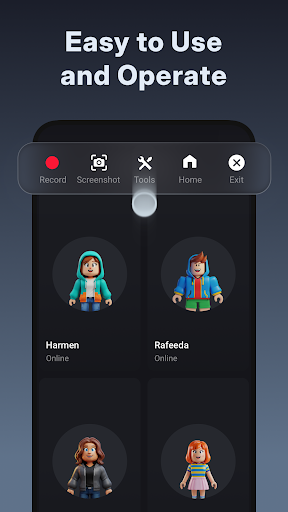
The floating window feature provides quick access to start, pause, or stop recordings, as well as modify settings like style or opacity. You can even set a countdown timer before recording begins, ensuring you're ready before the action starts.
Additional Features for a Complete Recording Experience
Save and Share Effortlessly
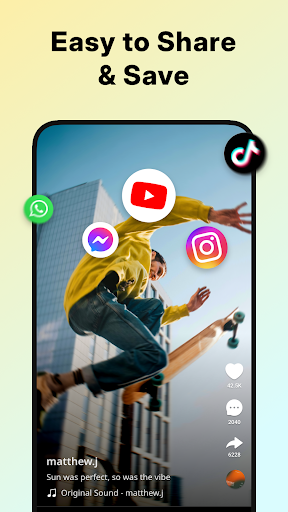
Export your videos in multiple formats and resolutions, or save directly to internal storage or SD card. The app also includes a Trash Bin to recover deleted files within three days, allowing you to manage your recordings confidently.
Performance and Reliability
Designed for stability, Screen Recorder - XRecorder runs smoothly without lag, maintaining high fps and quality even during intense gameplay. Regular updates ensure compatibility with new devices and Android versions, enhancing stability and adding new features regularly.
Privacy First
The app values user privacy by not collecting unnecessary data, providing peace of mind when recording sensitive or personal content.
Perfect for Gamers, Creators, and Everyday Users
Conclusion
Pros
- High-quality video recording
- No watermark on videos
- User-friendly interface
- Supports multiple formats
- No time limit on recordings
Cons
- Contains in-app ads
- Limited editing features
- Consumes high battery
- Requires Android 5.0+
- No live streaming options











