

Introduction to Filmora:AI Video Editor, Maker
If you're passionate about creating engaging videos and want a user-friendly yet powerful editing tool, Filmora:AI Video Editor, Maker is an excellent choice. Formerly known as FilmoraGo video editor, this AI-powered video editing application is designed to help both beginners and professionals craft stunning videos with ease. Its latest addition, the AI Video Templates Community, provides thousands of creative templates added daily, enabling users to make trending videos effortlessly. Whether you're aiming to go viral on social media or produce professional-quality content, Filmora offers a robust set of features that streamline the editing process while unlocking limitless creative potential.
Key Features of Filmora:AI Video Editor, Maker
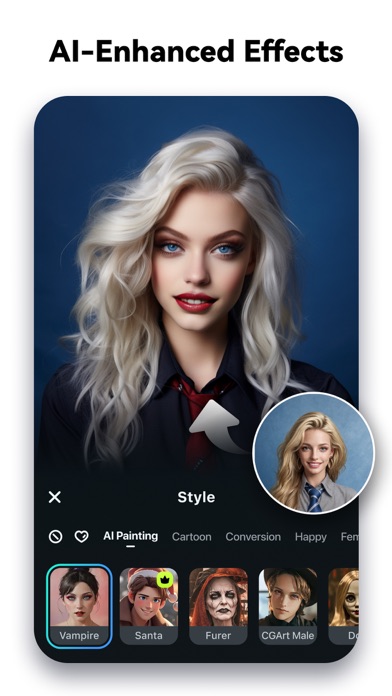
Innovative AI Capabilities
The core standout of Filmora is its suite of AI-powered tools. These features are designed to simplify complex editing tasks and enhance creativity:
- Image to Video: Input your ideas or photos, and let the AI magically animate them into captivating videos.
- Text to Video: Generate movies from simple prompts, visualizing your ideas efficiently.
- AI Auto Cut: Seamlessly stitch together highlight moments to create cinematic stories without manual trimming.
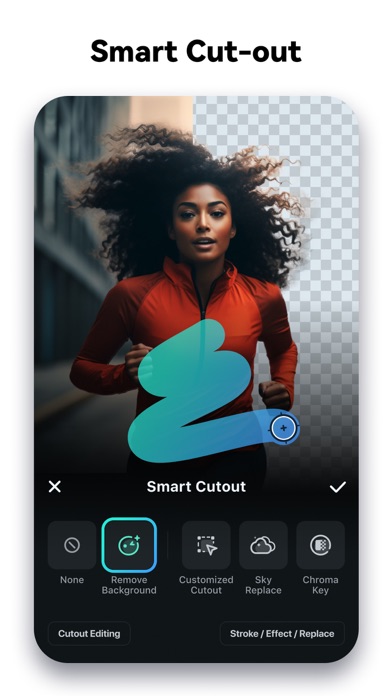
- AI Remover: Effortlessly erase unwanted objects or elements from your videos, improving visual flow.
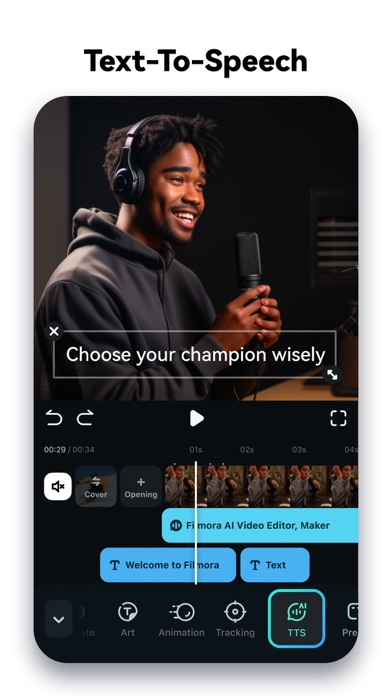
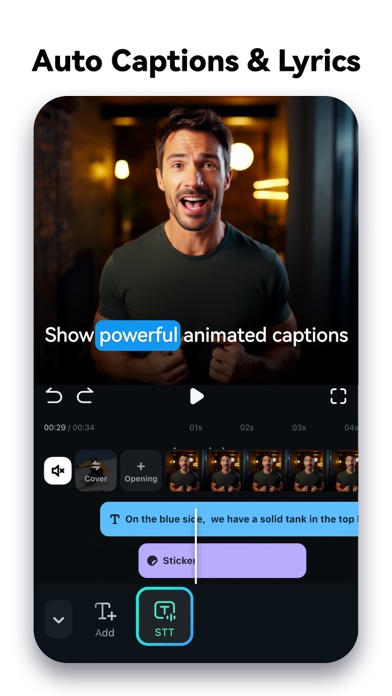
- Dynamic Captions: Automatically generate speech-to-text captions that update dynamically in your videos for better engagement.
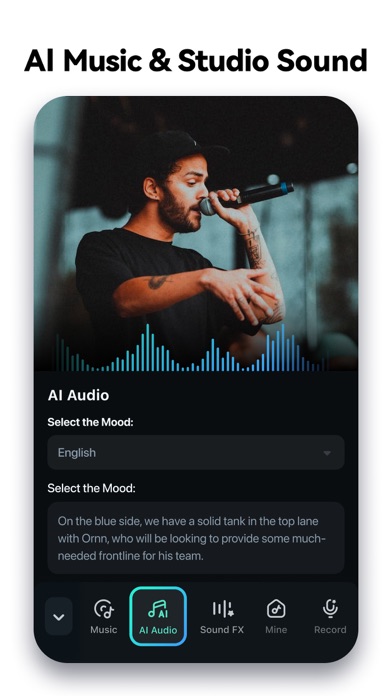
- AI Music & Sound Effects: Access royalty-free, professional-quality music and soundscapes to elevate your content.
This array of AI features ensures that even those with minimal editing experience can produce compelling videos that stand out.
User-Friendly Interface for Beginners
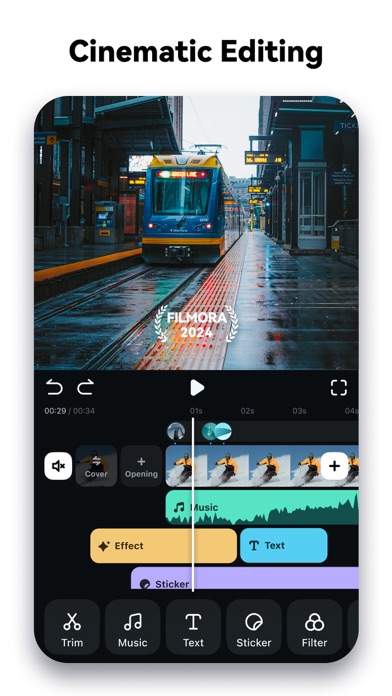
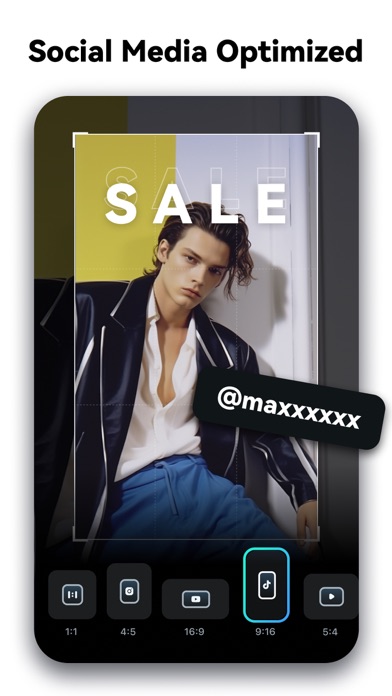
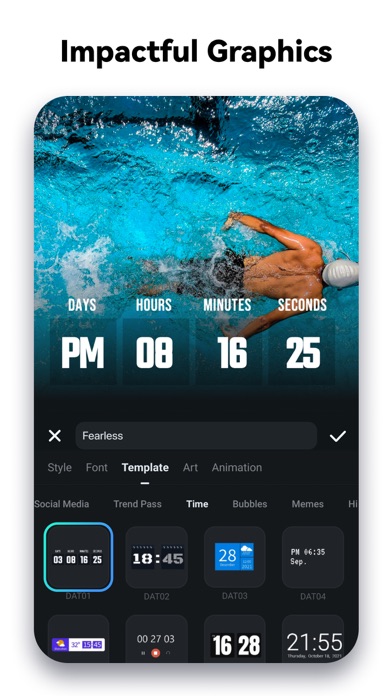
Filmora embraces simplicity with its intuitive and clean layout, making it accessible for newcomers. All essential tools—such as trimming, splitting, duplicating, or merging clips—are just a tap away, with preserved video quality. You can add expressive text, emojis, exclusive stickers, and background music from the built-in royalty-free library. The app also allows you to extract audio, remove unwanted parts, and adjust video orientation, aspect ratios, and speed—perfect for creating social media-ready content for platforms like Instagram, TikTok, and YouTube.
Professional-Grade Video Editing Tools
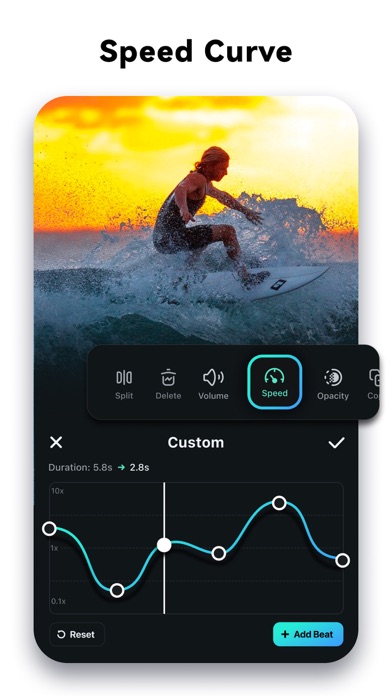
For more advanced editing, Filmora offers a comprehensive set of professional features. Create impressive animations with all-in-one Keyframe, which supports detailed adjustments with color grading and special effects. Use the Speed Curve feature for custom speed adjustments, adding dramatic slow-motion or fast-motion effects. The PIP (Picture in Picture) feature enables overlaying multiple layers of video, images, or stickers, enriching your storytelling. Additionally, masking allows for creative blending and effects, while smart tracking helps keep stickers, text, and overlays aligned with moving faces or objects, adding a professional touch to your videos.
Subscription Plans and Cross-Platform Access
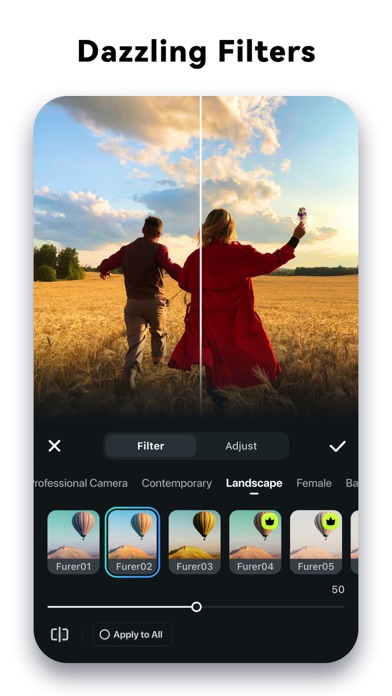
Filmora Pro Subscription unlocks all features and premium content, including stickers and filters, while automatically removing watermarks and logos. Subscribers can access this comprehensive editing suite on multiple platforms:
- Android Pro: Full access on Android devices.
- All Platform Pro: Cross-device editing on Android, iOS, Mac, and Windows.
You can cancel auto-renewal anytime via your account settings. Any unused free trial period will be forfeited upon purchase.
Stay Connected and Get Support
For assistance or feedback, users can contact [email protected]. Follow Filmora on social media for the latest updates:
Conclusion: Elevate Your Video Content with Filmora
Whether you're a novice or a seasoned editor, Filmora:AI Video Editor, Maker empowers you to create eye-catching videos easily. Its powerful AI features and user-friendly interface make it ideal for producing social media content, marketing videos, or professional productions. With an extensive library of templates, effects, and soundtracks, plus the capacity for advanced editing, Filmora delivers a comprehensive solution for all your video editing needs. Explore its capabilities today and unlock your creative potential—start making viral videos and impress your audience with minimal effort!
Pros
- User-friendly interface
- Easy for beginners
- Wide selection of video effects and transitions
- Supports 4K video editing and exporting
- AI features improve editing efficiency
- Compatible across multiple platforms for project sharing
Cons
- Limited advanced editing functionalities
- Watermark present on free version exports
- Can experience lagging on older devices
- Requires subscription to access all features
- In-app purchases may be costly











