






Overview of YouCut - Video Editor & Maker
YouCut is a free Video Editor and YouTube Video Maker that offers powerful tools comparable to other top video editing applications. Designed for both beginners and experienced creators, YouCut enables users to effortlessly craft high-quality videos with music, perfect for social media platforms such as Instagram, YouTube, and TikTok. Whether you're interested in making photo slideshows, professional edits, or special effects, YouCut stands out as an excellent choice for seamless video editing without watermarks or intrusive ads.
This versatile app supports various features including AI-powered enhancements, background removal, multiple aspect ratios, and extensive editing tools. Its user-friendly interface makes it accessible for all users—from casual hobbyists to seasoned content creators. Moreover, you can create stunning videos in minutes, thanks to built-in templates, filters, and music options, making YouCut a must-have on your mobile device for quick and professional video production.
Key Features of YouCut
AI-Enhanced Editing Tools
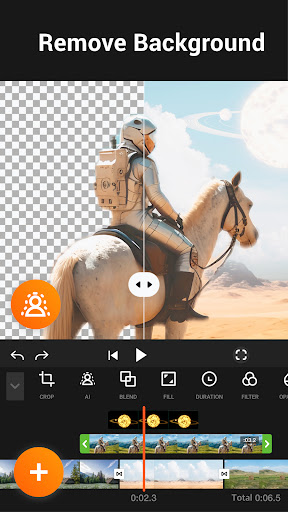
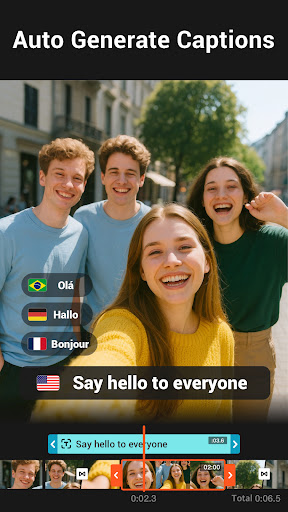
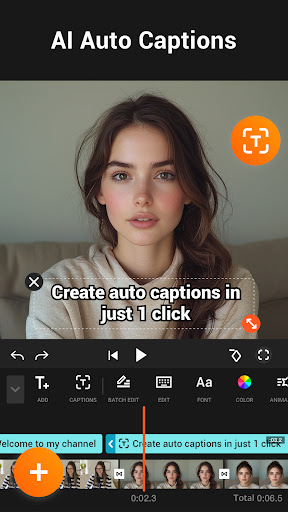
Experience the magic of AI editing with features such as AI Video Boost, which automatically enhances video quality with a single tap. The Auto Captions feature transcribes speech into text, simplifying subtitle creation for your talking videos. The Remove Background tool lets you instantly erase or change video backgrounds, supporting green screen and chroma key effects. Additionally, you can improve the overall quality of your videos and photos effortlessly.
Comprehensive Video Editing Tools
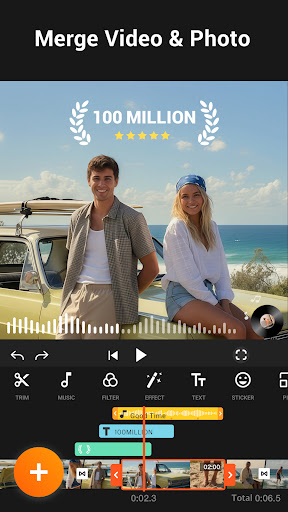
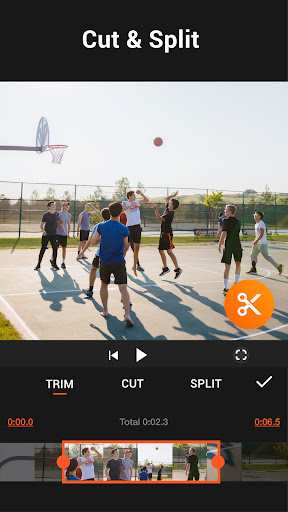
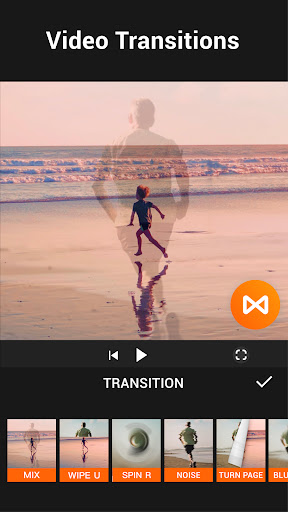
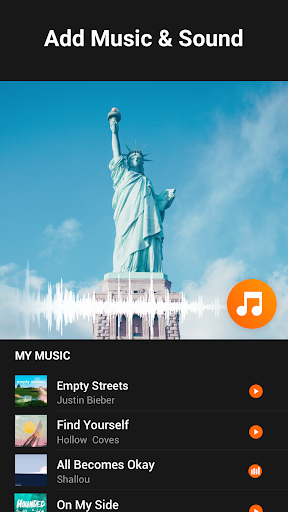
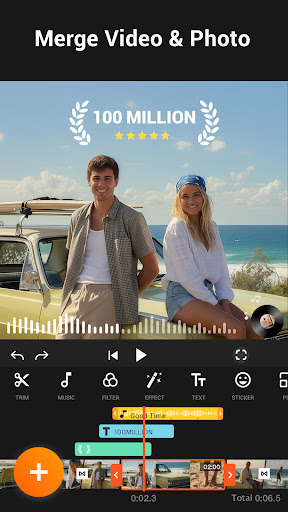
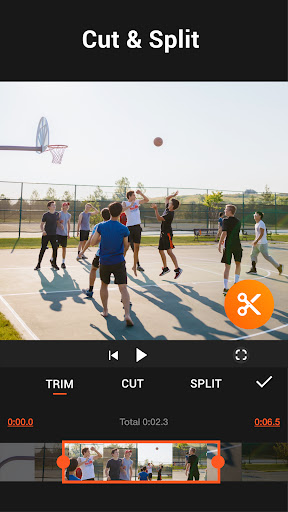
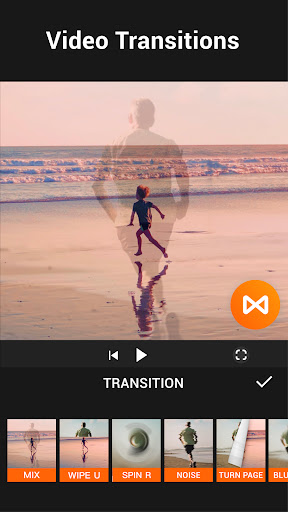
From simple cut and trim to advanced merging, YouCut provides a multi-layer timeline for precise editing. The app allows you to merge multiple clips seamlessly, split videos into parts, and adjust video speed from slow-motion (0.2×) to ultra-fast (100×). You can add music from a featured library or your own collection, and incorporate text overlays with custom fonts and colors. The app supports creating video slideshows by merging photos and videos, making it ideal for event videos and presentations.
Professional-Quality Effects and Filters
Enhance your videos with a variety of filters and FX effects that give your footage a cinematic look. Adjust image parameters like brightness, contrast, and saturation, or crop and change the video aspect ratio (such as 1:1, 16:9, etc.) for platform-specific formats. The app also includes features to zoom in or out, rotate videos, and change backgrounds with chroma key technology, making your videos look more professional and polished.
Background and Compression Features
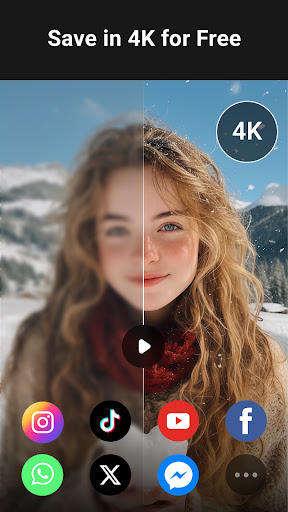
With video background changing capabilities, you can replace or blur backgrounds for better focus on your subject. The video compressor feature allows you to save videos in resolutions up to 4K, reducing file size by over 90% without significant loss in quality. This is perfect for uploading to social media or saving storage space.
Sharing and Export Options
Your edited videos can be exported in high definition in a no watermark format, ready to upload and share. The app supports sharing directly to platforms like YouTube, Instagram, and Twitter. The seamless process from editing to sharing makes YouCut a favorite among content creators who want quick, professional results without app limitations.
Additional Features
Other notable features include adding music (with free featured tracks), applying video filters and FX effects, cropping, rotating, and adjusting video colors. These tools combine to give your videos a professional touch, perfect for creating engaging social media content. Whether you're making an Instagram story, TikTok video, or YouTube intro, YouCut has the tools you need—all without watermarks or ads disrupting your creative flow.
Why Choose YouCut?
In today's fast-paced digital world, having a reliable and feature-rich video editing app is essential. YouCut excels in providing a free platform that combines ease of use with high-level editing capabilities. The absence of watermarks and ads supports a smooth editing experience, especially for creators who want to share their work without restrictions. The app's versatility makes it suitable for beginners aiming to produce polished content and experienced editors looking for quick editing solutions on the go.
Whether you're crafting a photo slideshow, editing a YouTube video, or creating short clips for social media, YouCut provides all necessary tools in an intuitive interface. Its extensive features, including AI enhancements, multi-layer editing, filters, and background editing, make it one of the top video editing apps available today. So if you want to take your videos to the next level without complicated software, give YouCut a try—you'll love how it simplifies the editing process and boosts your creative potential.
Pros
- User-friendly interface suitable for beginners
- Extensive selection of editing tools
- Exports videos without watermarks
- Supports editing in 4K resolution
- Receives regular updates with new features
Cons
- Contains advertisements in the free version
- Certain features require in-app purchases
- Limited music library available
- Occasional app crashes
- Lacks cloud storage integration











