
Introducing the Video Maker Music Video Editor
Are you looking for a simple yet powerful tool to create stunning videos effortlessly? The Video Maker Music Video Editor app is designed to turn your mobile device into a creative powerhouse. Whether you're a beginner or an experienced editor, this app offers a feature-rich yet user-friendly experience that makes crafting beautiful videos easy and enjoyable.
Key Features of the Video Maker Music Video Editor
The app brings a variety of features to help you produce professional-looking videos with minimal effort:
Intuitive User Interface
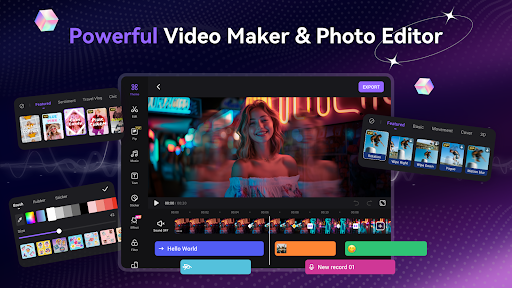
Right from the start, the app greets you with a friendly and intuitive layout. Whether you're new to video editing or have some experience, you'll find it easy to navigate through the app’s functions. The simple design ensures that you spend less time figuring out controls and more time creating engaging content.
Powerful Editing Tools
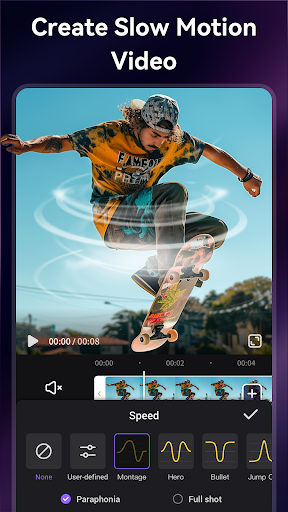
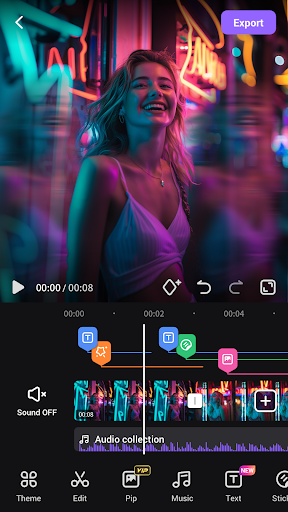
The professional editing suite includes tools for trimming, cutting, merging, reversing, rotating, splitting, and duplicating clips. You can also compress videos without quality loss and apply zoom effects, speed up or slow down clips, making your videos more dynamic and fun to watch. These features allow you to refine your footage just as a pro editor would.
Music and Sound Effects
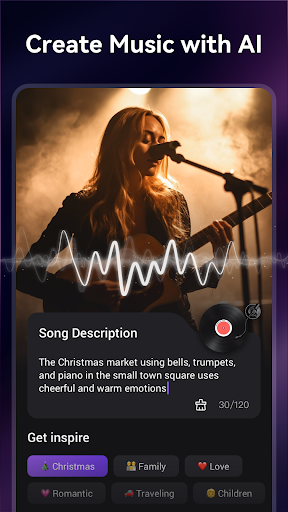
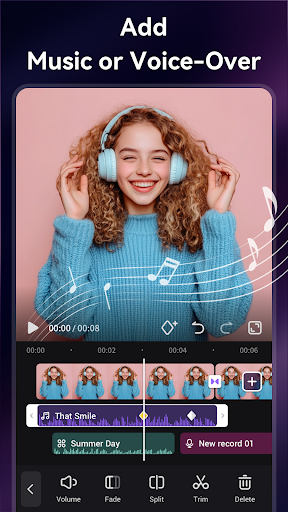
Add trendy licensed music from a vast library to set the perfect mood for your videos. You can also extract audio from other videos or import your own tracks. Using AI, the app can even generate music based on text prompts, opening up endless possibilities for sound design. Voice-over capabilities and special voice effects like robot or monster voice help you craft unique audio experiences.
Creative Themes and Effects
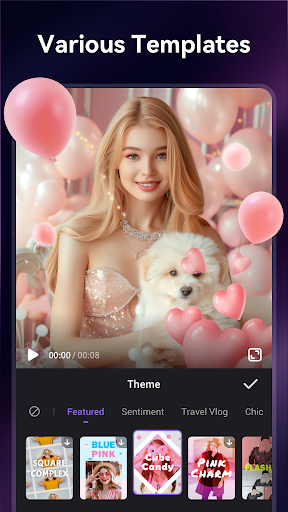
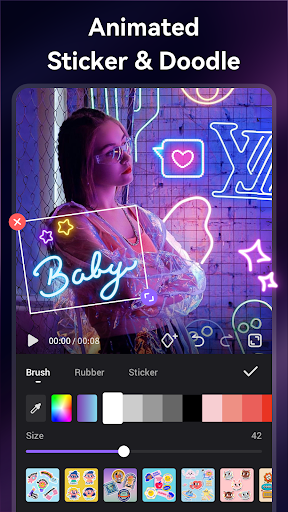
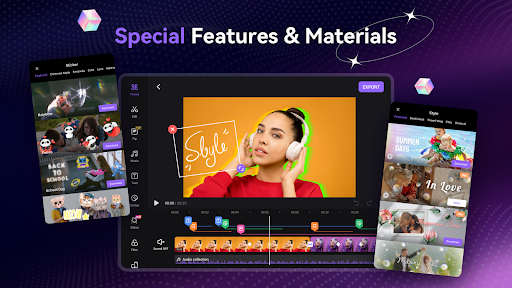
Choose from a variety of themes, transition effects, and trendy options to make your videos stand out. Applying filters and effects is seamless, giving your clips a cinematic, vintage, or modern look with just a tap. Enhance storytelling with artistic subtitles, doodles, and drawings—making each video truly personalized.
Decorative Stickers and Stickers
Add extra fun and flair to your videos with animated stickers, GIFs, emojis, and cute elements like lemurs or other icons. These creative touches are perfect for making engaging social media content.
High-Quality Export and Sharing
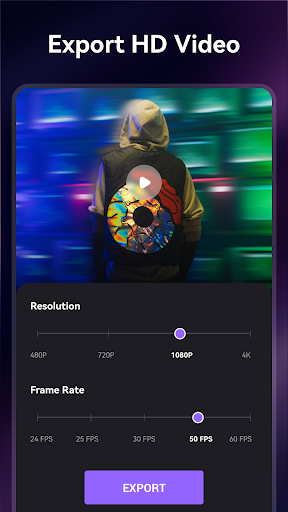
Export your creations in 720p or 1080p HD with no quality loss and no time restrictions. Share directly to platforms like Instagram, TikTok, Facebook, WhatsApp, or Rednote (Xiaohongshu) without cropping or watermarks. The app even offers features like blurred backgrounds and voice enhancement to make your videos more attractive, helping you capture memorable moments such as birthdays, holidays, or daily life.
Additional Features
Enjoy VIP privileges such as ad-free experience, no watermark, and exclusive tools like pixelate effects and scrolling text. You can save your projects as drafts or in your album at any time, making the editing process flexible and convenient.
Why Choose the Video Maker Music Video Editor?
This app is a game-changer for social media creators and casual users alike. Its versatility allows you to craft videos suitable for any occasion—be it a wedding, holiday, or everyday moments. The combination of user-friendly controls with advanced editing options makes it perfect for producing high-quality content without needing complex software skills. Easily share your creativity with the world and make your videos memorable.
Conclusion
Whether you're creating a trendy TikTok, an inspiring Instagram reel, or a personal slideshow, the Video Maker Music Video Editor offers all the tools you need in one convenient app. Its extensive features, ease of use, and high-quality export options make it the ideal choice for everyone looking to bring their video ideas to life. Grab your phone, start editing, and let your creativity flow!
Pros
- User-friendly interface suitable for beginners.
- Extensive selection of music tracks available.
- High-quality options for exporting videos.
- A variety of editing tools to enhance creativity.
- Compatibility with multiple video formats.
Cons
- Advertisements present in the free version.
- Limited features unless subscribing to a plan.
- Occasional crashes reported in the app.
- Videos in the free version contain watermarks.
- Large file sizes may impact device performance.