



Discover the Ultimate Music Player - Audio Player for Android
Experience the power of seamless music management with the Music Player - Audio Player, one of the most gorgeous and versatile music applications for Android devices. Designed to enhance your auditory journey, this app combines stunning visuals with robust functionalities, offering a personalized and high-quality listening experience. Whether you're an audiophile or a casual listener, this music player transforms how you access and enjoy your music library.
Unmatched Features That Elevate Your Music Experience
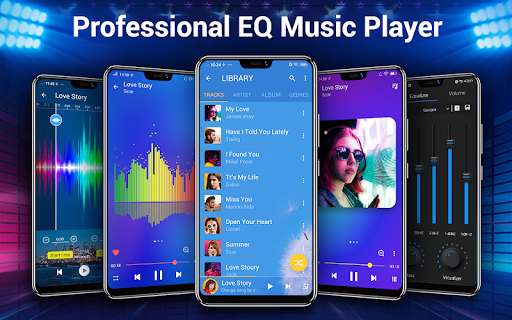
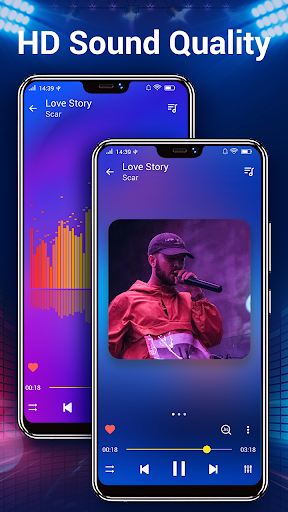
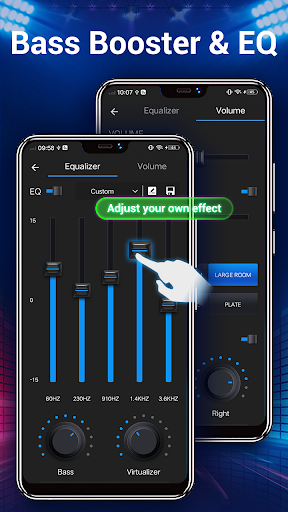
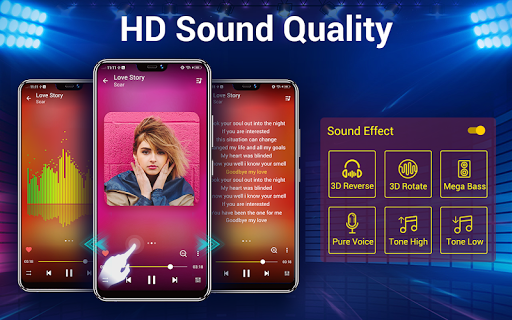
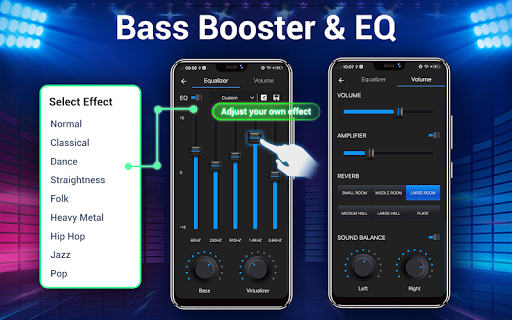
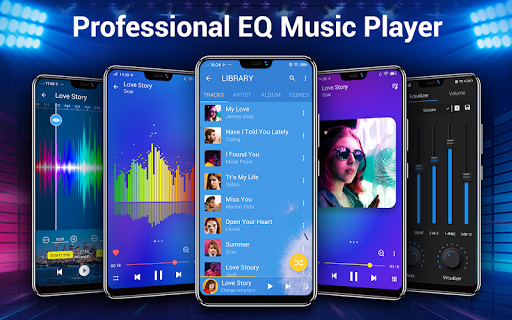
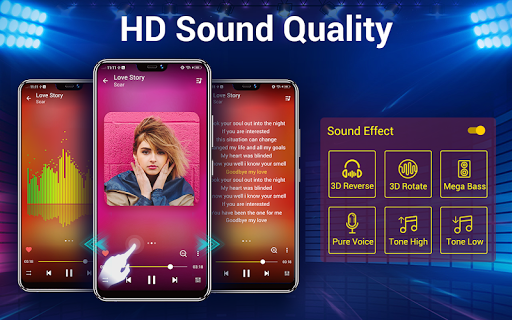
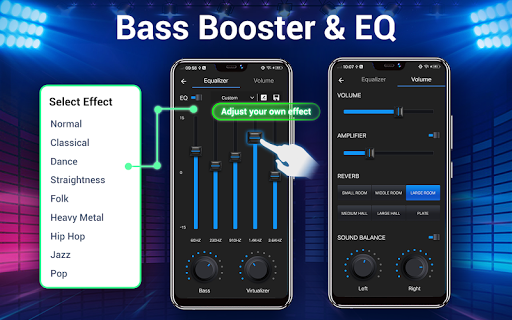
This audio player stands out for its comprehensive set of features designed to make music listening effortless and enjoyable. The app's powerful equalizer provides five-band adjustments, allowing you to fine-tune your sound with pre-set modes or manual controls. Enjoy a dynamic audio experience with bass boost, virtualizer, and other customizable sound effects that turn your device into a portable concert hall.
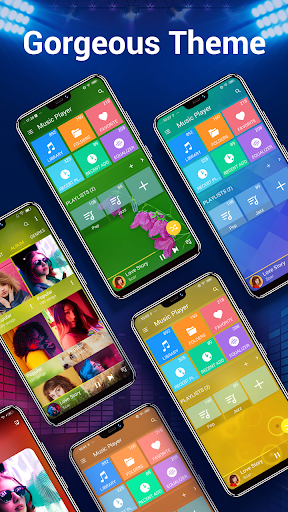
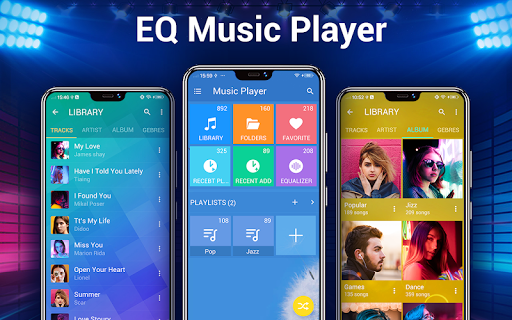
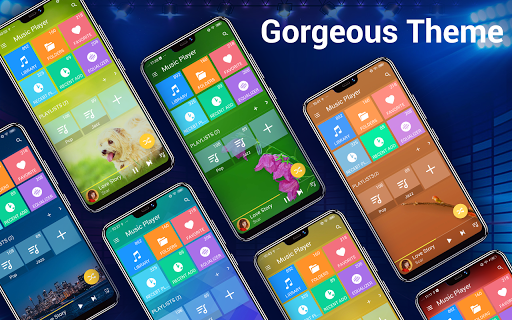
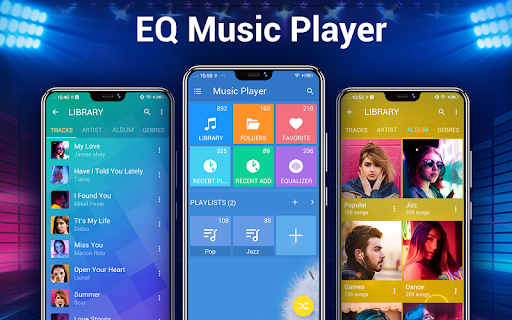
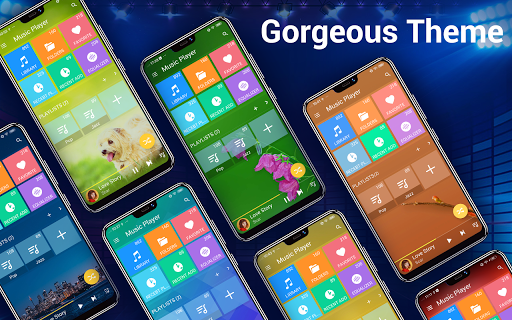
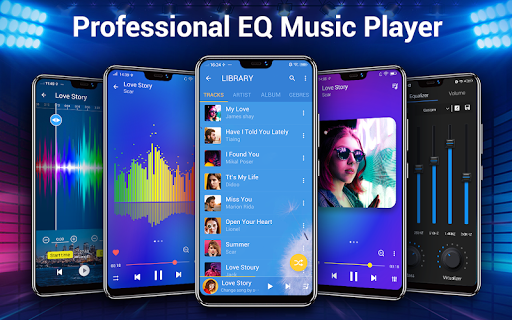
Quickly search all music and audio files across your device, regardless of format—MP3, WAV, FLAC, and more—making it easy to locate and play your favorite tracks. The app supports custom background skins, with over 20 options available, and even lets you set your own images as backgrounds, giving your music player a unique visual identity.
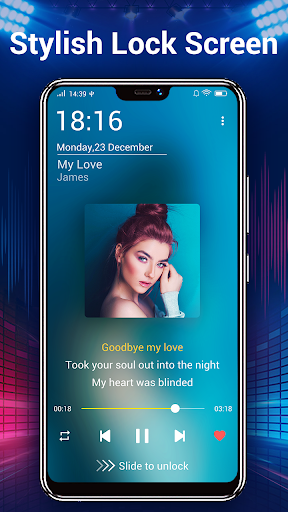
Additional features include a gorgeous interface with intuitive navigation, desktop widgets (4x1, 2x2, and 4x1) for quick access, and notification controls that display album artwork, song details, and playback options without unlocking your device.
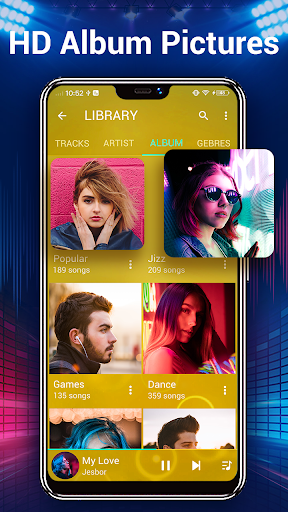
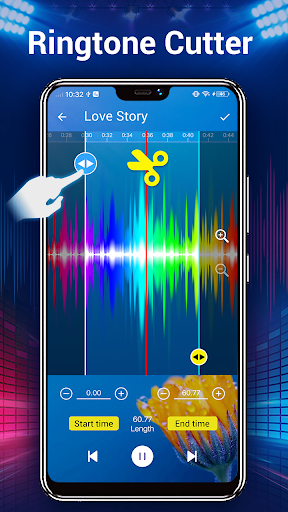
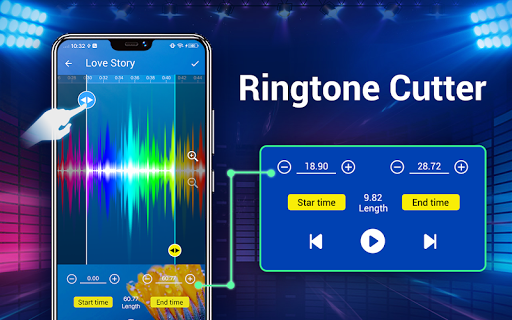
The app also supports lyrics display by automatically scanning for lyric files, matching them appropriately with your songs, enriching your listening experience. You can create custom playlists based on albums, artists, genres, or folders, and manage your recent play history easily. Plus, with features like Set as Play Next and Trim/Edit Music files, you can personalize your collection further by editing song details or creating personalized ringtones.
Quickly search all music and audio files across your device, regardless of format—MP3, WAV, FLAC, and more—making it easy to locate and play your favorite tracks. The app supports custom background skins, with over 20 options available, and even lets you set your own images as backgrounds, giving your music player a unique visual identity.
Additional features include a gorgeous interface with intuitive navigation, desktop widgets (4x1, 2x2, and 4x1) for quick access, and notification controls that display album artwork, song details, and playback options without unlocking your device.
The app also supports lyrics display by automatically scanning for lyric files, matching them appropriately with your songs, enriching your listening experience. You can create custom playlists based on albums, artists, genres, or folders, and manage your recent play history easily. Plus, with features like Set as Play Next and Trim/Edit Music files, you can personalize your collection further by editing song details or creating personalized ringtones.
Intuitive Controls and Personalization
Whether you're using headphones, Bluetooth devices, or the device's built-in speakers, this music player offers comprehensive headset and Bluetooth controls. The unique Shake It feature allows you to change tracks just by shaking your phone—a fun and convenient way to interact with your music. Additionally, the app supports one-button and multiple-buttons headset controls, ensuring seamless operation during activities like workouts or commutes.
Personalize your experience further by editing song tags, including album name and artist details, or selecting from 22 preset sound modes to suit different genres or listening moods. The app's wide Music Library Search feature makes locating specific tracks quick and straightforward, regardless of where they are stored on your device.
You can also set up playlists based on specific albums, artists, genres, or folders, and view your recently played songs for easy access to your favorites. The sleek interface and customizable themes ensure that your music app not only works smoothly but looks outstanding too.
Personalize your experience further by editing song tags, including album name and artist details, or selecting from 22 preset sound modes to suit different genres or listening moods. The app's wide Music Library Search feature makes locating specific tracks quick and straightforward, regardless of where they are stored on your device.
You can also set up playlists based on specific albums, artists, genres, or folders, and view your recently played songs for easy access to your favorites. The sleek interface and customizable themes ensure that your music app not only works smoothly but looks outstanding too.
The Perfect Choice for All Your Audio Needs
In summary, Music Player - Audio Player is a feature-rich, highly customizable, and visually appealing application that caters to any music lover’s needs. Its combination of advanced sound controls, easy navigation, and aesthetic options make it more than just a music player—it’s an immersive auditory companion. Whether you’re relaxing at home, working out, or on the go, this app elevates every moment by delivering your favorite tunes with exceptional clarity and style.
If you're seeking a comprehensive music solution that supports various formats, offers extensive personalization, and enhances your listening experience with powerful tools, this Android music player is the perfect choice. Download now to unlock a new level of audio enjoyment and see why so many users have made it their essential music companion.
If you're seeking a comprehensive music solution that supports various formats, offers extensive personalization, and enhances your listening experience with powerful tools, this Android music player is the perfect choice. Download now to unlock a new level of audio enjoyment and see why so many users have made it their essential music companion.
Pros
- User-friendly interface for easy navigation.
- Supports multiple audio formats.
- Customizable equalizer settings.
- Offline playback available.
- Seamless playlist management.
Cons
- Advertisements present in the free version.
- Limited theme customization options.
- Lacks support for lyrics display.
- In-app purchases required for premium features.
- Occasional issues with playback glitches.











