



Introduction to Yandex Browser with Protect
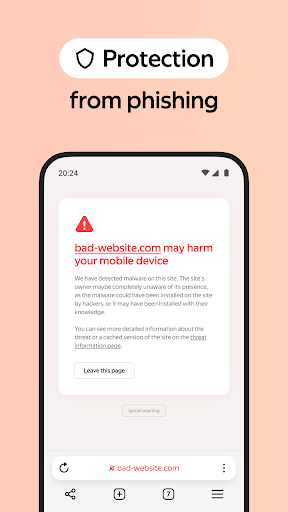
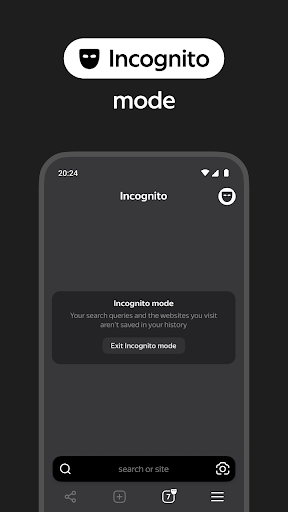
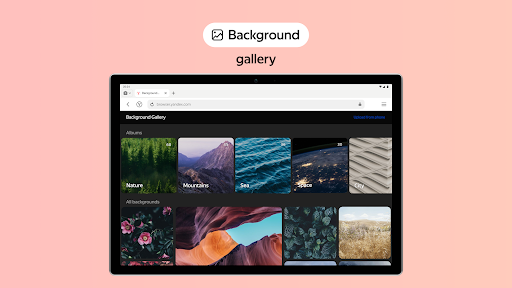
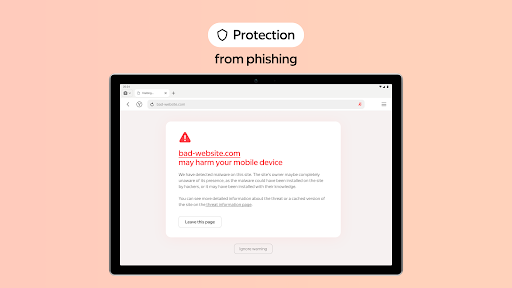
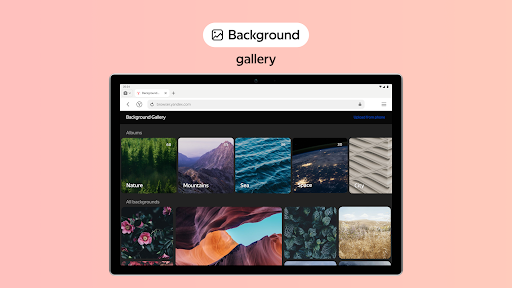
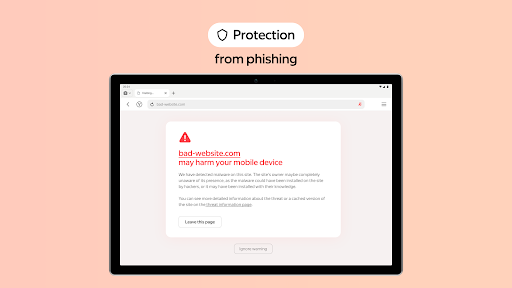
One of the key advantages of Yandex Browser with Protect is its active security system that helps prevent access to harmful or fraudulent pages. You can also customize your browsing interface by hiding unnecessary elements like ads, site menus, buttons, or widgets, and focus solely on the relevant content and visuals via Reader Mode. For privacy-conscious users, Incognito Mode offers a private browsing experience that does not store passwords, search queries, or browsing history. Personalization is easy too — with a variety of backgrounds available in the wallpaper library, you can set up a style that matches your mood.
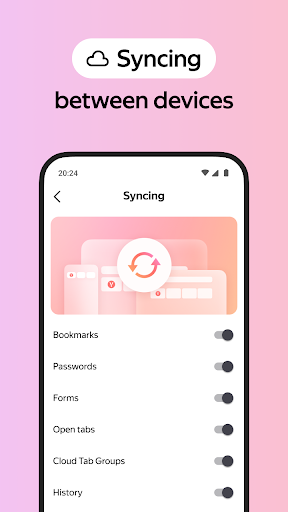
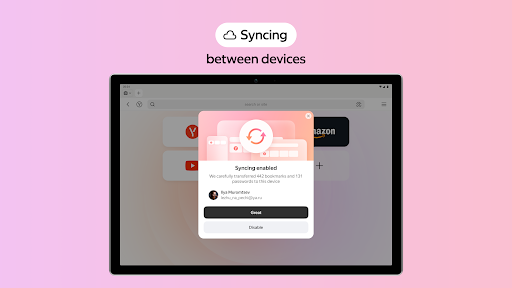
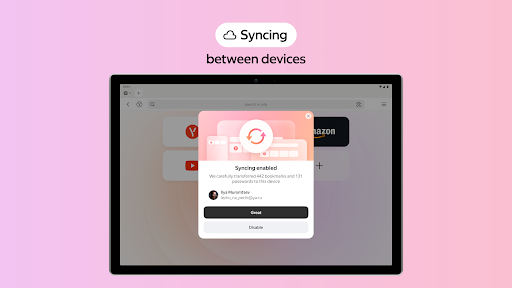
Seamless cross-device synchronization is another highlight. By linking your Yandex account, you can access your favorite websites and bookmarks from any device, making your browsing experience continuous and effortless. Whether you're at home or on the move, this browser adapts to your needs effortlessly.
If you have questions or suggestions, you can contact the support directly from the app or visit https://browser.yandex.com/feedback. Overall, Yandex Browser with Protect is a powerful tool for users seeking fast, secure, and customizable web browsing.
Features & User Experience of Yandex Browser with Protect
First Impressions and User Interface
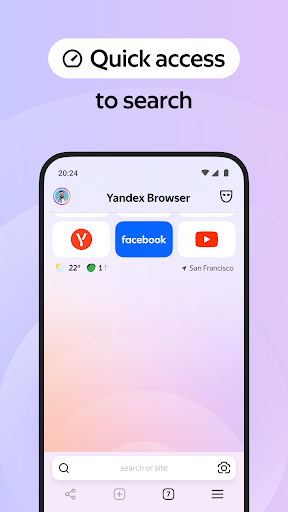
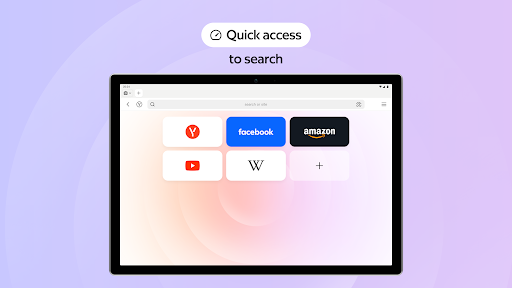
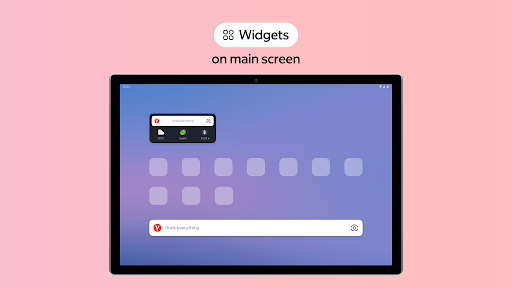
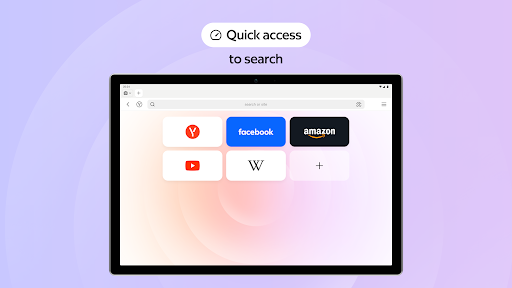
Upon launching Yandex Browser with Protect, I was greeted with a sleek, modern, and intuitive interface. The design resembles a well-organized digital workspace, where everything is just a click away. The customization options, particularly the start screen, allow quick access to favorite websites, enhancing convenience right from the start. Navigating through the browser is smooth thanks to its user-friendly layout and responsive controls, making both casual and advanced users feel at home.
Built-in Security Features
A standout aspect of this browser is its emphasis on security. In today’s online world, cybersecurity is essential, and Yandex Browser delivers with an active security system that warns about dangerous sites and blocks fraudulent pages. Its Protect feature diligently scans downloaded files for viruses, acting as a digital bodyguard for your devices. These layered security measures help safeguard your personal data and ensure a safe browsing environment whether you're researching, shopping, or accessing sensitive information.
Speed and Performance
Performance is a significant strength of Yandex Browser with Protect. Powered by the Blink engine, it offers rapid webpage loading times, even when multiple tabs are open or during video streaming. The browser manages resources efficiently, preventing device slowdown and providing a seamless web experience. This speed ensures you can browse, search, and consume content without frustrating delays, making it ideal for both everyday internet use and more demanding tasks.
Additional Features for Enhanced Browsing
Beyond security and speed, the browser offers useful features like Turbo Mode. This mode compresses data and accelerates page loading, especially beneficial on slow or limited internet connections. The Reader Mode simplifies web pages by removing clutter such as ads and sidebars, providing a focused reading environment perfect for articles or e-books. Moreover, integration with other Yandex services, including mail and maps, creates a cohesive ecosystem that enhances productivity and convenience.
Final Verdict
Pros
- Fast browsing experience
- Built-in voice search
- Customizable interface
- Efficient ad-blocker
- Secure data protection
Cons
- Limited extension support
- Occasional site compatibility issues
- High battery consumption
- Confusing settings menu
- Privacy concerns regarding data collection











