


Introduction to the Amazon Alexa App
The Amazon Alexa app is a powerful and intuitive tool designed to enhance your experience with Alexa-enabled devices. Whether you're setting up your smart home gadgets, enjoying music, managing daily tasks, or staying connected, the Alexa app provides a seamless interface that adapts to your preferences. As the central hub for managing your Alexa ecosystem, the app offers a range of features tailored to simplify your life and make your smart home smarter. From personalized recommendations to controlling compatible devices, the Amazon Alexa app is your all-in-one solution for a connected lifestyle.
Getting Started with Amazon Alexa
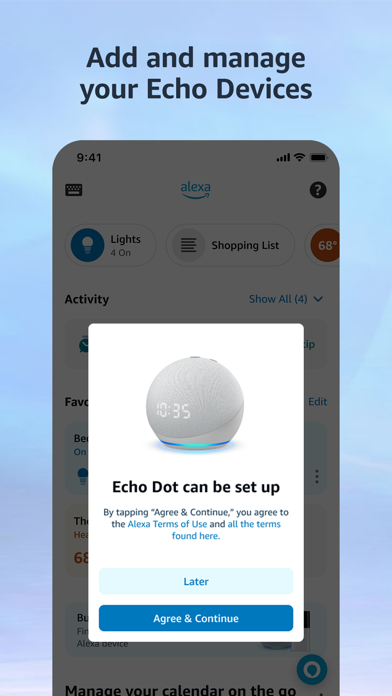
Setting up the Amazon Alexa app is straightforward and user-friendly. Simply plug in your Echo device, download the app on your smartphone, and follow the step-by-step prompts to connect to your Wi-Fi network. The app’s intuitive design ensures that even those new to smart technology can get started quickly. With minimal effort, you'll have your Alexa device up and running, ready to assist you in numerous ways.
Features That Enhance Your Daily Life
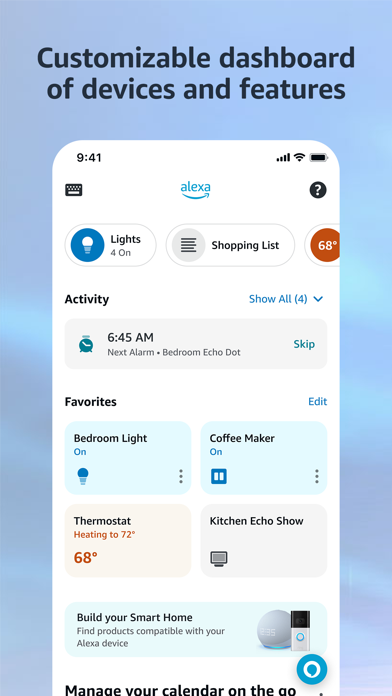
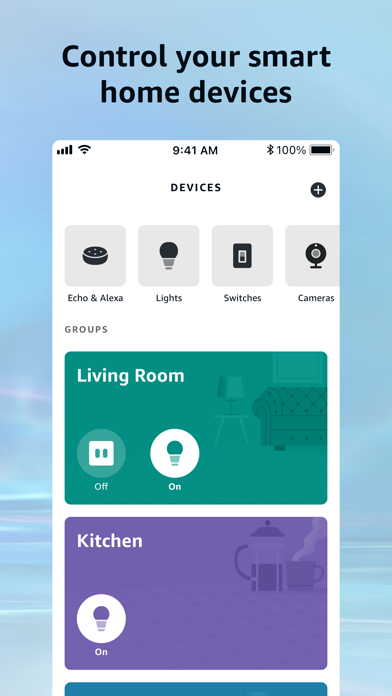
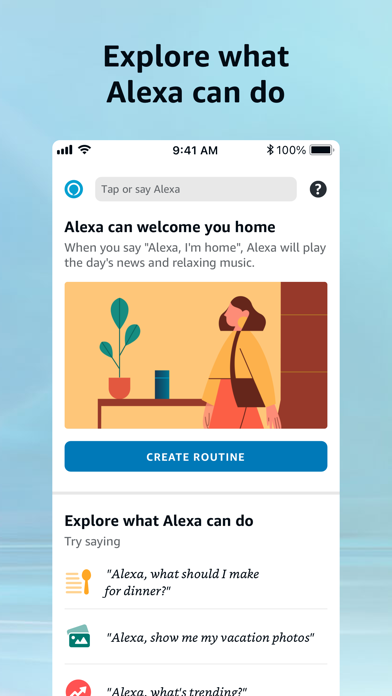
Once your device is configured, the Amazon Alexa app unlocks a vast array of features designed to make everyday tasks easier. One impressive capability is smart home integration, allowing you to control compatible devices such as lights, locks, and thermostats through simple voice commands or app controls — whether at home or on the go. You can create custom routines to automate multiple devices simultaneously, transforming your living space into a fully automated environment.
Music and Entertainment
Music lovers will appreciate the vast selection of music services compatible with Alexa, including Amazon Music, Pandora, Spotify, TuneIn, and iHeartRadio. You can request specific songs, playlists, or genres, enjoying high-quality music across your Echo devices. Additionally, creating speaker groups enables multi-room music playback, immersing your home in synchronized sound.
Managing Your Schedule and Daily Tasks
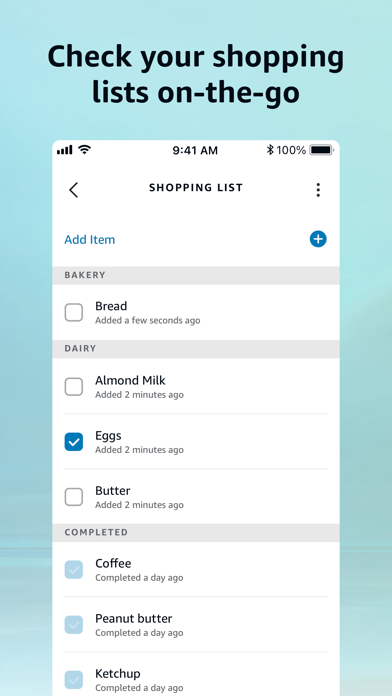
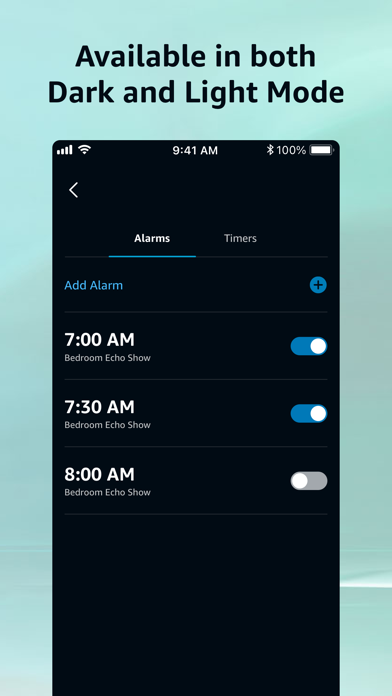
Stay organized by viewing and editing shopping lists and to-do lists directly from your mobile device. The app also provides weather updates, news briefings, and manages timers and alarms effortlessly. Whether you need to remember appointments or prepare for your day, the Amazon Alexa app offers an efficient way to organize your schedule on the move.
Staying Connected
One of Alexa's standout features is Drop In, which allows instant communication with compatible Echo devices, functioning like an intercom system. You can also make calls or send messages to other supported Alexa-enabled devices at no extra cost, keeping you connected with family and friends effortlessly.
Smart Features for a Modern Lifestyle
The Amazon Alexa app continuously learns from your usage, offering personalized feature recommendations that enhance your overall experience with Echo devices. Discover and enable new Alexa skills to expand what your smart assistant can do, from controlling your smart appliances to accessing news updates tailored to your interests. The app also enables you to pick up tasks seamlessly from your home feed—be it shopping lists, recent music, or books you've been reading.
Privacy and Security
Amazon prioritizes user privacy by providing easy controls to manage your voice recordings and delete them as desired. You can also mute the microphone on your device at any time for added privacy. These features empower users to enjoy the convenience of Alexa without compromising their security or peace of mind.
Conclusion
In summary, the Amazon Alexa app transforms your smartphone into a comprehensive control center for all your Alexa-enabled devices. Designed to be accessible and feature-rich, it enables you to control your smart home, enjoy personalized entertainment, and stay connected—all with simple voice commands or taps. Whether you're a tech novice or a smart home enthusiast, discovering what the Amazon Alexa app can do might just make your daily routines more efficient, enjoyable, and connected.
Pros
- Wide range of smart device integrations
- User-friendly interface
- Customizable routines
- Regular software updates
- Supports multi-language interaction
Cons
- Requires a stable internet connection
- Limited offline functionality
- Can misinterpret commands
- Privacy concerns with voice data
- Device compatibility issues