
Alight Motion - The Ultimate Mobile Motion Design App
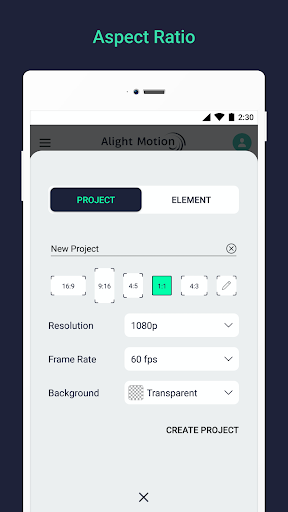
Discover the power of Alight Motion, the leading professional motion design application that transforms your mobile device into a mini studio. Whether you're an aspiring animator, a social media content creator, or a seasoned video editor, Alight Motion offers a comprehensive suite of features to craft stunning animations, vivid motion graphics, and professional-quality visual effects.
Features That Make Your Creativity Shine
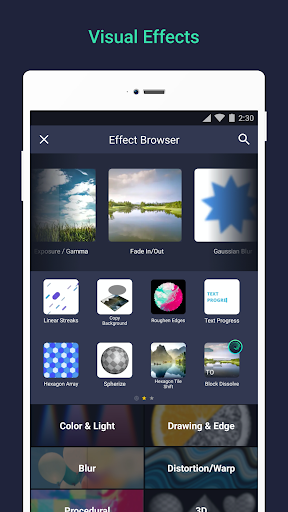
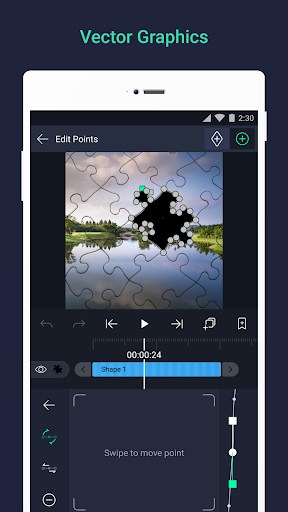
Add multiple layers of graphics, video, and audio to create complex compositions with ease. Support for both vector and bitmap graphics allows you to edit vector graphics directly on your phone, providing precision and flexibility. With over 160+ basic effect building blocks, you can combine these to develop sophisticated visual effects tailored to your project.
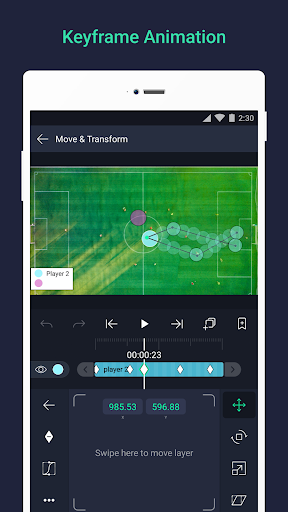
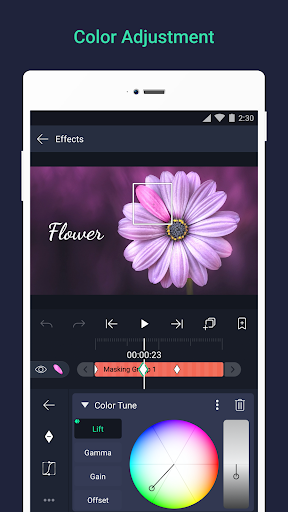
The app supports keyframe animation for all settings, enabling you to create smooth, fluid motion with advanced control over animations. Link parent and child layers, rig character joints, and leverage cameras that support panning, zooming, focus blur, and fog effects for dynamic scene composition. Group layers together, create masks, and effortlessly adjust colors to match your desired aesthetic.
Enhance your animations with animation easing options, choosing from presets or customizing your own timing curves for more natural motion. Add bookmarks within your timeline for quick editing access, and achieve professional-looking, seamless videos thanks to the velocity-based motion blur.
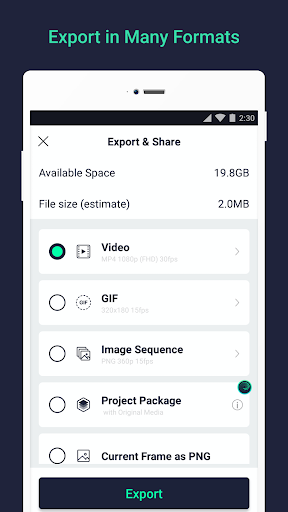
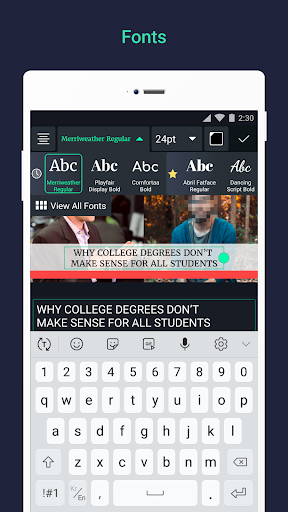
Export your creations in multiple formats such as MP4 video, GIF animation, PNG sequences, or still images. Share project packages with collaborators, and utilize a variety of effects including solid color fills, gradients, borders, shadows, and strokes. Add engaging text with custom font support and save favorite elements for easy reuse across projects.
Pricing and Subscription Options
Alight Motion is free to use with basic features, but videos will display a watermark. To access additional features and remove watermarks, users can purchase a paid membership. Subscription options include a library of premium effects, and some plans may offer a free trial period. Subscriptions are managed via Google Play, with automatic renewal unless canceled at least 24 hours before renewal date. For more details, visit support.alightmotion.com.
System Requirements & Support
To run Alight Motion effectively, devices should have at least 1.5GB of RAM. The developers continually work to enhance the app, adding new features, improving speed, and fixing bugs. Due to the small development team, occasional issues may occur, but prompt support is available. Reach out via [email protected] for assistance.
Learn more about the Terms of Service and Privacy Policy. Visit the official website at https://alightmotion.com.
Why You Should Choose Alight Motion for Your Video Projects
Ever come across a social media video that leaves you wondering, "How did they do that?" Chances are, the creator used Alight Motion. This app acts like a portable professional studio, redefining mobile content creation. Its intuitive interface welcomes both beginners and pros, allowing anyone to produce eye-catching animations and videos with just a few taps.
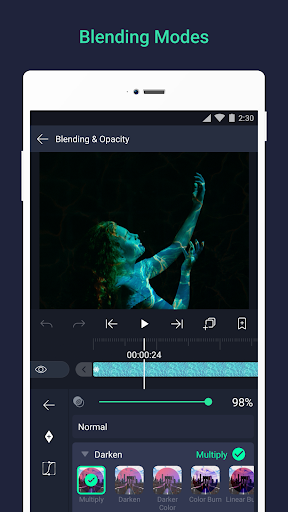
The feature set is impressive: multiple layers, blending modes, visual effects, detailed color correction, and vector graphics with freehand drawing tools. It captures the essence of desktop editing software and adapts it beautifully for mobile devices. The keyframe animation feature stands out, offering frame-by-frame control for intricate animations approachable for all skill levels.
Performance-wise, Alight Motion stays smooth, even with complex edits, and exports are quick and reliable across various formats and resolutions. The active community provides tutorials, tips, and support, making it easier than ever to troubleshoot or learn new techniques. It’s a powerful tool that can elevate your creative projects—whether creating simple clips or complex motion graphics.
If you’re passionate about creating engaging content that stands out and nurtures your creative spark, then Alight Motion is the perfect companion. With professional tools at your fingertips, turning your ideas into reality has never been easier. Download Alight Motion today and unlock the full potential of your mobile device for stunning visual storytelling. Your social media followers will thank you!
Pros
- Intuitive user interface.
- Wide range of editing tools.
- Supports multiple layers.
- High-quality export options.
- Frequent updates and improvements.
Cons
- Steep learning curve for beginners.
- Some features require a subscription.
- Occasional crashes reported.
- Limited free version capabilities.
- Resource-intensive on older devices.











