


Introducing All Video Downloader - V: Your Ultimate Video Downloading Solution
Are you tired of not being able to watch your favorite videos offline? Look no further—All Video Downloader - V is here to revolutionize your experience. This powerful, easy-to-use app enables you to download videos from a multitude of websites directly onto your device, ensuring you never miss out on content again. Whether you're seeking to save social media clips, streaming videos, or other multimedia content, this app delivers lightning-fast downloads, support for multiple formats, and an intuitive interface that makes saving videos a breeze.
Seamless Video Downloads from Social Media and Websites
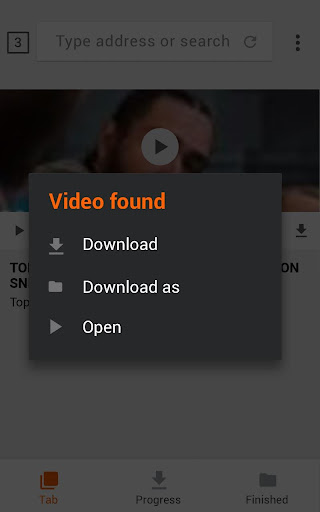
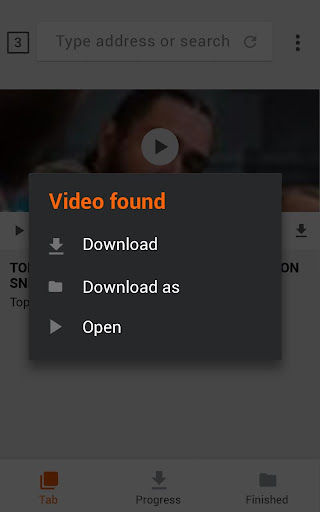
••social media clips: With All Video Downloader - V, downloading videos has never been easier. Simply browse social networking sites and video platforms with the built-in browser, select your desired video, and one-click download. The app supports all popular video formats including MP4, AVI, MOV, WMV, and more, ensuring compatibility with your devices. Want to save a video shared by your friends? No problem! Just copy the link of the video and paste it into the app to start downloading. Thanks to its advanced technology, the app ensures high-quality downloads, whether it's HD 720p or 1080p videos.
Features That Make Video Saving Effortless and Fast
The All Video Downloader - V app is packed with a variety of features designed to optimize your multimedia experience:
- Browse videos via the built-in browser without switching apps
- Download multiple files simultaneously, saving you time
- Support for downloading videos over Wi-Fi, 4G, 3G, or 2G networks
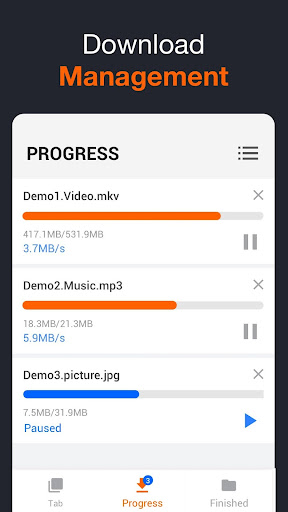
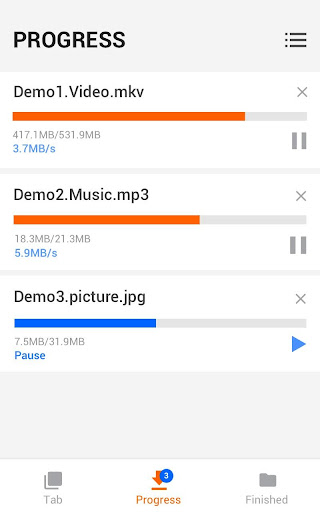
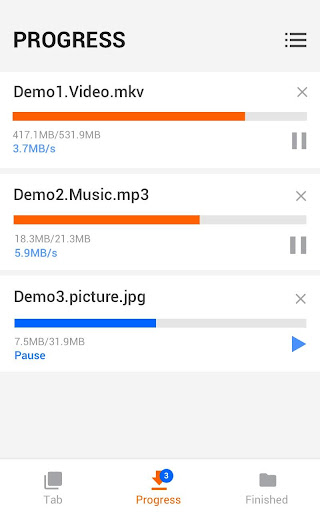
- Pause, resume, and delete downloads easily with the full-featured download manager
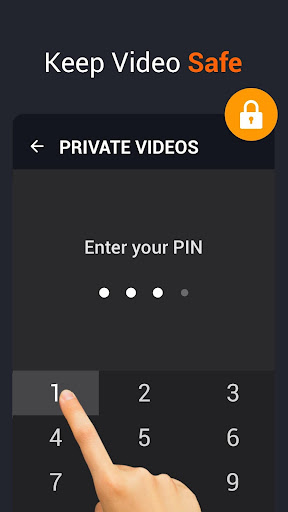
- Save files securely in a password-protected folder for privacy
- Background downloading allows you to continue browsing or using your device while downloads proceed
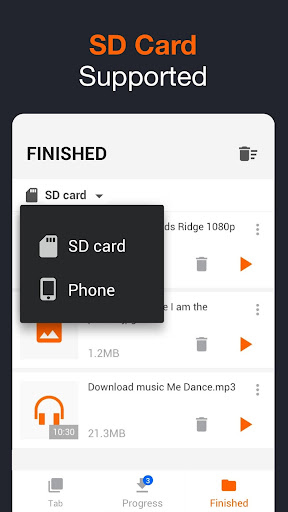
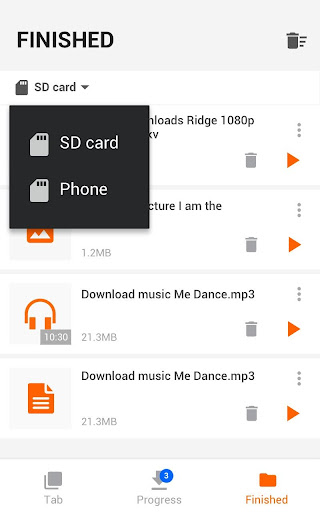
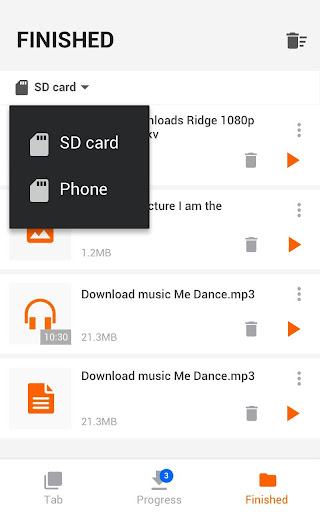
- SD card support provides extra storage options
- Download all formats including MP3, M4A, MP4, M4V, MOV, AVI, WMV, and more
- Check real-time download progress with a user-friendly interface
- Fast download speeds guarantee minimal waiting times
- Preview videos directly within the app before saving
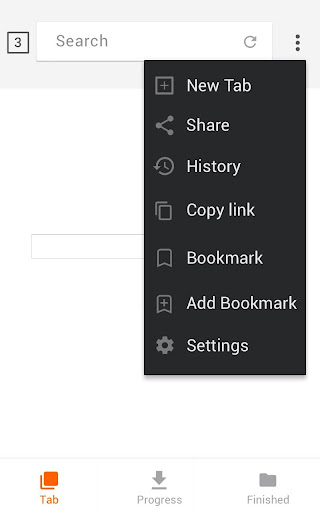
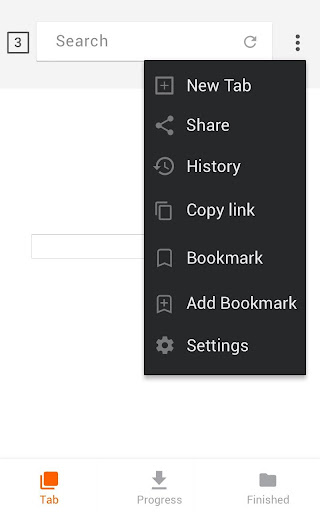
- Add bookmarks for your favorite websites for quick access
- Download videos, music, and images from all your favorite sites in one place
Effortless Offline Viewing and Management
On top of its download capabilities, All Video Downloader - V includes a built-in video player, enabling you to watch your saved videos without needing external apps. This feature provides an integrated experience, making everything seamless. Additionally, the app supports background downloads, so you can continue browsing or using other apps while your videos are saving. Whether you want to save a quick clip or a full-length movie, this downloader handles large files smoothly, ensuring you never miss out on content you love.
Reliable Performance and User-Friendly Design
This remarkably fast video downloader combines powerful features with an elegant, minimalist interface that’s easy to navigate. Designed by a Google Play Best of 2017-winning team, it aims to make video downloading accessible to everyone, even those with limited technical experience. Its high efficiency, combined with anti-buffering features, ensures high-quality downloads and playback without interruptions. The app is continuously updated to support new websites and improve stability, reflecting the developers’ commitment to providing the best user experience.
Why Choose All Video Downloader - V?
If you’re searching for an outstanding video downloader app to help you save videos from social media, streaming sites, or any other online source, All Video Downloader - V should be your go-to choice. Its comprehensive feature set, fast download speeds, and support for multiple formats stand out in the crowded market of multimedia apps. Whether you're a casual viewer or a serious content collector, this app provides the tools you need to enjoy your favorite videos offline anytime, anywhere.
Pros
- Supports multiple video formats
- Enables high-speed downloads
- User-friendly interface
- Allows batch downloads
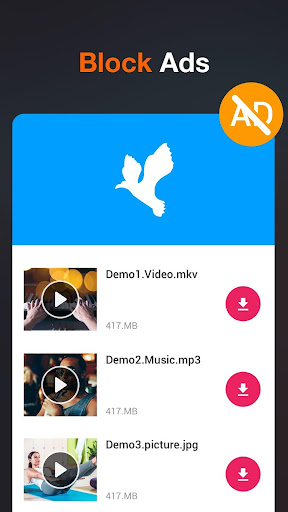
- No advertisements during downloads
Cons
- Limited editing capabilities
- Needs internet connection
- Sometimes downloads fail
- Premium features require in-app purchases
- Large application size