
Introduction to Video Editor&Maker - VideoCook
Welcome to the world of creative video editing with VideoCook, a powerful all-in-one Video Editor & Maker designed to help users craft stunning videos effortlessly. Whether you're a social media enthusiast, budding content creator, or someone who simply loves to spice up their home videos, VideoCook offers a comprehensive suite of features to meet all your editing needs.
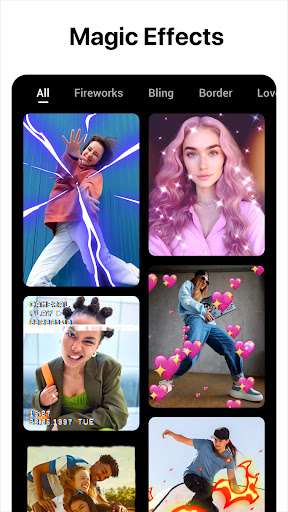
With its user-friendly interface and a plethora of innovative tools, VideoCook makes video editing accessible and fun for everyone. From trendy glitch effects to vintage VHS filters, the app is packed with over 100+ effects that help videos stand out across platforms like YouTube, Instagram, TikTok, and more.
Best of all, VideoCook is completely free—no watermarks or annoying ads—making it an ideal choice for both beginners and experienced editors aiming for professional-quality results without any additional costs. Whether you're creating vlogs, slideshows, or engaging social media stories, VideoCook makes the process seamless and enjoyable.
Key Features of VideoCook
Creative Effects and Filters
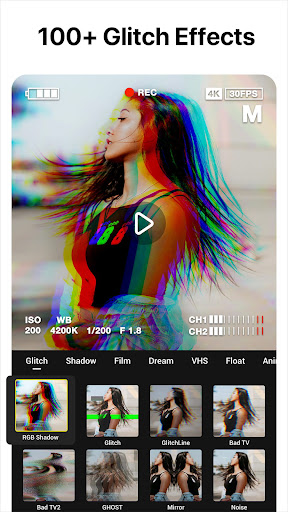
One of the standout features of VideoCook is its vast collection of effects, including Glitch effects like Retro VHS, Chrome, RGB, and Neon, as well as aesthetic filters that imbue your videos with vintage or modern vibes. The app also offers unique VHS camcorder effects to give your videos a nostalgic, 80s and 90s flair, complete with real-time vintage filters and rough, frame-skipped footage. These features are perfect for creatives looking to add a retro touch to their videos and keep up with nostalgic trends.
Advanced Editing Tools
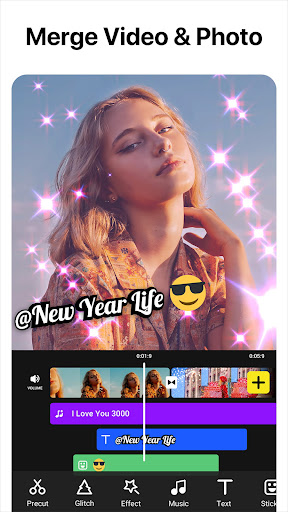
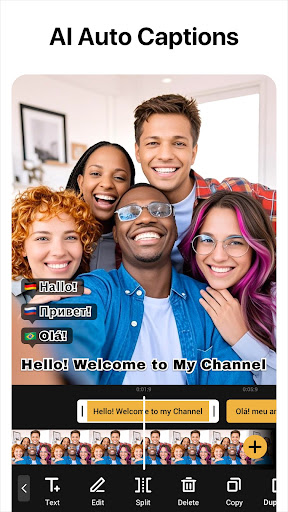
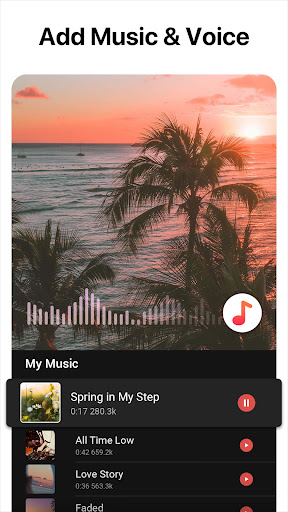
With VideoCook, trimming, cutting, and merging clips is straightforward. The app supports importing videos and photos directly from your gallery, enabling quick edits. You can easily add background music—either from a built-in library or imported from your device—and adjust volume or apply fade-in/out effects for a polished sound. The inclusion of auto captions powered by AI speech-to-text enhances talking videos and makes content more accessible.
Other editing features include changing aspect ratios to fit various platforms, creating smooth slow-motion clips or fast-paced sequences, and applying film-inspired filters or glitch effects to elevate your videos' visual appeal.
Creative Add-ons
Enhance your videos further with over 1500 free stickers, emojis, and fonts. Whether you want to add animated GIFs, fun butterfly stickers, or colorful text, the options are extensive. Transition effects such as Blur, Fade, and Slide allow you to create seamless montages and stylish slideshows complete with background music, giving your videos a professional and eye-catching finish.
Chroma Key and Vlog Features
Thanks to its dedicated chroma key feature, VideoCook enables you to replace backgrounds, making it easy to produce green screen videos. Whether you're creating tutorials, storytelling vlogs, or cinematic projects, this feature adds versatility. The app also supports shooting with real-time VHS effects, delivering an authentic vintage vibe in your raw footage.
Ease of Use and Sharing
Designed with simplicity in mind, VideoCook offers a highly intuitive interface. Users can save their projects as drafts, undo or redo actions unlimited times, and preview edits smoothly—no frustrating learning curves here. The editing process is streamlined so that even beginners can quickly produce professional-looking videos.
When your masterpiece is ready, sharing it is effortless. The app supports direct export in high resolution, optimized for platforms like Instagram, TikTok, Facebook, and YouTube. Its efficient compression ensures your videos maintain quality while saving storage space, perfect for quick uploads and viral content creation.
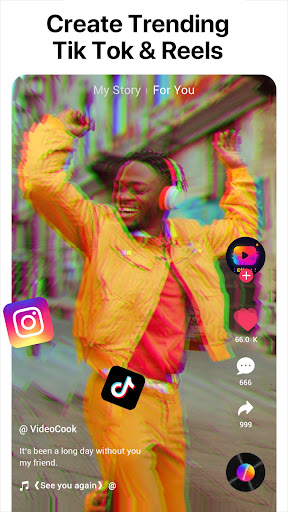
Whether you're creating viral TikTok clips, stylish Instagram reels, or engaging YouTube videos, VideoCook equips you with the tools necessary to stand out in the crowded social media landscape. Plus, the app's versatile aspect ratio support—such as 1:1, 16:9, and more—makes it adaptable for any media format.
Conclusion: Your Ultimate Video Editing Companion
If you're looking for an effective and easy-to-use video editor and maker that combines powerful features with simplicity, VideoCook is an excellent choice. Its extensive effects, seamless editing tools, and social media integration make it ideal for casual users and aspiring content creators alike. With no watermarks or ads, you can explore your creativity freely and produce captivating videos that stand out.
Download VideoCook today and unleash your creative potential—whether you're crafting engaging vlogs, dynamic social media stories, or nostalgic retro clips, this app has everything you need to make your videos shine and help you catch the world’s attention!
Pros
- User-friendly interface for easy editing.
- Wide variety of filters and effects.
- Supports 4K video editing.
- Includes a music library for video soundtracks.
- Fast rendering and exporting capabilities.
Cons
- Contains in-app ads which can be intrusive.
- Limited features in the free version.
- Occasional crashes on older devices.
- Requires an internet connection for some features.
- Some features require in-app purchases.