


Introduction to Google Authenticator
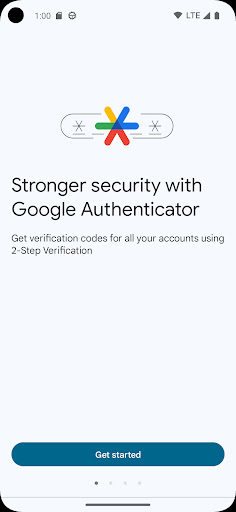
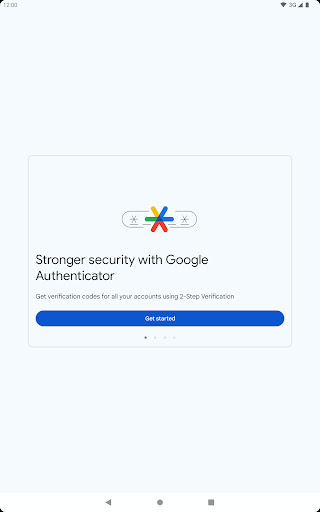
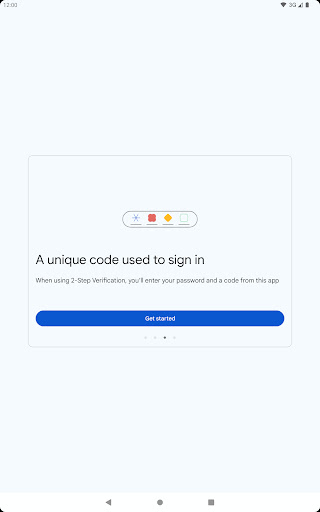
In today's digital age, securing your online accounts is more important than ever. Google Authenticator offers an effective way to add an extra layer of security through two-factor authentication (2FA). This app generates time-sensitive verification codes that complement your password, making unauthorized access significantly more difficult.
Features of Google Authenticator
Enhanced Security with Two-Factor Authentication
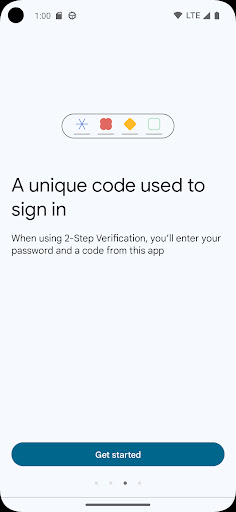
By integrating two-factor authentication into your login process, Google Authenticator ensures that even if someone manages to steal your password, they can't access your accounts without the verification code generated by the app on your phone.
Offline Functionality
One of the standout features is that Google Authenticator works without an internet or cellular connection. You can generate verification codes anytime, anywhere, whether you're traveling abroad or in an area with limited connectivity. This offline capability guarantees continuous protection of your accounts.
Multi-Account Support
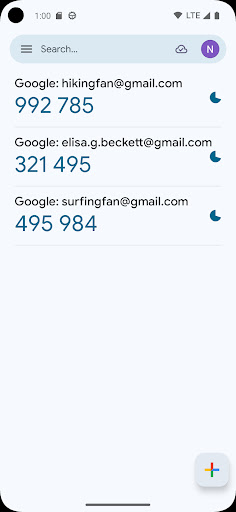
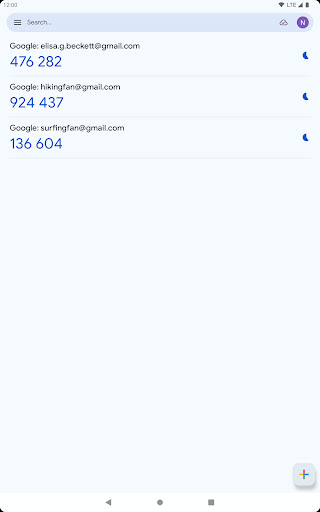
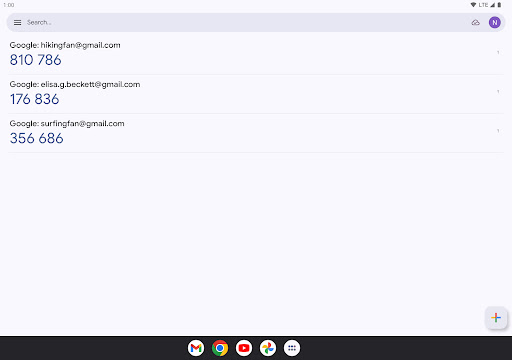
The app supports management of multiple accounts. This means you can set up several services—Google, Facebook, Dropbox, and more—and generate codes for all of them within a single app, simplifying your security management.
Easy Setup with QR Codes
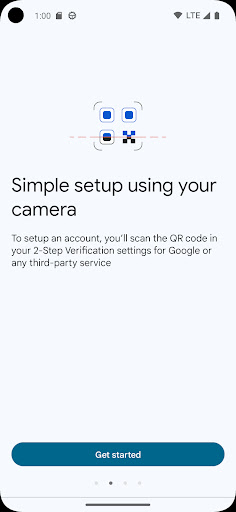
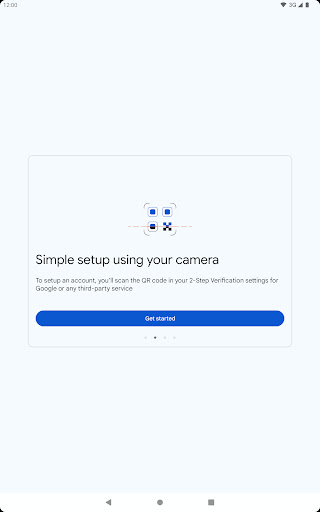
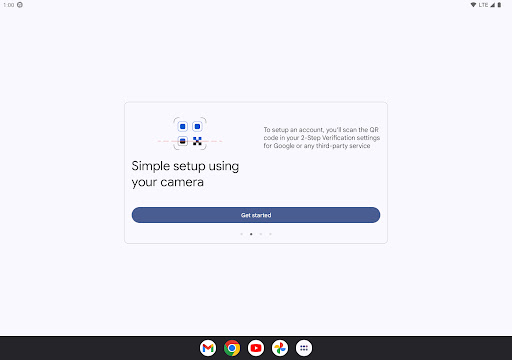
Getting started is straightforward. You can automatically set up your accounts using QR codes, which quickens the process and reduces setup errors. By scanning a QR code, your accounts are securely linked to the app. For added convenience, you can transfer accounts between devices using QR codes, ensuring seamless transition when upgrading phones.
Flexible Code Generation
The app supports both time-based and counter-based code generation, allowing users to choose the method that best suits their security needs.
Integration with Google Accounts
To make full use of Google Authenticator, you'll need to enable 2-Step Verification on your Google Account. Once activated, the app can generate verification codes for your Google services, enhancing your account protection.
User Experience and Personal Insights
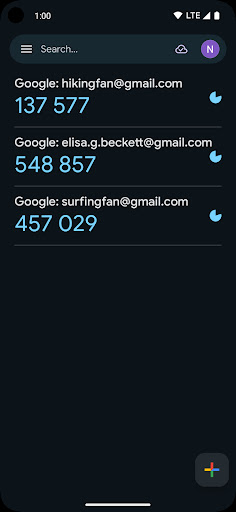
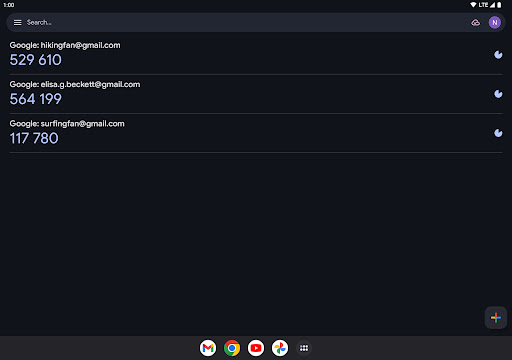
Many users, including myself, find Google Authenticator to be a simple yet powerful tool for safeguarding online identities. The setup process is quick and user-friendly—just download the app, scan a QR code, and you’re good to go. The clean interface displays all your accounts in one place, with each code changing every 30 seconds, akin to having a secret agent on your phone constantly updating your security credentials.
Another significant advantage is the app's offline functionality. You don't need an internet connection to generate verification codes, making it incredibly reliable for travel or in areas with poor connectivity. Security-wise, it creates a dependable barrier — even if your password is compromised, your account remains protected without the codes from your phone, which are only accessible via the app.
Privacy is also a priority for Google Authenticator; it doesn't collect any personal information, which is reassuring amid concerns about data privacy. Overall, this app has become an essential part of my digital security toolkit, providing peace of mind and simplicity in managing multiple accounts.
If you're serious about online account security, I highly recommend giving Google Authenticator a try. It's intuitive, reliable, and enhances your online privacy. Properly securing your accounts isn't just a good practice—it's a necessity in today's interconnected world. Trust me, once you start using it, you'll wonder how you ever managed without it.
Pros
- User-friendly interface allows for easy navigation.
- Operates offline without needing internet connection.
- Supports the management of multiple accounts.
- Integrates with a variety of online services.
- Provides significant improvements to account security.
Cons
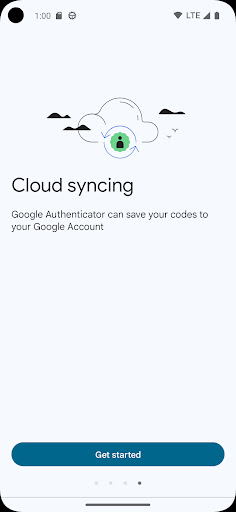
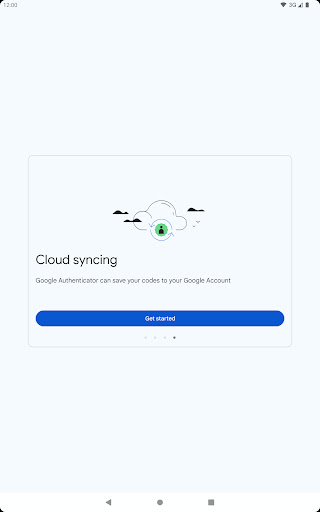
- No option for cloud backup of security codes.
- Limited to a single device usage.
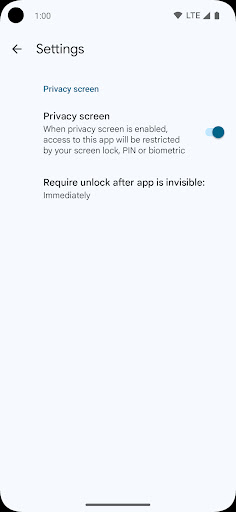
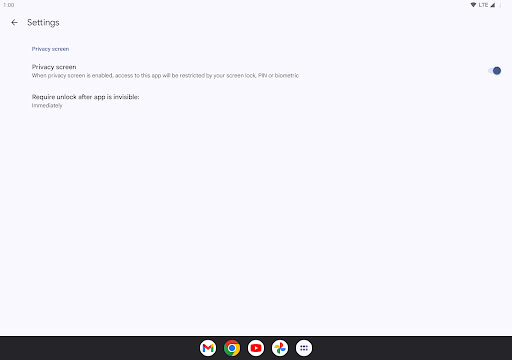
- Does not offer biometric unlocking features.
- Manual transfer of codes can be inconvenient.
- Lacks some advanced security features.











