


CCleaner – Phone Cleaner: Your Ultimate Android Device Maintenance App
Discover the power of CCleaner – Phone Cleaner, a feature-rich application designed to optimize and maintain your Android device effortlessly. Developed by the same trusted team behind the world’s leading PC and Mac cleaning software, CCleaner for Android offers a comprehensive suite of tools to help you clean up storage, monitor system performance, and manage applications with ease. Whether you’re struggling with sluggish performance, dwindling battery life, or cluttered photo libraries, this app is your go-to solution for keeping your smartphone running smoothly and efficiently.
Efficient Storage Management and Junk Removal
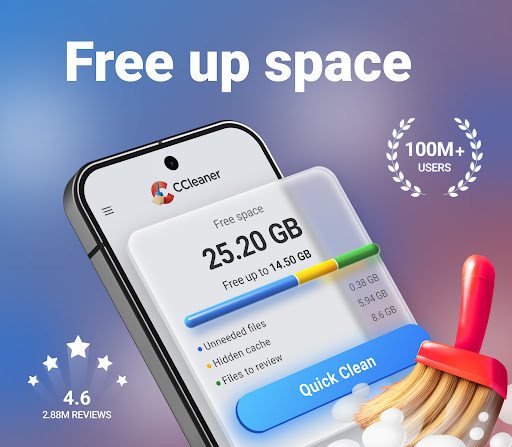
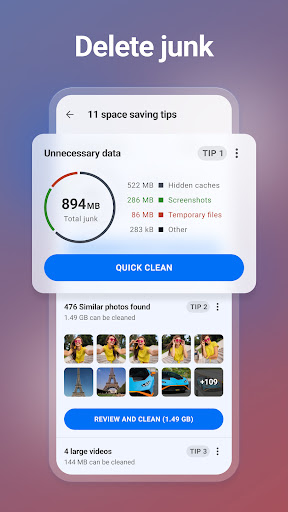
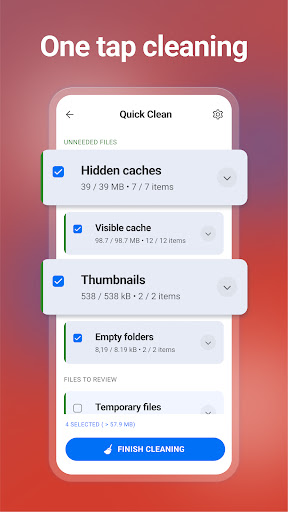
One of the standout features of CCleaner – Phone Cleaner is its ability to remove unnecessary files and clean junk safely. Over time, your device accumulates cache, download folders, browser history, and residual data that can take up significant space. With just a few taps, you can clean files and clear clipboard content, helping your device reclaim valuable storage space. The app analyzes your storage, allowing you to quickly and easily uninstall multiple unwanted apps and delete obsolete files. This not only frees up space but also declutters your device, making it faster and more responsive.
Application Impact Analysis for Better Control
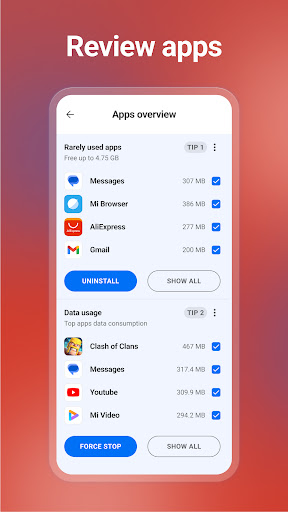
Understanding how individual applications affect your device is critical for optimal performance. CCleaner – Phone Cleaner provides detailed insights into apps’ impact on data consumption, battery drain, and RAM usage. It helps you identify which apps are hogging resources, allowing you to take informed actions—like limiting background activity or uninstalling unused applications. The built-in App Manager feature makes it easy to discover and manage apps efficiently, ensuring your device remains lean and efficient.
Smart Photo Library Cleaning and Compression
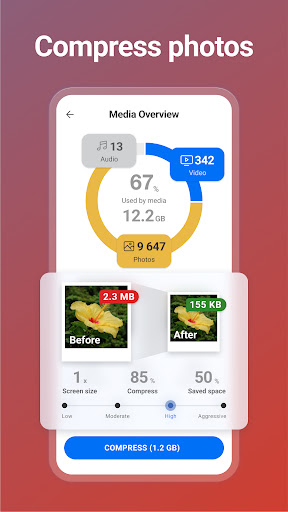
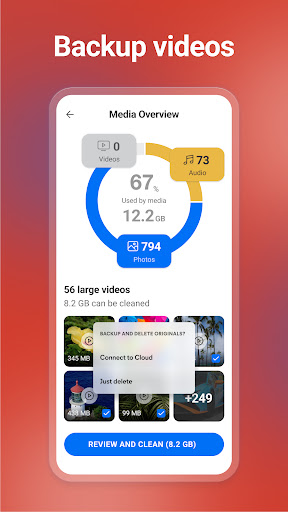
Your photo library can quickly become overwhelming with duplicates, poor-quality, or outdated images. This app allows you to find and remove similar, old, or poorly taken photos, helping you organize your gallery better. Additionally, CCleaner offers options to reduce file sizes using Low, Moderate, High, and Aggressive compression, which can significantly save storage space. You can also move originals into cloud storage for safekeeping while freeing local space, making photo management simpler and more efficient.
System Monitoring for Knowledge and Optimization
To truly master your device, you need to understand its health. CCleaner – Phone Cleaner provides real-time monitoring of various system metrics such as CPU usage, RAM and internal storage consumption, and battery levels and temperature. This insight helps you identify issues before they become problematic and take appropriate measures to optimize your device’s performance.
User-Friendly Experience with Customization
Designed with accessibility and ease of use in mind, CCleaner – Phone Cleaner features a simple and intuitive user interface that anyone can navigate. You can quickly clean your device in just a few clicks and choose your preferred color theme for a personalized experience. Additionally, it uses Accessibility permissions to assist disabled users and others by enabling features like stopping background apps with a single tap—making device management accessible to everyone.
Why Choose CCleaner – Phone Cleaner?
If your phone feels sluggish, drains battery quickly, or is cluttered beyond recognition, CCleaner – Phone Cleaner is the perfect app to restore order and optimize your device. Its combination of powerful cleaning tools, system monitoring, and user-friendly design makes it a must-have for Android users seeking peak performance. Regular use can help your device run smoother, extend battery life, and stay organized, ensuring you get the most out of your smartphone every day.
Pros
- Efficiently removes unnecessary files.
- Enhances overall phone performance.
- Intuitive and easy-to-use interface.
- Provides regular updates.
- Includes features to protect user privacy.
Cons
- Displays advertisements in the free version.
- Offers limited features without a subscription.
- Sometimes performs scans slowly.
- Requires access to device permissions.
- May not handle all file formats.











