


Introduction to Google Family Link
Are you a parent seeking effective ways to manage your child's screen time and ensure they explore suitable online content? Look no further than Google Family Link, a comprehensive parental controls app designed to help you create a safer digital environment for your family. This innovative app feels like having a digital nanny by your side, offering a range of features that foster responsible device usage while respecting your child's newfound independence.
Getting Started with Google Family Link
Setting up Google Family Link is straightforward and user-friendly. Simply download the app from the Play Store or App Store, and follow the step-by-step instructions to configure it on both your device and your child's device. The intuitive setup process ensures that even those who are not technically inclined can quickly establish the necessary controls. Once configured, you can conveniently monitor and manage your child's activity right from your smartphone, providing immediate insight into their digital habits.
Key Features of Google Family Link
Managing Screen Time and Apps
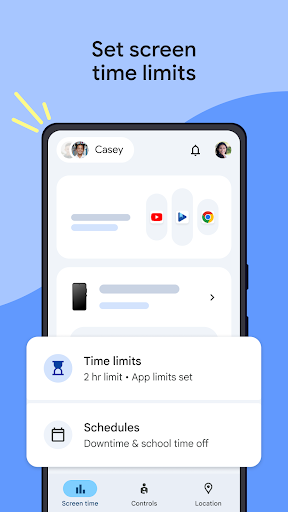
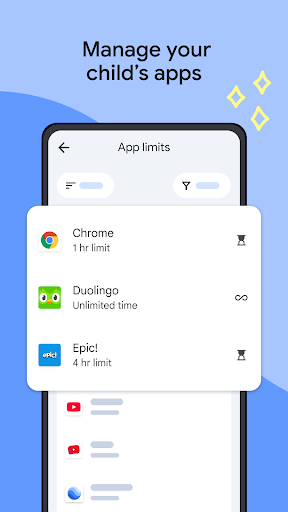
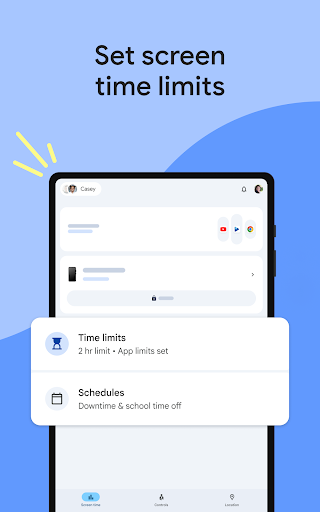
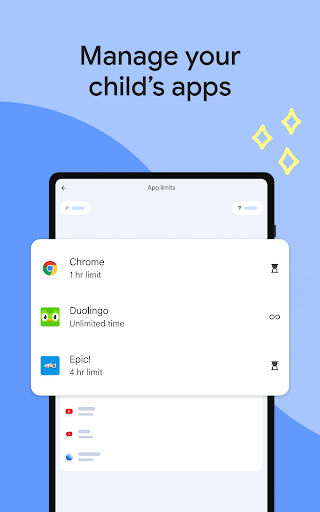
One of the most valuable functions of Google Family Link is the ability to set daily screen time limits. You can customize schedules for school hours and downtime, ensuring your child maintains a healthy balance between online and offline activities. The app offers detailed insights into app usage, allowing you to see how much time your child spends on each app. You can approve or block specific apps, and even assign unlimited time to educational or essential apps, giving your child the flexibility they need. This app management feature acts as a guardian, helping your child develop responsible digital habits.
Content Filtering and Security
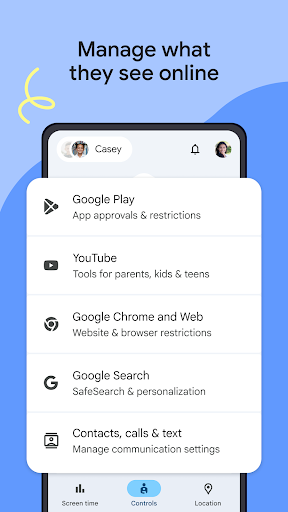
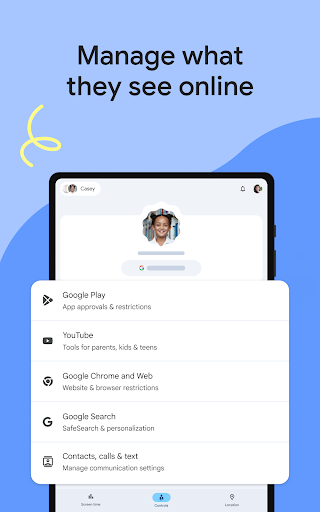
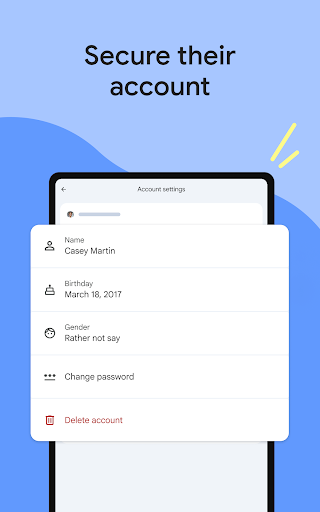
Family Link allows you to design a safe online environment by setting parental controls on Google services such as Chrome, YouTube, Play, and Search. You can block inappropriate websites, require approval for new app downloads, manage permissions, and oversee online content. Additionally, the app helps you secure your child's Google account by enabling services that allow you to change or reset passwords, update personal data, or even delete the account if necessary. These controls safeguard your child's privacy while promoting safe browsing experiences.
Staying Connected on the Move
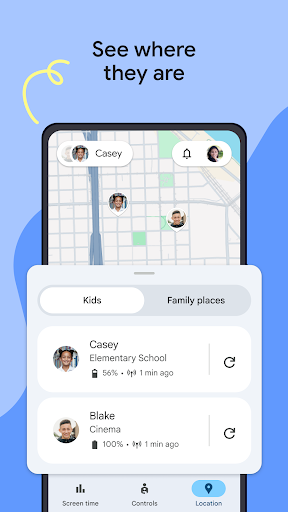
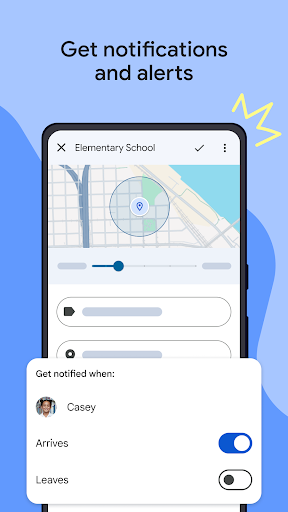
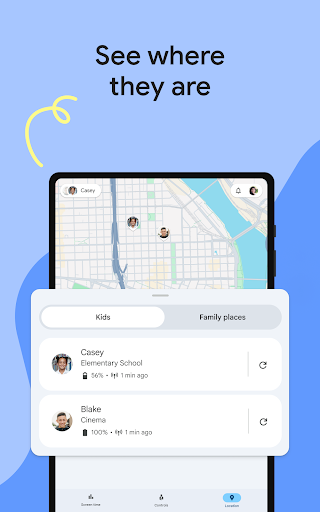
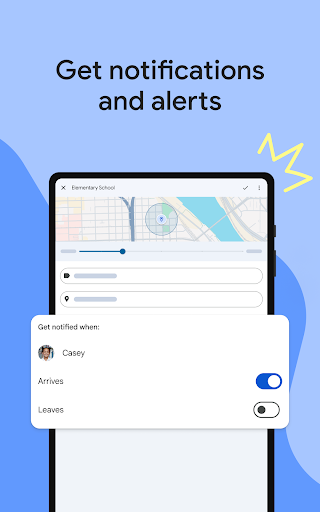
The app also offers location tracking features, allowing you to see your child's device on a map—as long as the device is powered on and connected to the internet. This function provides peace of mind when your children are out and about. You can receive notifications about their arrivals or departures from specific locations, along with device battery status alerts. These real-time updates help you stay informed and connected, ensuring your child's safety wherever they go.
Important Considerations
Keep in mind that Family Link's controls depend on the device compatibility. You can check the list of supported devices at this link. While the app manages purchases and downloads from Google Play, your child may still download app updates without requiring approval if previously permitted. It’s essential for parents to regularly review installed apps and permissions to maintain effective supervision.
It is also crucial to review and disable any pre-installed apps that you don’t want your child to access, although some built-in apps like Google or Play cannot be disabled. The location-tracking feature requires the device to be powered on, recently active, and connected via data or Wi-Fi. Keep in mind that Family Link is designed for supervised Google accounts, enabling children to use services like Gmail, Search, and Chrome within the boundaries set by their parents.
Conclusion
Google Family Link emerges as an indispensable digital parenting toolkit. It balances control with independence, allowing children to explore and learn responsibly while ensuring their safety online. Its robust features—ranging from screen time management to content filtering and location tracking—empower parents to guide their children through the digital world effectively. If you're determined to foster healthy online habits and provide a safer internet experience for your family, Google Family Link is definitely worth exploring.
Pros
- User-friendly interface
- Easy navigation
- Enables remote control of children's devices
- Provides detailed activity reports
- Supports multiple devices within a single account
- Free to use with no hidden costs
Cons
- Limited features on iOS devices
- Some settings can be bypassed by children
- Internet connection required for full functionality
- Restricted control over app permissions
- Lack of support for third-party applications











